Best Personal Budgeting Apps in 2026: 8 Options Compared

- 1
 YNABHands-on budgeters who want to give every dollar a jobVisit
- 2
 Rocket MoneyPeople who want spending tracking plus subscription controlVisit
- 3
 CopilotApple users who want a polished automatic trackerVisit
- 4
 Monarch MoneyHouseholds that want a shared money dashboardVisit
- 5
 PocketSmithPlanners who want forecasts and a long term calendar viewVisit
- Our pick for most people is YNAB, thanks to its balance of features, ease of use and value for hands-on budgeters who want to give every dollar a job.
- Rocket Money is the strongest alternative when people who want spending tracking plus subscription control matters more than a general all-round fit.
- Free and trial options exist, including Copilot, so you can test the core experience before paying.
- We compared bank connections, budgeting method, bill and goal tracking, reporting, pricing and the clarity of each free plan.
- Check pricing, free plan terms and the exact features you need on the official site before you subscribe, since plans change.
Quick comparison
| Product | Ideal for | Price from | Free version | |
|---|---|---|---|---|
| YNAB | Hands-on budgeters who want to give every dollar a job | See website | Free trial | Visit |
| Rocket Money | People who want spending tracking plus subscription control | See website | Yes | Visit |
| Copilot | Apple users who want a polished automatic tracker | See website | Free trial | Visit |
| Monarch Money | Households that want a shared money dashboard | See website | Free trial | Visit |
| PocketSmith | Planners who want forecasts and a long term calendar view | See website | Free trial | Visit |
 Goodbudget | Envelope budgeters who want a simple shared system | See website | Yes | Visit |
 EveryDollar | Beginners who want a simple monthly budget | See website | Yes | Visit |
 Simplifi | People who want automatic tracking with watchlists | See website | Free trial | Visit |
The best personal budgeting apps
Budgeting apps differ more than their app store pages suggest, because some track spending automatically while others ask you to plan every dollar by hand. The list below mixes both styles, so you can match the method to the way you actually handle money. This is not financial advice; check the pricing and terms on each vendor site before you subscribe, and treat any budgeting method as a planning aid rather than a promise of savings.
YNAB
Ideal for: Hands-on budgeters who want to give every dollar a job
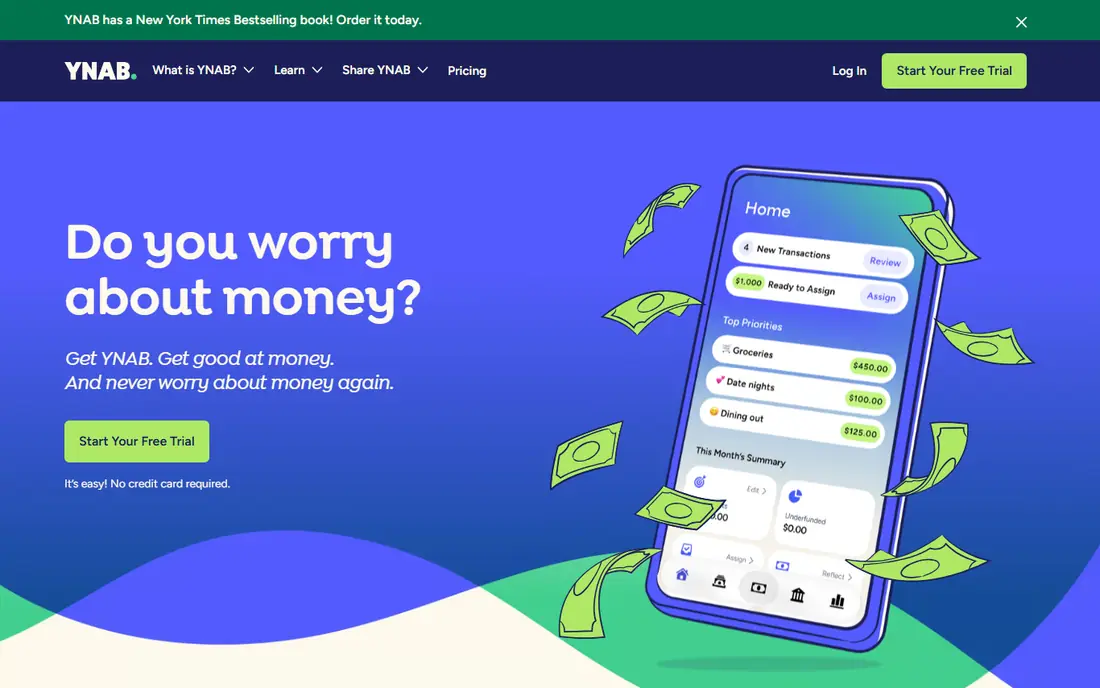
YNAB is built around a zero based method in which every dollar gets a job before it is spent. That discipline suits people who want to change spending habits rather than just watch transactions roll in. Its guides and workshops are genuinely useful, and the goal tools make it easy to save for irregular bills.
The catch is the price and the learning curve, since there is no free plan and the method takes a few weeks to feel natural. If you want a tool that simply tracks spending in the background, YNAB will feel like more work than you want.
For readers who want hands-on budgeters who want to give every dollar a job, YNAB is a sensible shortlist pick, provided the limits above feel acceptable. Compare its pricing page and trial terms before you commit, and check that it covers the exact workflow you need on day one.
- Clear zero based method
- Strong education and support
- Goal tracking
- No free plan
- Learning curve for new users
Rocket Money
Ideal for: People who want spending tracking plus subscription control
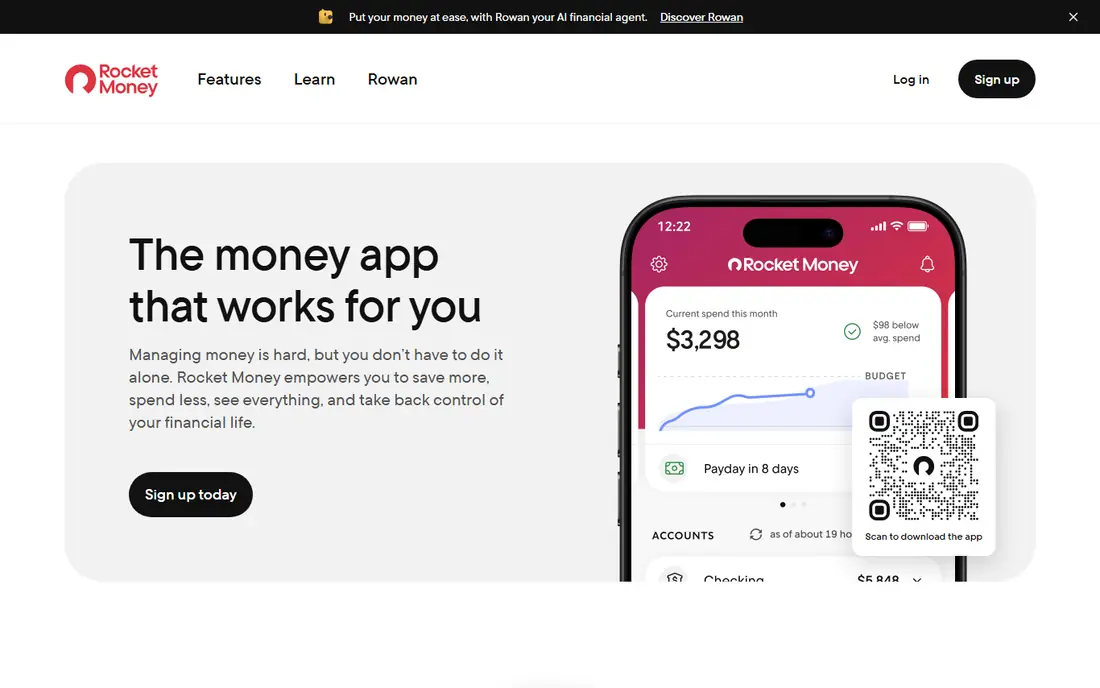
Rocket Money tracks spending automatically and adds practical tools for subscriptions and bills, which makes it a good fit for people who want awareness without manual entry. Its alerts flag unusual spending, and the subscription view can surface services you forgot you were paying for. The free tier covers the basics well enough to test the core idea.
The limit is budgeting depth, since its planning tools are lighter than a dedicated zero based app. Some of the most useful features also sit behind the paid plan, so check which tier covers the tools you actually want before you commit.
For readers who want people who want spending tracking plus subscription control, Rocket Money is a sensible shortlist pick, provided the limits above feel acceptable. Compare its pricing page and trial terms before you commit, and check that it covers the exact workflow you need on day one.
- Automatic spending tracking
- Subscription and bill tools
- Spending alerts
- Premium features sit behind a paid plan
- Budgeting depth is lighter than YNAB
Copilot
Ideal for: Apple users who want a polished automatic tracker
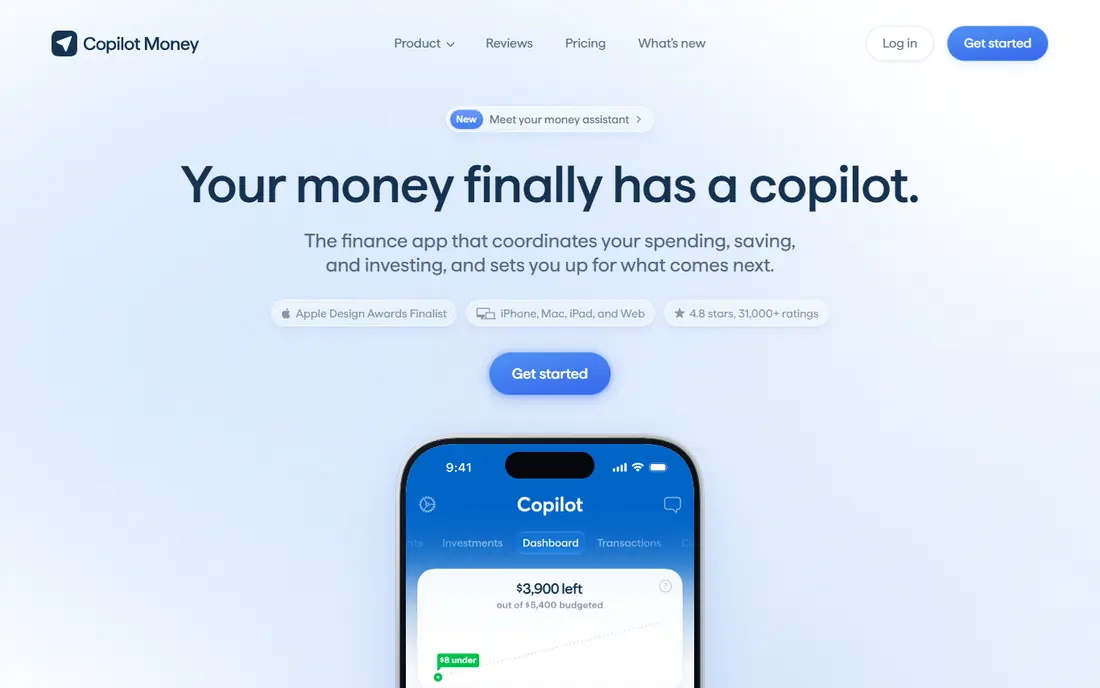
Copilot is a polished, automatic money tracker with clean charts and detailed views of spending, income and net worth. It suits Apple users who want a pleasant daily check-in rather than a strict budgeting method. Its categorisation is generally reliable, and the interface makes it easy to spot where money is going each month.
The drawbacks are its Apple focus and the lack of a lasting free plan, since access depends on a subscription after the trial. People who want hands-on planning or a cross-platform household budget may prefer a different option from this list.
For readers who want apple users who want a polished automatic tracker, Copilot is a sensible shortlist pick, provided the limits above feel acceptable. Compare its pricing page and trial terms before you commit, and check that it covers the exact workflow you need on day one.
- Clean design
- Automatic categorisation
- Detailed spending views
- Apple focused
- No free plan beyond a trial
Monarch Money
Ideal for: Households that want a shared money dashboard
Monarch Money gives households a shared dashboard for budgets, goals, investments and net worth in one place. It works well for couples or families that want one shared view rather than separate spreadsheets, and its goal tracking covers both short term savings and longer term plans. The interface is calm and easy to read at a glance.
The main limits are the subscription-only model after the trial and the usual bank sync variation by institution. If your bank connects cleanly, Monarch is a strong household pick, but a trial with your real accounts is the honest test.
For readers who want households that want a shared money dashboard, Monarch Money is a sensible shortlist pick, provided the limits above feel acceptable. Compare its pricing page and trial terms before you commit, and check that it covers the exact workflow you need on day one.
- Shared household access
- Goals and net worth views
- Flexible budgets
- No free plan
- Bank sync quality varies by institution
PocketSmith
Ideal for: Planners who want forecasts and a long term calendar view
PocketSmith stands out for forecasting, showing how income, bills and goals play out over months rather than just reporting last month. Its calendar view helps people with irregular income or large future expenses plan ahead with more confidence. The scenario tools are useful for testing what happens if a bill or income changes.
The trade-off is complexity, since the interface is denser than a simple tracker and takes time to learn. Bank feed coverage also varies by region, so check that your accounts connect well during the trial before relying on it.
For readers who want planners who want forecasts and a long term calendar view, PocketSmith is a sensible shortlist pick, provided the limits above feel acceptable. Compare its pricing page and trial terms before you commit, and check that it covers the exact workflow you need on day one.
- Cash flow forecasts
- Calendar based planning
- Detailed scenarios
- Interface is dense for beginners
- Bank feeds depend on region
Goodbudget
Ideal for: Envelope budgeters who want a simple shared system
Goodbudget uses the envelope method in digital form, dividing money into named envelopes for rent, food, transport and savings. It is simple to learn, works well for shared household budgets, and the free plan is enough to test the method properly. People who like a clear limit for each spending category often stick with it longer than with automatic trackers.
The limit is automation, since the free plan does not sync bank transactions and even the paid plan keeps manual entry at its core. If you want spending to appear without effort, Goodbudget will feel slow, but if you want deliberate control, that friction is the point.
For readers who want envelope budgeters who want a simple shared system, Goodbudget is a sensible shortlist pick, provided the limits above feel acceptable. Compare its pricing page and trial terms before you commit, and check that it covers the exact workflow you need on day one.
- Envelope method
- Shared household budgets
- Simple to learn
- No automatic bank sync in the free plan
- Reports are basic
EveryDollar
Ideal for: Beginners who want a simple monthly budget
EveryDollar keeps monthly budgeting simple, with a clear list of income and planned spending that anyone can set up in minutes. It suits beginners who feel put off by dense finance apps, and the free version covers manual budgeting well. Its method is straightforward, which helps people who just need a plan they will actually open.
The catch is that bank connections sit behind the paid plan, so free users enter transactions by hand. Its reports are also simpler than those from rivals, which matters if you want deep analysis of spending trends over time.
For readers who want beginners who want a simple monthly budget, EveryDollar is a sensible shortlist pick, provided the limits above feel acceptable. Compare its pricing page and trial terms before you commit, and check that it covers the exact workflow you need on day one.
- Simple monthly budgets
- Easy to start
- Ramsey style method
- Bank connection sits behind the paid plan
- Fewer advanced reports
Simplifi
Ideal for: People who want automatic tracking with watchlists
Simplifi, from Quicken, tracks accounts automatically and adds watchlists for spending categories, bills and refunds. It suits people who want a clear daily view of money without building a strict budget from scratch. Its reports are solid, and the watchlist alerts help catch overspending before the month ends.
The limits are the subscription-only model after the trial and a lighter hands-on planning method than YNAB. If you want automatic awareness with useful alerts, Simplifi is a strong pick, but strict planners may want more structure.
For readers who want people who want automatic tracking with watchlists, Simplifi is a sensible shortlist pick, provided the limits above feel acceptable. Compare its pricing page and trial terms before you commit, and check that it covers the exact workflow you need on day one.
- Automatic tracking
- Spending watchlists
- Bill and refund tracking
- No free plan
- Less hands-on planning depth than YNAB
How we picked these
We compared official feature pages, pricing pages, app store listings, privacy policies and public reviews for each option, and we focused on products that exist and work in October 2026 and truly fit the topic. We looked for a mix of well-known leaders and strong smaller options, rather than a list of near-identical tools. We compared bank connections, budgeting method, bill and goal tracking, reporting, pricing and the clarity of each free plan. We did not claim hands-on testing that did not happen, and where a price or free tier could not be verified from the vendor site, we wrote See website rather than guessing a number.
Choosing the right option for you
Decide first whether you want automatic tracking or a hands-on plan, because that choice rules out half of this list at once. Automatic tools are easier to keep up with, while hands-on methods tend to change spending habits faster for people who stick with them.
Check the bank connection for your main accounts before you pay, since a broken or delayed sync turns any budget into guesswork. Also confirm whether the app handles joint accounts, cash spending and irregular income in a way that fits your household.
Set a review habit of ten minutes a week rather than aiming for a perfect budget on day one. The app that survives a busy month is the one worth keeping, even if a rival has a longer feature list.
Before you decide, make a short list of three must-have features and one deal-breaker, then test only the two or three options that meet that list. A focused trial will tell you more than a week of comparing feature tables, and it keeps the decision tied to your real work rather than to marketing claims.
Frequently asked questions
What are the best best personal budgeting apps?
The best choice depends on your needs, but YNAB suits most people, while Rocket Money is stronger for people who want spending tracking plus subscription control. Start with your must-have features, then trial the top two options before paying.
Is there a free option for best personal budgeting apps?
Yes, several options here offer a free plan or a free trial, including Copilot. Free plans usually limit advanced features, so check which tools you actually need before judging a free tier.
How much do best personal budgeting apps cost?
Costs vary widely, and many vendors use quote-based pricing, so the pricing page is the reliable source. Where we could not verify a current price, we wrote See website rather than guessing, and you should get a written quote for team plans.
Which option is best for beginners?
YNAB is the easiest starting point for most beginners, thanks to its clear setup and guidance. If you want the simplest possible tool, look at the free or trial options first and choose the one whose interface feels clearest to you.
How should I choose between these options?
List your top three needs, check integrations and pricing for those needs, and run a short trial with real work. The option that handles your daily tasks smoothly, with support you can reach, is usually the right pick, even if a rival has a longer feature list.