Best Personalized Learning Platforms for Teachers in 2026: 8 Platforms Compared

- Our pick for most people is Khan Academy, because it covers free personalized practice with the fewest trade-offs in this group.
- If you want to start without paying, Khan Academy is the strongest free option here, though its paid tier adds the deeper features.
- IXL is the best second look when Khan Academy does not fit, since it serves skill-based adaptive practice rather than the same audience.
- Prices and plan limits change often, so confirm the current terms on each vendor site and read the fine print on limits, renewals and cancellation.
Quick comparison
| Product | Ideal for | Price from | Free version | |
|---|---|---|---|---|
 Khan Academy | Free personalized practice | Free | Yes | Visit |
 IXL | Skill-based adaptive practice | See website | Free trial | Visit |
 DreamBox | Adaptive math learning | See website | Free trial | Visit |
 Freckle | Differentiated practice for classrooms | See website | Yes | Visit |
 Nearpod | Interactive personalized lessons | See website | Yes | Visit |
 Edpuzzle | Personalized video lessons | See website | Yes | Visit |
 Prodigy | Game-based math practice | Free | Yes | Visit |
 Seesaw | Student portfolios and family sharing | See website | Yes | Visit |
The best personalized learning platforms for teachers
Choosing among options for best personalized learning platform for teachers comes down to fit, not fame. We compared official feature pages, pricing pages, app store listings, privacy policies and public reviews for each option below, and we weighed what you actually get on the entry plan against what stays behind a paywall. Khan Academy leads this list because it handles free personalized practice well for the widest range of readers, but the right choice depends on your budget, your team size and how much hand-holding you want. Read the shortlist with your own situation in mind. A cheaper tool that you actually use beats a powerful one that sits untouched, and a plan that looks cheap on the monthly line can cost more once add-ons and limits are counted. Take notes as you read, and shortlist two or three options to test before you decide. A note on child data privacy: these platforms handle student data, so check each vendor's school data-protection compliance, its privacy policy and its data-sharing settings before classroom use. Teachers and parents should review sharing settings together, limit student accounts to what the lesson needs, and prefer tools that do not use student data for advertising.
Khan Academy
Ideal for: Free personalized practice
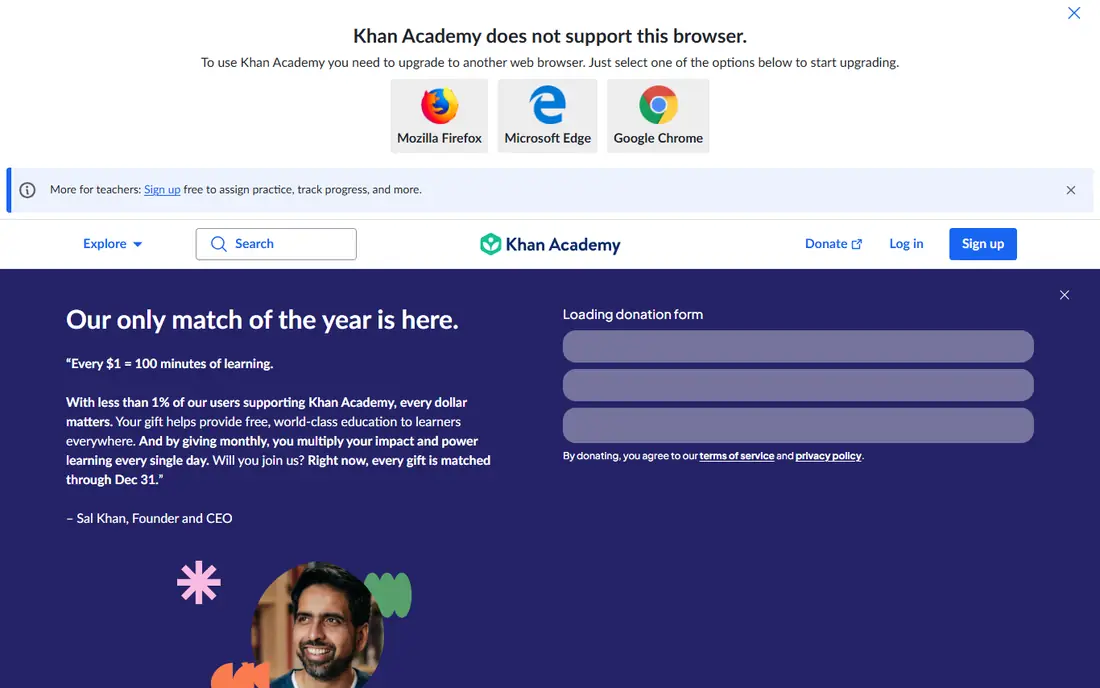
Khan Academy gives teachers a free way to personalize practice, with adaptive exercises and mastery tracking across math, science and more. Its teacher tools let you assign work by skill and see which students need help, without a budget request. For readers focused on free personalized practice, the appeal is completely free. That strength matters in daily use, because it is the part you will notice every week, not a feature you open once and forget. Compare it against the rest of the list on that one point first, then look at price, platform support and how the company handles your data. The honest weakness is teacher dashboards are simpler than paid rivals. content depth varies by subject Try it on a real task before you pay, and check whether the entry plan covers the feature you actually need.
- Completely free
- Adaptive practice and mastery tracking
- Huge subject library
- Teacher dashboards are simpler than paid rivals
- Content depth varies by subject
IXL
Ideal for: Skill-based adaptive practice
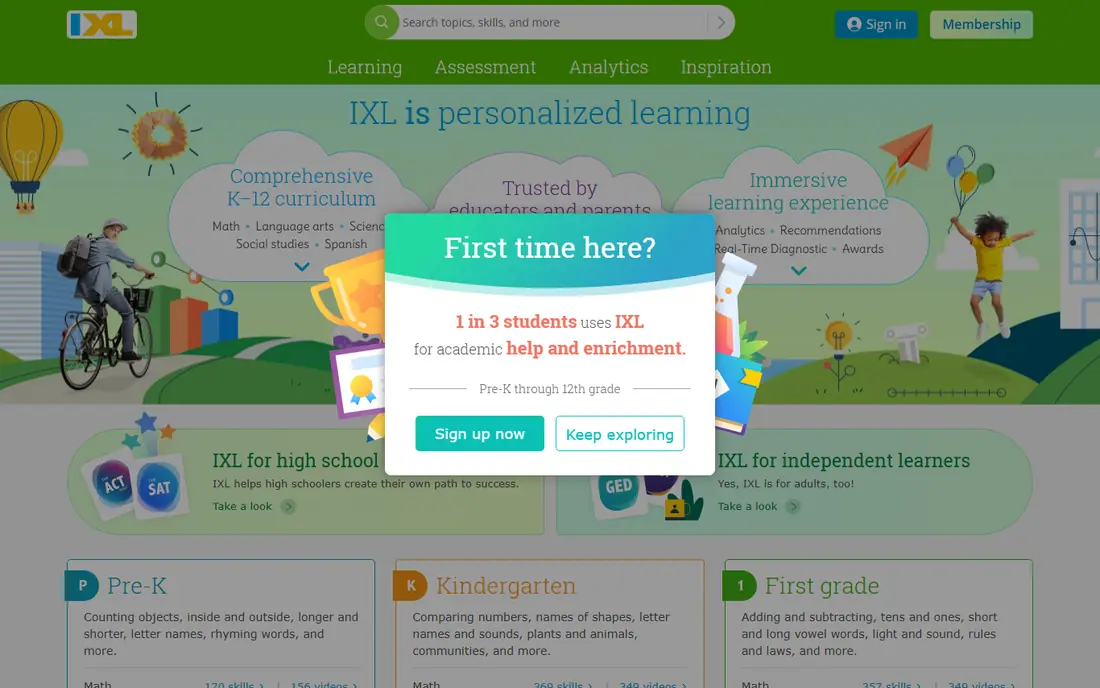
IXL adapts to each student with skill-based practice and diagnostics that pinpoint gaps across math, language arts and science. Its analytics show teachers exactly which skills a class has mastered and which need reteaching. For readers focused on skill-based adaptive practice, the appeal is adaptive skill practice across subjects. That strength matters in daily use, because it is the part you will notice every week, not a feature you open once and forget. Compare it against the rest of the list on that one point first, then look at price, platform support and how the company handles your data. Watch out for paid plans per student add up. interface is practice-heavy If you can live with that limit, the rest of the package is easy to recommend for its audience.
- Adaptive skill practice across subjects
- Detailed analytics
- Diagnostic tools
- Paid plans per student add up
- Interface is practice-heavy
DreamBox
Ideal for: Adaptive math learning
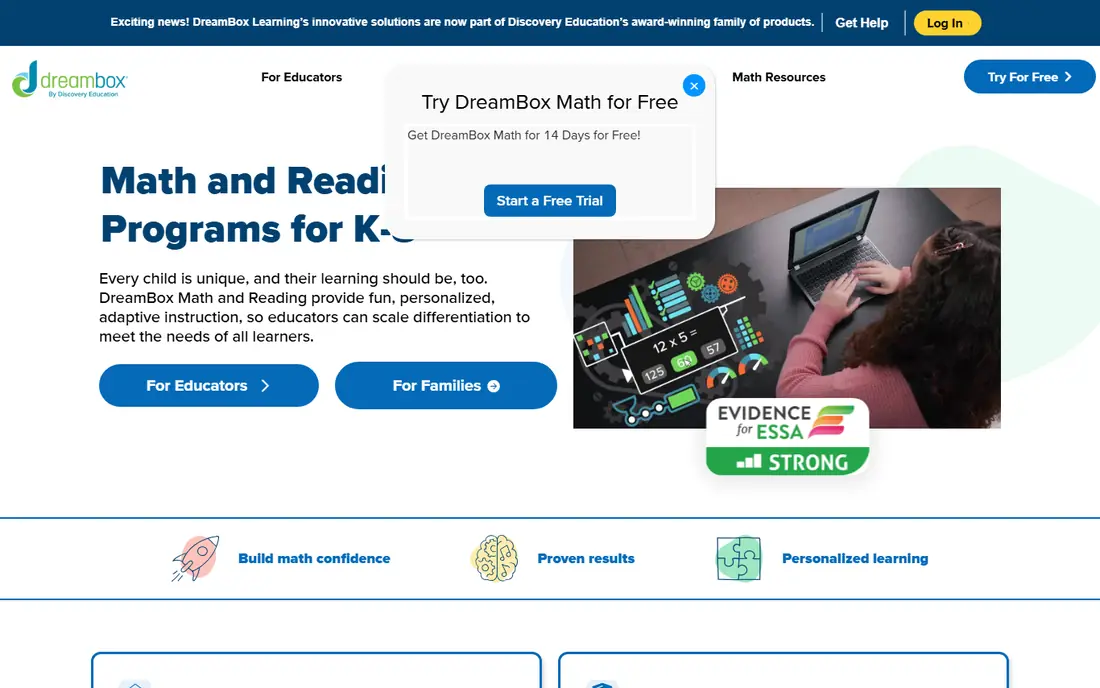
DreamBox adjusts math lessons in real time as students play, so each child follows a path shaped by their own answers. Its game-style design keeps younger learners engaged while teachers get clear progress reports. For readers focused on adaptive math learning, the appeal is adaptive math lessons that adjust in real time. That strength matters in daily use, because it is the part you will notice every week, not a feature you open once and forget. Compare it against the rest of the list on that one point first, then look at price, platform support and how the company handles your data. The catch is math only. pricing is per student If that trade-off is acceptable for how you work, this is a solid choice, and a short trial will tell you more than any review can.
- Adaptive math lessons that adjust in real time
- Engaging game-style design
- Teacher reports
- Math only
- Pricing is per student
Freckle
Ideal for: Differentiated practice for classrooms
Freckle, from Renaissance, differentiates math and reading practice automatically, giving each student work at the right level. Its free tier lets individual teachers start without district approval, which is a real advantage in busy schools. For readers focused on differentiated practice for classrooms, the appeal is differentiated math and reading practice. That strength matters in daily use, because it is the part you will notice every week, not a feature you open once and forget. Compare it against the rest of the list on that one point first, then look at price, platform support and how the company handles your data. The honest weakness is full features need a paid school plan. content is practice-focused Try it on a real task before you pay, and check whether the entry plan covers the feature you actually need.
- Differentiated math and reading practice
- Free tier for teachers
- Progress tracking
- Full features need a paid school plan
- Content is practice-focused
Nearpod
Ideal for: Interactive personalized lessons
Nearpod lets teachers run interactive lessons with polls, quizzes and virtual field trips, then adjust teaching from live results. Its formative data shows who understood the lesson before the class moves on. For readers focused on interactive personalized lessons, the appeal is interactive lessons with polls and quizzes. That strength matters in daily use, because it is the part you will notice every week, not a feature you open once and forget. Compare it against the rest of the list on that one point first, then look at price, platform support and how the company handles your data. Watch out for personalization is lesson-based rather than fully adaptive. premium content costs extra If you can live with that limit, the rest of the package is easy to recommend for its audience.
- Interactive lessons with polls and quizzes
- Formative assessment
- Large lesson library
- Personalization is lesson-based rather than fully adaptive
- Premium content costs extra
Edpuzzle
Ideal for: Personalized video lessons
Edpuzzle turns any video into an interactive lesson, pausing for questions so teachers can see who understood each part. Its simplicity makes it easy to personalize homework without building new materials from scratch. For readers focused on personalized video lessons, the appeal is turns videos into interactive lessons. That strength matters in daily use, because it is the part you will notice every week, not a feature you open once and forget. Compare it against the rest of the list on that one point first, then look at price, platform support and how the company handles your data. The catch is free plan limits storage and classes. mainly video-based If that trade-off is acceptable for how you work, this is a solid choice, and a short trial will tell you more than any review can.
- Turns videos into interactive lessons
- Checks understanding as students watch
- Easy sharing
- Free plan limits storage and classes
- Mainly video-based
Prodigy
Ideal for: Game-based math practice
Prodigy wraps adaptive math questions in a game students genuinely want to play, with teacher dashboards tracking progress. Its adaptive engine adjusts difficulty as students answer, keeping practice in the right zone for each child. For readers focused on game-based math practice, the appeal is free game-based math practice. That strength matters in daily use, because it is the part you will notice every week, not a feature you open once and forget. Compare it against the rest of the list on that one point first, then look at price, platform support and how the company handles your data. The honest weakness is game elements can distract. premium membership upsell is visible Try it on a real task before you pay, and check whether the entry plan covers the feature you actually need.
- Free game-based math practice
- Adaptive questions
- Teacher dashboards
- Game elements can distract
- Premium membership upsell is visible
Seesaw
Ideal for: Student portfolios and family sharing
Seesaw lets students show their learning in portfolios that teachers and families can see, with activities teachers can personalize. Its simple design works well for younger students who are still building digital skills. For readers focused on student portfolios and family sharing, the appeal is digital portfolios and family messaging. That strength matters in daily use, because it is the part you will notice every week, not a feature you open once and forget. Compare it against the rest of the list on that one point first, then look at price, platform support and how the company handles your data. Watch out for not a full adaptive curriculum. paid features for schools If you can live with that limit, the rest of the package is easy to recommend for its audience.
- Digital portfolios and family messaging
- Easy for young learners
- Teacher tools
- Not a full adaptive curriculum
- Paid features for schools
How we picked these
We started from the topic itself and kept only products that exist and work today and truly fit it. For each one we checked the official homepage, the pricing page and the free tier, and we read app store listings, privacy policies and public reviews where they were relevant. Products with a homepage we could not verify were left out, and prices we could not verify are shown as See website rather than guessed. We favored a mix of well-known leaders and strong smaller options, and we weighed entry price, free tier, platform coverage and honest weaknesses. No product here paid for its place, and we did not claim hands-on testing we did not do. What follows is a comparison of published facts, so you can check any claim on the vendor site before you buy.
Choosing a personalized learning tool for your classroom
Start by naming the problem you want solved, whether it is math gaps, reading levels or lesson engagement, and pick a tool built for that problem. Check how it fits your curriculum, your devices and your grading workflow before you commit a class. Next, try the free tier with one class for a few weeks and watch the data it produces. Compare two finalists on how clearly they show who needs help and how easily you can assign follow-up work to just those students.
Frequently asked questions
What is personalized learning?
Personalized learning adjusts pace, level and content to each student, rather than giving the whole class identical work. Platforms do this with adaptive questions, diagnostics and teacher-set pathways.
Which platform is free for teachers?
Khan Academy is fully free, while Freckle, Nearpod, Edpuzzle, Prodigy and Seesaw all offer free tiers with paid upgrades. Paid plans usually add analytics, content and school-wide controls.
Do these platforms replace teaching?
No, they support teaching by handling practice and data, so teachers can spend class time on explanation, discussion and help. The best results come when teachers review the data and adjust lessons.
What subjects do they cover?
Khan Academy and IXL cover many subjects, DreamBox focuses on math, and Prodigy covers math with some reading. Check subject depth before adopting a tool for a whole school.
How do teachers track progress?
Most platforms offer dashboards showing skills mastered, time spent and areas of weakness. IXL and DreamBox give the deepest analytics, while Seesaw focuses on portfolios and family visibility.