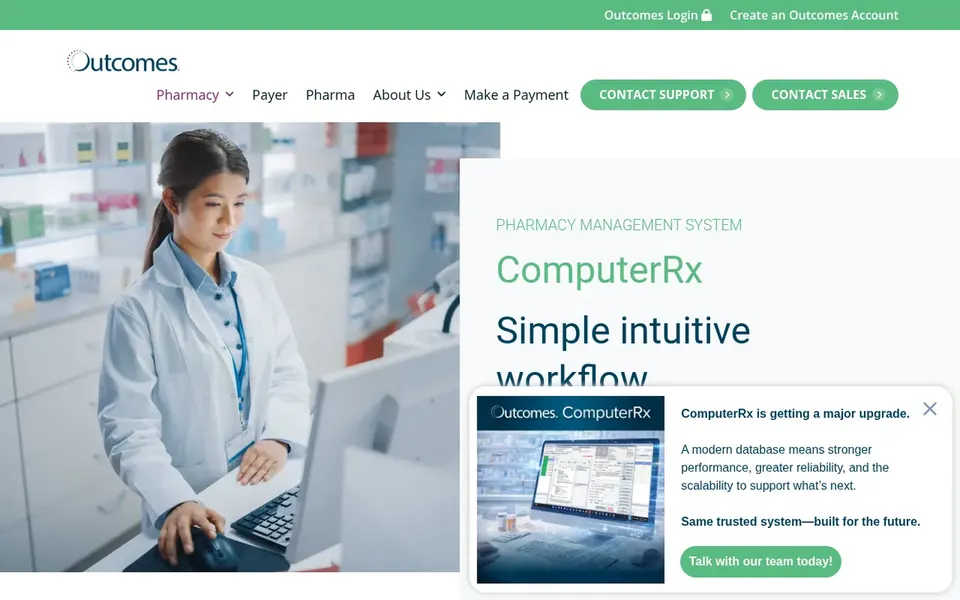
This list puts Computer-Rx first for combined dispensing, billing and POS. For a different need, Epicor Retail covers bigger operations needing ERP depth and Liberty Software covers community pharmacy management. The full list of 6 tools follows, with prices and free plan facts.
Ainotely put together this guide to pharmacy point of sale software for readers who want a clear shortlist without reading every vendor page. It compares 6 tools on starting price, free plans, who each one suits and where each one falls short.
Key takeaways
Number one here is Computer-Rx, a fit for combined dispensing, billing and POS.
A fair warning about Computer-Rx: feature breadth needs staff training.
None of the 6 tools, from Computer-Rx to BestRx, has a free plan, so budget for a subscription or use a trial.
Pricing across the list, from Computer-Rx to BestRx, is by quote only.
For combined dispensing, billing and POS, Computer-Rx is a natural candidate. The breadth of modules means staff need time to learn the workflows, and smaller shops may not use every part.
The main drawbacks: Feature breadth needs staff training.
For everyday use, if your priority is a standalone front-store POS with no dispensing link, a more straightforward tool may be enough. Pricing for Computer-Rx is not stated here, so ask the vendor for current figures. Free options: Not stated.
Where Epicor Retail fits: bigger operations needing ERP depth. Epicor Retail is part of Epicor's ERP software lineup, offering advanced ERP tools curated to industry needs with an emphasis on efficiency and simplified growth.
For bigger pharmacy operations that want enterprise-level retail and back-office functions alongside pharmacy systems, it can serve as the broader retail layer. Beyond that, smaller pharmacies may find ERP depth unnecessary. Epicor Retail shows no starting price here, so confirm the cost on the vendor site. Trial and free access: Not stated.
Liberty Software makes the most sense for community pharmacy management. Liberty Software describes itself as a leader in pharmacy management software for all types of community pharmacies, with a design meant to help pharmacies grow.
Trade-offs to know: Less suited to non-pharmacy retail.
Owners comparing pharmacy-specific systems should contain it. No starting price is listed for Liberty Software here; confirm pricing on the vendor site. On free options: Not stated.
QS/1 is designed for Retail community pharmacy systems. The focus is retail community pharmacy instead of wide retail ERP, so firms needing wider enterprise functions should look at other categories.
What to check first: Upgrade planning takes coordination.
Confirm how existing workflows map to the system. Owners who value continuity in their pharmacy product should review it. QS/1 does not show a starting price in this comparison, so check the vendor site for current pricing. Free access: Not stated.
Best for: Teams comparing choices in this category
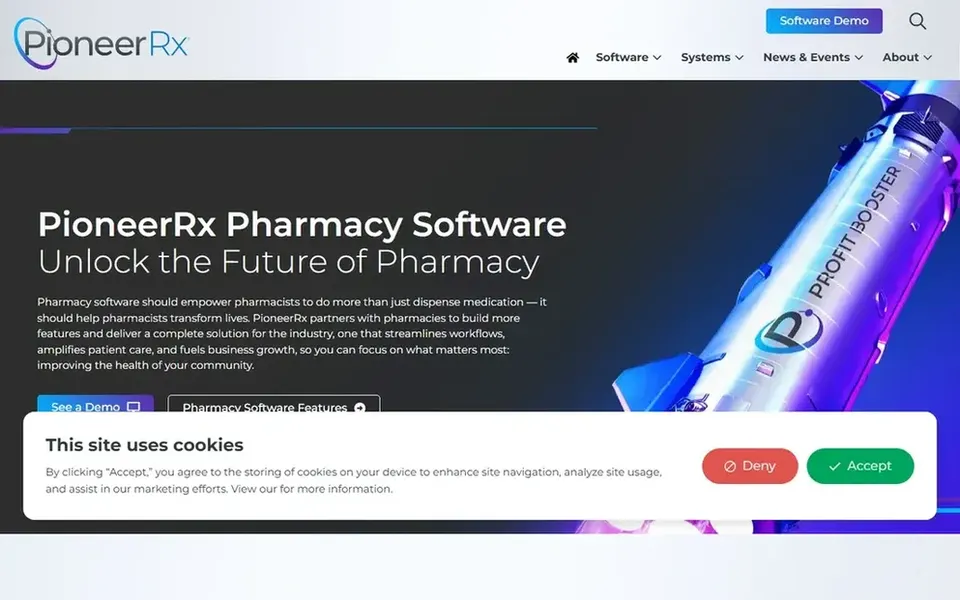
Where PioneerRx fits: teams comparing choices in this category. Pharmacies that only need a straightforward front-counter checkout may find it more than required.
Downsides: Wide feature set may take time to learn.
PioneerRx does not show a starting price in this comparison, so check the vendor site for current pricing. Free options: Not stated.
Best for: Teams comparing choices in this category
Choose BestRx for teams comparing choices in this category. Some advanced workflows may need add-on modules.
Ask the vendor which capabilities are included before deciding. No starting price is listed for BestRx here; confirm pricing on the vendor site. Trial and free access: Not stated.
Ask each vendor, from Computer-Rx to BestRx, for a written quote; none of them publishes a starting price.
Read the limits listed for Computer-Rx first: feature breadth needs staff training.
The entry price of BestRx is only the starting point; model the full cost with seats and extras.
Run a one or two week pilot of Liberty Software with the people who will use it every day.
Before you load data into QS/1, check what an export looks like and who can run it.
How we picked
Pricing pages, product documentation and feature lists were the main sources, and every entry carries at least one honest drawback. Where a price is missing, the vendor does not list one publicly or ties it to a quote. Always confirm before budgeting. Order on the page follows fit for the typical buyer first, then price transparency and free access. Your own requirements should decide the final pick. The same method was used for each of the 6 pharmacy point of sale software picks on this page.
Every price and plan detail on this page comes from the vendors’ own websites. We did not run hands-on tests unless the text says so, and we do not publish star ratings or review scores. See how we score and our disclosure.
Keep your shortlist in one place
Paste prices, trial dates and notes from this guide into Ainotely, our AI note app. It files them into a topic and pulls out tasks like “cancel trial by Friday”. Free 7-day trial, no card needed.
Does any tool for pharmacy point of sale software here have a free plan?
A permanent free plan is not offered by Computer-Rx, BestRx or the other tools here. Plan a short evaluation period instead.
Is Computer-Rx the right pick for everyone comparing pharmacy point of sale software?
No single tool suits every team. Computer-Rx comes first because it fits combined dispensing, billing and POS, while Epicor Retail suits larger operations needing ERP depth and Liberty Software suits community pharmacy management. Match the tool to your own size, budget and workflow before deciding.
How are the tools for pharmacy point of sale software ordered?
The order follows typical fit for pharmacy point of sale software, with Computer-Rx first and BestRx last, then price clarity and free access. It is editorial judgement, not a score, so another team could rank the tools differently.
What should a pharmacy point of sale system include beyond checkout?
Most pharmacy-focused systems tie checkout to dispensing, billing and patient engagement so staff avoid duplicate entry. Look for the modules that match your daily work, for example claims support or patient communication.
Can I try these options before paying?
Not by default. None of the tools, from Computer-Rx to BestRx, lists a free plan or a free trial here, so ask each vendor for a demo before committing.