Shortlist: 7 Best Phishing Simulation Platforms for 2026

- 1
 PhishedSmall and mid-size teams getting started with simulationVisit
- 2
 SoSafeEuropean and GDPR-conscious organizationsVisit
- 3
 KnowBe4Large organizations running security awareness at scaleVisit
- 4
 HoxhuntFirms wanting adaptive, personalized trainingVisit
- 5
 CofenseTeams concentrated on phishing detection and responseVisit
- This list starts with Phished, which is built for small and mid-size teams getting started with simulation.
- No starting price is shown for any of the 7 tools, Phished and Mimecast Awareness Training included, so plan time for sales calls.
- Before buying KnowBe4, weigh this: pricing is quote-based and can be steep.
- Mimecast Awareness Training suits Mimecast customers wanting human risk analytics.
- Phished, Mimecast Awareness Training and the 5 others all need a premium plan or a trial, since no free plan is listed.
Direct answer
Phished leads the list, best for small and mid-size teams getting started with simulation. SoSafe is the stronger choice for European and GDPR-conscious organizations, while KnowBe4 suits large organizations running security awareness at scale. The remaining 4 options are covered below with prices and limits.
Quick comparison
| Product | Ideal for | Price from | Free version | |
|---|---|---|---|---|
| Phished | Small and mid-size teams getting started with simulation | See website | Free trial | Visit |
| SoSafe | European and GDPR-conscious organizations | See website | No | Visit |
| KnowBe4 | Large organizations running security awareness at scale | See website | No | Visit |
| Hoxhunt | Firms wanting adaptive, personalized training | See website | No | Visit |
| Cofense | Teams concentrated on phishing detection and response | See website | No | Visit |
 Fortra (formerly Terranova Security) | Teams wanting awareness training inside a broader security product | See website | No | Visit |
 Mimecast Awareness Training | Mimecast customers wanting human risk analytics | See website | No | Visit |
The 7 tools in detail
Ainotely compared 7 phishing simulation platforms. The goal is a practical shortlist: published prices, free plan facts, best-fit use cases and honest limits for every entry.
Phished
Ideal for: Small and mid-size teams getting started with simulation
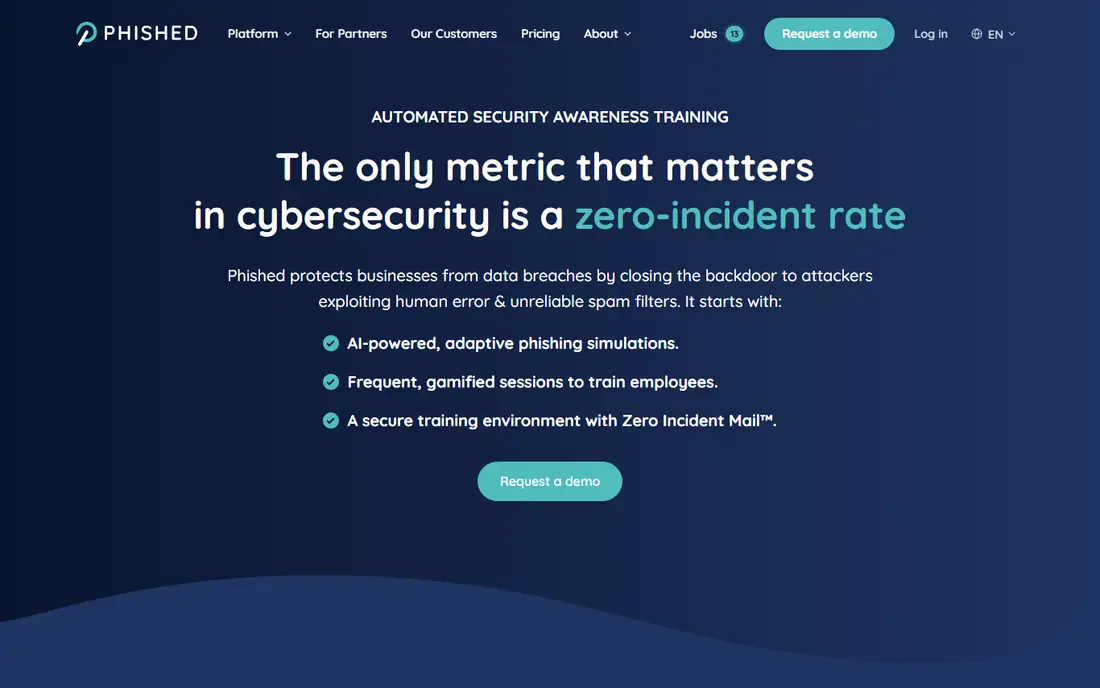
Pick Phished if this describes you: small and mid-size teams getting started with simulation. Phished targets the mid-market with an automatic approach: the platform runs phishing simulations and follow-up training with minimal setup, targeted at teams without a dedicated awareness manager. For everyday use, reporting centres on the metrics that matter, click rates and improvement over time, without the enterprise dashboards smaller teams never open.
Honest limits: Restricted advanced integrations.
As for the details, bigger or highly regulated organizations will eventually want the depth of KnowBe4 or Proofpoint, but as a first simulation system Phished is a sensible, low-friction starting point. A free trial makes it simple to evaluate on your own workforce before committing. Phished shows no starting price here, so confirm the cost on the vendor site. Trial and free access: Free trial.
Where it shines: Free trial to evaluate.
- Clear reporting without enterprise complexity
- Automated phishing and training flows
- Less depth than enterprise leaders
SoSafe
Ideal for: European and GDPR-conscious organizations
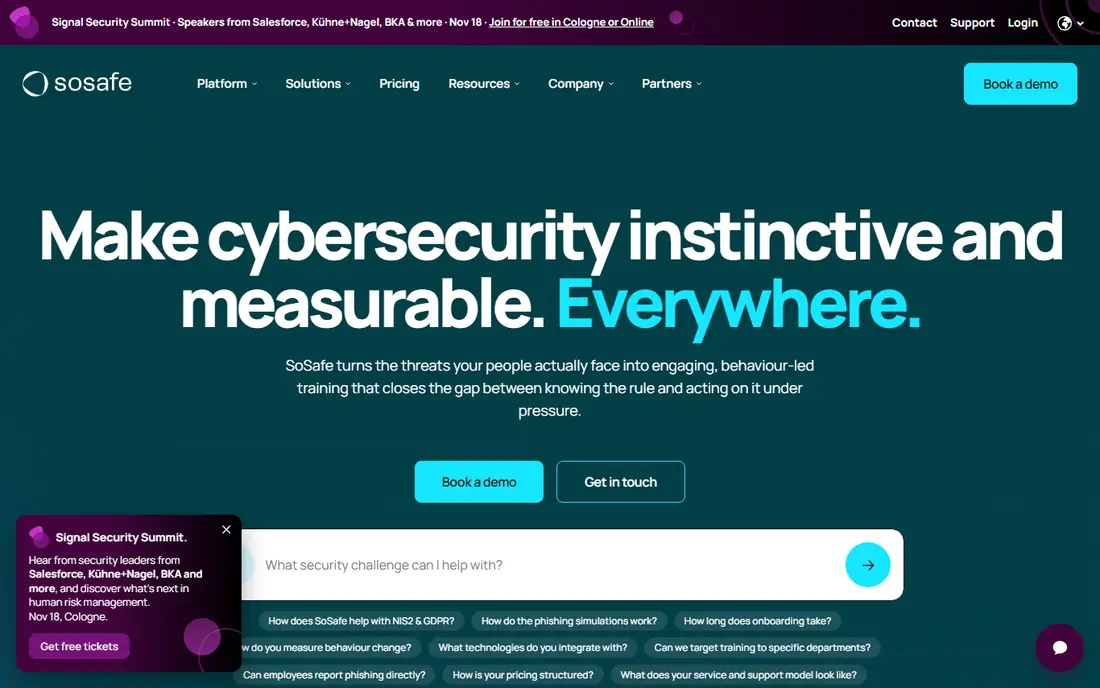
SoSafe makes the most sense for European and GDPR-conscious organizations. GDPR compliance is handled natively, including data residency choices that US-centric vendors at times lack. For everyday use, US buyers should check integration coverage with their specific stack, but for European headquarters or multinational workforces, SoSafe deserves a place on the shortlist.
Downsides: Smaller US footprint.
From a buyer's view, SoSafe is an European leader in security awareness, built around behavioral science instead of fear-based training. Its phishing simulations adapt to the learner, and the content library is completely multilingual, which matters for organizations operating across countries. This comparison lists no price for SoSafe; ask the vendor. SoSafe has no free plan.
- Behavioral science based training
- Multilingual content
- Pricing is quote-based
KnowBe4
Ideal for: Large organizations running security awareness at scale
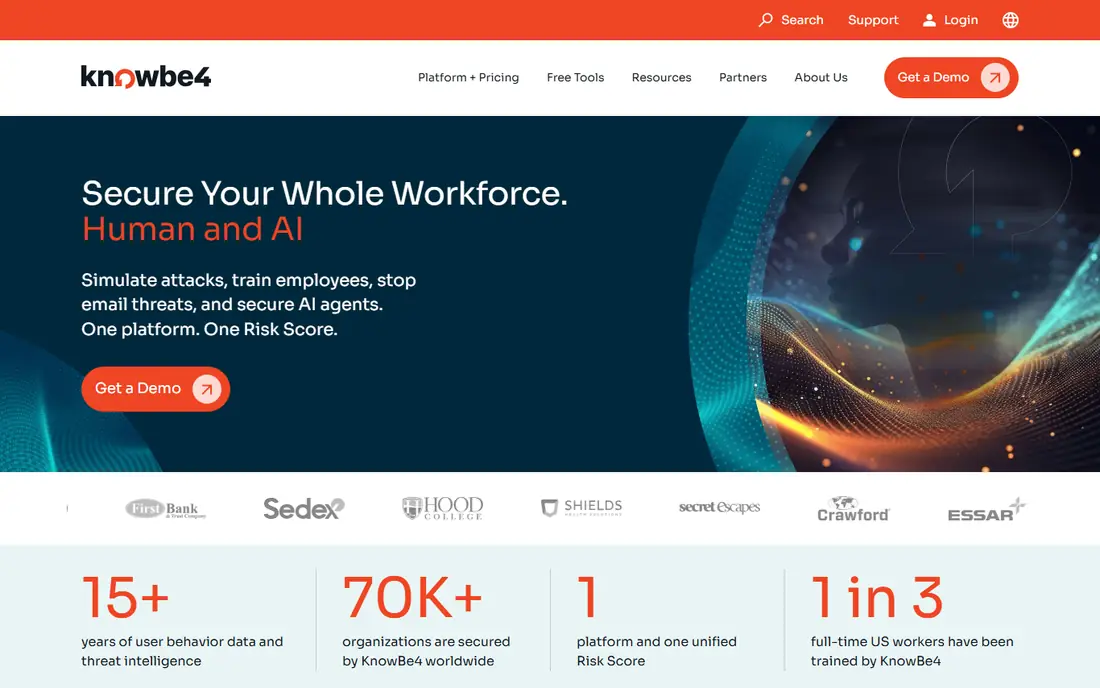
KnowBe4 makes the most sense for large organizations running security awareness at scale. Admins can run automatic campaigns with thousands of templates modeled on real attacks, from credential harvesting to QR code phishing.
Honest limits: Pricing is quote-based and can be steep.
More specifically, KnowBe4 is priced for enterprises and the breadth of features takes time to learn. The primary drawback is cost and complexity. Pricing for KnowBe4 is not stated here, so ask the vendor for current figures. No free plan comes with KnowBe4. Upsides: Integrations with major email and identity products.
- Huge template and training content library
- Automatic simulated phishing campaigns
- The admin console has a ramp-up time
Hoxhunt
Ideal for: Firms wanting adaptive, personalized training
Hoxhunt is built with companies wanting adaptive, personalized training in mind. The product needs little continuing administration, a selling point for lean security teams. Employees report suspicious emails through a straightforward button, and the system tracks improvement in reporting rates as the headline metric.
The main drawbacks: Smaller template library than KnowBe4.
It is priced at the premium end, and admins who like to hand-craft campaigns will find the automation opinionated. Worth adding: Hoxhunt uses automation to personalize phishing simulations for each employee. Pricing for Hoxhunt is not stated here, so ask the vendor for current figures. Hoxhunt has no permanent free option.
- Current attack simulations
- Low admin overhead once running
- Less control for admins who want manual campaigns
Cofense
Ideal for: Teams concentrated on phishing detection and response
Cofense targets teams concentrated on phishing detection and response. Simulation is part of the package, but the emphasis is on turning the workforce into a detection network instead of just measuring clicks.
Honest limits: Interface feels designed for analysts.
Cofense approaches the problem from the response side. Its system trains employees to report suspicious emails with one click, then routes those reports into a triage workflow where security teams can confirm real attacks and remove them from inboxes. Check the vendor site for Cofense pricing; none is listed in this comparison. Cofense has no free tier.
What works well: Simulation tied to real attack data.
- A decent match for maturing security operations
- Respected in enterprise SOCs
- More operations-oriented than training-oriented
Fortra (formerly Terranova Security)
Ideal for: Teams wanting awareness training inside a broader security product
Pick Fortra (formerly Terranova Security) if this describes you: teams wanting awareness training inside a broader security system. Administration is straightforward, and the content is practical instead of flashy.
Limits to weigh: Rebrand from Terranova may confuse buyers.
Terranova Security is now part of Fortra, and its awareness training lives inside Fortra's bigger security portfolio. This comparison lists no price for Fortra (formerly Terranova Security); ask the vendor. No free plan comes with Fortra (formerly Terranova Security).
- Straightforward administration
- Practical
- Simulation depth trails specialists
Mimecast Awareness Training
Ideal for: Mimecast customers wanting human risk analytics
Mimecast Awareness Training is aimed squarely at Mimecast customers wanting human risk analytics. Pricing follows the usual per-user annual model. Beyond that, organizations not on Mimecast email security can still use it.
Where it is weaker: Template variety trails the leaders.
But the risk scoring is richest when both sides feed the same dataset. In practice, the content is on a regular basis updated to include new attack styles like collaboration app phishing. In practice, campaigns can be tuned by department, region, or risk level, and managers get dashboards that highlight where coaching is needed. This comparison lists no price for Mimecast Awareness Training; ask the vendor. Mimecast Awareness Training has no free plan.
- Short
- Links awareness data with email security telemetry
- Deepest value inside the Mimecast suite
A closer look at phishing simulation platforms
Most breaches still start with a person clicking something they should not. The better products do more than count clicks. They adapt difficulty to each employee, pull real threat intelligence into their templates, and plug into your email security stack so simulated attacks reflect the ones actually hitting your inbox.
Pricing is almost always per user a year and quoted instead of published, so expect a sales conversation. More specifically, the comparisons below note where free trials or demos are available.
Our selection method
Ainotely looked at what each vendor publishes: pricing, plan limits, feature coverage for phishing simulation platforms and stated drawbacks. No hands-on testing is claimed. Prices and plan limits come from vendor pages and can change, so confirm them on the vendor site before you buy. Position on the page reflects fit for a typical buyer first, with price clarity and free access breaking ties. Treat it as a guide, not a ruling.
A buyer's checklist
- Request quotes from Phished, Mimecast Awareness Training and the others; the list shows no fixed prices.
- Run a trial of Phished with real work before paying for a year; your own workflow is the best test.
- Read the limits listed for Phished first: less depth than enterprise leaders.
- See whether Phished offers onboarding or training, and whether it is included in the price.
- The entry price of Hoxhunt is only the starting point; model the full cost with seats and extras.
Frequently asked questions
How are the tools for phishing simulation platforms ordered?
The order follows typical fit for phishing simulation platforms, with Phished first and Mimecast Awareness Training last, then price clarity and free access. It is editorial judgement, not a score, so another team could rank the tools differently.
Is Phished the right pick for everyone comparing phishing simulation platforms?
No single tool suits every team. Phished comes first because it fits small and mid-sized teams getting started with simulation, while SoSafe suits European and GDPR-conscious organizations and KnowBe4 suits large organizations running security awareness at scale. Match the tool to your own size, budget and workflow before deciding.
What is a decent click rate for simulated phishing?
First campaigns frequently see 20 to 30 percent click rates. Mature programs generally get below 5 percent, with reporting rates above 60 percent considered solid.
Can I try these options before paying?
Often, yes. Phished offers a free trial. Use your own data and a real task during the test, and check what the free tier or trial limits before you rely on it.
Does any tool for phishing simulation platforms here have a free plan?
A permanent free plan is not offered by Phished, Mimecast Awareness Training or the other tools here. Phished offer a trial. Plan a short evaluation period instead.