Start with Barracuda Security Awareness Training if you need email-centric security stacks. Listed starting prices: KnowBe4 from $5.30 per seat a month. Proofpoint Security Awareness Training fits risk-based automatic training; KnowBe4 fits all-in-one human risk product. All 6 tools are compared below on price, free plan and limits.
Ainotely compared 6 phishing simulation software for IT teams. The goal is a practical shortlist: published prices, free plan facts, best-fit use cases and honest limits for every entry.
Key takeaways
Barracuda Security Awareness Training sits first on this list: email-centric security stacks.
Living Security suits signal-driven human risk insight.
KnowBe4 is the lowest-priced starter here at $5.30 per seat per month.
A permanent free plan is missing from all 6 tools, Barracuda Security Awareness Training and Living Security included; plan for a trial or a premium start.
Barracuda Security Awareness Training is a good fit for email-centric security stacks. Within a wide portfolio, awareness training receives less specialized attention than dedicated simulation products offer.
Drawbacks to consider: Awareness training is a smaller piece of the portfolio.
So teams with advanced training requirements may want more depth. No starting price is listed for Barracuda Security Awareness Training here; confirm pricing on the vendor site. As for free access: Free trial.
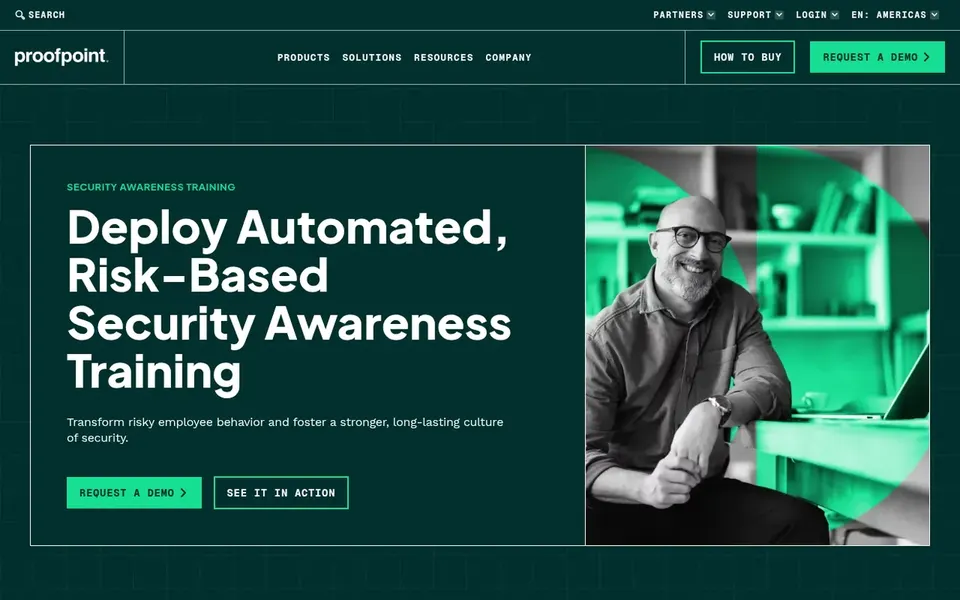
Proofpoint Security Awareness Training is a good fit for risk-based automatic training. Pick something else if you want a straightforward simulation tool without broader automation.
As for the details, the risk-based approach relies on good signal quality, so results boost only when the underlying data is accurate and maintained. Proofpoint Security Awareness Training does not show a starting price in this comparison, so check the vendor site for current pricing. As for free access: Not stated.
Drawbacks to consider: Risk-based automation needs tuning to your environment.
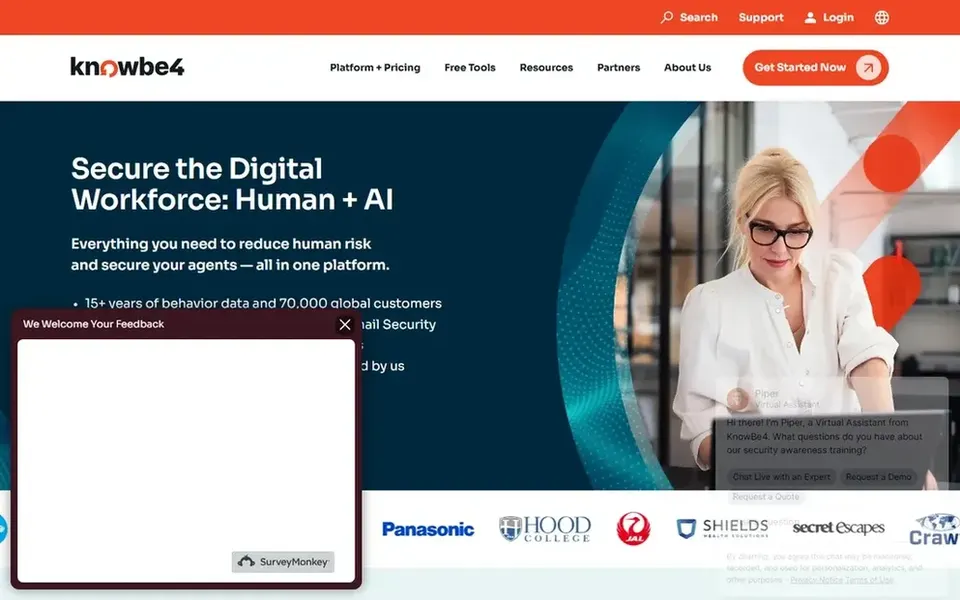
KnowBe4 is aimed squarely at all-in-one human risk product. KnowBe4 presents itself as a single product for reducing human risk, bringing together security awareness training, email security and agent security.
What to check first: May overlap with tools you already run.
As for the details, since the system spans several product areas, setup and administration can demand more planning than a narrow simulation tool. The starting price for KnowBe4: $5.30 per seat per month. Free access: Not stated.
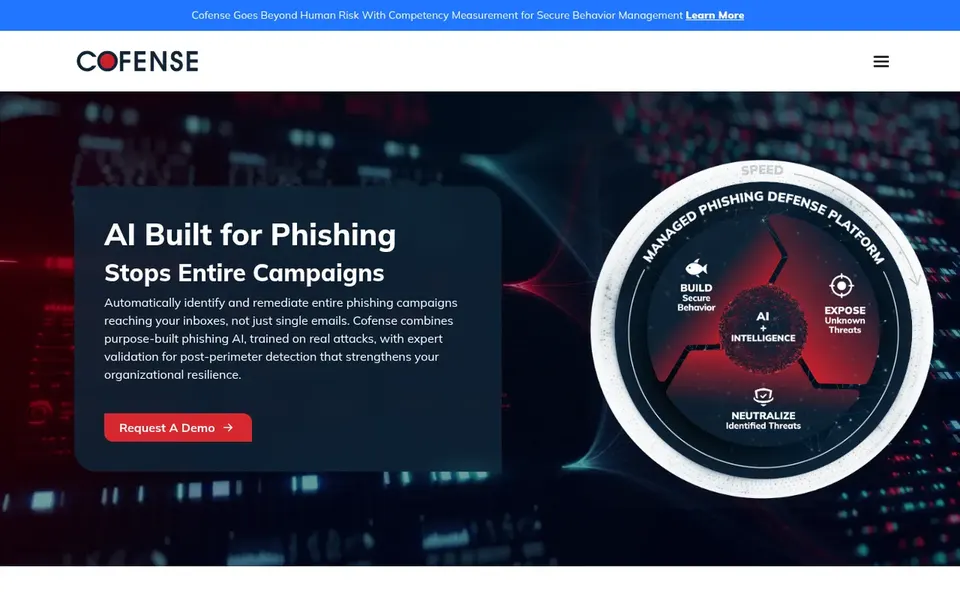
Where Cofense PhishMe fits: phishing defense and response. Cofense PhishMe centers on stopping phishing attacks that bypass traditional filters, combining AI detection, live training and expert response across channels.
Also, consider alternatives if response workflow integration is not a priority. Cofense PhishMe shows no starting price here, so confirm the cost on the vendor site. Free plan details: Not stated.
Downsides: Defense focus may feel complicated for pure training needs.
The main drawbacks: Adaptive model needs time to learn behavior.
In practice, evaluate whether the incident response features match your existing processes. No starting price is listed for Hoxhunt here; confirm pricing on the vendor site. On free options: Not stated.
Living Security is designed for signal-driven human risk insight. Living Security is an AI-native human risk management product that reads signals from the security tools you already run to reveal human and agent risk and guide the response.
From a buyer's view, teams without a mature stack may see restricted benefit. Since the system leans on signals from existing tools, its usefulness relies on what you already operate and how well those integrations are configured. Living Security shows no starting price here, so confirm the cost on the vendor site. Free options: Not stated.
Downsides: Risk insight focus may not satisfy entry-level simulation needs.
Get a written quote from Barracuda Security Awareness Training, Proofpoint Security Awareness Training, Cofense PhishMe and others; the list shows no starting price for them.
Take the trial from Barracuda Security Awareness Training and push a live task through it before you pay.
Read the limits listed for Barracuda Security Awareness Training first: Awareness training is a smaller piece of the portfolio.
Confirm you can export your data from Hoxhunt, so leaving later does not mean losing records.
Check the support hours and onboarding help Proofpoint Security Awareness Training offers; smaller vendors vary a lot here.
How we picked
Ainotely used vendor pricing pages and product documentation as the base, then compared plans, free access and documented limits for 6 tools. Plan names, prices and limits change often. Treat the figures here as a starting point and verify them with the vendor. Position on the page reflects fit for a typical buyer first, with price clarity and free access breaking ties. Treat it as a guide, not a ruling. That approach shaped the order of the 6 Phishing simulation software for IT teams tools listed here.
Every price and plan detail on this page comes from the vendors’ own websites. We did not run hands-on tests unless the text says so, and we do not publish star ratings or review scores. See how we score and our disclosure.
Keep your shortlist in one place
Paste prices, trial dates and notes from this guide into Ainotely, our AI note app. It files them into a topic and pulls out tasks like “cancel trial by Friday”. Free 7-day trial, no card needed.
How are the tools for phishing simulation software for IT teams ordered?
Barracuda Security Awareness Training sits first and Living Security last because the order follows typical fit for phishing simulation software for IT teams, then price clarity and free access. It is a judgement call, so read each profile for fit and limits.
Can I try these tools before paying?
Often, yes. Barracuda Security Awareness Training offers a free trial. Use your own data and a real task during the test, and check what the free tier or trial limits before you rely on it. All 6 picks in this Phishing simulation software for IT teams comparison show their pricing, free plan details and main limits on the cards above.
Do these tools publish their prices?
Not all of them. Barracuda Security Awareness Training, Proofpoint Security Awareness Training, Cofense PhishMe and others publish no starting price, so expect a quote request for those. The rest, KnowBe4 included, show a starting price, though seats and billing terms still change the final cost.
Does any tool for phishing simulation software for IT teams here have a free plan?
No tool in this list, Barracuda Security Awareness Training and Living Security included, has a permanent free plan. Barracuda Security Awareness Training offer a trial. Trials and quotes are the usual route, so plan a short evaluation period.
What should IT teams look for in phishing simulation software?
Focus on realistic simulation templates, clear reporting on reporting rates and click behavior, and training that adapts to results. Also confirm integrations with your email system and how much administration the tool needs week to week.