Best Phishing Software in 2026: 8 Platforms Compared

- 1
 KnowBe4Large scale awareness trainingVisit
- 2
 Proofpoint Security AwarenessEnterprise awareness programsVisit
- 3
 CofensePhishing defense and reportingVisit
- 4
 Mimecast Awareness TrainingEmail plus human riskVisit
- 5
 HoxhuntAdaptive phishing simulationsVisit
- KnowBe4 and Proofpoint suit larger teams that want a wide training library plus detailed reporting on risky behavior.
- Hoxhunt and Cofense stand out for behavior change, with Hoxhunt leaning on adaptive simulations and Cofense on real reported threats.
- Mimecast makes sense for organizations already using its email security, since training and email protection sit in one platform.
- A simulation program works best when it teaches rather than shames, so look for coaching content and clear reporting for managers.
- Pricing is almost always quoted per user, so get a quote for your exact headcount before comparing totals.
Quick comparison
| Product | Ideal for | Price from | Free version | |
|---|---|---|---|---|
| KnowBe4 | Large scale awareness training | See website | Free trial | Visit |
| Proofpoint Security Awareness | Enterprise awareness programs | See website | Free trial | Visit |
| Cofense | Phishing defense and reporting | See website | Free trial | Visit |
| Mimecast Awareness Training | Email plus human risk | See website | Free trial | Visit |
| Hoxhunt | Adaptive phishing simulations | See website | Free trial | Visit |
 Infosec IQ | Training plus phishing tests | See website | Free trial | Visit |
 Terranova Security | Guided awareness training | See website | Free trial | Visit |
 Living Security | Human risk measurement | See website | Free trial | Visit |
The best phishing software
In this article, phishing software means the defensive kind: platforms that train staff, run simulated phishing tests, and report who needs more help. These tools are for security teams, IT managers, and business owners who want fewer successful attacks, not for anyone trying to run a phishing campaign. The platforms below differ in how they simulate, how they teach, and how they report.
KnowBe4
Ideal for: Large scale awareness training
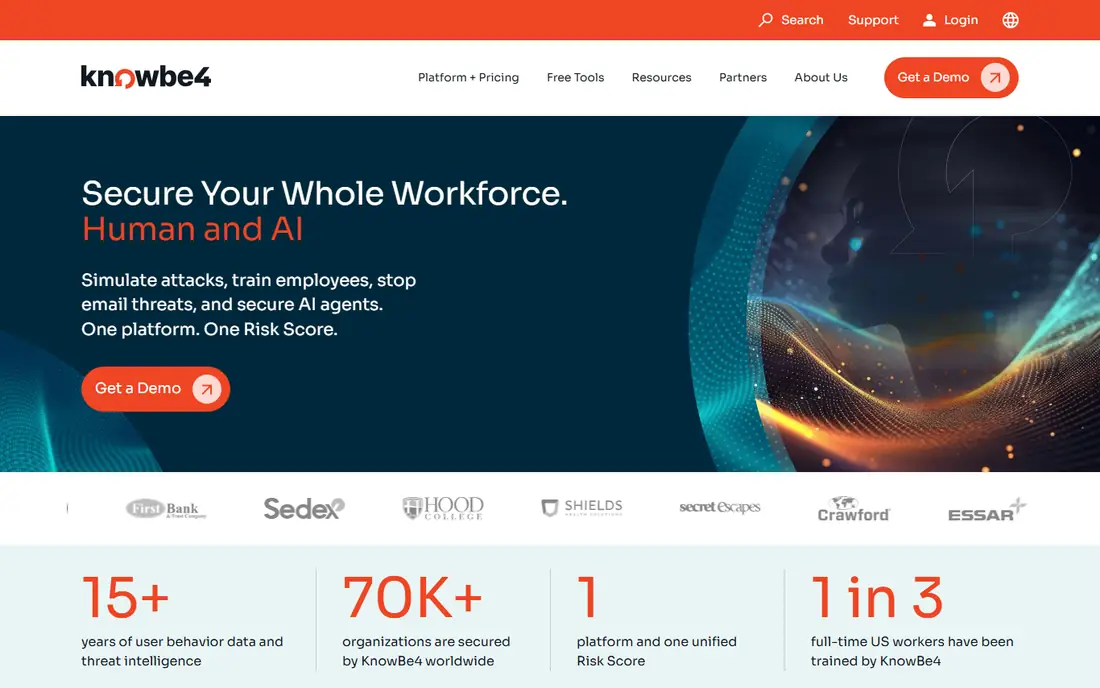
KnowBe4 is the best known name in security awareness, and its platform covers simulated phishing, training modules, and reporting on how risky each group of users is. Its homepage now frames the product around human and AI risk, with coaching and policy tools alongside the classic phishing tests. For a large organization that needs to show auditors a structured program, that breadth is a real advantage.
The drawback is complexity at small scale. A company with twenty staff may not need the full library or the deeper reporting, and the quote-based pricing makes a quick cost comparison harder. Still, if you run a formal program across departments, KnowBe4 is the safest first demo to book.
- Very large training library and template range
- Detailed reporting on phish-prone users
- Strong fit for regulated industries
- The range can feel large for a small team
- Pricing needs a sales quote, so budgeting takes an extra step
Proofpoint Security Awareness
Ideal for: Enterprise awareness programs

Proofpoint approaches phishing from the email security side, which gives its awareness content a direct link to the attacks its systems actually see. Its site stresses protecting people and data across email, cloud, and AI tools, and its awareness training sits inside that wider human-centric security story. For organizations already using Proofpoint email protection, the combined reporting is a clear benefit.
The honest catch is fit. Proofpoint is built for larger estates, and a small business may get better value from a simpler, cheaper platform. If you already buy Proofpoint, though, adding its awareness training is usually simpler than running a second vendor.
- Deep threat intelligence behind its content
- Fits well with Proofpoint email security
- Strong reporting for large estates
- Enterprise pricing and setup
- Smaller teams may find the platform heavier than they need
Cofense
Ideal for: Phishing defense and reporting
Cofense is different from a pure training vendor because it also handles phishing that reaches the inbox. Its platform helps staff report suspicious mail, triages those reports, and removes whole campaigns rather than single messages. That loop turns real employee reports into training material, which keeps the content current in a way that a fixed library cannot.
For a team that only wants simple simulations, Cofense may be more than needed. For a security team that is tired of chasing one-off reports by hand, the combination of reporting, triage, and training is a strong reason to look at it closely.
- Strong focus on reported phishing and fast removal
- AI triage plus human validation
- Training built from real attacks
- The defense side is broader than simple simulation, so pricing and scope need a careful quote
- Smaller teams may use only part of it
Mimecast Awareness Training
Ideal for: Email plus human risk
Mimecast is best known for email security, and its awareness training now sits inside a human risk management platform. That pairing makes sense: the same vendor that filters mail also trains the people who receive what gets through. Its homepage notes tens of thousands of organizations using its platform, which gives buyers some confidence in its staying power.
If you do not use Mimecast for email, the training alone may not beat a specialist on depth or price. But for existing Mimecast customers, keeping training and email protection in one place simplifies administration and reporting, and that simplicity is worth real money in a busy IT team.
- Training inside a mature email security platform
- Human risk reporting alongside email protection
- Large customer base
- Training is one part of a wide platform, so standalone buyers should compare it with specialist vendors
- Pricing is quote based
Hoxhunt
Ideal for: Adaptive phishing simulations
Hoxhunt takes a different approach from fixed training courses. Its simulations adapt to each employee, getting harder as people improve, and it treats staff reports of real threats as a key measure of success. Its homepage quotes customers who talk about staff actually enjoying the simulations, which matters because a program people ignore will not change behavior.
The catch is patience. Adaptive programs show their value over months, not after a single campaign, so buyers should commit to a longer view. If your team has tried one-off training and seen click rates bounce back, Hoxhunt is a strong alternative to consider.
- Adaptive simulations that adjust to each person
- Focus on reporting real threats, not just test clicks
- Engaging approach for staff
- Pricing is quote based and aimed at larger teams
- Results depend on steady participation over months
Infosec IQ
Ideal for: Training plus phishing tests
Infosec IQ pairs phishing simulations with security awareness training from Infosec Institute, a provider with a long history in cybersecurity education. Its site highlights role-based content and human risk management, which helps when different teams face different threats. A finance team, for example, needs different examples from a warehouse team.
The main drawback is focus. Infosec sells a great deal beyond awareness training, including certification boot camps, so buyers should confirm the IQ package covers exactly the simulations and content they want. For organizations that also need technical training, the shared vendor can be a plus.
- Phishing simulations plus a wide training library
- Role-based content
- Part of a larger training provider
- The wider Infosec catalog can be confusing when you only want awareness training
- Pricing needs a quote
Terranova Security
Ideal for: Guided awareness training
Terranova Security, now part of Fortra, offers security awareness training with phishing simulations, courses, quizzes, and reporting. Its homepage stresses engaging content and real-world simulation templates, plus dashboards that track progress by group. That structure suits organizations that want a guided program with clear completion tracking.
Buyers should note the Fortra branding, since the product may appear under either name in quotes and contracts. That is a minor point, but it is worth confirming during procurement so the quote matches the product you demoed. For mid-size teams that want a managed, course-led program, Terranova remains a solid option.
- Structured courses with quizzes and gamified modules
- Phishing simulation templates
- Multilingual content options
- Now presented under Fortra, so branding and packaging may shift
- Pricing is quote based
Living Security
Ideal for: Human risk measurement
Living Security focuses on measuring human risk rather than just running tests. Its platform pulls signals from email security and identity tools, groups risky behavior into cohorts, and suggests targeted actions such as stronger authentication or short coaching for specific people. Its site reports that a small share of the workforce often accounts for most risky behavior, which is the pattern its approach targets.
That focus makes it less suited to a team that only wants a basic simulation tool. But for a security leader who needs to show the board where risk sits and whether it is falling, Living Security offers reporting that simpler tools cannot match.
- Risk scoring that pulls signals from existing security tools
- Targeted coaching for the riskiest users
- Clear board-level reporting
- More of a risk platform than a simple simulation tool
- Best value comes with existing tool integrations
How we picked these
We compared official feature pages, pricing pages, and public reviews for defensive phishing platforms that are still sold in October 2026. We kept platforms that offer simulated phishing, training, or human risk reporting, and we left out tools built for attackers, tools with no clear vendor homepage, and generic learning platforms with no phishing simulation. We favored platforms with a demo or trial, since a simulation program should be tested with a pilot group before a full rollout.
How to run a program staff will not hate
Start with a pilot group and a clear message. Tell staff the goal is to help them spot real attacks, not to catch them out, and share the results in aggregate rather than naming individuals in company-wide mail. A program that feels like a trap will teach people to fear IT, while a program that coaches will teach them to report.
Next, vary the simulations. If every test looks like a parcel delivery notice, staff will learn to spot that one trick and miss everything else. Mix invoice, password reset, shared document, and supplier themes, and keep the difficulty fair for each role. Finally, measure reporting as well as clicking. A team that reports suspicious mail quickly is safer than a team that simply avoids one test, because real attacks will still get through filters.
Frequently asked questions
What is phishing software for businesses?
For businesses, phishing software usually means a defensive platform that trains staff and runs simulated phishing tests. It helps security teams find who needs more training, measure click rates over time, and build a habit of reporting suspicious mail. It is not software for creating real phishing attacks, which is illegal and harmful.
How much does phishing simulation software cost?
Most vendors price per user per year and require a quote, so costs vary with headcount, content, and support level. Small teams may find entry options from simpler vendors, while enterprise platforms cost more but add deeper reporting. Always get a quote for your exact user count before comparing.
How often should we run phishing simulations?
Monthly simulations are a common pattern, with training offered after a failed test rather than as a punishment. More frequent tests can cause fatigue, while rare tests let skills fade. A monthly rhythm with varied themes gives a good balance for most teams.
Does phishing training actually reduce clicks?
Training plus regular simulations usually lowers click rates over time, especially when coaching follows a failed test. Results vary by team and by how realistic the simulations are. The best measure is not one test but the trend over several months, plus how often staff report real suspicious mail.
Can small businesses use phishing software?
Yes, though some enterprise platforms are priced and packaged for larger teams. Small businesses should look for simple setup, clear per-user pricing, and content that fits their size. A pilot with a small group is a good way to test value before committing to a full rollout.