Best Photo Collage Apps in 2026: 8 Apps Compared

- 1
 CanvaAll-round collage and designVisit
- 2
 PicCollageFast phone collagesVisit
- 3
 PhotoGridPhone collages and video gridsVisit
- 4
 Adobe ExpressProfessional templatesVisit
- 5
 FotorWeb collage makerVisit
- Canva is our pick for most people, because it combines collage templates with full design tools and a free tier.
- PicCollage and PhotoGrid suit phone-first users who want fast, fun collages for social media.
- Adobe Express suits users who want professional templates and Adobe-quality assets.
- Check export quality and watermark rules on free tiers, since a collage for print needs high resolution.
- Most paid plans here cost $7 to $15 per month, and free tiers cover basic collages well.
Quick comparison
| Product | Ideal for | Price from | Free version | |
|---|---|---|---|---|
| Canva | All-round collage and design | Free | Yes | Visit |
| PicCollage | Fast phone collages | Free | Yes | Visit |
| PhotoGrid | Phone collages and video grids | Free | Yes | Visit |
| Adobe Express | Professional templates | Free | Yes | Visit |
| Fotor | Web collage maker | Free | Yes | Visit |
 BeFunky | Web collage and photo editing | Free | Yes | Visit |
 Layout from Instagram | Simple Instagram grids | Free | Yes | Visit |
 Moldiv | Stylish phone collages | Free | Yes | Visit |
The best photo collage apps
A good collage app should offer flexible grids, templates for social sizes, and clean export at a resolution that suits print or posting. The apps below cover phone-first, web and design-suite options. We compared official pricing pages, feature lists, app store listings and public reviews.
Canva
Ideal for: All-round collage and design
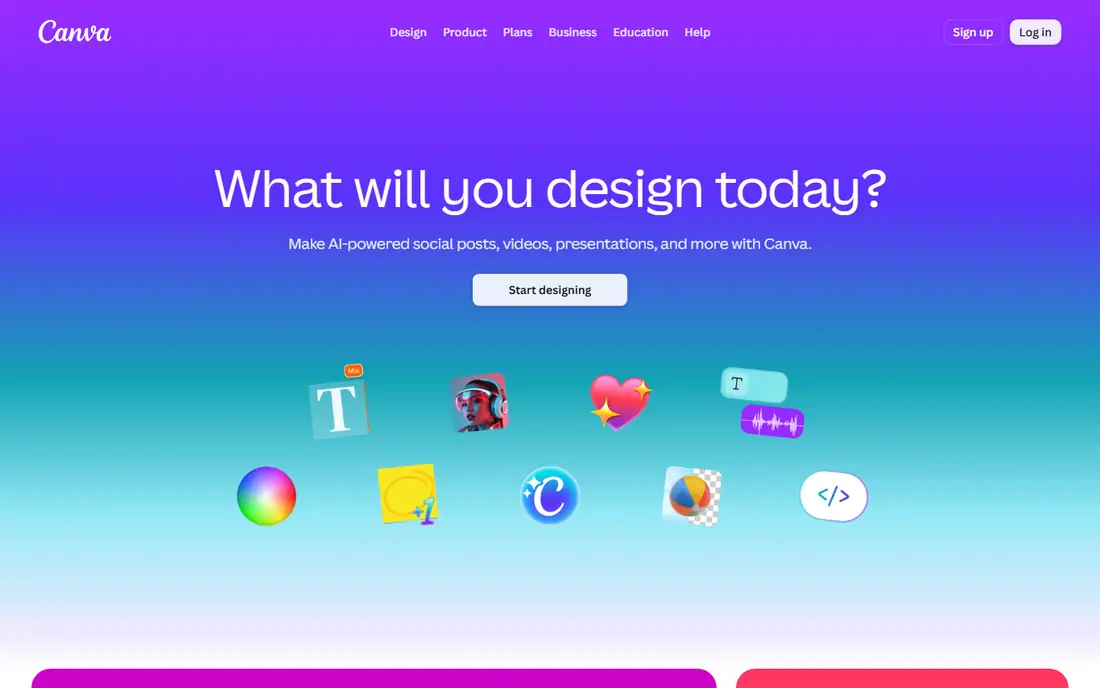
Canva is our pick for most people because a collage is rarely the only design job. Templates cover Instagram, stories, posters and print sizes, drag-and-drop grids make layouts fast, and the same account handles social posts, invitations and presentations. The free tier is generous, and Pro adds premium templates, background removal and brand tools.
Collage-specific apps can be faster for a quick phone grid, since Canva's breadth means more menus to navigate. For a user who wants collages plus general design in one place, Canva is the best value and the easiest recommendation.
- Huge template library
- Full design tools
- Easy sharing and print options
- Best templates and features need Pro
- Collage-specific tools are less focused than PicCollage
PicCollage
Ideal for: Fast phone collages

PicCollage suits phone users who want a collage in minutes. Grids, freestyle layouts, stickers, text and backgrounds are all a tap away, and sharing to social apps is built in. For a birthday post, a travel recap or a mood board, it is faster than opening a full design suite.
The free tier may add a watermark or show ads on some exports, and VIP opens premium templates and removes limits. Check export options before making a collage for print. For quick social collages, PicCollage is hard to beat on speed.
- Very fast grid and freestyle collages
- Stickers and text
- Social sharing built in
- Free tier includes watermark or ads on some exports
- Premium templates need VIP
PhotoGrid
Ideal for: Phone collages and video grids
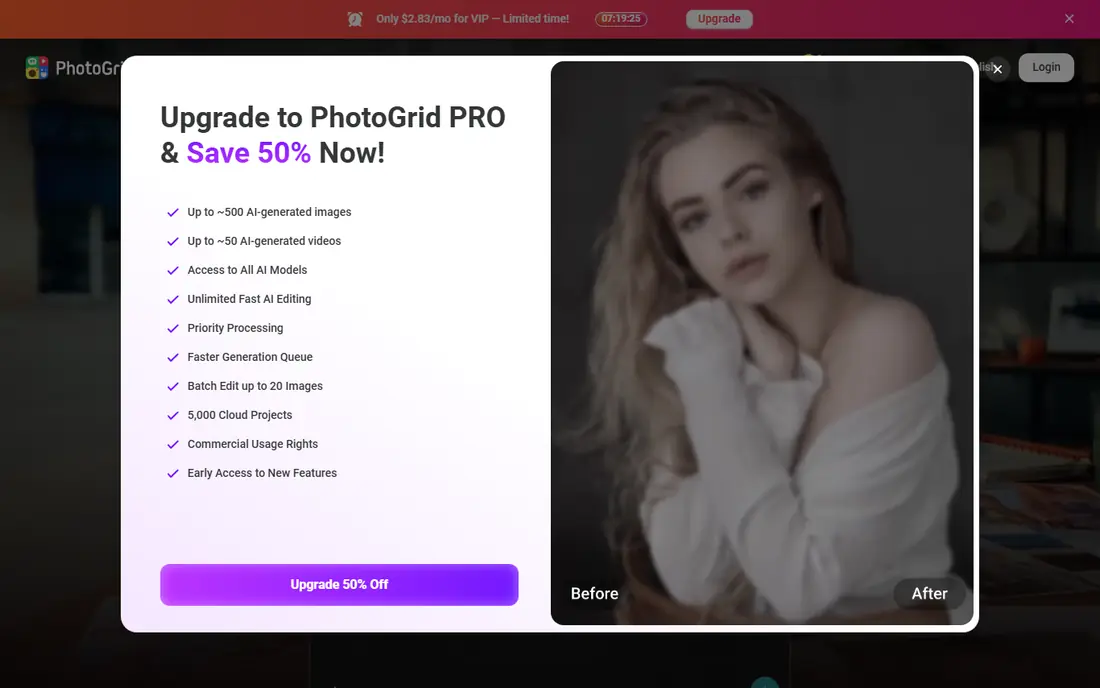
PhotoGrid covers photo grids, video collages and scrapbook-style layouts in one phone app, with many templates and filters. It suits users who want more playful styles than a plain grid, including video grids for social stories. The template range is broad, and editing is quick.
Free exports can carry a watermark and ads appear in the free tier, so Premium is needed for clean, full-feature output. For a fun, phone-first collage with video options, PhotoGrid is a strong pick.
- Grids, video collages and scrapbook styles
- Many templates
- Fun filters
- Ads and watermark on free exports
- Premium needed for full features
Adobe Express
Ideal for: Professional templates
Adobe Express suits users who want polished, professional-looking collages with strong typography and Adobe stock assets. Templates for social, print and presentations are well designed, and the free tier covers basic creation. Premium adds full stock access, brand kits and advanced editing.
Grid flexibility is less playful than PicCollage, since Adobe Express is a general design tool rather than a collage specialist. For a business or creator who wants collages that match a brand, Adobe Express is a strong choice.
- Professional templates and Adobe assets
- Good typography
- Brand tools on Premium
- Collage grids are less flexible than PicCollage
- Premium needed for full stock access
Fotor
Ideal for: Web collage maker
Fotor is a good web-first pick for users who prefer a computer browser to a phone app. Its collage maker offers classic grids, artistic layouts and photo stitching, with photo editing tools in the same workspace. No install is needed, and templates cover social and print sizes.
The free tier includes ads and limits on templates and export quality, so Pro is needed for full use. For a desktop user who wants a quick web collage without installing software, Fotor is convenient.
- Easy web collage maker
- Many grid and artistic templates
- Photo editing built in
- Free tier has ads and limits
- Best features need Pro
BeFunky
Ideal for: Web collage and photo editing
BeFunky combines a web collage maker with a capable photo editor, so you can edit photos and build a collage in one place. Layouts are flexible, templates cover common sizes, and the browser workflow suits desktop users. It is a good middle ground between a simple grid app and a full design suite.
Free templates and export options are limited, and Plus opens the full library and higher quality. For a web user who edits photos as well as collages, BeFunky is a practical choice.
- Web collage maker plus photo editor
- Good layouts
- No install needed
- Free tier limits templates and export
- Plus needed for full features
Layout from Instagram
Ideal for: Simple Instagram grids
Layout from Instagram is the simplest collage app in this list: pick photos, choose a grid, and share to Instagram. It is completely free, with no watermark on its basic grids, and it suits a user who only needs a quick grid for Instagram and nothing else.
Templates, stickers and editing are minimal, and the app's availability varies by platform, so check the current app store listing. For a one-job Instagram grid, Layout is the fastest, lightest option.
- Completely free
- Very simple grids
- Direct Instagram sharing
- Limited templates and editing
- App support varies by platform
Moldiv
Ideal for: Stylish phone collages
Moldiv suits users who want magazine-style collages with a polished look on a phone. Layouts feel more editorial than a plain grid, photo editing tools are solid, and social sizes are covered. It is a good pick for fashion, travel and lifestyle collages.
Premium opens the full template library and removes limits, so free users will hit paywalled layouts. For a stylish phone collage with an editorial feel, Moldiv is worth trying alongside PicCollage.
- Stylish magazine-style layouts
- Good photo editing
- Social sizes covered
- Premium needed for full templates
- Smaller community than Canva
How we picked these
We compared official pricing pages, feature lists and app store listings for photo collage apps available in the US in October 2026. We favored apps with flexible grids, clean export options, and a working official homepage. We left out apps we could not verify as live products.
What to check before you choose
Check export quality first if you plan to print. A collage that looks fine on a phone can look soft on a poster, so export at the highest resolution the app offers and check for watermarks on free tiers. For social posts, check that templates match the exact size for feed, story or reel covers.
Pick by device and job
Phone users who want speed should start with PicCollage or PhotoGrid. Desktop users should try Fotor or BeFunky on the web. Users who also design social posts, invitations and presentations should use Canva or Adobe Express for everything in one place.
Try the free tier for a full week before paying
The free tier or trial for most apps in this list is enough to judge whether the app fits your routine, but only if you use it for a full week rather than an afternoon. Set it up properly on day one, including notifications, reminders, and any import from your current app, so the trial reflects real use instead of a half-finished setup. Use it at the same times you would normally use such an app, and note what annoys you by day three, since small annoyances grow into reasons to quit. Check whether your data exports cleanly, whether the app works offline when you need it, and whether support answers a real question promptly. If the app still earns its place after a week of honest use, the paid plan is an easy decision, and if it does not, you have saved a subscription you would have cancelled later.
Try the free tier for a full week before paying
The free tier or trial for most apps in this list is enough to judge whether the app fits your routine, but only if you use it for a full week rather than an afternoon. Set it up properly on day one, including notifications, reminders, and any import from your current app, so the trial reflects real use instead of a half-finished setup. Use it at the same times you would normally use such an app, and note what annoys you by day three, since small annoyances grow into reasons to quit. Check whether your data exports cleanly, whether the app works offline when you need it, and whether support answers a real question promptly. If the app still earns its place after a week of honest use, the paid plan is an easy decision, and if it does not, you have saved a subscription you would have cancelled later.
Frequently asked questions
What is the best photo collage app?
Canva is our pick for most people, because it combines collage templates with full design tools and a free tier. PicCollage suits fast phone collages, and Adobe Express suits professional, branded collages.
Is there a free photo collage app without a watermark?
Layout from Instagram offers free grids without a watermark on its basic layouts. Canva's free tier also exports without a watermark for most designs, though premium templates need Pro.
Can I print a collage made in an app?
Yes, if you export at high resolution. Canva, Fotor and BeFunky offer print sizes and higher-quality export, while phone apps vary, so check export resolution before printing large sizes.
What size should a collage be for Instagram?
Use a square 1080 by 1080 pixels for feed posts, 1080 by 1920 for stories, and the template sizes in Canva or PicCollage for other formats. Templates in these apps already match common social sizes.
Do collage apps work on a computer?
Yes. Canva, Adobe Express, Fotor and BeFunky all work in a web browser on a computer, while PicCollage, PhotoGrid and Moldiv are mainly phone apps with some desktop options.