Best Photo Sharing Platform for Photographers in 2026: 8 Platforms Compared

- SmugMug is our pick for most photographers because it pairs portfolios, client galleries, and print sales in one platform.
- Flickr suits photographers who want community, discovery, and affordable storage for large libraries.
- Pixieset and ShootProof suit client-facing photographers who need proofing and sales galleries.
-
Storage limits, print fulfillment, and client proofing differ a lot, so match the platform to how you share and sell.
-
Download controls and watermarking protect client work, so test them with a real gallery before committing to a platform.
Quick comparison
| Product | Ideal for | Price from | Free version | |
|---|---|---|---|---|
 SmugMug | Portfolios, clients, and prints | See website | Free trial | Visit |
 Flickr | Community and storage | See website | Yes | Visit |
 500px | Exposure and licensing | See website | Yes | Visit |
 Zenfolio | Client galleries and sales | See website | Free trial | Visit |
 Pixieset | Client proofing and sales | See website | Free trial | Visit |
 ShootProof | Client galleries and contracts | See website | Free trial | Visit |
 Adobe Portfolio | Clean portfolios for subscribers | See website | Free trial | Visit |
 Format | Portfolio websites for creatives | See website | Free trial | Visit |
The best photo sharing platforms for photographers
A photo sharing platform for photographers must do more than host images. It should present work beautifully, deliver client galleries, handle print sales, and protect image rights. We compared official feature pages, pricing pages, and public reviews for the options below.
SmugMug
Ideal for: Portfolios, clients, and prints

SmugMug combines portfolio websites, private client galleries, and print fulfillment in one platform. Photographers get unlimited uploads on paid plans, password-protected galleries, and lab printing with profit settings. That combination suits wedding, portrait, and outdoor photographers alike.
Design customization takes some learning, and the platform is subscription-based. For a photographer who wants portfolio, clients, and prints in one place, SmugMug is our top pick.
- Unlimited uploads on paid plans
- Portfolios plus client galleries
- Print fulfillment
- Design customization takes learning
- Pricing is subscription-based
Flickr
Ideal for: Community and storage
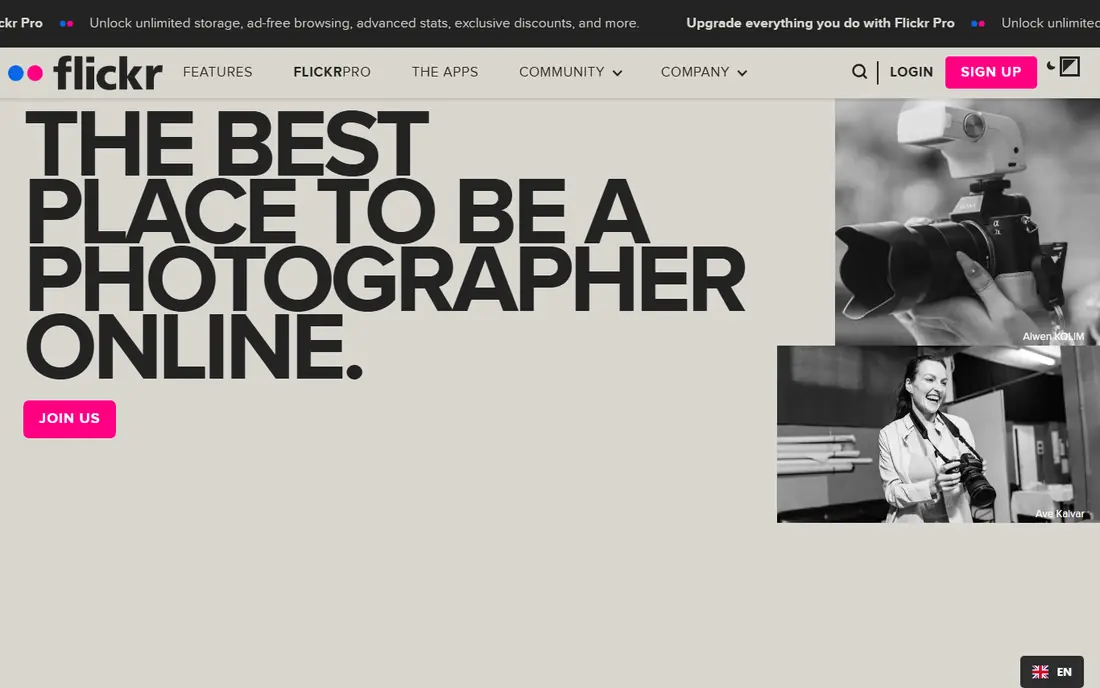
Flickr remains a major photo community, with groups, discovery feeds, and discussion that help photographers find an audience. Pro accounts offer large storage for full-resolution images, which suits photographers with big libraries. The platform is easy to use and well known.
Client proofing and print sales tools are limited compared with SmugMug or Pixieset. For community, discovery, and storage, Flickr is a strong, affordable choice, best paired with a client gallery tool if you sell shoots.
- Large photo community
- Discovery and groups
- Affordable Pro storage
- Client gallery tools are limited
- Print sales are not central
500px
Ideal for: Exposure and licensing
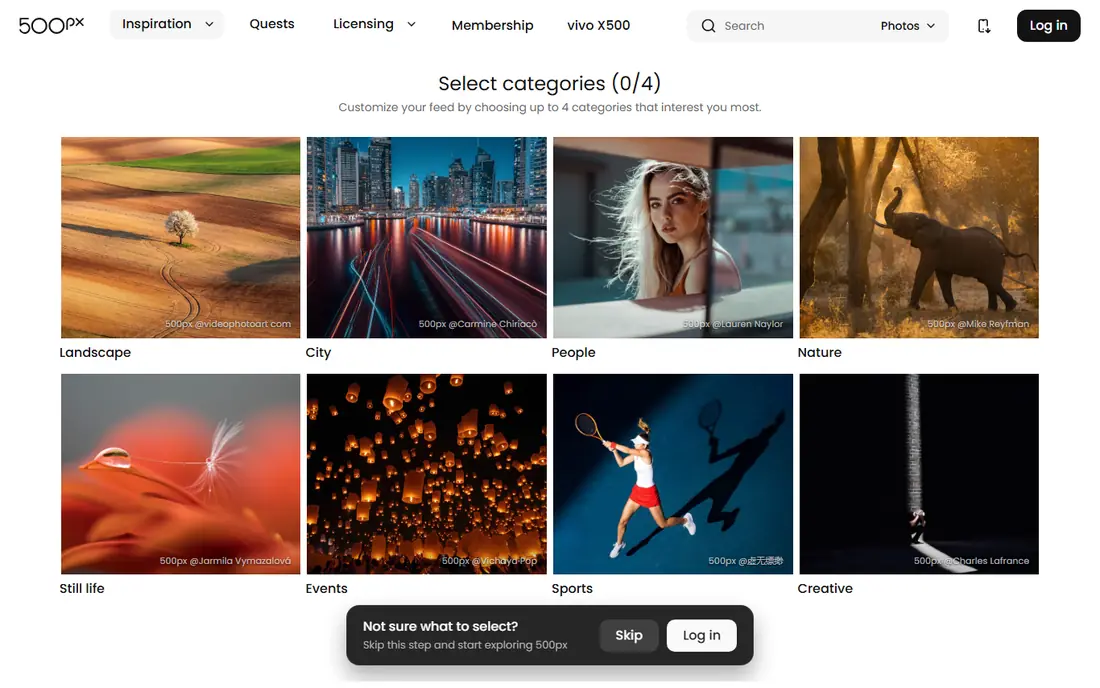
500px offers exposure through a large photography community plus a licensing marketplace where brands can buy images. Portfolio tools present work cleanly, and the community feedback loop helps photographers improve. Licensing gives hobbyists and pros a path to earn from standout images.
Licensing earnings vary widely, and client gallery tools are limited. For exposure and licensing alongside a portfolio, 500px is a worthwhile platform.
- Exposure to a large audience
- Licensing marketplace
- Portfolio tools
- Licensing earnings vary
- Client tools are limited
Zenfolio
Ideal for: Client galleries and sales
Zenfolio offers portfolio websites plus client galleries with print and digital sales, booking tools, and marketing features. Photographers can deliver galleries, sell prints, and manage inquiries from one dashboard. That breadth suits portrait and wedding photographers.
The interface feels dated in places, and pricing rises with added features. For a client-focused photographer who wants galleries, sales, and booking together, Zenfolio is a solid choice.
- Client galleries with sales
- Portfolio websites
- Booking and marketing tools
- Interface feels dated in places
- Pricing rises with features
Pixieset
Ideal for: Client proofing and sales
Pixieset is loved by wedding and portrait photographers for beautiful client galleries with proofing, favorites, and store sales. Clients can mark favorites, share galleries, and buy prints or digital files easily. The design is modern and mobile-friendly, which matters for client delivery.
Storage limits vary by plan, and portfolio websites are simpler than SmugMug. For client delivery and sales, Pixieset is one of the best tools here.
- Beautiful client galleries
- Proofing and favorites
- Store for print and digital sales
- Storage limits vary by plan
- Portfolio sites are simpler than SmugMug
ShootProof
Ideal for: Client galleries and contracts
ShootProof combines client galleries with contracts, invoices, and studio management, which suits photographers running a business, not just sharing photos. Print lab integration covers fulfillment, and galleries support proofing and sales. The business tools save time on paperwork.
The full studio feature set takes learning, and pricing varies by plan. For a photographer who wants galleries plus business paperwork in one system, ShootProof is a strong pick.
- Client galleries plus contracts and invoices
- Print labs
- Studio management
- Learning curve for full studio tools
- Pricing varies by plan
Adobe Portfolio
Ideal for: Clean portfolios for subscribers
Adobe Portfolio builds clean portfolio websites quickly, and it is included with Creative Cloud plans. Lightroom sync makes publishing easy for photographers already editing in Adobe tools. Designs are modern and responsive, with minimal setup.
Client galleries, proofing, and print sales tools are absent, so it suits portfolio display rather than client business. For an Adobe subscriber who wants a clean portfolio fast, Portfolio is a convenient, low-extra-cost choice.
- Clean portfolio sites
- Included with Creative Cloud
- Easy sync with Lightroom
- No client sales tools
- Needs a Creative Cloud plan for full use
Format
Ideal for: Portfolio websites for creatives
Format builds portfolio websites for photographers, artists, and designers, with client proofing and clean templates. The sites look professional, and workflow tools cover blogging, pages, and gallery management. Creative professionals who want a polished online presence will like the design range.
Print sales are limited compared with SmugMug or Zenfolio. For a portfolio-first photographer who also needs basic client proofing, Format is a good-looking choice.
- Portfolio sites for photographers and artists
- Client proofing
- Clean templates
- Print sales are limited
- Pricing is subscription-based
How we picked these
We compared official feature pages, pricing pages, and public reviews, and we kept only photo platforms serving photographers in October 2026 with real portfolio, gallery, or community tools. We favored platforms with good image presentation, storage clarity, and client or sales features. We left out general social apps with poor image quality and storage tools with no sharing features.
We also considered mobile experience and client sharing controls, since most clients review galleries on phones and share links with family. Platforms that handle mobile viewing, favorites, and privacy settings cleanly scored higher in our comparison than those with desktop-only strengths.
What to check before you choose a photo platform
Start with your main job. Portfolio photographers need design and presentation, client photographers need galleries and proofing, and sellers need print fulfillment and store tools. One platform rarely leads at all three, so rank your needs first.
Next, check image quality and rights. Confirm full-resolution support, download controls, watermarking, and licensing terms, especially on community platforms. Finally, test the client experience on a phone: galleries, favorites, and checkout must feel easy for non-technical clients, since a confusing gallery costs sales.
Backup discipline matters regardless of platform. Keep original files on at least two independent systems plus the sharing platform, since platforms can change terms, close accounts, or lose data. A gallery is a delivery and sales tool, not your only archive, and treating it as one risks losing irreplaceable work.
Questions to ask before you commit
Ask each platform how it handles full-resolution downloads, since clients and labs need high-quality files and some plans limit download sizes. Confirm whether original files stay untouched when you enable proofing or sales, and whether clients can order prints in the sizes you promise. A platform that compresses downloads quietly creates complaints that are hard to trace.
Ask about gallery expiry and renewal rules before you deliver a wedding or portrait set. Some platforms expire galleries after a set period unless you renew, which can surprise clients who return months later for prints. Set clear expiry terms in your contract, and confirm that renewal pricing is reasonable for the client, not just for you.
Ask how the platform treats your images in its own marketing and search features. Some community platforms promote member photos broadly, while client gallery tools keep work private by default. Read the license terms for display, promotion, and third-party use, and choose settings that match what your clients agreed to when they hired you.
Ask platforms about search and discovery settings for public portfolios, since some photographers want broad exposure while client photographers want privacy. Confirm that public and private galleries use separate controls, and that search engines index only the work you choose to share. Clear visibility settings prevent accidental public exposure of private client work.
Frequently asked questions
What is the best photo sharing platform for photographers?
SmugMug is our pick for most photographers because it covers portfolios, client galleries, and print sales in one platform. Flickr suits community and storage, while Pixieset suits client proofing and sales.
Is Flickr still good for photographers?
Yes, for community, discovery, and storage. Flickr groups and feeds help photographers find an audience, and Pro storage suits large libraries. Pair it with a client gallery tool if you need proofing and print sales.
What is the best platform for client photo galleries?
Pixieset and ShootProof lead for client galleries, with proofing, favorites, and sales tools. SmugMug and Zenfolio also offer strong client galleries plus portfolios and print fulfillment.
Can photographers sell prints through these platforms?
Yes, through SmugMug, Zenfolio, Pixieset, and ShootProof, which integrate print labs and store tools. Set profit margins, check lab quality, and confirm shipping options before promising delivery times to clients.
Do photo platforms own my images?
No, reputable platforms here do not take ownership of your photos, but license terms for display and promotion vary. Read terms carefully, especially on community and licensing platforms, and keep original files backed up independently.
Should photographers deliver client photos through a gallery or a download link?
Galleries suit most client work, since they offer proofing, favorites, sharing controls, and sales in one place. Simple download links work for quick delivery but lose proofing and print sales. For paid shoots, a gallery platform usually delivers a better client experience and more print revenue than a bare file link.