Best Photo Sharing Platforms in 2026: 8 Platforms Compared

- 1
 Google PhotosEveryday backup and searchVisit
- 2
 FlickrPhotography communityVisit
- 3
 SmugMugSelling prints and portfoliosVisit
- 4
 Amazon PhotosPrime member storageVisit
- 5
 Apple iCloud PhotosApple householdsVisit
- Google Photos is the best free starting point for most people, with 15 GB of shared storage and strong search.
- Flickr remains the best community for photographers who want feedback, groups and full-resolution display.
- SmugMug is the best choice for photographers who sell prints, thanks to unlimited storage and built-in storefronts.
- Amazon Photos is the best value for Prime members, with unlimited full-resolution photo storage included.
- Check privacy settings before you share: public-by-default platforms can expose more than you intend, so set albums to private where needed.
Quick comparison
| Product | Ideal for | Price from | Free version | |
|---|---|---|---|---|
| Google Photos | Everyday backup and search | Free | Yes | Visit |
| Flickr | Photography community | Free | Yes | Visit |
| SmugMug | Selling prints and portfolios | See website | No | Visit |
| Amazon Photos | Prime member storage | Free | Yes | Visit |
| Apple iCloud Photos | Apple households | Free | Yes | Visit |
 500px | Discovery and licensing | Free | Yes | Visit |
 Dropbox | Cross-platform file access | Free | Yes | Visit |
 Glass | Ad-free photography community | $39.99 per year | No | Visit |
The best photo sharing platforms
These eight platforms cover free backup, photography communities and professional storefronts. We compared official pricing pages, storage limits, privacy controls and public reviews, focusing on services that work well in October 2026.
Google Photos
Ideal for: Everyday backup and search
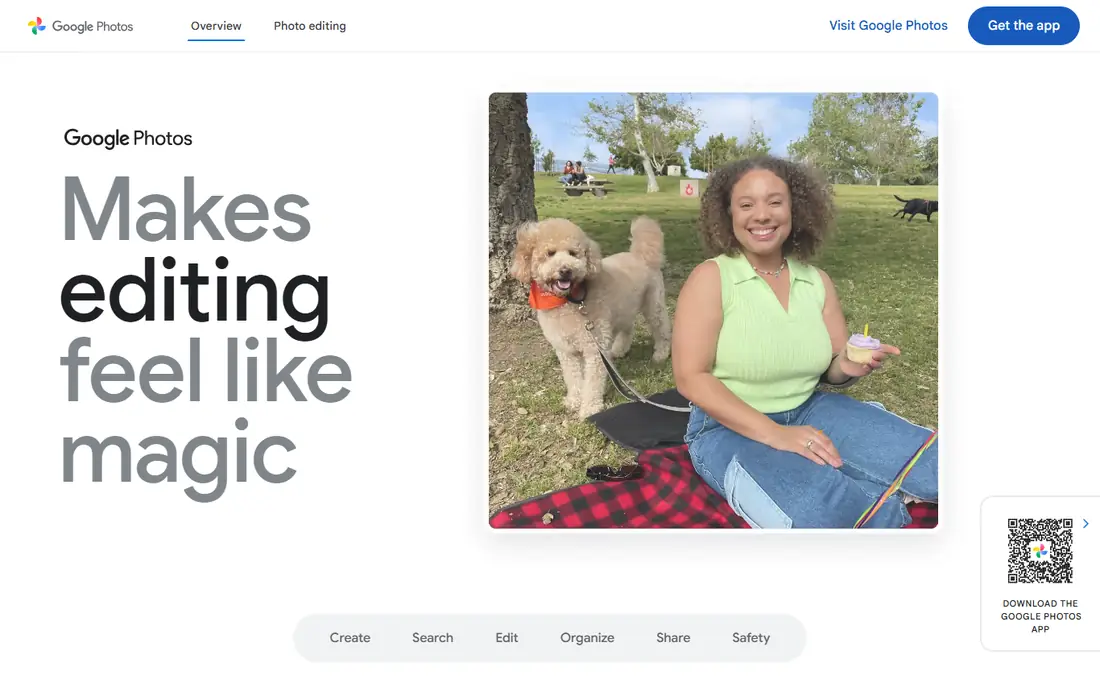
Google Photos is the default for most people because it is already on their phone and it just works. Backup is automatic, search finds people, places and objects without manual tags, and shared albums make it easy for family members to add photos to one collection. The free tier includes 15 GB shared across Google services, with Google One plans from $2.99 per month for 100 GB.
The limit is that shared storage fills up, especially if you back up video, and switching to a paid plan becomes necessary sooner than many expect. Privacy also deserves attention: check sharing settings and face-grouping options before you share widely. For everyday backup and family sharing, though, Google Photos is the easiest pick.
- 15 GB free shared storage
- Strong search and face grouping
- Easy shared albums
- Storage is shared with Gmail and Drive
- Original-quality uploads count against the limit
Flickr
Ideal for: Photography community
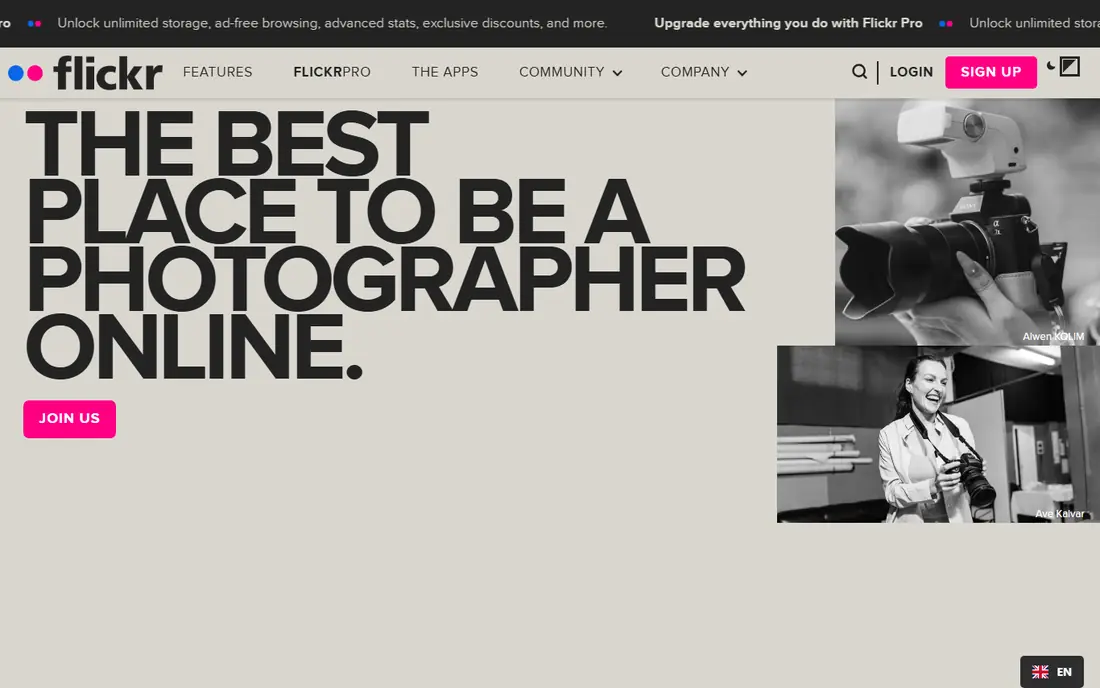
Flickr remains the home of the photography community. Groups, comments and Explore give photographers real feedback, and full EXIF display lets viewers see camera settings, which matters to learners and enthusiasts. Free accounts hold 1,000 photos, while Pro at $10.44 per month adds unlimited storage and removes ads.
The community is smaller than in Flickr's peak years, and the free limit means serious shooters will need Pro. For photographers who want their work seen by other photographers, with proper display and metadata, Flickr is still the best community choice.
- 1,000 free photos
- Strong groups and community
- Full metadata and EXIF display
- Pro costs $10.44 per month
- Free accounts show ads
SmugMug
Ideal for: Selling prints and portfolios
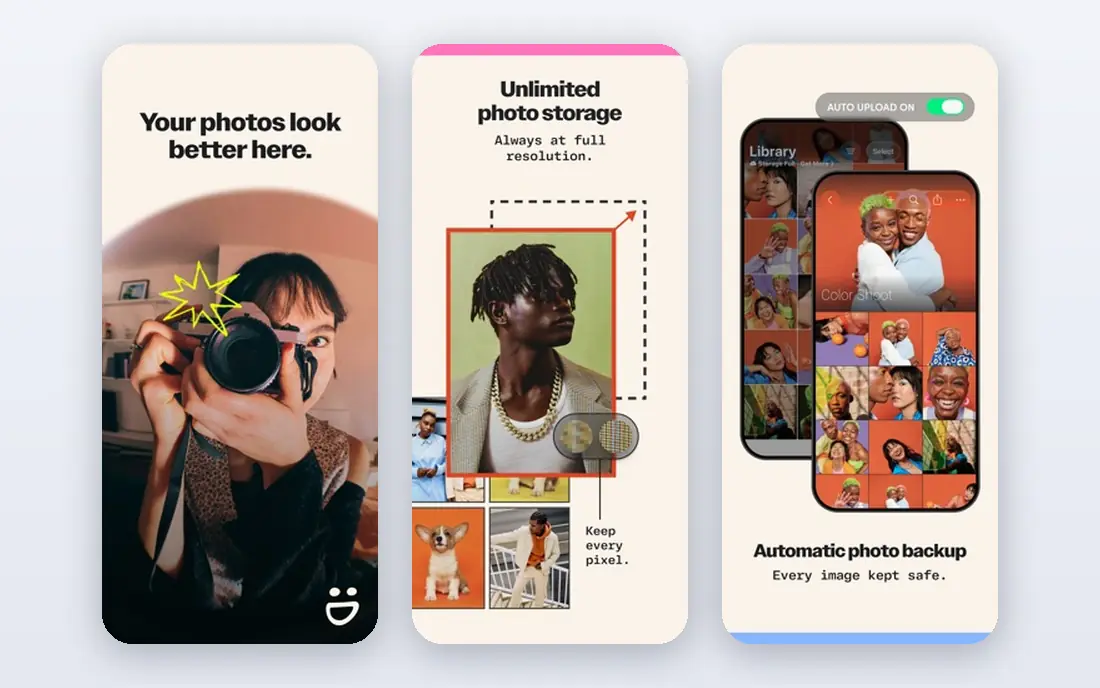
SmugMug is the professional's platform in this list. It offers unlimited storage, polished portfolio templates, client proofing galleries and built-in print fulfillment, so a photographer can present work and sell prints from one site. Plans have been listed from around $15 to $25 per month depending on tier, so check the current pricing page before budgeting.
There is no free plan, which keeps casual users away, and that is part of the point: SmugMug is built for photographers who treat their work as a business. If you sell prints or deliver client galleries, the storefront and proofing tools justify the price.
- Unlimited storage
- Professional portfolios
- Built-in print sales and client proofing
- No free plan
- Pricing starts higher than free-first rivals
Amazon Photos
Ideal for: Prime member storage
Amazon Photos is the best value in this list for anyone who already pays for Prime. Prime members get unlimited full-resolution photo storage, plus 5 GB for video, and a Family Vault lets up to five people share storage. The app backs up automatically from phones, and guest viewing works through invite links.
Without Prime, the value drops, since standalone plans cost more, and video storage remains limited even for members. For Prime households, though, it is the cheapest way to keep a full-resolution backup of every photo you take.
- Unlimited full-resolution photo storage for Prime members
- Family vault sharing
- Apps on iOS and Android
- Video storage is limited
- Best value only with a Prime membership
Apple iCloud Photos
Ideal for: Apple households
Apple iCloud Photos is the natural choice for households that live on iPhones, iPads and Macs. Photos sync across devices, the shared library lets up to six family members contribute to one collection, and editing on one device appears everywhere. The free tier includes 5 GB shared across iCloud, with paid plans from $0.99 per month for 50 GB.
Mixed-device families will hit a wall, since Android users can view a shared album link but cannot contribute to an iCloud shared library natively. For Apple-only households, the integration is smooth and the price is low. For mixed households, Google Photos or Amazon Photos fits better.
- Deep Apple device integration
- Shared library for up to six family members
- Automatic sync
- 5 GB free is small
- Android users cannot contribute to a shared library natively
500px
Ideal for: Discovery and licensing
500px is the platform for photographers who want their work discovered and licensed. Its discovery feed surfaces strong images to a global audience, and licensing tools let photographers earn from commercial use. The free tier allows limited weekly uploads, while paid plans start at around $3.99 per month.
The upload limits on free accounts mean active shooters will need a paid plan, and the community leans toward polished, commercial-style work rather than casual snapshots. If licensing and discovery are your goals, 500px is the best fit in this list.
- Discovery and licensing opportunities
- Free tier with weekly uploads
- Global photographer audience
- Free uploads limited to 21 per week in recent listings
- Paid plans from $3.99 per month
Dropbox
Ideal for: Cross-platform file access
Dropbox is not a photo platform first, but it is a dependable way to store and share photos across devices. Sync is reliable, link sharing is simple, and files are available on every major platform. The free tier includes 2 GB, with paid plans from $11.99 per month for larger storage.
Photo-specific features such as albums, community and print sales are thinner here than on Flickr or SmugMug, so Dropbox suits photographers who mainly need reliable file access and sharing, not a community or storefront. Pair it with a dedicated platform if you want both.
- Reliable sync across devices
- Easy link sharing
- 2 GB free
- Not photo-specific
- Photo features are thinner than dedicated platforms
Glass
Ideal for: Ad-free photography community
Glass is the quiet alternative for photographers who want a community without ads and engagement metrics. It displays high-resolution images with proper color profile support, keeps the interface clean, and avoids the like-count dynamics that shape other platforms. Pricing is $39.99 per year, with no free plan.
The community is smaller than Flickr's, so feedback and discovery are thinner. For photographers who value presentation quality and a calm browsing experience over reach, Glass is a refreshing choice, and its annual price is modest compared with SmugMug.
- Ad-free community
- High-resolution display with color profile support
- No like-count pressure
- No free plan
- Smaller community than Flickr
How we picked these
We compared official pricing pages, storage limits, privacy controls and public reviews for photo sharing services available in October 2026. We favored services with a working mobile app, clear storage terms and a real user base, and we left out services that only back up files without any sharing features.
What to check before you share your photos
Start with privacy. Check whether albums default to public or private, who can download your originals, and whether face grouping or location data is shared. Set sensitive albums to private, and review the sharing links you have sent, since old links can stay live longer than you expect.
Then check storage math. Add up your photo and video library, compare it with the free tier, and price the paid tier you will actually need in a year, not just today. A service that looks free can become a monthly bill once your library grows, so choose one whose paid tier you are happy to keep.
Finally, keep a second copy. No single cloud service should hold the only copy of photos that matter to you. Keep an external drive or a second cloud backup, and test restoring a few files each year, so a service change or account problem never costs you irreplaceable memories.
Frequently asked questions
What is the best free photo sharing platform?
Google Photos is the best free option for most people, with 15 GB of shared storage and strong search. Flickr is better for photographers who want community feedback, with 1,000 free photos.
Which photo sharing platform is best for professionals?
SmugMug is the best professional pick, thanks to unlimited storage, portfolios and print sales. Flickr Pro and 500px are strong alternatives for community and licensing.
Is Amazon Photos really unlimited?
For Prime members, Amazon Photos offers unlimited full-resolution photo storage, with 5 GB for video. Without Prime, storage is limited, so the value depends on your membership.
How do I keep my shared photos private?
Set albums to private or invite-only, disable public links where possible, and check face-grouping and location settings. Review your sharing settings regularly, especially after app updates that may reset defaults.
What is the best photo sharing app for families?
Google Photos and Amazon Photos both work well for families, with shared albums and family vaults. Apple iCloud Photos is best for Apple-only households, while mixed-device families should prefer Google Photos or Amazon Photos.