7 Best Physician Scheduling Software Options for 2026

- Number one here is Amion, a fit for straightforward on-call schedules.
- Amion, Intrigma and the 5 others all need a premium plan or a trial, since no free plan is listed.
- Every tool from Amion to Intrigma works by quote, with no list price shown.
- Intrigma fits resident and fellow scheduling.
Direct answer
Our first pick is Amion, best for straightforward on-call schedules. Spok is the stronger choice for on-call and clinical communication, while Shift Admin suits rules-based group scheduling. The remaining 4 options are covered below with prices and limits.
Quick comparison
| Product | Ideal for | Price from | Free version | |
|---|---|---|---|---|
 Amion | Straightforward on-call schedules | See website | Free trial | Visit |
 Spok | On-call and clinical communication | See website | No | Visit |
 Shift Admin | Rules-based group scheduling | See website | No | Visit |
 QGenda | Enterprise physician scheduling | See website | No | Visit |
 Symplr | Healthcare workforce operations | See website | No | Visit |
 PerfectServe | AI-optimized hospital scheduling | See website | No | Visit |
 Intrigma | Resident and fellow scheduling | See website | No | Visit |
The best physician scheduling software
If you are comparing physician scheduling software, this page covers 7 tools in one place: what each is best for, what it costs to start, whether it has a free plan, and the main limit to know about.
Amion
Ideal for: Straightforward on-call schedules
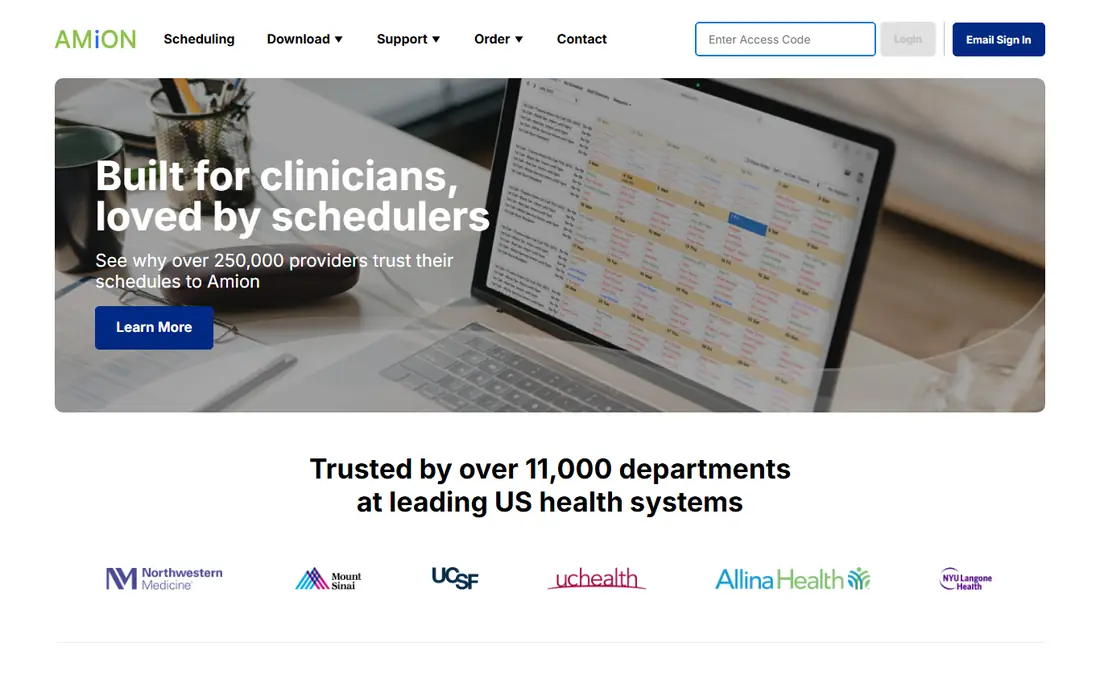
Amion is built with straightforward on-call schedules in mind. Amion is the scheduler physicians ask for by name. It does on-call schedules just and well: build the rotation, publish it, deal with swaps, and everyone knows who is on.
On top of that, residents and small groups adopt it without training or IT projects. It will not auto-generate complicated enterprise schedules or integrate deeply with hospital systems. But most scheduling pain is more straightforward than vendors suggest: knowing who is on call right now. Amion shows no starting price here, so confirm the cost on the vendor site. Trial and free access: Free trial.
Downsides: Less automation.
- Quick schedule creation
- Beloved simplicity
- Restricted enterprise features
Spok
Ideal for: On-call and clinical communication
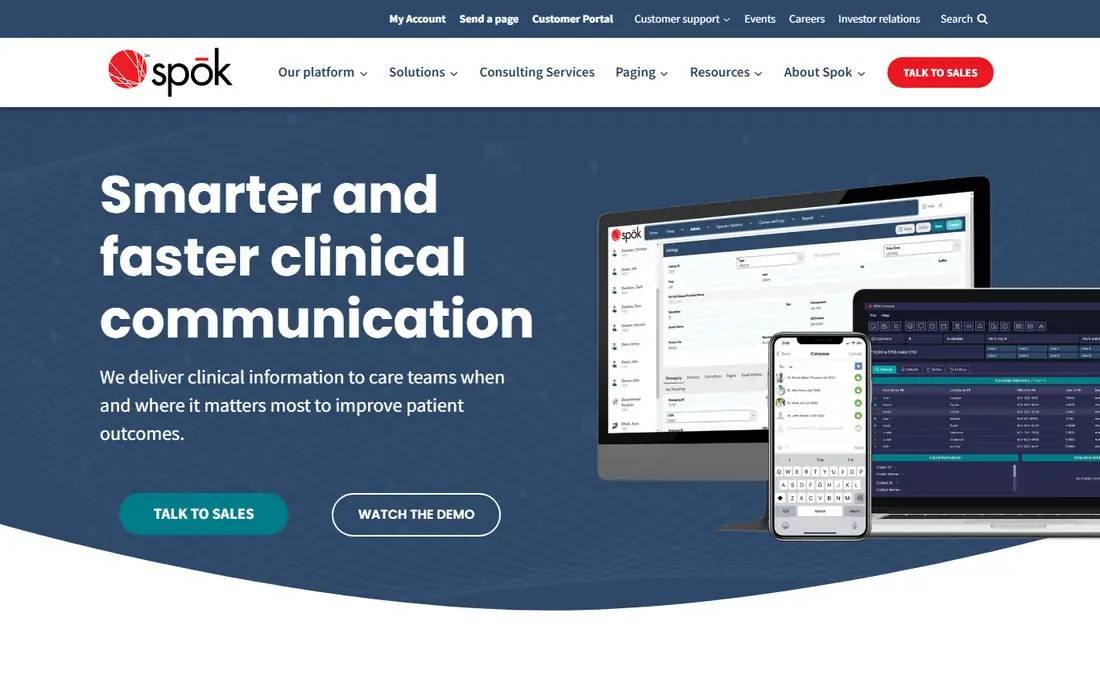
Spok is a good fit for on-call and clinical communication. The product line carries legacy weight, though modernization continues. But reliability in clinical communication is non-negotiable, and Spok's track record counts.
The main drawbacks: Legacy feel.
The on-call logic takes care of the escalations and failovers critical care needs. Its scheduling plugs into paging, secure messaging, and contact center workflows that hospitals have relied on for years. Spok does not show a starting price in this comparison, so check the vendor site for current pricing. Spok has no free tier.
- Paging heritage
- Deep on-call scheduling
- Modernization continuing
Shift Admin
Ideal for: Rules-based group scheduling
Pick Shift Admin if this describes you: rules-based group scheduling. Shift Admin provides large physician groups a capable rules engine for complicated scheduling: shift equity, consecutive-day limits, credential requirements, and preference weighting all factor into generated schedules. In daily use, groups that outgrow spreadsheets but cannot justify QGenda's enterprise pricing find the sweet spot here.
Trade-offs to know: Interface utilitarian.
But schedulers care about the rules engine's accuracy, not its beauty. For everyday use, for emergency medicine, hospitalist, and anesthesia groups with intricate staffing rules, Shift Admin gives enterprise-grade logic at mid-market prices. Shift Admin does not show a starting price in this comparison, so check the vendor site for current pricing. Shift Admin has no free tier.
- Fair pricing
- Feature-rich scheduling rules engine
- Less brand recognition
QGenda
Ideal for: Enterprise physician scheduling
In short, QGenda is for enterprise physician scheduling. But for hospitals and large practices where scheduling consumes FTEs and errors build compliance risk, QGenda's automation pays back rapidly.
Drawbacks to consider: Implementation takes time.
Check the vendor site for QGenda pricing; none is listed in this comparison. There is no free plan with QGenda.
- Capable integrations
- Market-leading automation
- Enterprise pricing
Symplr
Ideal for: Healthcare workforce operations
Symplr targets healthcare workforce operations. Symplr approaches scheduling as part of healthcare workforce operations, alongside credentialing, provider data management, and compliance. Worth adding: organizations already using Symplr for provider management get scheduling that shares the same provider directory and credential data.
Where it falls short: Scheduling one module among plenty of.
Standalone scheduling buyers will find deeper specialists elsewhere. For systems already in the Symplr ecosystem, the integration argument is capable. Check the vendor site for Symplr pricing; none is listed in this comparison. Symplr has no free plan.
Strengths: Credentialing tie-in.
- Enterprise scale
- Wide healthcare operations system
- Enterprise pricing
PerfectServe
Ideal for: AI-optimized hospital scheduling
Think of PerfectServe for AI-optimized hospital scheduling. PerfectServe's Lightning Bolt brings AI-driven optimization to physician scheduling: it balances provider preferences, patient demand patterns, and business rules to produce schedules humans would take weeks to build. In practice, the clinical communication system means schedules link directly to messaging and on-call routing.
This is enterprise software with enterprise timelines and budgets. On top of that, for complicated academic medical centers, the AI optimization addresses scheduling problems manual processes cannot solve. PerfectServe shows no starting price here, so confirm the cost on the vendor site. PerfectServe does not include a free plan.
Limits to weigh: Complicated deployments.
- Lightning Bolt AI optimization
- Clinical communication tie-in
- Enterprise pricing
Intrigma
Ideal for: Resident and fellow scheduling
Intrigma targets resident and fellow scheduling. For GME offices, that focus matters more than general scheduling depth.
In daily use, program coordinators get tools designed for their actual workflow instead of adapted from attending scheduling. This comparison lists no price for Intrigma; ask the vendor. Intrigma has no free tier.
Trade-offs to know: Niche focus.
- Duty-hour compliance
- Resident-friendly
- Less for attending physicians
How we built this list
The comparison looks at four things: starting price, free access, how well the feature set matches physician scheduling software, and the main limit of each tool. Where a price is missing, the vendor does not list one publicly or ties it to a quote. Always confirm before budgeting. We ordered the tools by general fit, then by how clearly pricing is shown, then by free access. A buyer with unusual needs may reorder them.
Pre-purchase checklist
- Ask each vendor, from Amion to Intrigma, for a written quote; none of them publishes a starting price.
- Use real work to test the free trial from Amion, rather than a demo project.
- Before choosing Amion, weigh its main limit: less automation.
- Check whether Shift Admin bills monthly or annually, and what cancelling early costs.
- Involve the people who will use PerfectServe daily; a short pilot beats a long feature checklist.
Frequently asked questions
Can I try these options before paying?
Often, yes. Amion offers a free trial. Use your own data and a real task during the test, and check what the free tier or trial limits before you rely on it.
Do these tools publish their prices?
No. None of the tools, from Amion to Intrigma, shows a fixed starting price here, so budget time for quotes.
Should small practices buy enterprise scheduling?
Typically not. Groups under twenty providers do well with Amion or Shift Admin at accessible prices. Enterprise products earn their cost through automation at scale; small groups pay for complexity they will not use. Grow into enterprise tools when scheduling consumes real administrative time.
How much does physician scheduling software cost?
Mid-market products run into the five figures. Enterprise deployments of QGenda or PerfectServe are quote-based and can reach six figures annually for large organizations including implementation.
Can scheduling software manage resident duty hours?
Intrigma builds duty-hour compliance into residency scheduling. Verify ACGME reporting capabilities specifically if compliance reporting matters to your program.
Is Amion the right pick for everyone comparing physician scheduling software?
No single tool suits every team. Amion comes first because it fits simple on-call schedules, while Spok suits on-call and clinical communication and Shift Admin suits rules-based group scheduling. Match the tool to your own size, budget and workflow before deciding.