Best Planner App Free in 2026: 8 Free Apps Compared

- 1
 TodoistAll-round daily planningVisit
- 2
 TickTickTasks plus calendar and habitsVisit
- 3
 Microsoft To DoMicrosoft ecosystem tasksVisit
- 4
 Google TasksGoogle ecosystem tasksVisit
- 5
 NotionNotes plus plannerVisit
- Todoist is our pick for most planners, with a strong free tier, natural language task entry and apps on every platform.
- TickTick suits users who want a calendar, habits and Pomodoro timer beside tasks, all in one free-friendly app.
- Microsoft To Do and Google Tasks suit users already inside Microsoft or Google ecosystems, with genuinely free task lists.
- The best free planner is the one you check daily, so pick the app whose today view you actually open, not the one with the most features.
Quick comparison
| Product | Ideal for | Price from | Free version | |
|---|---|---|---|---|
| Todoist | All-round daily planning | See website | Yes | Visit |
| TickTick | Tasks plus calendar and habits | See website | Yes | Visit |
| Microsoft To Do | Microsoft ecosystem tasks | Free | Yes | Visit |
| Google Tasks | Google ecosystem tasks | Free | Yes | Visit |
| Notion | Notes plus planner | See website | Yes | Visit |
 Any.do | Simple lists and reminders | See website | Yes | Visit |
 Remember The Milk | Classic smart lists | See website | Yes | Visit |
 ClickUp | Free team planning | See website | Yes | Visit |
The best planner app free
A planner app must capture tasks fast, show today clearly, remind you at the right time and sync across phone and computer. Free tiers differ in project limits, reminders, collaboration and calendar views, so the best free app depends on how you plan. We compared free tiers, task entry, calendar views, reminders and platform support.
Todoist
Ideal for: All-round daily planning
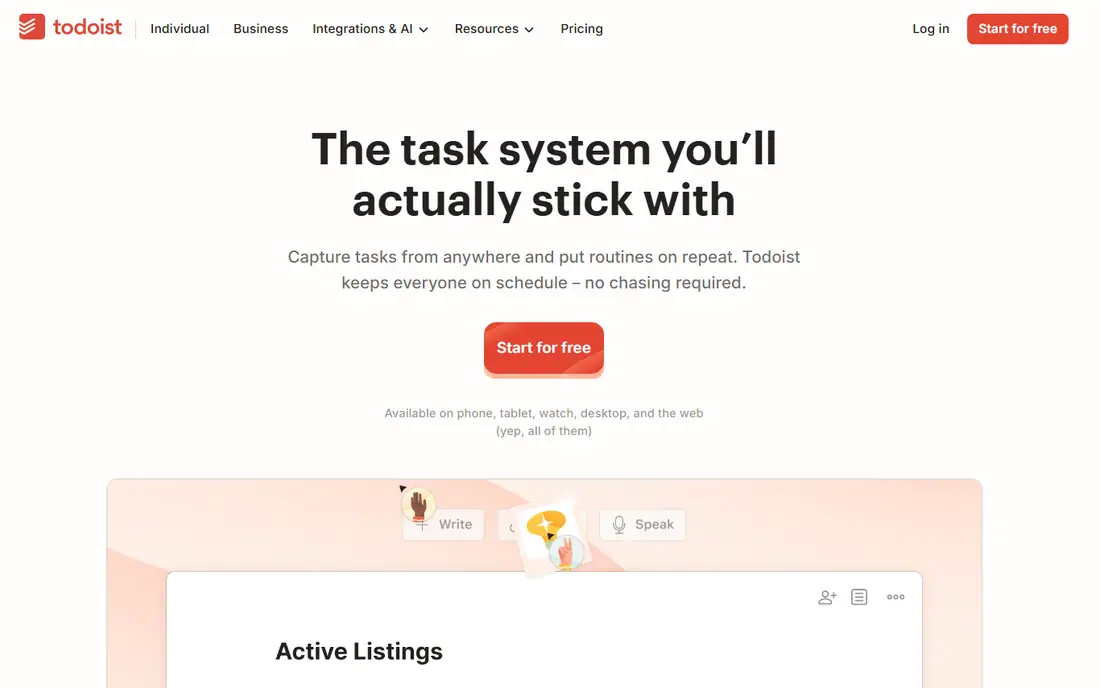
Todoist is the all-round free planner pick. Its free tier covers projects, labels, filters and task entry, with natural language parsing that turns a typed phrase into a dated, prioritised task in seconds. Apps on phones, desktop and web sync reliably, and the today view keeps daily planning focused on what matters now.
The catch is reminders. Location and time reminders, plus some advanced filters, sit on the paid Pro plan, so a user who relies on push reminders for every task may need to upgrade. For a planner who checks a today list daily, Todoist free tier is enough for most personal planning.
- Strong free tier with projects and filters
- Natural language task entry
- Apps on every major platform
- Reminders and advanced filters need a paid plan
- Calendar layout is simpler than TickTick
TickTick
Ideal for: Tasks plus calendar and habits
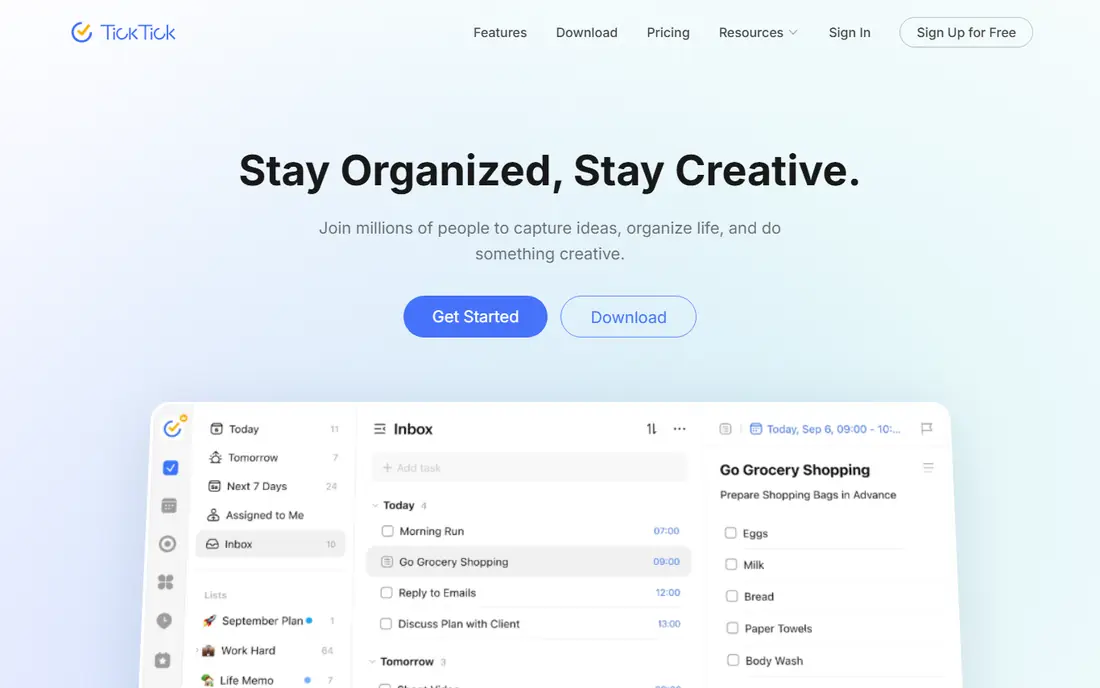
TickTick suits users who want planning, habits and focus tools in one place. Its free tier covers tasks, lists, calendar views, habit tracking and a Pomodoro timer, which helps a user plan a day, build a habit and focus on work without switching apps. Calendar integration shows tasks beside events, which many pure task apps lack.
The weakness is simplicity. TickTick offers so much that minimalists may find it busy, and some advanced lists, calendar features and themes need a paid plan. For a user who wants one app for tasks, habits and focus, TickTick free tier is the most complete package here.
- Tasks, calendar, habits and Pomodoro timer in one app
- Strong free tier
- Clean today and calendar views
- Some advanced lists and features need a paid plan
- Interface can feel busy for minimalists
Microsoft To Do
Ideal for: Microsoft ecosystem tasks
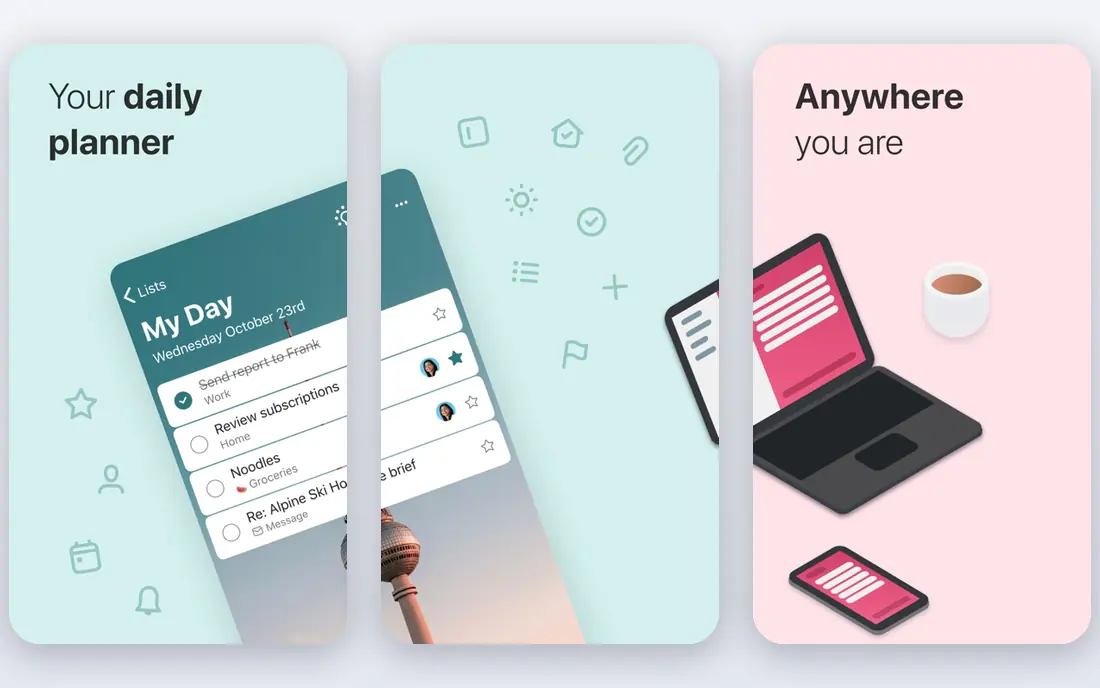
Microsoft To Do suits Microsoft 365 users who want a free, reliable task list. It is fully free for core tasks, with a My Day view that helps you pick today priorities, lists, reminders and integration with Outlook mail, calendar and Teams tasks. That Microsoft fit makes it effortless for work accounts.
The limit is depth. Project management, advanced filters and team planning trail Todoist and ClickUp, and calendar power comes from Outlook rather than To Do itself. For a Microsoft user who needs a clean daily list, To Do is free and sufficient.
- Fully free with no paid tier for core tasks
- My Day focus view
- Deep Outlook and Teams integration
- Project and collaboration features are lighter than Todoist or ClickUp
- No built-in calendar beyond Outlook
Google Tasks
Ideal for: Google ecosystem tasks
Google Tasks suits Google users who want the simplest possible list. It lives inside Gmail and Google Calendar, so a task can start from an email in one click, and lists sync across phone and web without a separate subscription. That simplicity is its main virtue for users who already live in Google apps.
The weakness is power. Google Tasks lacks projects, tags, priorities beyond starring, and advanced reminders, so a user with complex planning needs will outgrow it fast. For a Google user with a short daily list, Google Tasks is free, fast and frictionless.
- Fully free
- Simple lists inside Gmail and Calendar
- Fast capture from email
- Very basic features, with no projects, tags or advanced reminders
- Collaboration is minimal
Notion
Ideal for: Notes plus planner
Notion suits planners who want notes, projects and tasks in one workspace. Its free personal tier covers unlimited pages and blocks, with databases, boards, calendars and templates that can build a weekly planner, a habit tracker or a project hub. That flexibility appeals to users who plan in documents, not just in lists.
The catch is reminders and focus. Notion reminders are weaker than Todoist or TickTick, and building a good planner takes setup time that a simple task app avoids. Notion fits a user who already takes notes in Notion and wants planning beside them, not a user who wants a ready-made today list.
- Free tier for personal use
- Notes, databases and planner views in one workspace
- Templates for every planning style
- Task reminders are weaker than dedicated planners
- Setup takes time to build a good system
Any.do
Ideal for: Simple lists and reminders
Any.do suits users who want a simple list with a daily review ritual. Its free tier covers lists, reminders and a Moment feature that walks through today tasks each morning, which helps a user start the day with intention rather than a long, guilt-inducing list. Calendar integration shows tasks beside events.
The limit is project depth. Any.do handles lists and reminders well, but complex projects, filters and team planning trail Todoist and ClickUp, and advanced features need a paid plan. For a simple daily planner with reminders, Any.do is calm and effective.
- Simple lists with reminders and a daily Moment review
- Clean interface
- Calendar integration
- Advanced features and team tools need a paid plan
- Project depth trails Todoist and ClickUp
Remember The Milk
Ideal for: Classic smart lists
Remember The Milk suits planners who love smart lists and search. Its free tier covers tasks, lists, tags and smart lists built from saved searches, which lets a power user slice tasks by due date, tag, location or priority in ways simpler apps cannot match. That search power has kept it popular for many years.
The weakness is modern polish. Its interface feels older than Todoist or TickTick, and some features, such as advanced reminders and integrations, need a paid Pro plan. For a planner who thinks in searches and smart lists, Remember The Milk remains a distinctive and capable choice.
- Smart lists with powerful search and filters
- Long history as a trusted task app
- Apps on major platforms
- Interface feels older than Todoist or TickTick
- Some features need a paid Pro plan
ClickUp
Ideal for: Free team planning
ClickUp suits teams and power planners who want a free, full workspace. Its free tier covers unlimited tasks and members for basic use, with lists, boards, calendars, docs, goals and many views in one platform. That generosity makes ClickUp the best free team planner here, especially for a small team that cannot yet pay for project software.
The catch is complexity. ClickUp offers so many features that a personal planner may feel overwhelmed, and large workspaces can feel heavy. For a solo user with a simple list, Todoist or TickTick will feel faster, while a team that needs docs, goals and views free will prefer ClickUp.
- Generous free tier for teams
- Tasks, docs, goals and views in one workspace
- Many integrations
- Feature depth can overwhelm personal planners
- Performance can feel heavy on large workspaces
How we picked these
We compared free tier limits, task entry, calendar views, reminders, collaboration and platform support for apps still operating in October 2026. We kept simple lists, all-round planners and team workspaces in the list, since free planning needs differ. We did not test every free tier limit in daily use, so confirm current free limits on the vendor site before committing to a system.
What to check before you buy
Start with your daily habit, not with features. A planner only works if you open it every morning, review today tasks, and capture new tasks the moment they arrive, so pick the app whose today view and capture flow feel fastest to you. Test capture from phone, desktop and email, since a task that takes a minute to enter will not get entered.
Next, check free tier limits against your real use. Count projects, tasks, collaborators, reminders and calendar needs, and confirm they fit the free tier, since a free plan that caps projects at five will frustrate a user with ten areas of life. Upgrade only when a limit actually blocks you, not because a paid feature looks appealing.
Finally, keep the system simple. Use one today list, one inbox for new tasks, and a weekly review to clear stale tasks, rather than building a complex system with dozens of projects and tags. A simple planner you use daily beats a powerful planner you abandon in week two, and most free tiers here support a simple system well.
Frequently asked questions
What is the best free planner app?
Todoist is our pick for most users because of its strong free tier, natural language entry and cross-platform apps. TickTick suits users who want habits and a calendar too, while Microsoft To Do and Google Tasks suit users inside those ecosystems.
Is Todoist free really enough for daily planning?
Yes, for most personal planning, since the free tier covers projects, labels, filters and task entry. Reminders and some advanced filters need a paid plan, so users who rely on push reminders for every task may need Pro, while daily list checkers will manage free.
What is the best free planner for teams?
ClickUp offers the most generous free tier for teams, with unlimited tasks and members for basic use, plus docs, goals and many views. Todoist and TickTick free tiers suit personal use better, while ClickUp suits a small team that needs shared planning free.
Can I use a planner app without paying?
Yes. All apps in this list offer free tiers, and Microsoft To Do and Google Tasks are fully free for core tasks. Free tiers cover daily planning well, with paid plans adding reminders, advanced filters, collaboration and storage for heavier users.
How do I stick with a planner app?
Check it every morning, capture tasks immediately, keep today list short, and review weekly to clear stale tasks. A planner fails when capture is slow or the list grows unchecked, so keep the system simple and review it on a fixed day each week.