Best Platform for Creating Online Courses in 2026: 8 Platforms Compared

- Teachable and Thinkific are our top picks for course creators, with hosting, payments and student tools in one place.
- Kajabi suits creators who want courses plus marketing, email and websites in one system.
- Podia and LearnWorlds offer strong alternatives, with Podia leading on simplicity and LearnWorlds on interactive learning.
- Mighty Networks, LearnDash and Graphy suit community courses, WordPress sites and specific markets.
- Compare transaction fees, not just monthly prices, since fees on each sale add up as you grow.
Quick comparison
| Product | Ideal for | Price from | Free version | |
|---|---|---|---|---|
 Teachable | Course hosting and selling | Free | Yes | Visit |
 Thinkific | Course creation with no transaction fees | Free | Yes | Visit |
 Kajabi | Courses plus marketing in one system | See website | Free trial | Visit |
 Podia | Simple course and digital product selling | Free | Yes | Visit |
 LearnWorlds | Interactive and engaging courses | See website | Free trial | Visit |
 Mighty Networks | Community based courses | See website | Free trial | Visit |
 LearnDash | Courses on a WordPress site | See website | No | Visit |
 Graphy | Course platform for creators in growing markets | See website | Free trial | Visit |
The best platform for creating online courses
A course platform should handle video hosting, student enrollment, payments and progress tracking, so you can focus on teaching. The platforms below differ in marketing tools, community features and fees, so match the platform to how you plan to sell.
Teachable
Ideal for: Course hosting and selling
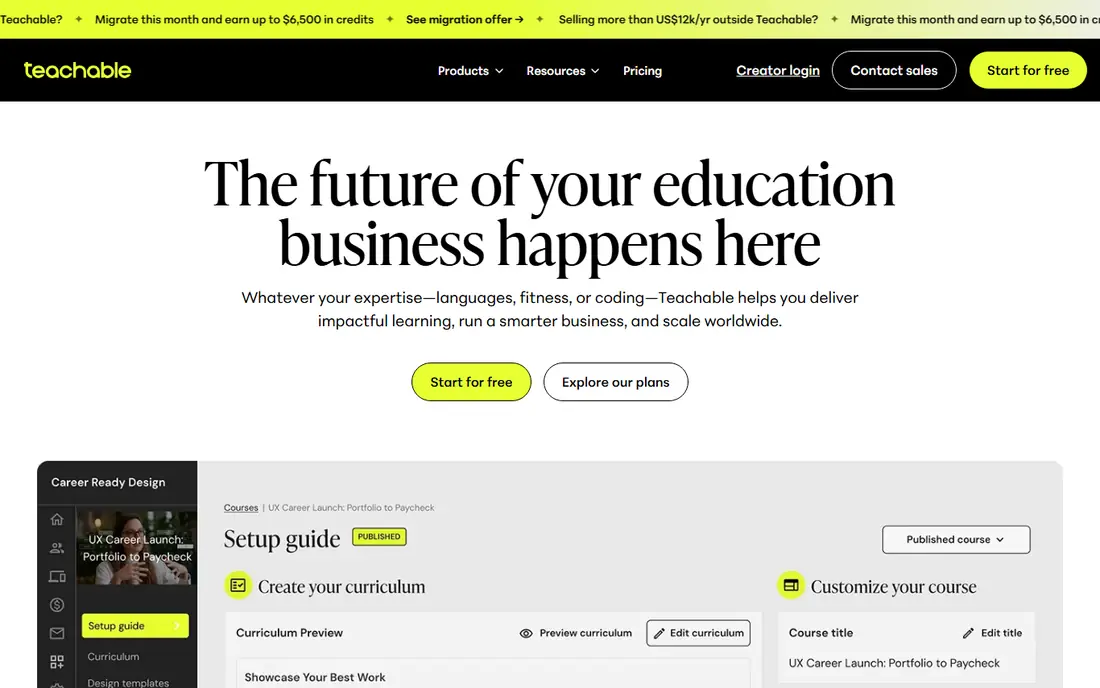
Teachable is one of the most popular course platforms, with a simple builder for video lessons, quizzes and resources, plus payments, student management and basic marketing tools. Creators can launch a course quickly without building a website or payment system.
Transaction fees apply on lower plans, so check the fee for your plan as sales grow, since fees can outweigh a lower monthly price. Customization is limited compared with WordPress. For a creator who wants to launch fast, Teachable is a reliable first choice.
- Easy course builder
- Payments handled
- Student management
- Transaction fees on lower plans
- Customization is limited
Thinkific
Ideal for: Course creation with no transaction fees
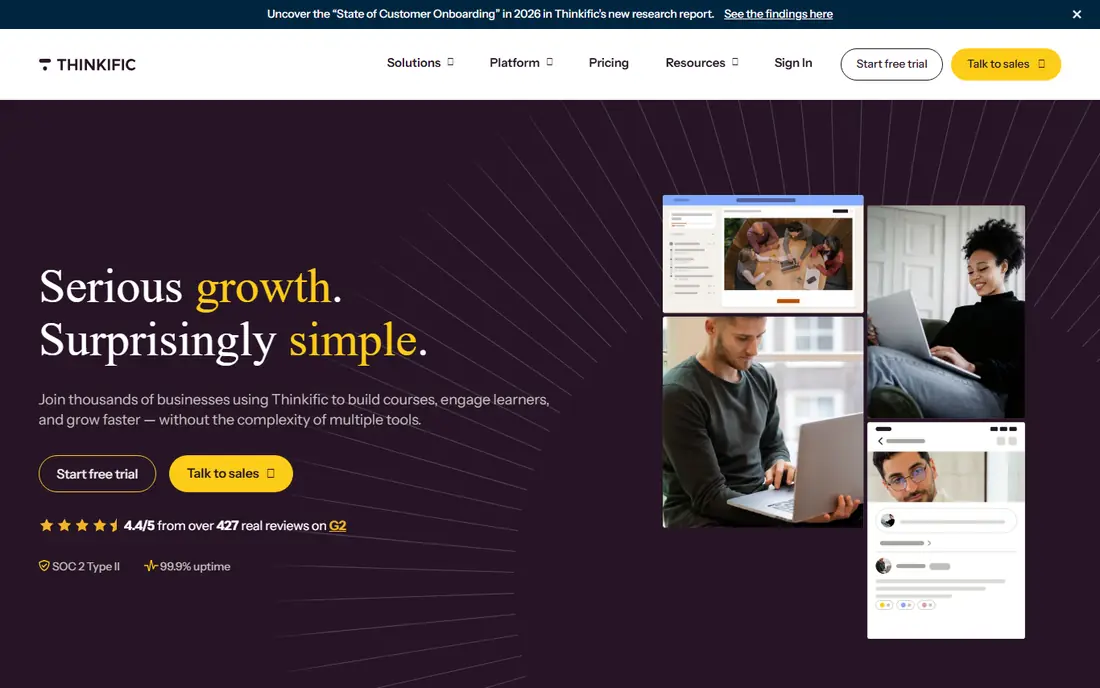
Thinkific offers course creation and selling with no transaction fees on paid plans, which appeals to creators who sell at volume. Its builder covers video, quizzes, assignments and certificates, with student management and basic marketing tools.
Marketing tools are lighter than Kajabi, so creators who need advanced email and funnels may add other tools. For a creator who wants a solid course platform without per sale fees, Thinkific is an excellent choice, and its free plan lets you test the builder.
- No transaction fees on paid plans
- Good course builder
- Student tools
- Marketing tools are lighter than Kajabi
- Some features need higher plans
Kajabi
Ideal for: Courses plus marketing in one system
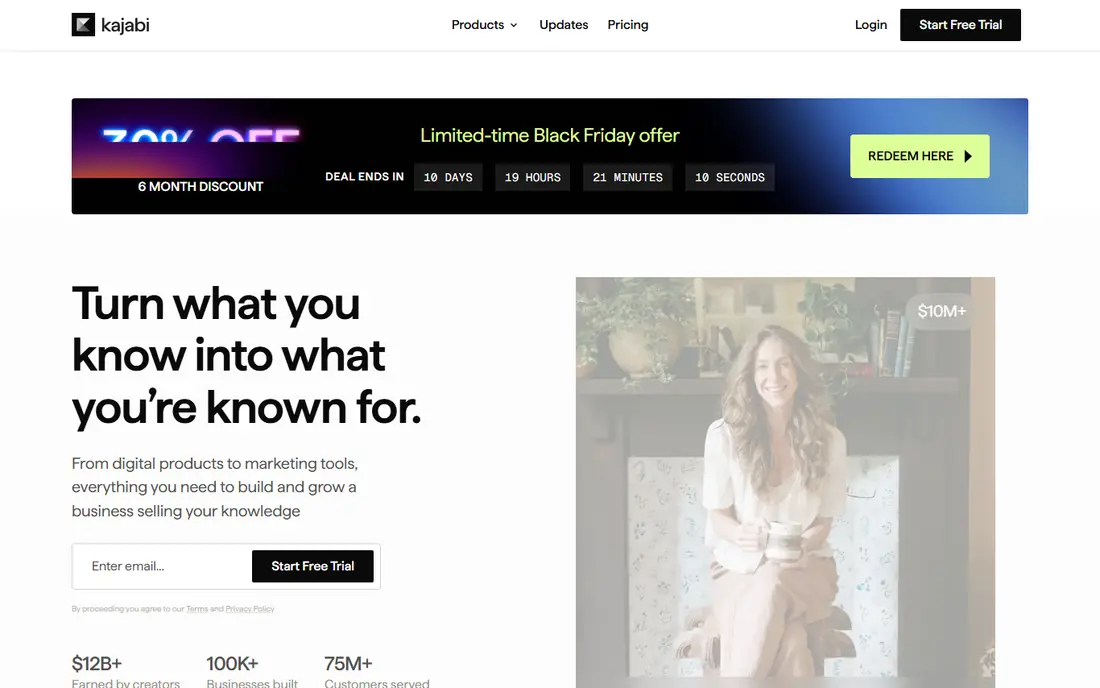
Kajabi combines courses, websites, email marketing, funnels and payments in one system, which suits creators who sell courses as a business rather than a side project. That integration means you can run launches, email sequences and sales pages without stitching together several tools.
The monthly price is higher than Teachable or Thinkific, and learning the full system takes time. For a creator ready to invest in a complete course business, Kajabi offers the most integrated solution in this list, with no transaction fees on its plans.
- Courses, email, funnels and websites together
- Strong marketing tools
- No transaction fees
- Higher monthly price
- Learning curve for full system
Podia
Ideal for: Simple course and digital product selling
Podia is a simple platform for selling courses, downloads and memberships, with a friendly builder and no transaction fees on paid plans. Its simplicity suits creators who want to launch quickly without learning a complex system.
Advanced course features such as detailed quizzing and certificates are fewer than LearnWorlds or Thinkific, and community tools are basic. For a creator who values simplicity and low fees, Podia is a refreshing choice.
- Simple and friendly
- Courses plus downloads and memberships
- No transaction fees
- Fewer advanced course features
- Community tools are basic
LearnWorlds
Ideal for: Interactive and engaging courses
LearnWorlds focuses on interactive learning, with interactive video, assessments, certificates and strong branding options for schools and companies. Its tools help creators build courses that feel engaging rather than just a playlist of videos.
Pricing is higher than simple platforms, and interactive features take time to learn. For a school, company or creator who wants polished, interactive courses, LearnWorlds is the most capable platform in this list.
- Interactive video and assessments
- Strong branding
- Good for schools and companies
- Higher price than simple platforms
- Learning curve for interactive features
Mighty Networks
Ideal for: Community based courses
Mighty Networks combines community and courses, letting creators build a member space where students discuss, share and learn together. That community layer suits cohort courses, coaching programs and memberships where peer interaction matters as much as lessons.
Course features are lighter than dedicated course platforms, so a creator who needs advanced quizzing should compare carefully. For a community first course business, Mighty Networks is a strong choice, with a mobile app for members.
- Community plus courses together
- Mobile app
- Membership tools
- Course features are lighter than Teachable
- Pricing varies by plan
LearnDash
Ideal for: Courses on a WordPress site
LearnDash is a WordPress plugin that turns a WordPress site into a course platform, with quizzes, certificates, drip content and student management. It gives creators full control over design, data and pricing, without platform transaction fees beyond payment processing.
It needs WordPress setup, hosting and maintenance, so it suits creators comfortable with WordPress or with a developer. For a creator who already runs a WordPress site and wants courses inside it, LearnDash is the best choice.
- Full control on WordPress
- Quizzes, certificates and drip content
- One time style pricing
- Needs WordPress setup and maintenance
- No hosted simplicity
Graphy
Ideal for: Course platform for creators in growing markets
Graphy, formerly Spayee, offers courses, live classes and memberships with marketing tools, and it is popular with creators in growing markets, especially India. Its mobile friendly design suits learners who study mainly on phones.
It is less known in the US, so US creators should check payment, tax and support fit for their market. For a creator serving mobile learners in markets where Graphy is established, it is a capable and affordable platform.
- Courses, live classes and memberships
- Good for mobile learners
- Marketing tools
- Less known in the US
- Feature fit varies by market
How we picked these
We compared official feature pages, pricing pages and public reviews for each platform, focusing on products that are still maintained and work in October 2026. We favored platforms with reliable video hosting, payments, student tools and a clear fee structure. We left out marketplaces that control pricing, discontinued platforms, and tools that only hosted video with no course features. Prices change, so check the vendor site before you buy.
How to choose a course platform
Start with how you will sell. If you sell through your own audience, a hosted platform such as Teachable or Thinkific works well. If you need marketing funnels and email together, Kajabi may save you several subscriptions. If community matters most, Mighty Networks deserves a trial.
Next, compare total cost, not just monthly price. Add transaction fees, payment processing, email tools and website costs to get a true monthly figure at your expected sales volume. A cheap monthly plan with high transaction fees can cost more than a pricier plan with no fees.
Finally, test with a real mini course. Build three lessons, enroll a few test students, run a payment, and check the student experience on mobile. A platform that feels good to students will retain them, and retention is what makes a course business last.
Student completion is the metric that matters most for a course business, since a course nobody finishes generates no testimonials, no referrals, and no repeat sales. Design for completion by keeping lessons short, adding a clear first win in the opening module, and sending progress reminders that feel encouraging rather than nagging. Check your platform completion reports weekly in the early months, and revise the lessons where students most often stop. A shorter course that students finish beats a longer course they abandon. Also plan your support load before launch. Students will ask questions about access, payments, and content, and slow answers hurt reviews quickly. Decide whether you will answer support yourself, hire help, or use a community forum, and set response time expectations on your sales page. Good support is part of the course product, and students remember it when deciding whether to buy your next course.
Pricing psychology matters for courses, since a price that is too low can signal low value while a price that is too high without proof will stall sales. Test pricing with a founding cohort at a lower rate in exchange for feedback and testimonials, then raise the price once you have student results to show. Offer a clear guarantee or refund window that matches your confidence in the course, since a fair guarantee increases conversions more than a discount does. Price for the transformation you deliver, not for the hours of video you recorded.
Frequently asked questions
What is the best platform for creating online courses?
Teachable and Thinkific are the best all round choices for most creators, with Kajabi best for a full course business. Podia is best for simplicity, while LearnWorlds leads for interactive courses. Match the platform to your selling model.
How much does a course platform cost?
Costs range from free plans with limits to monthly subscriptions, plus payment processing and sometimes transaction fees. Compare total cost at your expected sales volume, not just the headline monthly price.
Do course platforms charge transaction fees?
Some do, especially on lower plans, while others such as Thinkific paid plans, Kajabi and Podia charge no platform transaction fees. Always check the fee for your exact plan before launching.
Can I sell courses without a website?
Yes, hosted platforms such as Teachable, Thinkific, Kajabi and Podia give you a course sales page and checkout, so you do not need a separate website to start. A separate site helps for branding later, but it is not required.
What is the best free course platform?
Teachable, Thinkific and Podia all offer free plans that let you build and test a course. Free plans usually limit features or charge transaction fees, so move to a paid plan once sales grow.