Best platform for swing trading in 2026: 7 Options Compared

- 1
 TradingViewtraders who want charts and screenersVisit
- 2
 Thinkorswimactive traders who want deep toolsVisit
- 3
 Interactive Brokerstraders who want global low cost accessVisit
- 4
 Webulltraders who want a modern low cost appVisit
- 5
 E*TRADEtraders who want a balanced brokerVisit
- TradingView suits traders who want charts, screeners and ideas in one place.
- Thinkorswim and TradeStation suit active traders who want deep analysis tools.
- Interactive Brokers suits traders who want global markets and low costs.
- Webull, E*TRADE and Fidelity suit traders who want a simpler start with strong apps.
Quick comparison
| Product | Ideal for | Price from | Free version | |
|---|---|---|---|---|
| TradingView | traders who want charts and screeners | See website | Yes | Visit |
| Thinkorswim | active traders who want deep tools | See website | No | Visit |
| Interactive Brokers | traders who want global low cost access | See website | No | Visit |
| Webull | traders who want a modern low cost app | See website | No | Visit |
| E*TRADE | traders who want a balanced broker | See website | No | Visit |
 Fidelity | traders who want a trusted full service broker | See website | No | Visit |
 TradeStation | active traders who want strategy tools | See website | No | Visit |
The best platform for swing trading
Swing trading means holding stocks for days or weeks to capture a price move, so a platform needs good charts, screeners, alerts and order tools. We compared official platform pages, fee schedules and public reviews, focusing on charting, screening, fees, mobile apps and research. This is not financial advice, and trading carries risk, including loss of capital, so only trade with money you can afford to lose.
TradingView
Ideal for: traders who want charts and screeners

TradingView is a charting and screening platform used by many swing traders, with clean charts, indicators, screeners and a community sharing ideas. Traders can set alerts, test strategies and watch many markets from one screen. Its free tier covers basic charting, while paid plans add more indicators and alerts.
Before you pay, check the limits that apply to your own use, including seats, storage, monthly usage and support hours. A plan that looks generous on the headline page can still cap the one feature you rely on most, so read the plan comparison page rather than the marketing summary. A trial or free tier is the safest way to test this, and it also shows whether support answers promptly when you need help.
TradingView is primarily a charting tool, so actual trading needs a connected broker, and the best features sit on paid plans. Check broker integration for your account, and confirm alert limits before relying on it for trade signals.
- Excellent charts
- Screeners
- Social ideas
- Brokerage needs a partner broker
- Advanced features are paid
Thinkorswim
Ideal for: active traders who want deep tools
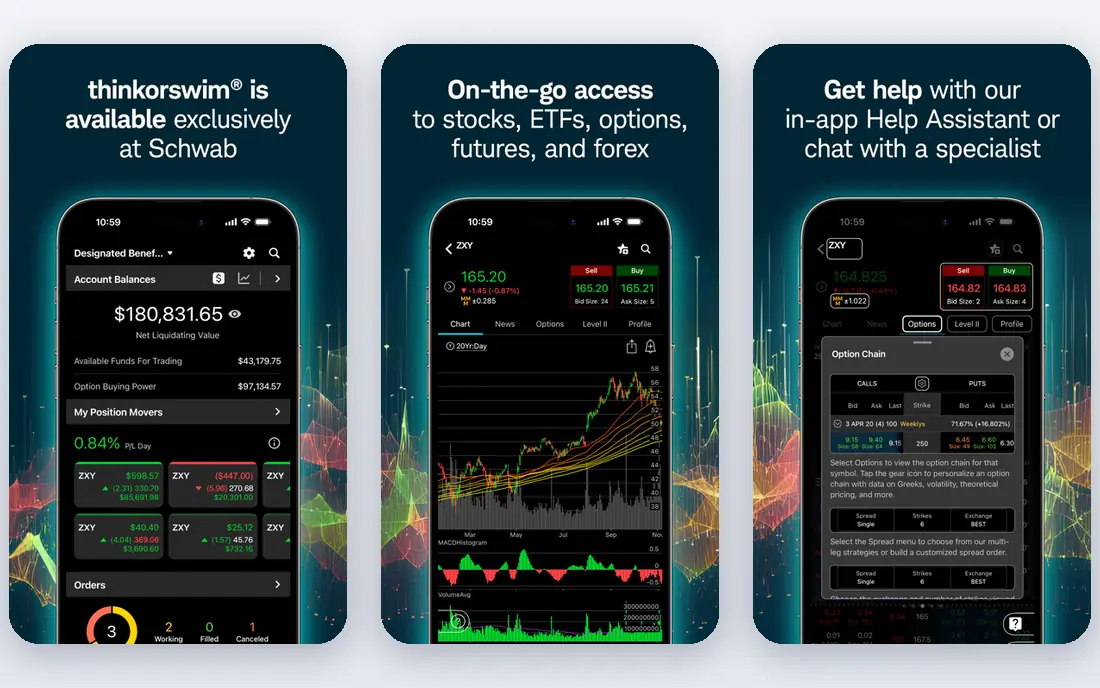
Thinkorswim, from Charles Schwab, offers deep charting, studies, screeners and paper trading for active traders who want to test ideas without risk. Its desktop platform is powerful for swing analysis, with custom scans and watchlists. Schwab backing also gives access to research and support.
The price on the headline page is only part of the cost, so check renewal pricing, per-seat charges and any paid add-ons before you commit. Free tiers help for light use, but they often cap the features that matter once work grows, and trials end on a fixed date whether you have finished testing or not. Set a reminder before a trial ends, and confirm cancellation steps in advance so you are not locked into a plan you no longer need.
The depth brings a learning curve, and the desktop experience is stronger than mobile for complex analysis. Start with paper trading, learn one screener well, and add indicators only as you understand them.
- Deep charting and analysis
- Paper trading
- Schwab backing
- Learning curve
- Desktop focused
Interactive Brokers
Ideal for: traders who want global low cost access
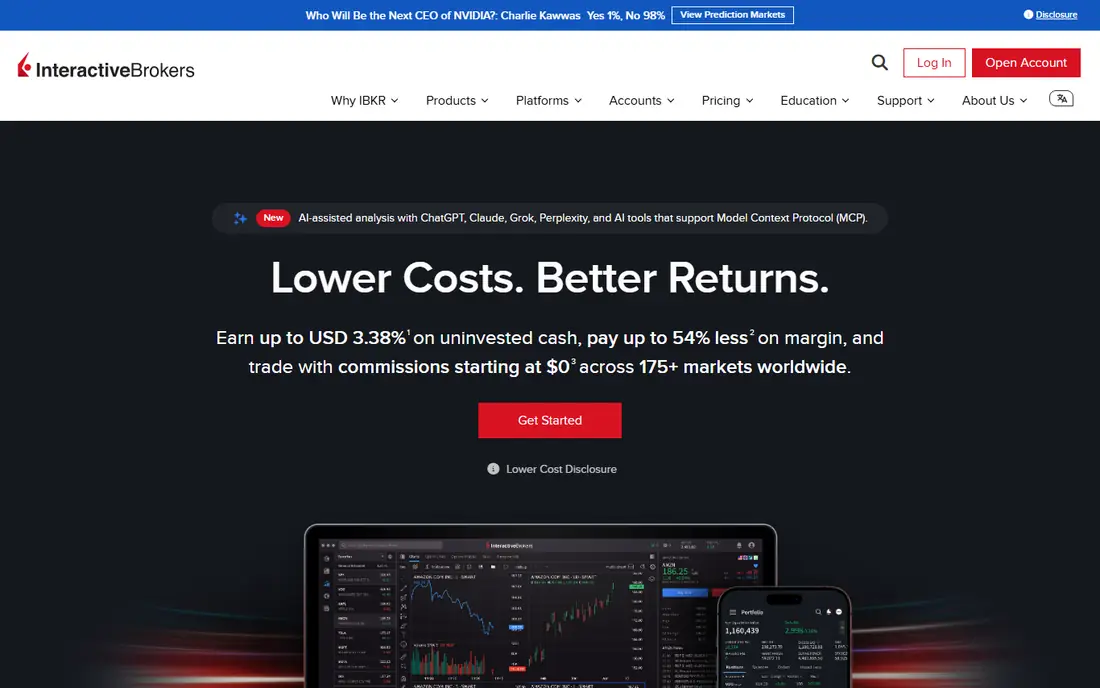
Interactive Brokers gives access to many global markets with low commissions and strong trading tools, which suits swing traders who trade beyond US stocks. Its Trader Workstation covers charting, screening and order types in depth. Professional and active traders value its pricing and market range.
Pricing is where many readers get caught out, so look past the headline figure and check what the plan actually includes for your level of use. Seats, usage limits, add-ons and renewal terms can change the real monthly cost, and a cheaper plan that lacks one feature you need is not a saving. If a free tier or trial is offered, use it for real work before paying, and confirm how cancellation works while you still have time to change your mind.
Its interface takes learning, and account requirements vary by type, so beginners may find it heavy at first. Use the demo, read the fee schedule for your markets, and confirm data subscriptions you actually need.
- Global markets
- Low commissions
- Strong tools
- Interface takes learning
- Account minimums vary
Webull
Ideal for: traders who want a modern low cost app
Webull offers commission free stock and ETF trading with a modern mobile and desktop app, extended hours trading and charting tools. Its app suits swing traders who check positions on a phone and want a clean interface. Paper trading helps new traders practise before risking capital.
Before you pay, check the limits that apply to your own use, including seats, storage, monthly usage and support hours. A plan that looks generous on the headline page can still cap the one feature you rely on most, so read the plan comparison page rather than the marketing summary. A trial or free tier is the safest way to test this, and it also shows whether support answers promptly when you need help.
Research depth is lighter than at full service brokers, and support is mainly online. Check order types, extended hours rules and any fees for data or transfers before moving a large account.
- Commission free stocks
- Strong mobile app
- Extended hours
- Research depth is lighter
- Support is mainly online
E*TRADE
Ideal for: traders who want a balanced broker
ETRADE, part of Morgan Stanley, offers commission free stock and ETF trading with solid charting, screeners and a mobile app. Its Power ETRADE platform suits active traders, while the standard app suits occasional swing trades. Research and education tools help newer traders learn.
The price on the headline page is only part of the cost, so check renewal pricing, per-seat charges and any paid add-ons before you commit. Free tiers help for light use, but they often cap the features that matter once work grows, and trials end on a fixed date whether you have finished testing or not. Set a reminder before a trial ends, and confirm cancellation steps in advance so you are not locked into a plan you no longer need.
Advanced tools take time to learn, and some services and data carry fees. Compare the platform you will actually use, and check margin rates if you plan to trade on margin, since margin increases risk sharply.
- Commission free stocks
- Good tools
- Morgan Stanley backing
- Advanced tools need learning
- Some fees apply
Fidelity
Ideal for: traders who want a trusted full service broker
Fidelity offers commission free stock and ETF trading with strong research, education and customer support, which suits swing traders who value a trusted full service broker. Its mobile app and website cover charting, watchlists and alerts well for most swing strategies. Long term investors also benefit from its retirement and fund range.
Pricing is where many readers get caught out, so look past the headline figure and check what the plan actually includes for your level of use. Seats, usage limits, add-ons and renewal terms can change the real monthly cost, and a cheaper plan that lacks one feature you need is not a saving. If a free tier or trial is offered, use it for real work before paying, and confirm how cancellation works while you still have time to change your mind.
Its active trading tools are less specialised than Thinkorswim or TradeStation for very active traders. If you trade daily with complex scans, test Fidelity Active Trader Pro against a specialist platform before committing.
- Commission free stocks
- Strong research
- Excellent support
- Active trading tools are less specialised
TradeStation
Ideal for: active traders who want strategy tools
TradeStation focuses on active traders with strong charting, strategy testing and automation tools, plus a desktop and web platform. Swing traders who backtest ideas and use custom indicators benefit from its depth. Its pricing tiers suit traders who trade frequently enough to justify the platform.
Before you pay, check the limits that apply to your own use, including seats, storage, monthly usage and support hours. A plan that looks generous on the headline page can still cap the one feature you rely on most, so read the plan comparison page rather than the marketing summary. A trial or free tier is the safest way to test this, and it also shows whether support answers promptly when you need help.
Pricing tiers and data fees need careful reading, and the platform takes learning. Backtest with realistic costs and slippage, and start with a small position size while you learn the order tools.
- Strategy testing
- Strong charting
- Active trader focus
- Pricing tiers need care
- Learning curve
How we picked these
We compared official feature pages, pricing pages, app store listings, privacy policies and public reviews for each option in this guide. We kept only products that exist and work in October 2026 and that fit the topic directly, and we checked that each official homepage loads and belongs to the product named. Prices and free tiers are taken from the vendor site where we could verify them, and we wrote See website where a price could not be confirmed, rather than guessing. Our pick in each guide reflects fit for ordinary readers, not a claim of hands-on testing, and we note the honest limits of each option alongside its strengths.
How to choose a swing trading platform
Start with your trading style: a chart focused trader suits TradingView plus a broker, while an active trader suits Thinkorswim or TradeStation. Check fees, including commissions, data, margin rates and transfer costs, since small fees compound over many trades. Paper trade first, and only fund an account once you can explain your entry, exit and risk rules clearly.
Test the mobile app for the moments you actually trade, since many swing decisions happen away from a desk. Set alerts for price levels and news, keep a trading journal, and size positions so a single loss cannot damage your account. Remember that past chart patterns do not guarantee future results, and that borrowed money and margin increase risk.
Frequently asked questions
What is the best platform for swing trading?
TradingView suits charting and screening, Thinkorswim and TradeStation suit active analysis, and Interactive Brokers suits global low cost trading. Webull, E*TRADE and Fidelity suit simpler starts. Choose by tools, fees and the markets you trade.
Do I need a lot of money to swing trade?
No, many brokers offer commission free stock trading with no account minimum for cash accounts, so you can start small. Position size matters more than account size: risk only a small share of your account per trade, and avoid margin until you understand its risks.
What is the best charting tool for swing traders?
TradingView is widely used for clean charts, indicators and screeners, while Thinkorswim and TradeStation offer deeper analysis and backtesting. Test charting, alerts and screeners on a trial, and pick the tool whose workflow you actually enjoy using daily.
Is swing trading risky?
Yes, swing trading carries risk of loss, especially with borrowed money, margin or concentrated positions. Prices can gap overnight against a position, and fees and taxes affect returns. Only trade with money you can afford to lose, and consider diversified long term investing as an alternative.
Can I swing trade on my phone?
Yes, Webull, Fidelity, E*TRADE and other brokers offer mobile apps with charting, alerts and order placement. Mobile trading suits monitoring and simple orders, while deep analysis and backtesting are easier on desktop. Set alerts so you do not need to watch prices constantly.