Start with Adobe Connect if you need training sessions and structured webinars. Listed starting prices: Livestorm from €2.50 per attendee. GoTo Webinar fits audience engagement in virtual conferences; Cisco Webex Webinars fits AI-powered collaboration and large branded events. The other 3 tools in the list cover narrower or pricier cases.
Choosing platforms for virtual workshops and webinars usually comes down to price, fit and limits. This Ainotely guide sets 6 tools side by side on those three points, with the facts kept short and checkable.
Key takeaways
Top of the list is Adobe Connect, which targets training sessions and structured webinars.
For marketing teams needing CRM-ready insights, Livestorm is worth a look.
Check the limits for Adobe Connect before you commit: interface can feel dated to some users.
For Adobe Connect, GoTo Webinar, Cisco Webex Webinars and others, you have to request a quote because no starting price is shown.
Best for: Training sessions and structured webinars
Adobe Connect is aimed squarely at training sessions and structured webinars. Marketing-led webinar programs may find dedicated marketing products more aligned.
Where it falls short: Less emphasis on marketing automation.
It fits trainers and educators who run structured sessions and want a dedicated virtual classroom-style environment. Adobe Connect does not show a starting price in this comparison, so check the vendor site for current pricing. Free access: Not stated.
Best for: Audience engagement in virtual conferences
In short, GoTo Webinar is for audience engagement in virtual conferences. It suits marketers and event organizers who prioritize audience interaction during live sessions and virtual conferences.
For everyday use, as a webinar-focused product, it does not replace a full collaboration suite for everyday meetings and chat. GoTo Webinar shows no starting price here, so confirm the cost on the vendor site. Trial and free access: Free trial.
Honest limits: Narrower than full collaboration suites.
Best for: AI-powered collaboration and large branded events
Cisco Webex Webinars works best for AI-powered collaboration and large branded events. Organizations already standardized on Cisco infrastructure can extend the same environment to webinars and virtual workshops.
Where it is weaker: Webinar setup may need admin support.
More specifically, consider a webinar-first product when speed of setup and marketing workflows matter more than enterprise integration. More specifically, since Webex spans plenty of product areas, webinar configuration can involve more administrative overhead than a focused tool. No starting price is listed for Cisco Webex Webinars here; confirm pricing on the vendor site. Free access exists with Cisco Webex Webinars.
Best for: All-in-one meetings, webinars, and events
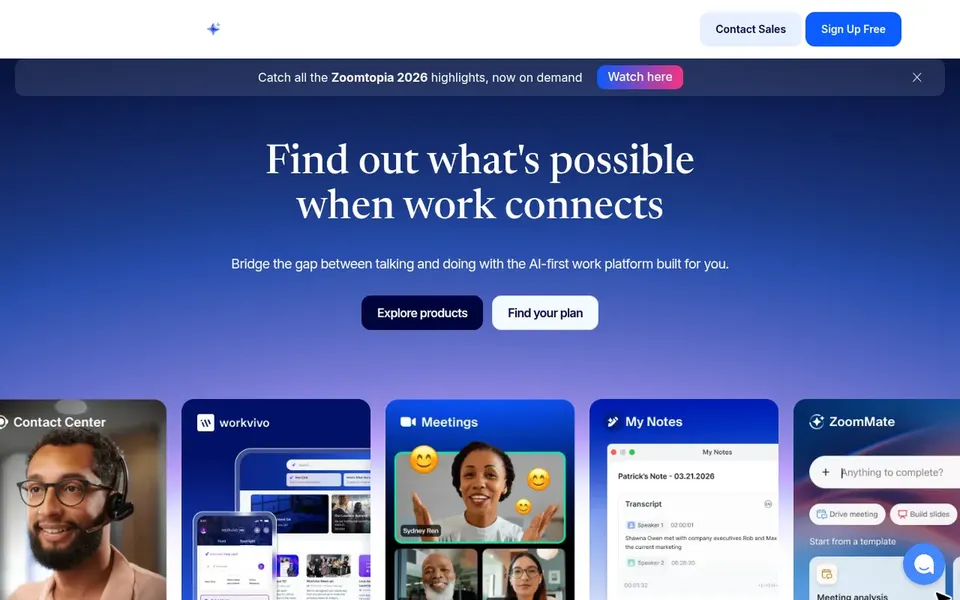
In short, Zoom Webinars is for all-in-one meetings, webinars, and events. Zoom Webinars is part of a broader system that handles video meetings, chat, phone, whiteboard, contact center, and events.
Beyond that, choose Zoom Webinars when meeting and webinar continuity matters more than specialized marketing features. Teams needing deep marketing automation or CRM-native engagement reporting may prefer a webinar-first tool. Zoom Webinars does not show a starting price in this comparison, so check the vendor site for current pricing. Trial and free access: Not stated.
Where it is weaker: Large events need careful setup.
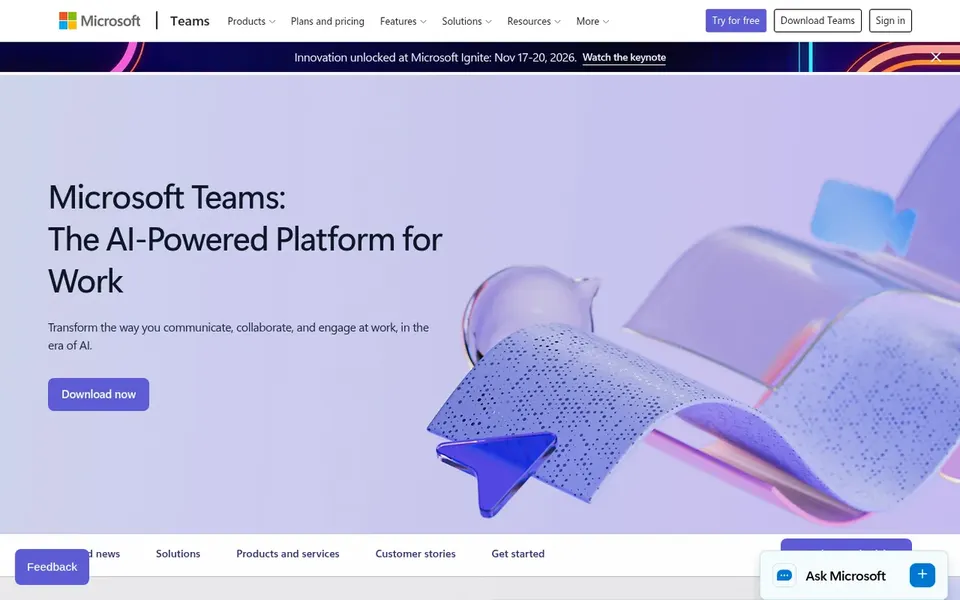
Where Microsoft Teams fits: internal workshops within Microsoft 365. Microsoft Teams is a collaboration hub where meetings, calling, files, and conversations come together. For everyday use, pick a webinar-first system when registration, lead capture, and audience analytics are central requirements.
Limits to weigh: External webinar features are less specialized.
Organizations outside the Microsoft ecosystem may not gain the same benefits. Worth adding: for internal workshops, it keeps materials and discussion in the same workspace, which cuts tool switching for participants. This comparison lists no price for Microsoft Teams; ask the vendor. Free plan details: Not stated.
Best for: Marketing teams needing CRM-ready insights
Pick Livestorm if this describes you: marketing teams needing CRM-ready insights. Livestorm is described as an all-in-one webinar platform for marketing teams, handling branded events, engagement insights, and CRM synchronization to demonstrate return on investment.
Also, Teams running largely internal workshops may find it more specialized than necessary. As for the details, choose Livestorm when branded events and CRM-connected engagement data are central to your webinar program. Starting cost for Livestorm: €2.50 per attendee. Free access: Not stated.
Where it falls short: Marketing-focused instead of general collaboration.
Confirm the entry price on the vendor page. For Adobe Connect, GoTo Webinar, Cisco Webex Webinars and others that means a quote rather than a fixed price.
Look at the free plan from Cisco Webex Webinars closely: its caps decide whether it is usable for real work.
Take the trial from GoTo Webinar and push a live task through it before you pay.
Read the limits listed for Adobe Connect first: interface can feel dated to some users.
Ask Cisco Webex Webinars about contract length, onboarding fees and user minimums before you sign.
Ask whether Microsoft Teams integrates with your current software, and whether that comes standard or as an add-on.
How we picked
Pricing pages, product documentation and feature lists were the main sources, and every entry carries at least one honest drawback. Plan names, prices and limits change often. Treat the figures here as a starting point and verify them with the vendor. Order on the page follows fit for the typical buyer first, then price transparency and free access. Your own requirements should decide the final pick. The same method was used for each of the 6 platforms for virtual Workshops and webinars picks on this page.
Every price and plan detail on this page comes from the vendors’ own websites. We did not run hands-on tests unless the text says so, and we do not publish star ratings or review scores. See how we score and our disclosure.
Keep your shortlist in one place
Paste prices, trial dates and notes from this guide into Ainotely, our AI note app. It files them into a topic and pulls out tasks like “cancel trial by Friday”. Free 7-day trial, no card needed.
Is Adobe Connect the right pick for everyone comparing platforms for virtual workshops and webinars?
No single tool suits every team. Adobe Connect comes first because it fits training sessions and structured webinars, while GoTo Webinar suits audience engagement in virtual conferences and Cisco Webex Webinars suits AI-powered collaboration and large branded events. Match the tool to your own size, budget and workflow before deciding.
How are the tools for platforms for virtual workshops and webinars ordered?
The order follows typical fit for platforms for virtual workshops and webinars, with Adobe Connect first and Livestorm last, then price clarity and free access. It is editorial judgement, not a score, so another team could rank the tools differently.
Can I try these tools before paying?
Often, yes. Cisco Webex Webinars has a free plan and GoTo Webinar offers a free trial. Use your own data and a real task during the test, and check what the free tier or trial limits before you rely on it. Each of the 6 options in this platforms for virtual Workshops and webinars guide has its own card above with the price, free plan and limits.
Do these tools publish their prices?
Not all of them. Adobe Connect, GoTo Webinar, Cisco Webex Webinars and others publish no starting price, so expect a quote request for those. The rest, Livestorm included, show a starting price, though seats and billing terms still change the final cost.