Start with Workday if you need HR, finance and IT data in one product. Listed starting prices: Tableau from $15 per user a month. If your case is different, ADP Workforce Now suits payroll and HR analytics together and SAP SuccessFactors suits HCM suites with AI-driven workforce processes. The full list of 5 tools follows, with prices and free plan facts.
This Ainotely guide covers 5 options for platforms for visualizing HR data. Each profile lists a starting price, free plan details, strengths and drawbacks, so you can drop poor fits quickly.
Key takeaways
The list opens with Workday, aimed at HR, finance and IT data in one product.
Tableau is the one to check for adaptable drag-and-drop HR dashboards.
The main caution on Workday: analytics tied to the Workday ecosystem.
Tableau stands alone as the one tool in this list with a free plan.
Starting prices begin at $15 per user per month with Tableau.
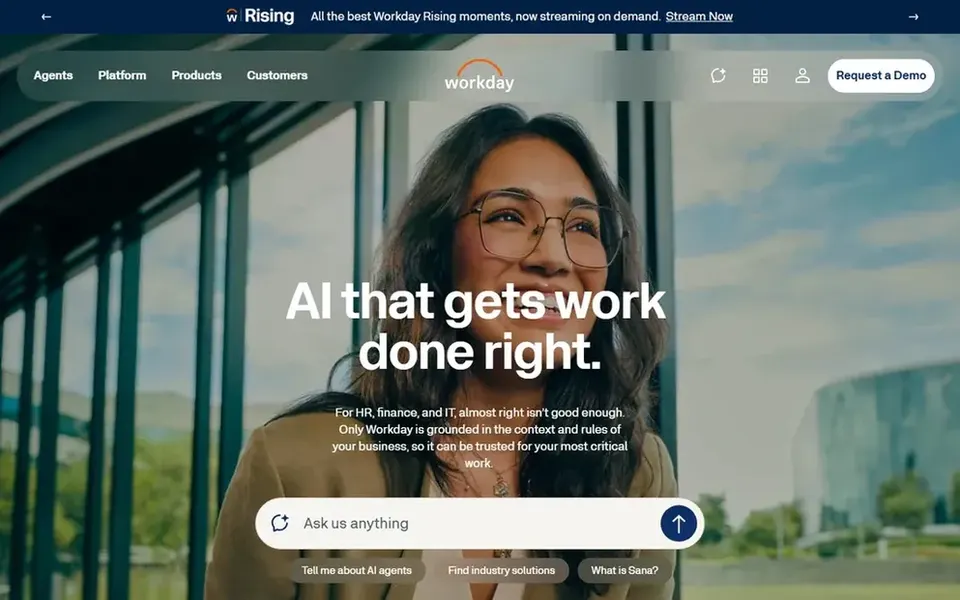
Workday is built with HR, finance and IT data in one product in mind. Workday presents itself as the enterprise AI system for HR, finance and IT, highlighting Sana and agentic AI. Workday analytics are most handy when your HR data lives in Workday; pulling in outside sources for visualization may need extra tooling.
Downsides: Wide system scope can be heavy.
The product covers a broad scope, which can be more than a team seeking only dashboards needs. For everyday use, a standalone BI tool may suit more straightforward visualization goals. No starting price is listed for Workday here; confirm pricing on the vendor site. Free access: Not stated.
ADP Workforce Now is built with payroll and HR analytics together in mind. For visualization, its strength is combining payroll and HR data so workforce cost and headcount views come from one place.
Choose it when integrated payroll and HR reporting is the priority. Check the vendor site for ADP Workforce Now pricing; none is listed in this comparison. Trial and free access: Not stated.
The main drawbacks: Visualization scope is HR and payroll focused.
Best for: HCM suites with AI-driven workforce processes
SAP SuccessFactors works best for HCM suites with AI-driven workforce processes. SAP SuccessFactors is human capital management software pitched at boosting efficiency, driving talent development and optimizing workforce processes with advanced AI. Beyond that, teams wanting highly custom dashboards frequently pair HCM data with a separate visualization tool.
More specifically, choose it when HCM process coverage matters more than chart-building freedom. In daily use, reporting and visualization capabilities rely on which modules and analytics tools are in place, so adaptability is lower than a dedicated BI product. No starting price is listed for SAP SuccessFactors here; confirm pricing on the vendor site. On free options: Not stated.
Points against: Visualization depth varies by module.
Best for: Dedicated people analytics and workforce context
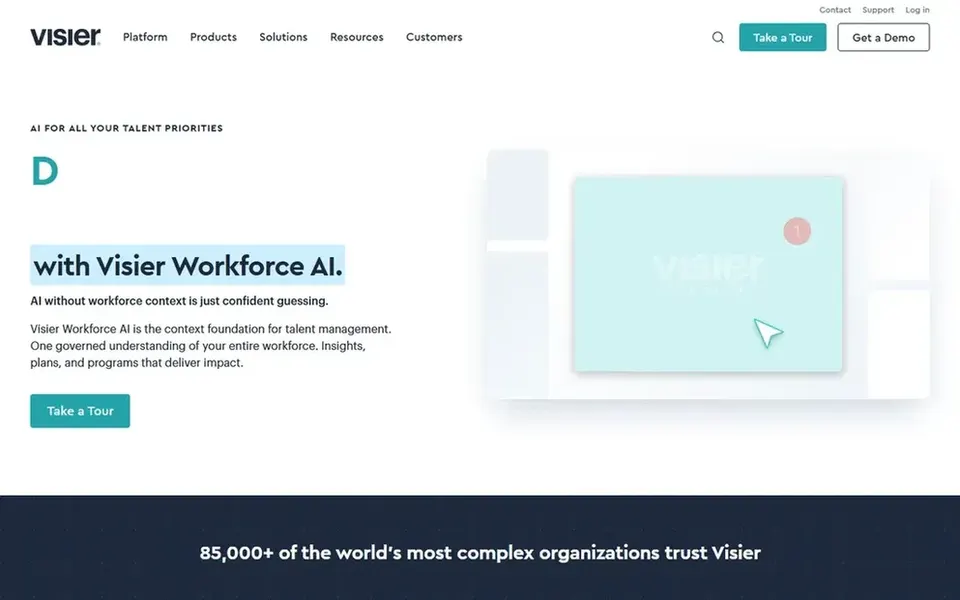
Where Visier fits: dedicated people analytics and workforce context. Visier describes itself as the people analytics leader and now the workforce context layer for enterprise AI governance and safety. Also, consider it when people analytics is the core requirement.
Smaller HR groups without a dedicated analytics function may find a general BI tool simpler to adopt. For everyday use, HR teams that want analytics centered on people data, instead of a general visualization tool, will find the positioning relevant. This comparison lists no price for Visier; ask the vendor. On free options: Not stated.
Trade-offs to know: Narrower than general BI suites.
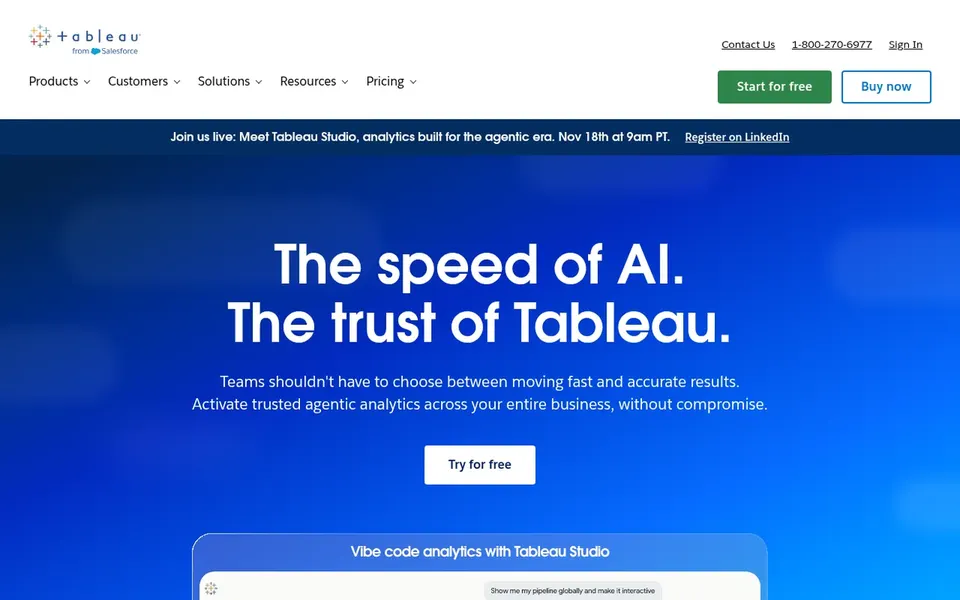
Tableau serves adaptable drag-and-drop HR dashboards. Tableau is general-purpose, so HR-specific models, metrics and governance are not included by default.
More specifically, if you want people analytics delivered inside an HR suite with prebuilt workforce logic, a dedicated product like Visier is the better fit. Price to start with Tableau: $15 per user per month. Free access exists with Tableau.
What to check first: Not HR-specific from day one.
Confirm the entry price on the vendor page. For Workday, ADP Workforce Now, SAP SuccessFactors and Visier that means a quote rather than a fixed price.
Test the free plan from Tableau against your real workload before relying on it.
Read the limits listed for Workday first: analytics tied to the Workday ecosystem.
Ask whether ADP Workforce Now integrates with your current software, and whether that comes standard or as an add-on.
Confirm minimum seats and billing terms with SAP SuccessFactors before you commit to an annual plan.
How we picked
Ainotely looked at what each vendor publishes: pricing, plan limits, feature coverage for platforms for visualizing HR data and stated drawbacks. No hands-on testing is claimed. Plan names, prices and limits change often. Treat the figures here as a starting point and verify them with the vendor. The ranking is editorial: typical fit first, then clear pricing, then free access. If your needs are unusual, read the profiles rather than relying on position.
Every price and plan detail on this page comes from the vendors’ own websites. We did not run hands-on tests unless the text says so, and we do not publish star ratings or review scores. See how we score and our disclosure.
Keep your shortlist in one place
Paste prices, trial dates and notes from this guide into Ainotely, our AI note app. It files them into a topic and pulls out tasks like “cancel trial by Friday”. Free 7-day trial, no card needed.
What is the cheapest option for platforms for visualizing HR data in this list?
On published monthly entry prices, Tableau is the lowest here at $15 per user per month. Entry price is only part of the cost, because seats, add-ons and billing terms can change the total. All 5 picks in this platforms for Visualizing HR data comparison show their pricing, free plan details and main limits on the cards above.
Is ADP Workforce Now a good match for HR data visualization?
It is less open to arbitrary external data sources than standalone BI systems, so consider it when integrated payroll and HR reporting is the main goal.
Can I try these tools before paying?
Often, yes. Tableau has a free plan. Use your own data and a real task during the test, and check what the free tier or trial limits before you rely on it. For the full picture, the cards above cover all 5 entries of this platforms for Visualizing HR data list, including price, free plan and limits.
Which options for platforms for visualizing HR data have a free plan?
Tableau is the only tool in this list with a free plan. Free plans usually cap users, projects or features, so check the limits on the vendor page. Pricing, free plan details and limits for all 5 tools in this platforms for Visualizing HR data roundup sit on the individual cards above.
Is Workday the right pick for everyone comparing platforms for visualizing HR data?
No single tool suits every team. Workday comes first because it fits HR, finance and IT data in one platform, while ADP Workforce Now suits payroll and HR analytics together and SAP SuccessFactors suits HCM suites with AI-driven workforce processes. Match the tool to your own size, budget and workflow before deciding.