Best Platforms to Sell Digital Products in 2026: 8 Platforms Compared

- Gumroad and Payhip are the fastest ways to start, since you can list a product and sell without a monthly subscription.
- Sellfy suits creators who want a full storefront with no transaction fees, paying a monthly plan instead.
- Teachable, Podia and Kajabi suit courses, coaching and memberships, where lessons, community and email matter as much as checkout.
- Lemon Squeezy suits software sellers, because it handles global tax, licenses and subscriptions as the merchant of record.
- Shopify suits sellers who plan to grow into a larger store, including physical products, apps and many sales channels.
Quick comparison
| Product | Ideal for | Price from | Free version | |
|---|---|---|---|---|
 Gumroad | Fastest first sale | Free | Yes | Visit |
 Shopify | Growing online stores | See website | Free trial | Visit |
 Sellfy | Storefront with no transaction fees | $22 per month | Free trial (14 days) | Visit |
 Podia | Courses, community and email in one place | See website | Free trial (14 days) | Visit |
 Payhip | Free selling with VAT handling | Free | Yes | Visit |
 Lemon Squeezy | Software sales and global tax | See website | No | Visit |
 Teachable | Online courses at scale | See website | Free trial (7 days) | Visit |
 Kajabi | All-in-one expert business | See website | Free trial (30 days) | Visit |
The best platforms to sell digital products
Selling a digital product sounds simple until you face checkout, file delivery, taxes and refunds. The platforms below handle different parts of that work. Some give you a quick link to sell one file, while others give you a full store, course school or software business. We compared official homepages and pricing pages, focusing on fees, what you can sell, and what happens at tax time.
Gumroad
Ideal for: Fastest first sale
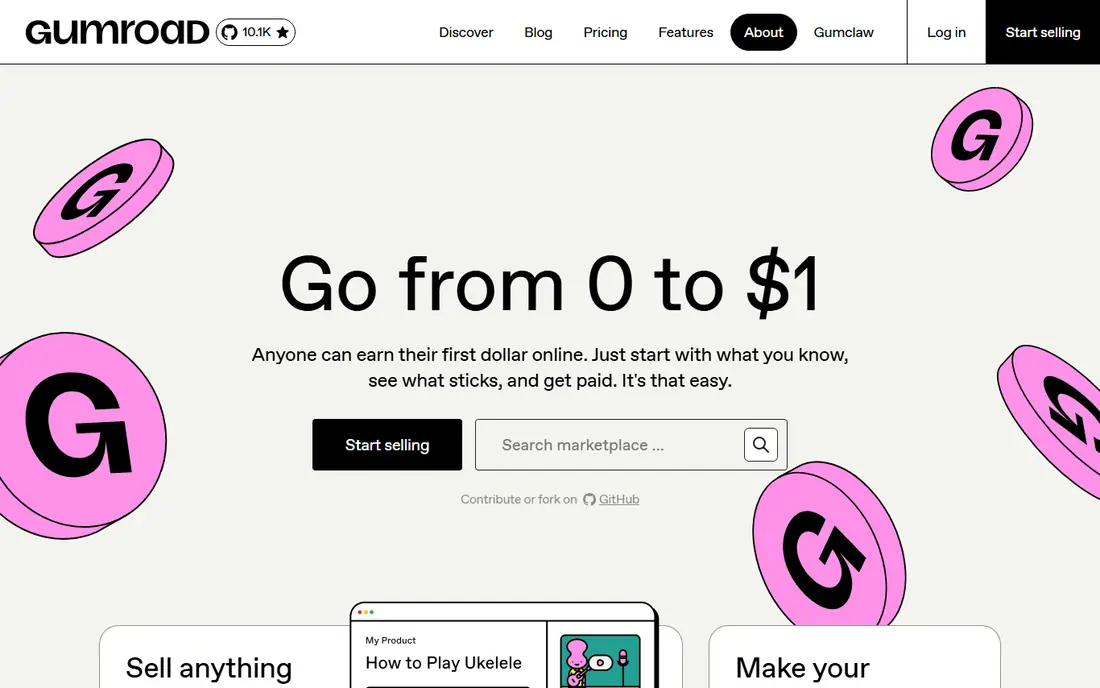
Gumroad is built around a simple idea: upload a file, set a price, and share a link. Its homepage pitches selling video lessons, subscriptions and anything else you can make, and it highlights creators who started with a single product. For a first digital product, that low friction matters more than advanced features.
The trade-off is fees. Gumroad takes a cut of each sale rather than charging a monthly plan, so it is cheap to start and more expensive as volume grows. If your sales stay modest, that is a fair deal. If you sell at high volume, compare the total fee cost against a monthly plan on Sellfy or Payhip before you commit.
- Start selling without a monthly fee
- Supports files, subscriptions and memberships
- Built-in discovery through its marketplace
- Transaction fees apply to sales
- Limited storefront design compared with a full store builder
Shopify
Ideal for: Growing online stores

Shopify is the best-known commerce platform, and it handles digital downloads through its store system and apps. Its homepage stresses selling everywhere people shop, online and in person, with a large app store for specialized features. For a creator who plans to add physical products, bundles or many sales channels, that room to grow is valuable.
The honest catch is complexity and cost. Shopify is a full store, so setting it up takes longer than posting a Gumroad link, and paid apps can push the monthly total higher. It suits sellers who already have an audience and a product range. If you have one ebook and no audience yet, start simpler and move to Shopify when sales justify it.
- Huge app store for extra features
- Strong checkout
- Handles digital and physical products side by side
- Monthly cost plus apps can add up
- More setup than a simple link-based seller
Sellfy
Ideal for: Storefront with no transaction fees
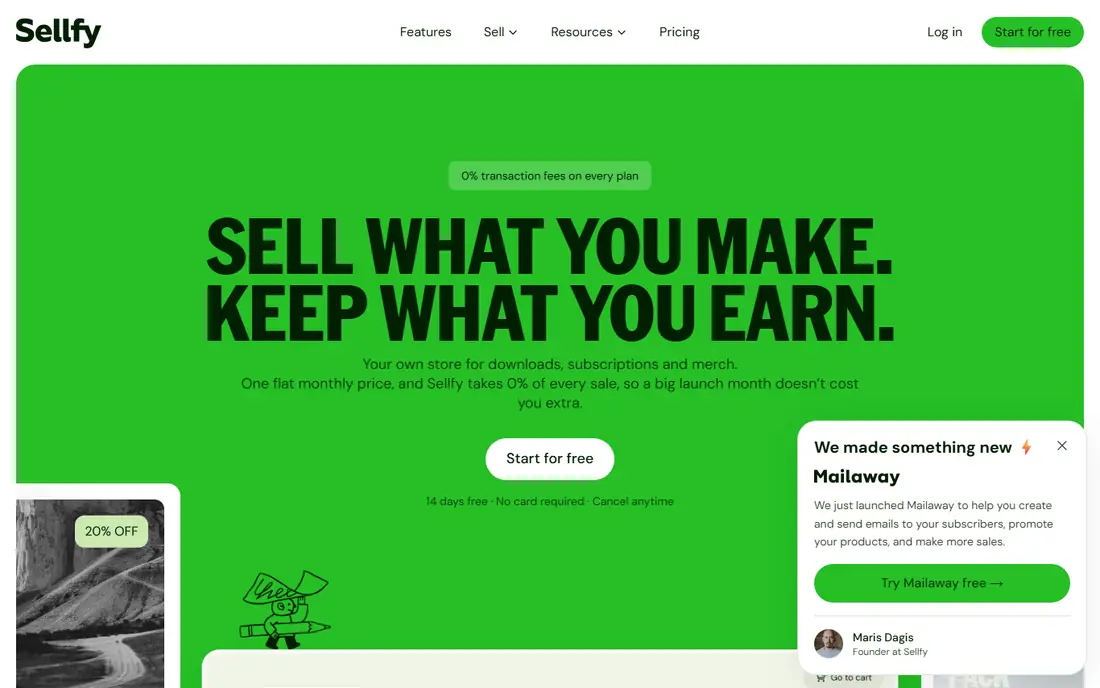
Sellfy gives you a full online store with templates, a drag-and-drop builder and an express checkout that accepts cards, PayPal, Apple Pay and Google Pay. Its homepage states that it charges no transaction fees, with paid plans starting at $22 per month on annual billing and a 14-day trial to build your store. Marketing tools for affiliates, email, upsells and cart recovery are built in.
The catch is that you pay monthly whether you sell or not, so Sellfy suits creators who already have traffic or a launch plan. If you sell nothing in a slow month, the plan still bills. For creators with steady sales, the lack of transaction fees can beat a fee-per-sale model quickly, so do the math on your expected monthly volume.
- No transaction fees on paid plans
- Drag-and-drop store builder
- Supports digital, physical, subscription and print-on-demand products
- No free-forever plan for selling
- File size limits vary by plan
Podia
Ideal for: Courses, community and email in one place
Podia replaces several tools at once: a course platform, a community space, a coaching scheduler, an email tool and a website builder. Its homepage notes that creators often juggle four bills and four logins, and Podia brings those together. Courses can drip lessons, add quizzes and track progress, while community spaces keep students talking between lessons.
The trade-off is focus. If you only sell a single template or preset pack, Podia is more platform than you need. If your product is a course, a membership or a coaching offer, having lessons, community and email in one place saves real admin time. Try the 14-day trial with a real product draft, not an empty account, so you can judge the student experience.
- Courses, community, coaching, events and email in one system
- No extra tools to connect
- Free trial needs no credit card
- Less suited to pure file sales than Gumroad
- Paid plans needed to sell
Payhip
Ideal for: Free selling with VAT handling
Payhip lets you create a free website and sell digital downloads, courses, coaching and memberships from one platform. Its homepage notes it is trusted by over 130,000 creators, and its sellers praise its simple interface and VAT handling. For European sellers, or sellers with European buyers, VAT handling is a genuine headache removed.
The honest limit is the fee structure: the free plan takes a percentage of each sale, and you pay to remove it. That is still a good deal for starting out, since there is no monthly bill. As with Gumroad, compare fee totals against a monthly plan once your sales grow, and check the current fee on the pricing page before you choose.
- Free plan to start
- Sells downloads, courses, coaching and memberships
- Handles VAT on digital sales for EU customers
- Free plan includes a transaction fee
- Storefront design is simpler than Shopify or Sellfy
Lemon Squeezy
Ideal for: Software sales and global tax
Lemon Squeezy is an all-in-one platform for running a software business, covering payments, subscriptions, global tax compliance, fraud prevention and multi-currency support. It issues license keys automatically, offers no-code checkout links, and lets you launch a small ecommerce store without coding. For indie software makers and font or template sellers, tax handling alone can justify it.
The catch is fit. Lemon Squeezy is not a general store builder or a course school, so creators who need lessons, community or physical products should look elsewhere. If you sell software, plugins, fonts or subscriptions to buyers around the world, its merchant-of-record model removes one of the hardest parts of selling online.
- Acts as merchant of record for global tax
- License key management
- Subscriptions, fraud prevention and payment recovery built in
- Built for software and digital sellers, not general stores
- Pricing is fee-based and best confirmed on the site
Teachable
Ideal for: Online courses at scale
Teachable is one of the most established course platforms, used by many thousands of creators and businesses. Its homepage describes a drag-and-drop course builder, AI creation and translation tools, student apps, and a checkout that handles sales tax, VAT and GST across many countries. Plans run from Starter to Growth, each with a 7-day trial.
The honest catch is cost structure. There is no free plan, and the Starter plan carries a transaction fee, while higher plans remove it when you use Teachable Payments. Teachable suits teachers and experts whose main product is a course and who expect steady enrollment. If your main product is a file, a simpler seller will cost less.
- Mature course builder with quizzes, drip content and certificates
- Student apps for iOS and Android
- Tax handling across many countries
- No free plan, only a trial
- Transaction fee on the Starter plan
Kajabi
Ideal for: All-in-one expert business
Kajabi calls itself the operating system for expert-led businesses, and its feature list matches that claim: courses, coaching, communities, memberships, podcasts, newsletters, email automations and landing pages in one system. Its homepage offers a free trial and stresses payments with subscriptions, upsells and automated tax calculation.
The trade-off is price and scope. Kajabi is built for creators running a full business around their expertise, not for selling one file. If you already earn from courses or coaching and you pay for several separate tools, Kajabi can replace them and simplify your setup. If you are just starting, prove the product on a cheaper platform first.
- Courses, coaching, communities, memberships, podcasts and newsletters in one system
- Built-in marketing funnels
- Automated tax calculation
- Higher price range than simpler sellers
- More platform than a single-product seller needs
How we picked these
We compared official homepages and pricing pages, and we favored platforms that are actively maintained, state their fees clearly, and handle file delivery and payments without extra plugins. We covered quick link sellers, store builders, course platforms and software sellers, because a template seller and a course creator need different tools. Prices change, so where a plan price was not shown clearly on the homepage, we list "See website" rather than guessing.
What to check before you choose a platform
Start with your product type. A file seller needs secure delivery, download limits and a simple checkout. A course seller needs lessons, progress tracking and student communication. A software seller needs licenses, subscriptions and tax handling. Pick the platform whose core strength matches your product, not the one with the longest feature list.
Next, model your real costs. Compare monthly fees plus transaction fees at three sales levels: your first month, a good month and a strong month. A free plan with a fee per sale can beat a monthly plan at low volume and lose at high volume. Also check payout timing, refund handling and what happens to your customer list if you leave, since switching platforms later is work.
Finally, test the buyer experience before you launch. Buy your own product, check the email the buyer receives, download the file, and try a refund request. A smooth buyer experience builds trust and repeat sales, while a confusing checkout loses sales you will never hear about. Fix those issues before you send traffic to the page.
Frequently asked questions
What is the best platform to sell digital products?
It depends on your product. Gumroad and Payhip are best for a fast start with files, Sellfy suits a full storefront, Teachable and Podia suit courses, and Lemon Squeezy suits software. Match the platform to your product type first, then compare fees.
What is the best platform to sell digital downloads?
Gumroad, Payhip and Sellfy all handle downloads well, with secure delivery and checkout. Gumroad and Payhip let you start free with a fee per sale, while Sellfy charges a monthly plan with no transaction fees. Pick based on your expected sales volume.
Can I sell digital products for free?
Yes, up to a point. Gumroad and Payhip let you list and sell without a monthly fee, taking a percentage of each sale instead. You still pay payment processing costs, and free plans may limit features, so read the pricing page before you launch.
Do I need to handle sales tax when selling digital products?
Digital tax rules vary by buyer location, and they can be complex for international sales. Platforms such as Lemon Squeezy, Teachable and Kajabi handle tax calculation or act as merchant of record, which removes much of that work. If you sell worldwide, favor a platform with tax handling built in.
Should I sell courses on Teachable, Podia or Kajabi?
Teachable leads for pure course delivery at scale, Podia is strong when you also want community and email in one place, and Kajabi suits a full expert business with funnels and memberships. All three offer trials, so test the student experience with a real lesson before deciding.
Is Shopify good for digital products?
Shopify works for digital products, especially if you also sell physical goods or plan a larger store. It needs more setup than link-based sellers, and paid apps can add cost, so it suits sellers who already have an audience and a product range.