Best PNG to SVG Free Tools in 2026: 8 Options Compared

- 1
 Vectorizer.AIHigh-quality auto tracingVisit
- 2
 ConvertioQuick browser conversionVisit
- 3
 Vector MagicPrecise tracing with editingVisit
- 4
 InkscapeFree desktop tracing and editingVisit
- 5
 Adobe ExpressQuick design plus conversionVisit
- Vectorizer.AI suits high-quality auto tracing for logos and illustrations.
- Inkscape suits free desktop tracing with full editing control.
- Convertio and PNGtoSVG suit quick browser conversions.
- Photos convert poorly to SVG, so use these tools for logos, icons and simple art.
Quick comparison
| Product | Ideal for | Price from | Free version | |
|---|---|---|---|---|
| Vectorizer.AI | High-quality auto tracing | Free | Yes | Visit |
| Convertio | Quick browser conversion | Free | Yes | Visit |
| Vector Magic | Precise tracing with editing | See website | Free trial | Visit |
| Inkscape | Free desktop tracing and editing | Free | Yes | Visit |
| Adobe Express | Quick design plus conversion | Free | Yes | Visit |
 PNGtoSVG | Simple free PNG to SVG | Free | Yes | Visit |
 Autotracer | Free online tracing | Free | Yes | Visit |
 Boxy SVG | Browser vector editing after conversion | Free | Yes | Visit |
The best best png to svg free tool
PNG to SVG tools convert a raster image into scalable vector paths, which matters for logos, icons and print work that must resize without blur. We compared conversion quality, free limits, editing options, file handling and privacy, and we favored tools that keep simple logos clean rather than tracing every photo pixel into a huge file.
In this guide, we list eight best png to svg free tool options and explain who each one suits best, what it costs to start, and where it falls short. We kept the list focused on products that are widely available in the United States and that a reader can actually sign up for today, rather than filling the list with niche tools that are hard to buy or that have stopped updating their product. Prices and free tiers are shown as we found them in October 2026, and we note where a price needs a check on the vendor site because it varies by plan, team size or region.
Vectorizer.AI
Ideal for: High-quality auto tracing
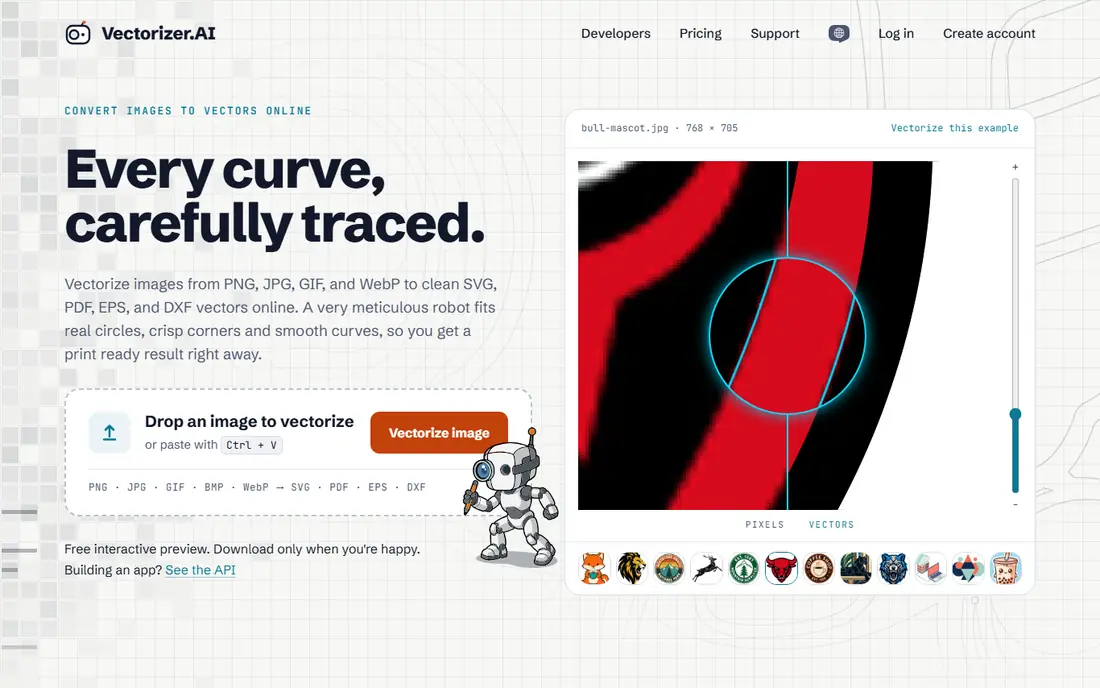
Vectorizer.AI traces PNG images into SVG paths with clean curves and sensible detail levels, and it handles logos and illustrations better than most free converters. It suits designers who need a quick vector version of a simple graphic.
The free tier has limits on conversions and features, and complex photos still produce large, messy SVGs. For logos, icons and line art, Vectorizer.AI is our pick for quality.
- Strong auto tracing
- Clean paths
- No install needed
- Free tier has limits
- Complex photos produce large files
Convertio
Ideal for: Quick browser conversion
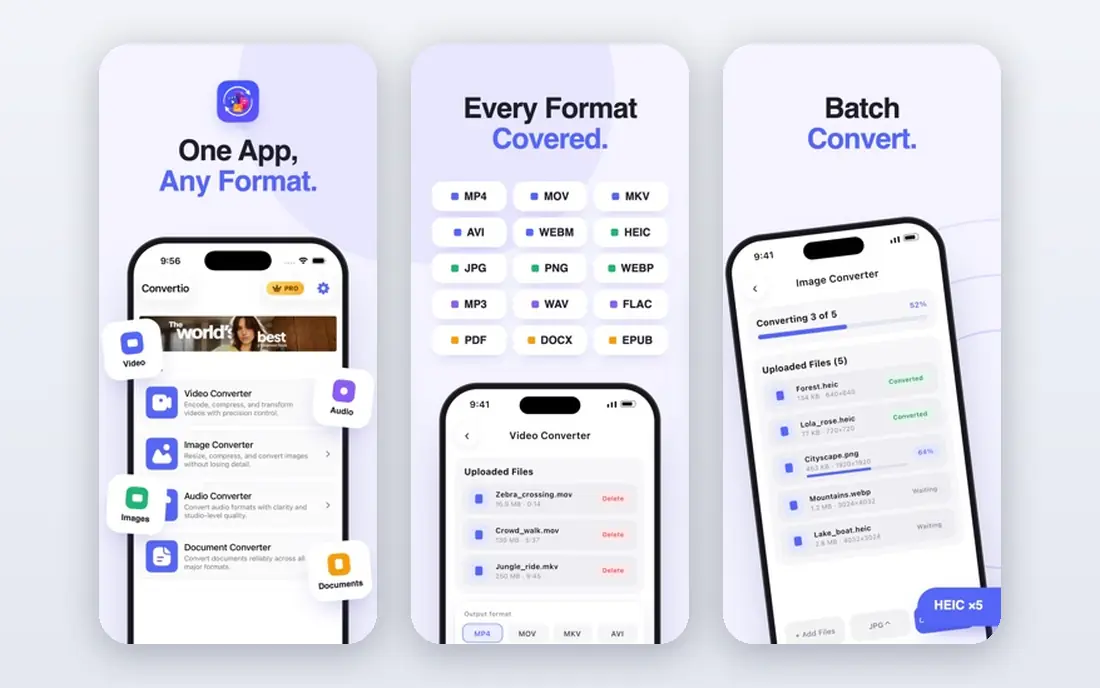
Convertio converts PNG to SVG in a browser with a simple upload flow and support for many formats. It suits occasional users who need one file converted fast without learning a design tool.
Free use limits file size and daily conversions, and uploaded files pass through a server, so avoid sensitive artwork. For quick, simple conversions, Convertio is convenient and easy.
- Many formats
- Simple upload flow
- No install
- Free tier limits file size and daily conversions
- Privacy for sensitive files
Vector Magic
Ideal for: Precise tracing with editing
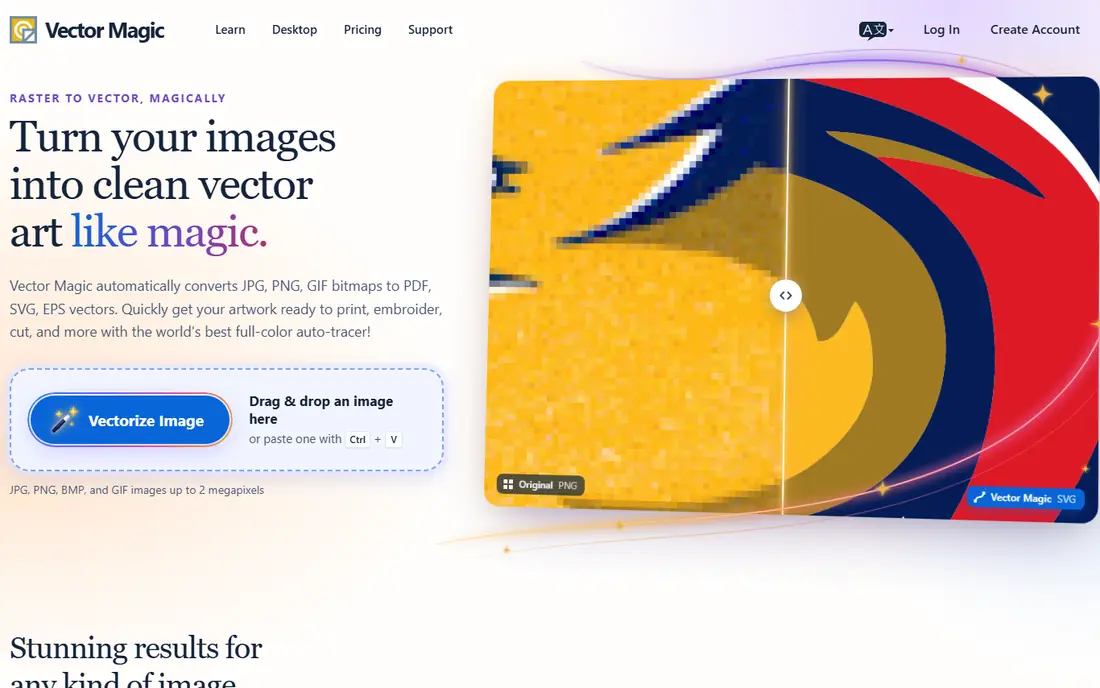
Vector Magic offers precise tracing with controls for detail, color and smoothing, plus editing tools for refining paths. It suits professionals who need a clean vector from a logo and are willing to pay for control.
Full use is paid, with only a limited free preview. For occasional free conversion, Vectorizer.AI or Inkscape may be enough. For client work where path quality matters, Vector Magic earns its price.
- High-quality tracing
- Editing controls
- Desktop and web options
- Paid for full use
- Free preview is limited
Inkscape
Ideal for: Free desktop tracing and editing
Inkscape is a free, open-source vector editor with bitmap tracing that converts PNG images to SVG paths and lets you edit every node afterward. It suits designers who want full control without a subscription.
Inkscape needs a desktop install and has a learning curve for beginners, but its tracing plus editing combination is unmatched for free. For logos you will refine and reuse, Inkscape is the best long-term choice.
- Free and open-source
- Full vector editing
- Bitmap tracing
- Desktop install needed
- Learning curve for beginners
Adobe Express
Ideal for: Quick design plus conversion
Adobe Express offers design templates and image tools with SVG handling in the Adobe ecosystem, which suits users already working in Adobe tools for social, marketing or brand work.
SVG tracing depth varies compared with dedicated converters, and an Adobe account is needed. For design workflows that already use Adobe Express, its conversion tools are a convenient extra.
- Design templates
- Image tools
- Adobe ecosystem
- SVG export and tracing depth vary
- Account needed
PNGtoSVG
Ideal for: Simple free PNG to SVG
PNGtoSVG offers a straightforward free converter for turning PNG files into SVG paths without an account for basic use. It suits users who need a fast, no-fuss conversion for a simple graphic.
Controls are simple, so complex images may trace less cleanly than Vectorizer.AI or Inkscape. For simple logos and icons, PNGtoSVG is a quick free option worth trying first.
- Free and simple
- No account for basics
- Quick results
- Simple controls
- Quality varies on complex images
Autotracer
Ideal for: Free online tracing
Autotracer provides free online bitmap tracing with several output options and settings for colors and detail. It suits users who want a free web converter with more settings than the simplest tools.
The interface feels older than modern converters, and quality varies by image complexity. For free tracing with adjustable settings, Autotracer remains a useful option.
- Free tracing
- Multiple output options
- No install
- Older interface
- Quality varies by image
Boxy SVG
Ideal for: Browser vector editing after conversion
Boxy SVG is a browser-based vector editor that opens and edits SVG files with a clean interface, which helps after conversion when paths need cleanup. It suits users who want to refine a converted SVG without desktop software.
Conversion itself is basic compared with dedicated tracers, so pair Boxy SVG with Vectorizer.AI or Inkscape for tracing, then use Boxy for cleanup. For browser-based editing, it is a strong free starting point.
- Browser vector editor
- SVG editing
- Clean interface
- Conversion is basic
- Full features need paid plans
How we picked these
We compared official feature pages, pricing pages, app store listings, privacy policies and public reviews for each option, and we checked that each product is still available and working in October 2026. We favored products that fit the topic directly, publish clear pricing or a clear free tier, and explain how they handle data and support. We left out products that looked discontinued, that did not match the topic, or whose official homepage we could not verify. Prices change often, so check the vendor page linked in each block before you pay.
We also paid attention to the details that decide daily satisfaction, not just headline features. That meant checking how a free plan actually limits use, whether a paid plan is priced per user, per device or per account, and what happens when you add team members or exceed a limit. Where a vendor only publishes quote-based pricing, we say so rather than guessing a number, and where a first-year discount differs from a renewal price, we flag that difference in the product write-up so the second year does not come as a surprise.
How to get a clean SVG from a PNG
Start with the right image. Simple logos, icons and line art with high contrast and clean edges trace well, while photos, gradients and noisy images trace poorly. If the source is low resolution, a larger, cleaner PNG will improve the result more than any setting.
Simplify before tracing. Reduce colors, remove backgrounds where possible, and crop tightly to the artwork. Fewer colors and cleaner edges produce smaller, smoother SVG paths that scale well and edit easily.
Clean up after conversion. Open the SVG in Inkscape or Boxy SVG, remove stray paths, smooth rough nodes and check the result at several sizes. A quick cleanup pass turns a rough trace into a usable logo file.
Before you commit, run a short trial with the work you actually do, not with demo data. Set up one real project, booking, routine or workflow, invite the people who will use the tool every day, and check support response time when you hit a question. A product that feels good in a sales demo can still fail on a busy day, so a trial that mirrors real use is the most reliable test. If two options feel close after that trial, choose the one with clearer pricing, simpler cancellation and better support, since those factors matter long after the novelty of a new tool fades. Keep a note of the trial end date, the renewal price and the cancellation steps, so a decision made in a hurry does not turn into a subscription you forgot to review. That small record, kept in the same place as your other subscription dates, makes the yearly renewal check a five-minute job rather than a surprise bill.
Frequently asked questions
What is the best PNG to SVG free tool?
Vectorizer.AI is best for auto tracing quality, Inkscape is best for free desktop tracing plus editing, and Convertio is best for a quick browser conversion.
Can I convert PNG to SVG for free?
Yes, Vectorizer.AI, Convertio, Inkscape, PNGtoSVG and Autotracer all offer free conversion with limits or learning curves. Inkscape is fully free on desktop, while web tools limit file size or daily use.
Is SVG better than PNG for logos?
Yes, SVG scales without blur, stays small for simple graphics and edits cleanly, which suits logos and icons. PNG suits photos and complex images where vector tracing would create huge files.
Why does my converted SVG look messy?
Photos, gradients and low-resolution sources trace poorly, since the converter must guess paths for every color change. Use simple, high-contrast artwork and simplify colors before tracing for cleaner results.
Do I need software to edit an SVG after conversion?
No, browser editors like Boxy SVG handle basic cleanup, while Inkscape offers full desktop editing. Check paths, colors and file size after conversion before using the SVG in production.