Best Podcast Distribution Platforms in 2026: 8 Platforms Compared

- 1
 BuzzsproutBeginner-friendly hostingVisit
- 2
 PodbeanHosting with monetizationVisit
- 3
 TransistorMulti-show hostingVisit
- 4
 LibsynLong-running reliable hostingVisit
- 5
 Spotify for CreatorsSpotify distribution and toolsVisit
- Buzzsprout, Podbean, Transistor, and Libsyn are the core podcast hosts that distribute to Spotify, Apple Podcasts, and other apps via RSS.
- Spotify for Creators and Apple Podcasts Connect are distribution destinations and tools, not full replacements for a host, unless you use Spotify's hosting.
- Storage, episode limits, and analytics differ by plan, so compare limits at your publishing frequency, not just the headline price.
- Monetization options, such as subscriptions, ads, and donations, vary widely, so check them if earning from your show matters.
Quick comparison
| Product | Ideal for | Price from | Free version | |
|---|---|---|---|---|
| Buzzsprout | Beginner-friendly hosting | See website | Free trial | Visit |
| Podbean | Hosting with monetization | See website | Free trial | Visit |
| Transistor | Multi-show hosting | See website | Free trial | Visit |
| Libsyn | Long-running reliable hosting | See website | Free trial | Visit |
| Spotify for Creators | Spotify distribution and tools | Free | Yes | Visit |
 Apple Podcasts Connect | Apple Podcasts management | Free | Yes | Visit |
 Acast | Hosting with ad monetization | See website | Free trial | Visit |
 RSS.com | Simple affordable hosting | See website | Free trial | Visit |
The best podcast distribution platforms
Podcast distribution means getting your episodes into the apps listeners use, such as Spotify, Apple Podcasts, YouTube Music, and Amazon Music, usually through an RSS feed from a podcast host. A good platform also gives analytics, a podcast website, and tools for growth and monetization. We compared official feature pages, pricing pages, and public reviews, focusing on distribution reach, hosting limits, analytics, and ease of use.
Buzzsprout
Ideal for: Beginner-friendly hosting
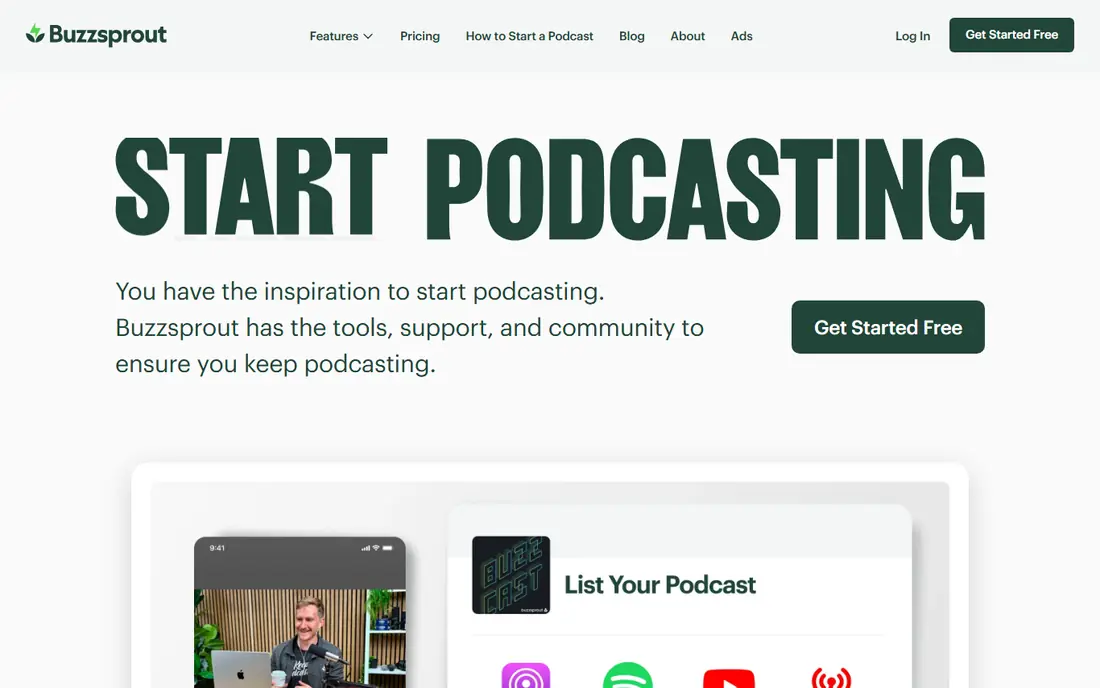
Buzzsprout is a popular choice for new podcasters because publishing feels simple: upload audio, add show notes, and distribute to Spotify, Apple Podcasts, and other directories. Analytics show downloads, listener locations, and apps used, and each show gets a website and embeddable player. That simplicity helps beginners publish consistently without learning podcast infrastructure.
Lower plans limit monthly upload hours, so frequent publishers need higher plans, and free trial episodes expire after a set period. For beginners who want a smooth start, Buzzsprout is our pick for ease of use.
- Very easy setup and publishing
- Distributes to major apps
- Good analytics and podcast website
- Monthly upload hours limit on lower plans
- Episodes on free trial expire after a period
Podbean
Ideal for: Hosting with monetization
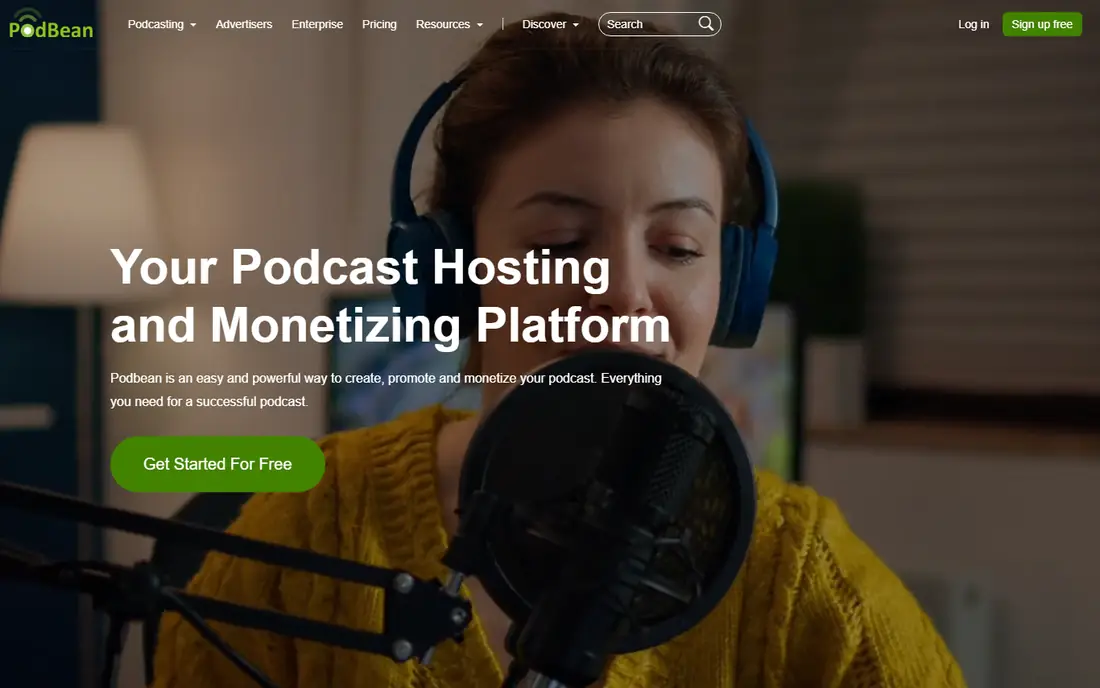
Podbean combines podcast hosting and distribution with monetization tools, including advertising, premium subscriptions, patron donations, and live audio. Paid plans offer unlimited storage and bandwidth, which suits prolific shows, and distribution covers major podcast apps. A podcast website and embeddable player are included.
The feature range makes the interface busier than Buzzsprout at first, and the free plan is limited. For podcasters who want hosting plus earning options in one platform, Podbean is a strong choice.
- Unlimited storage on paid plans
- Monetization via ads, subscriptions, and donations
- Live streaming options
- Interface has many features to learn
- Free plan is limited
Transistor
Ideal for: Multi-show hosting
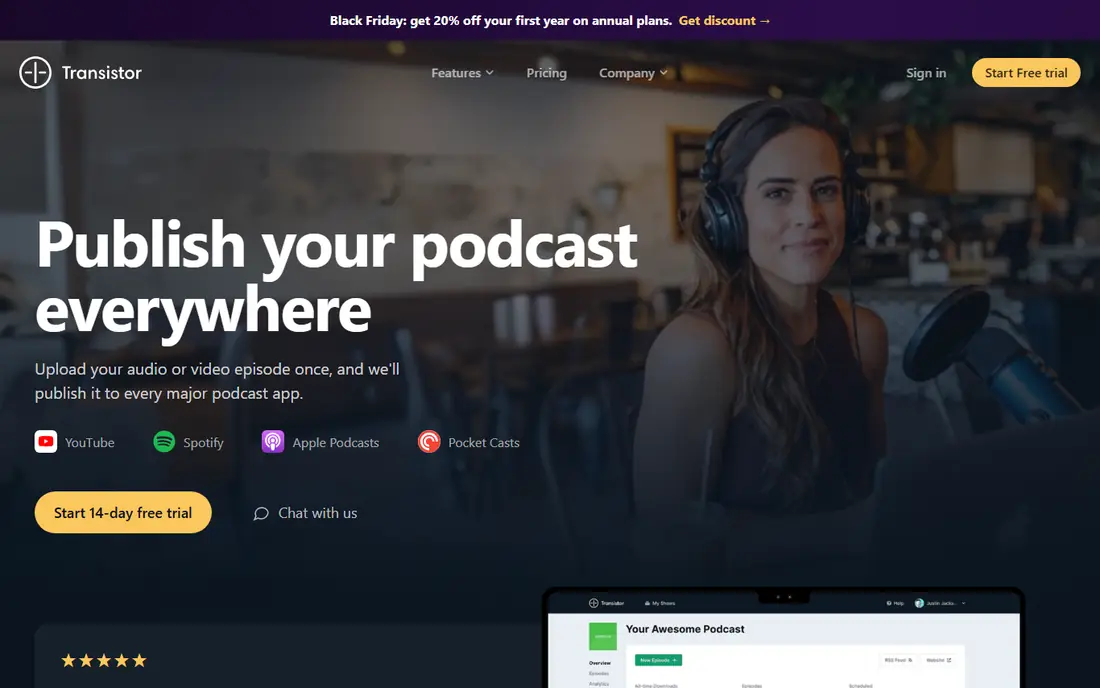
Transistor is built for podcasters and networks running several shows, with multiple podcasts, team members, and private feeds under one account. Analytics are clear, distribution covers major apps, and private podcasting suits internal shows, courses, and paid communities. A website and embeddable player are included for each show.
Plan limits on storage, downloads, and team seats mean costs rise with scale, so check limits against your network size. For multi-show podcasters and small networks, Transistor is an excellent fit.
- Multiple shows on one account
- Good analytics and team seats
- Private podcast options
- Storage and download limits vary by plan
- Pricing rises with shows and team size
Libsyn
Ideal for: Long-running reliable hosting
Libsyn, short for Liberated Syndication, is one of the oldest podcast hosts, with a long record of reliable distribution to major apps. It offers storage-based plans, a podcast website, analytics, and advertising options, and it suits shows that value stability over flashy interfaces. Many long-running shows still host with Libsyn.
The interface feels dated next to Buzzsprout or Transistor, and storage-based pricing needs attention if episodes are long. For podcasters who value proven reliability, Libsyn remains a solid choice.
- Long track record and reliability
- Broad distribution
- Advertising and monetization options
- Interface feels dated compared with newer hosts
- Storage plans need care
Spotify for Creators
Ideal for: Spotify distribution and tools
Spotify for Creators, formerly Anchor, lets creators host and distribute podcasts, with tools for recording, editing, publishing, and analytics, focused on Spotify but distributing elsewhere too. Video podcast support and audience interaction tools are strengths, and the free tier makes starting easy. For creators whose audience is mainly on Spotify, it is a natural home.
The platform is Spotify-centered, so creators who want full independence or advanced multi-show hosting may prefer a dedicated host such as Transistor or Buzzsprout. For Spotify-first creators, Spotify for Creators is a strong free option.
- Free hosting and distribution tools
- Spotify analytics and video support
- Audience growth tools
- Spotify-centered
- Not a full independent host for every workflow
Apple Podcasts Connect
Ideal for: Apple Podcasts management
Apple Podcasts Connect is where podcasters manage their show's presence on Apple Podcasts, including show information, subscriptions, and analytics. It is free to use, but it is not a host: you need an RSS feed from a podcast host, and then you submit and manage that feed in Podcasts Connect. Subscriptions let creators sell premium content to Apple listeners.
Every podcaster targeting Apple listeners will use Podcasts Connect alongside a host, so it belongs in this list as a distribution tool rather than a standalone host. For Apple management, it is essential and free.
- Manage your show on Apple Podcasts
- Subscriptions and analytics
- Free to use
- Apple only, not a host
- Needs an RSS feed from a host
Acast
Ideal for: Hosting with ad monetization
Acast combines hosting and distribution with an advertising marketplace, helping creators earn from ads inserted into episodes. It distributes to major apps, offers analytics and a podcast website, and suits creators who want monetization handled as part of hosting. Network and enterprise options support larger shows and publishers.
Smaller shows may earn little from ads at first, and plan details vary by region, so check current terms. For creators focused on ad revenue, Acast is a strong platform.
- Hosting and distribution plus ad marketplace
- Good analytics
- Creator network options
- Monetization focus may suit larger shows
- Plan details vary by region
RSS.com
Ideal for: Simple affordable hosting
RSS.com offers straightforward podcast hosting with unlimited storage, episodes, and downloads on paid plans, plus distribution to major apps, analytics, and a podcast website. That simplicity and unlimited core make it appealing for prolific podcasters who do not want to track upload hours. Sponsorship and monetization options are also available.
Advanced features are fewer than on Podbean or Transistor, and analytics, while solid, are not the deepest. For simple, affordable hosting without upload limits, RSS.com is a good value pick.
- Simple hosting with unlimited storage and episodes on paid plans
- Broad distribution
- Sponsorship options
- Fewer advanced features than larger hosts
- Analytics are solid but not the deepest
How we picked these
We compared official feature pages, pricing pages, and public reviews for platforms that host podcasts or manage distribution to major podcast apps. We looked at distribution reach, storage and episode limits, analytics, websites, and monetization, and we included Spotify for Creators and Apple Podcasts Connect as distribution tools, with their scope explained. Hosts that had shut down were left out.
What to check before you choose a podcast platform
Start with your publishing frequency and show count. Upload-hour limits suit occasional shows but frustrate daily publishers, while multi-show plans suit networks. Check whether storage, bandwidth, and episode counts are truly unlimited on the plan you will pay for.
Next, check distribution and analytics. Confirm the platform distributes to the apps your audience uses, and test analytics for listener geography, apps, and episode performance. Finally, check monetization if it matters: ads, subscriptions, donations, and sponsorship tools differ, and some platforms take a share. A host that fits your growth plan will save a migration later. Also check episode migration and redirect support before you commit, since switching hosts later is possible but needs care. Confirm that show notes, chapters, and transcripts carry over, and that your RSS feed settings stay under your control. A host that locks your feed or charges heavily for redirects can make a future move painful, so read those terms early.
Frequently asked questions
What is the best podcast distribution platform?
Buzzsprout is best for beginners, Podbean for monetization, Transistor for multiple shows, and Libsyn for proven reliability. The best choice depends on publishing frequency, show count, and whether earning from the show matters.
Do I need a podcast host to distribute to Spotify and Apple?
Yes, in most cases you need a host that provides an RSS feed, which you submit to Spotify, Apple, and other directories. Spotify for Creators can host for you, while Apple Podcasts Connect manages your Apple presence but does not host audio itself.
How much does podcast hosting cost?
Costs vary by plan, from free tiers with limits to paid plans with unlimited storage or upload hours. Check upload limits, episode counts, and analytics on the plan you will use, since headline prices hide different limits.
Can I switch podcast hosts later?
Yes, most hosts support redirecting your RSS feed to a new host, which preserves subscribers in most apps. Follow the migration steps from both hosts carefully, and keep the old feed redirect in place until subscribers have moved.
How do podcast analytics work?
Hosts track downloads and plays, listener locations, apps, and devices, but exact listener counts vary by method and app. Use analytics for trends and episode comparisons rather than exact audience size, and combine them with Spotify and Apple analytics for a fuller picture.