Best Police Scheduling Software (2026): 7 Options Compared

- 1
 PowerTimeAgencies already using PowerDMSVisit
- 2
 VCS POSSDepartments that want scheduling inside a full HR suiteVisit
- 3
 Snap ScheduleAutomatic callouts on a tight budgetVisit
- 4
 Hero ScheduleStraightforward, cheap first step off spreadsheetsVisit
- 5
 eScheduleSmall departments that require timekeeping includedVisit
- PowerTime sits first on this list: agencies already using PowerDMS.
- Pace Scheduler is the one to check for mid-sized departments that want quick onboarding.
- For the cheapest start, look at Hero Schedule: $6 per user/month.
- Neither PowerTime nor Pace Scheduler, nor any of the other 5 tools, has a permanent free plan; trials and quotes are the norm.
Direct answer
Our first pick is PowerTime, best for agencies already using PowerDMS. VCS POSS fits departments that want scheduling inside a full HR suite; Snap Schedule fits automatic callouts on a tight budget. All 7 tools are compared below on price, free plan and limits.
Quick comparison
| Product | Ideal for | Price from | Free version | |
|---|---|---|---|---|
| PowerTime | Agencies already using PowerDMS | See website | No | Visit |
| VCS POSS | Departments that want scheduling inside a full HR suite | See website | No | Visit |
| Snap Schedule | Automatic callouts on a tight budget | $450/year | Free trial (30 days) | Visit |
| Hero Schedule | Straightforward, cheap first step off spreadsheets | $6 per user/month | No | Visit |
| eSchedule | Small departments that require timekeeping included | $1,250/year (up to 20 active employees) | No | Visit |
 InTime | Large agencies with complicated overtime rules | See website | No | Visit |
 Pace Scheduler | Mid-sized departments that want quick onboarding | See website | No | Visit |
Every option for police scheduling software explained
Ainotely put together this guide to police scheduling software for readers who want a clear shortlist without reading every vendor page. It compares 7 tools on starting price, free plans, who each one suits and where each one falls short.
PowerTime
Ideal for: Agencies already using PowerDMS
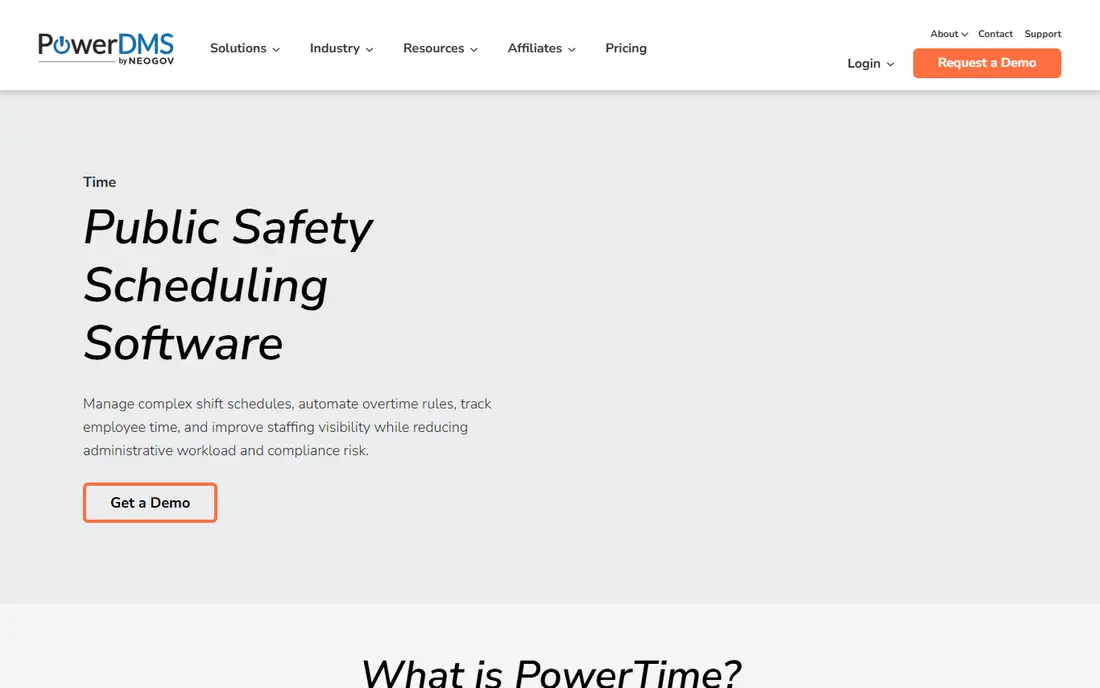
Pick PowerTime if this describes you: agencies already using PowerDMS. PowerTime is the current name for PlanIt Schedule, the long-running police scheduler that now sits inside the PowerDMS (now NEOGOV) portfolio. That history matters: the product carries over a decade of public safety scheduling logic, including complicated shift rotations, leave balance projections, and FLSA overtime math that generic tools get wrong.
On top of that, the pitch is most solid for departments already in the PowerDMS ecosystem, where scheduling, policy, and training data can live under one roof. Security controls are aimed at public sector buyers: secure cloud hosting, role-based permissions down to individual fields, and audit logs. As for the details, supervisors see projected leave balances before approving time off, which stops the negative-balance surprises that blow up staffing. Also, pricing is quote-based and implementation is guided, so expect a real sales and onboarding process instead of a signup page. This comparison lists no price for PowerTime; ask the vendor. There is no free plan with PowerTime.
Drawbacks to consider: Implementation timeline varies with agency size.
- FLSA overtime calculations built in
- Public sector payroll integrations
- Newest brand in this list (formerly PlanIt Schedule)
VCS POSS
Ideal for: Departments that want scheduling inside a full HR suite
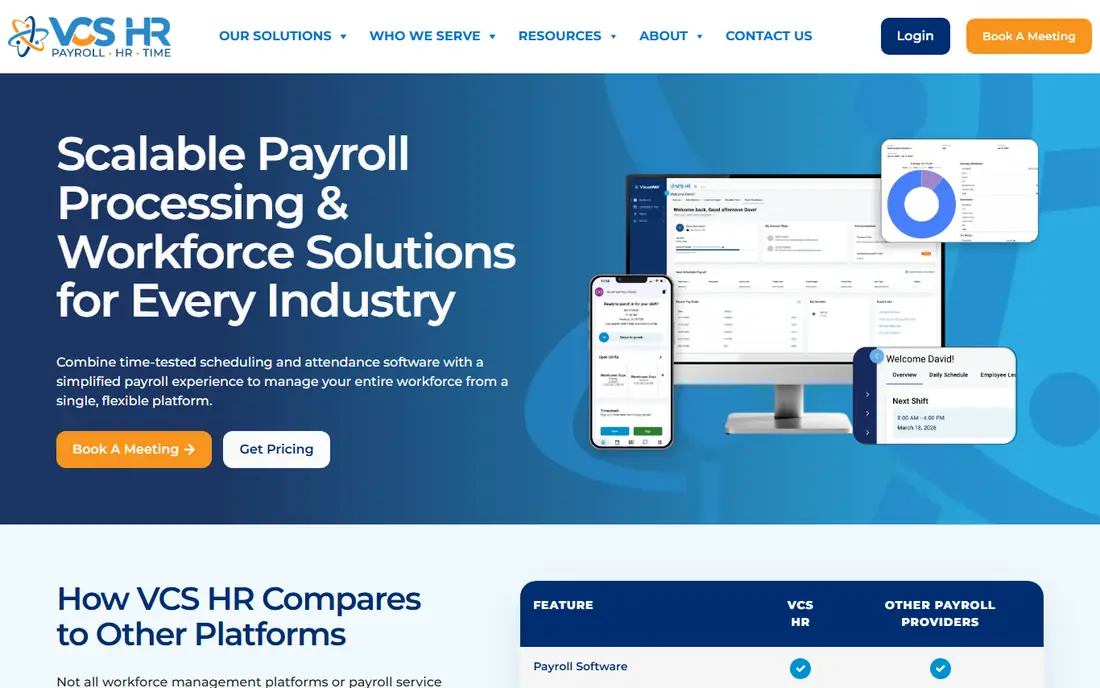
VCS POSS was built for departments that want scheduling inside a full HR suite. POSS, the Police Officer Scheduling System from VCS Software, claims more than 700 police departments, which makes it one of the most widely deployed names in this category.
It spans the police-specific workflows (shift bidding, overtime management, compliance, PTO) and sits inside the bigger VCS HR product, so departments that also need payroll, time and attendance, and benefits administration can consolidate vendors. Beyond that, if you only need scheduling, the standalone specialists will be more straightforward to buy and run. VCS POSS does not show a starting price in this comparison, so check the vendor site for current pricing. VCS POSS has no free plan.
Watch-outs: The broader VCS HR system is generalist.
- Shift bidding and compliance tools
- POSS module is police-specific with 700+ department install base
- Quote-only pricing
Snap Schedule
Ideal for: Automatic callouts on a tight budget
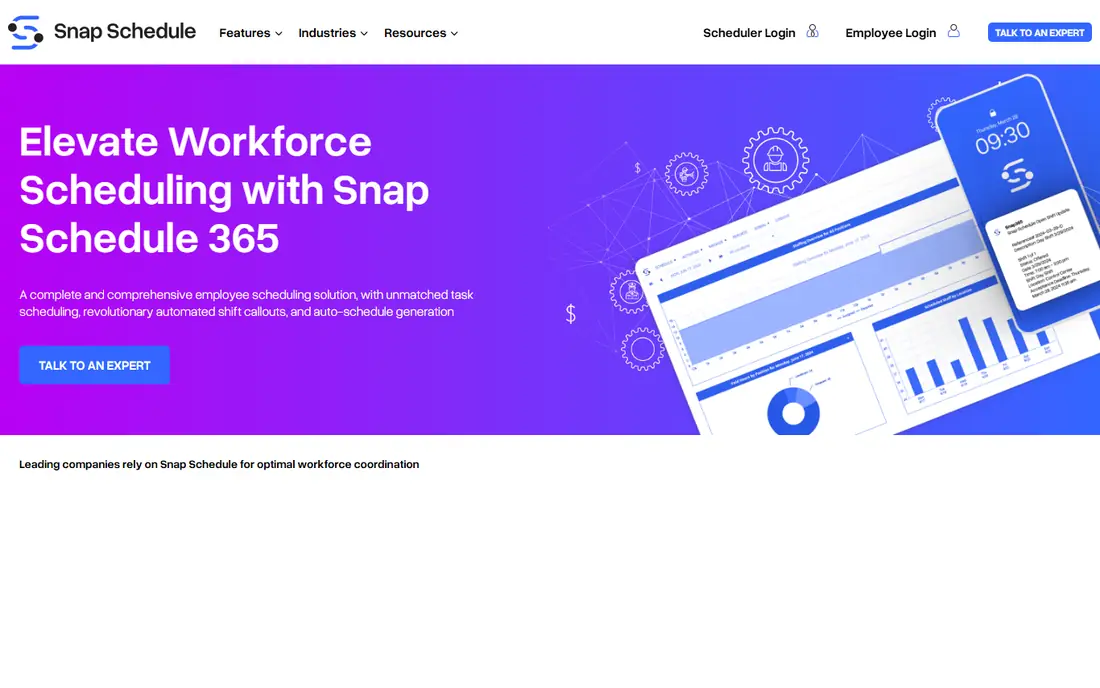
Snap Schedule makes the most sense for automatic callouts on a tight budget. The licensing model is unusual and friendly: you license schedulers, not total headcount, so adding officers does not change the bill. In practice, Snap Schedule serves every industry, so it lacks the police-specific depth of InTime or PowerTime: no court subpoena module, no FLSA 7(k) work-period logic from day one.
In daily use, the honest catch is scope. As for the details, for a department whose primary pain is filling shifts quick and cheap, that trade is typically worth it. Snap Schedule pricing: $450/year. Free access: Free trial (30 days).
Downsides: General scheduling tool, not police-only. Upsides: Automatic callout engine contacts eligible officers by SMS or phone.
- Published pricing from $450/year
- Not headcount
- Interface presents its Windows-software roots
Hero Schedule
Ideal for: Straightforward, cheap first step off spreadsheets
In short, Hero Schedule is for straightforward, cheap first step off spreadsheets. Hero Schedule does one thing and prices it plainly: $6 per user a month for shift scheduling aimed at police, fire, and EMS. In practice, the trade-off is depth.
Points against: Best for small agencies.
Hero Schedule is the answer for a 20-officer department currently running on a shared spreadsheet and a group text, where the goal is to get schedules online, stop the phone tree, and pay a predictable monthly bill. In practice, no quote process, no pricing page scavenger hunt. On cost, Hero Schedule starts like this: $6 per user/month. Hero Schedule has no permanent free option.
- U.S.-based support team
- Clear $6 per user a month pricing
- No free trial or free level
eSchedule
Ideal for: Small departments that require timekeeping included
eSchedule is aimed squarely at small departments that require timekeeping included. Certification tracking with expiration alerts keeps training compliance visible, and unusual extras like vehicle maintenance scheduling and equipment tracking make it a small department's operations hub rather than just a calendar.
On top of that, the entry price is published at $1,250 per year for up to 20 active employees, which is refreshingly concrete in a category full of "contact us" buttons. Starting cost for eSchedule: $1,250/year. There is no free plan with eSchedule.
Where it falls short: Pricing beyond the base level is quote-based.
- Scheduling plus timekeeping in one system
- Vehicle maintenance and equipment modules
- Smaller vendor with a leaner support bench
InTime
Ideal for: Large agencies with complicated overtime rules
Think of InTime for large agencies with complicated overtime rules. InTime is the specialist's specialist. It was built only for police, sheriff, fire, corrections, and dispatch, and its team draws on public safety experience instead of generic HR software.
The main drawbacks: Pricing is quote-only.
Worth adding: the scheduling core automates shift assignments and coverage tracking, whereas the overtime module applies your agency's actual rules rather than a flat time-and-a-half calculation. On top of that, the trade-off is that InTime sells on quotes and demos, and the breadth of modules (training management, asset management, event management) means implementation takes real planning. InTime does not show a starting price in this comparison, so check the vendor site for current pricing. No free plan comes with InTime.
- Court and subpoena module
- Wellness dashboards that flag fatigue risk
- Feature depth can mean a longer rollout
Pace Scheduler
Ideal for: Mid-sized departments that want quick onboarding
Pace Scheduler is built with mid-sized departments that want quick onboarding in mind. The police version deals with shift bidding, time-off requests, overtime tracking, leave accruals, and payroll exports, with a mobile app officers actually use to check balances and request time. Also, the standout feature is shift bidding: departments report compressing a month-and-a-half bidding process into days.
Trade-offs to know: Younger company with a smaller feature set.
For everyday use, pricing is quote-based, which is the one annoyance for a product that otherwise sells simplicity. It is less proven at the scale of a thousand-officer agency, so large departments should ask for reference customers their own size. No starting price is listed for Pace Scheduler here; confirm pricing on the vendor site. Pace Scheduler has no permanent free option.
- Purpose-built police version of the system
- Shift bidding that shrinks a six-week process to days
- No published pricing
How the list was put together
Ainotely looked at what each vendor publishes: pricing, plan limits, feature coverage for police scheduling software and stated drawbacks. No hands-on testing is claimed. Seat minimums, billing terms and add-ons can move the real cost, so the starting prices here are a guide and not a quote. Order on the page follows fit for the typical buyer first, then price transparency and free access. Your own requirements should decide the final pick.
What to confirm before you sign up
- Get a written quote from PowerTime, VCS POSS, InTime and Pace Scheduler; the list shows no starting price for them.
- Use real work to test the free trial from Snap Schedule, rather than a demo project.
- Read the limits listed for PowerTime first: quote-only pricing.
- Confirm minimum seats and billing terms with InTime before you commit to an annual plan.
- See whether eSchedule offers onboarding or training, and whether it is included in the price.
Frequently asked questions
Does any tool for police scheduling software here have a free plan?
A permanent free plan is not offered by PowerTime, Pace Scheduler or the other tools here. Snap Schedule offer a trial. Plan a short evaluation period instead.
How are the tools for police scheduling software ordered?
The order follows typical fit for police scheduling software, with PowerTime first and Pace Scheduler last, then price clarity and free access. It is editorial judgement, not a score, so another team could rank the tools differently.
How is this different from a generic scheduling app like a retail shift planner?
Police schedulers enforce minimum staffing levels, model union and FLSA overtime rules, track certifications, run court appearances and subpoenas, and keep audit trails for compliance.
Is PowerTime the right pick for everyone comparing police scheduling software?
No single tool suits every team. PowerTime comes first because it fits agencies already using PowerDMS, while VCS POSS suits departments that want scheduling inside a full HR suite and Snap Schedule suits automated callouts on a tight budget. Match the tool to your own size, budget and workflow before deciding.
Do these tools publish their prices?
Not all of them. PowerTime, VCS POSS, InTime and Pace Scheduler publish no starting price, so expect a quote request for those. The rest, Snap Schedule included, show a starting price, though seats and billing terms still change the final cost.