Best POS Software in 2026: 7 Systems Compared

- 1
 Square POSFree POS for small businessesVisit
- 2
 Shopify POSRetailers selling online and in storeVisit
- 3
 Lightspeed RetailSpecialty retail and multi-locationVisit
- 4
 Toast POSFull-service restaurantsVisit
- 5
 Clover POSHardware choice for shops and restaurantsVisit
- Square is the best free starting point for small shops, pop-ups and services.
- Shopify POS suits retailers who already sell online and want one inventory.
- Toast leads for full-service restaurants, with kitchen and table tools built in.
- Lightspeed suits specialty retail with complex inventory and multiple locations.
Quick comparison
| Product | Ideal for | Price from | Free version | |
|---|---|---|---|---|
| Square POS | Free POS for small businesses | Free | Yes | Visit |
| Shopify POS | Retailers selling online and in store | $39 per month | Yes | Visit |
| Lightspeed Retail | Specialty retail and multi-location | $109 per month | Free trial | Visit |
| Toast POS | Full-service restaurants | $69 per month | Free trial | Visit |
| Clover POS | Hardware choice for shops and restaurants | See website | No | Visit |
 Revel Systems | Enterprise retail and restaurant POS | See website | No | Visit |
 TouchBistro | iPad POS for restaurants | $69 per month | Free trial | Visit |
The best POS software
A point-of-sale system takes payments, tracks inventory, manages staff and reports sales, and the best one depends on whether you run a shop, a restaurant or both online and in store. The systems below cover those cases, with notes on software fees, card rates and hardware, since total cost includes all three. We compared them on ease of setup, inventory depth and restaurant features.
Square POS
Ideal for: Free POS for small businesses
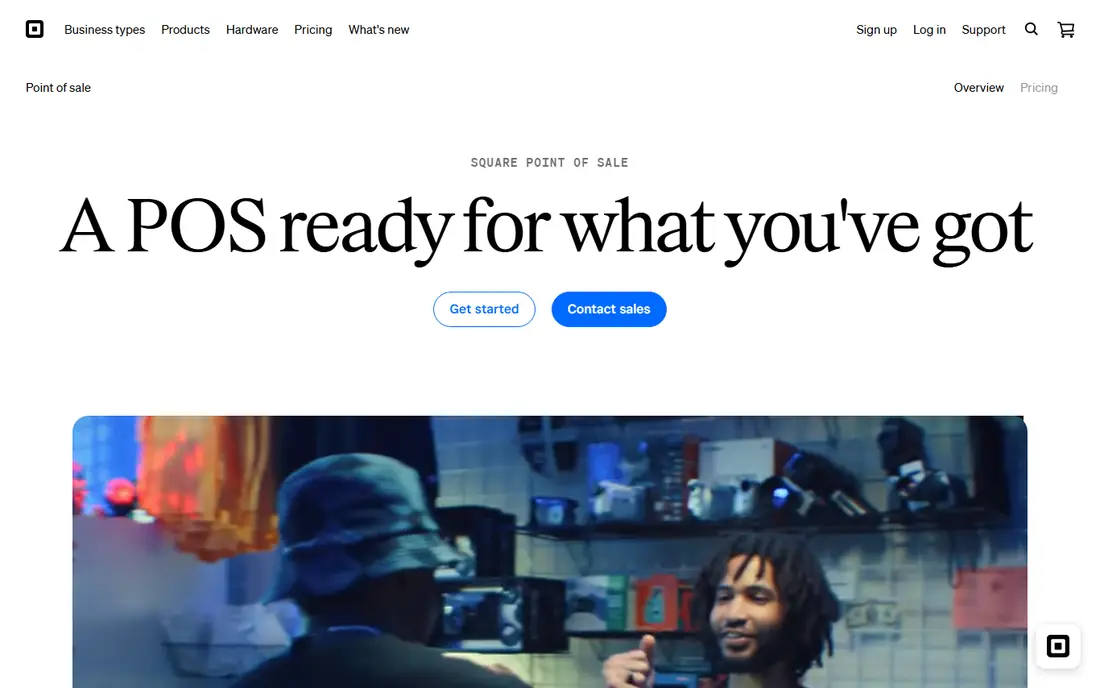
Square POS is the default for small businesses because its software is free, its hardware is affordable, and setup takes hours. It handles payments, inventory basics, customer profiles and online selling, with no contract. Pop-ups, cafes, salons and small shops start here for good reason.
Its full-service restaurant depth is limited next to Toast, and card rates matter at high volume, where paid plans lower them. Specialty retailers with complex inventory may also need more. For most small businesses, Square is the simplest and cheapest start.
For readers focused on free POS for small businesses, Square POS is worth a trial before deciding, since the free tier or trial shows its real feel fast. Check the current plan details on the vendor site, since prices and limits change, and confirm that the version you need works on your devices.
- Free software
- Easy hardware
- Online store included
- No contract
- Full-service restaurant depth is limited
- Card rates matter at volume
Shopify POS
Ideal for: Retailers selling online and in store

Shopify POS keeps online and in-store inventory in one system, so a sale in either place updates stock everywhere. POS Lite comes free with Shopify plans from $39 per month, while POS Pro at $89 per month per location adds staff roles and advanced inventory. Retailers who already sell on Shopify benefit most.
It needs a Shopify subscription, and its restaurant features are limited compared with Toast. Hardware costs add up for multiple locations. For omnichannel retailers, Shopify POS is the natural choice.
We would shortlist Shopify POS for retailers selling online and in store, and compare it directly with the two options nearest it in price before paying. Check the current plan details on the vendor site, since prices and limits change, and confirm that the version you need works on your devices.
- Unified online and in-store inventory
- POS Lite free with Shopify plans
- Pro adds staff and inventory tools
- Needs a Shopify plan
- Restaurant features are limited
Lightspeed Retail
Ideal for: Specialty retail and multi-location
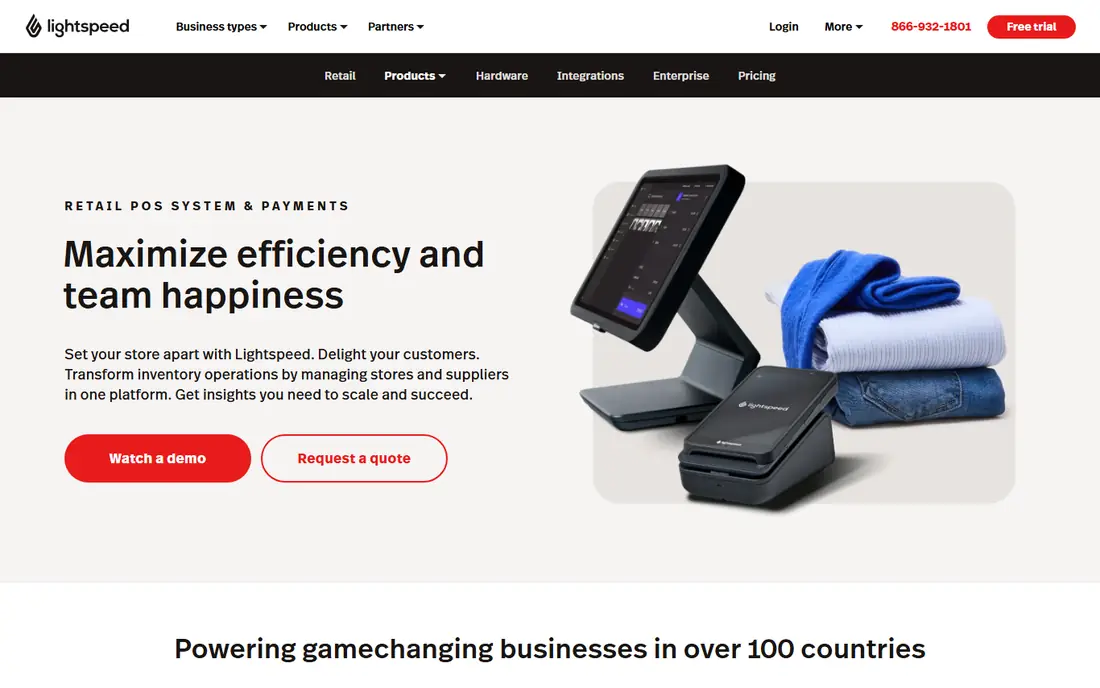
Lightspeed Retail suits specialty shops with complex inventory, such as bike, apparel and electronics stores, with matrix variants, purchase orders and multi-location stock tools. Its eCommerce option connects online sales, and its reporting covers margins and staff performance. Growing retail chains use it widely.
Pricing from $109 per month is higher than Square or Shopify basics, and its depth takes learning. Small single shops may not need it. For specialty retail with complex stock, Lightspeed is a leading system.
If specialty retail and multi-location is your main need, Lightspeed Retail deserves a place on a shortlist, provided you test the catch described above first. Check the current plan details on the vendor site, since prices and limits change, and confirm that the version you need works on your devices.
- Deep matrix inventory
- Multi-location tools
- ECommerce included
- Higher price
- Learning curve for complex inventory
Toast POS
Ideal for: Full-service restaurants
Toast is built for restaurants, with kitchen display systems, table management, handheld ordering, online ordering and payroll options in one platform. Its restaurant depth, from menu engineering to tip management, exceeds general POS systems. Full-service and quick-service restaurants rely on it widely.
Contracts can apply depending on plan and hardware, and its hardware is Toast-specific, which limits switching. Pricing from $69 per month per terminal plus processing adds up. For restaurants, though, Toast depth justifies the commitment.
Our view is that Toast POS earns its place here for full-service restaurants, even with the limits noted above. Check the current plan details on the vendor site, since prices and limits change, and confirm that the version you need works on your devices.
- Restaurant tools including kitchen display and tables
- Online ordering
- Payroll options
- Contracts can apply
- Hardware is Toast-specific
Clover POS
Ideal for: Hardware choice for shops and restaurants
Clover offers a wide hardware range, from compact counters to full terminals, with an app market for extra features and modes for retail and restaurants. Its flexibility suits businesses that want specific hardware, and buying direct avoids some reseller pricing confusion.
Pricing varies widely by reseller, and contracts are common through resellers, so read terms carefully. Software costs also vary by device. For businesses that prioritize hardware choice, Clover is flexible, but buy direct where possible.
For readers focused on hardware choice for shops and restaurants, Clover POS is worth a trial before deciding, since the free tier or trial shows its real feel fast. Check the current plan details on the vendor site, since prices and limits change, and confirm that the version you need works on your devices.
- Wide hardware range
- App market
- Restaurant and retail modes
- Pricing varies by reseller
- Contracts common through resellers
Revel Systems
Ideal for: Enterprise retail and restaurant POS
Revel Systems is an enterprise POS for retail and restaurant chains, with inventory management, CRM, multi-location controls and an open API for integrations. Its cloud platform suits businesses with many sites that need central control and reporting. Larger operations use it for scale.
Pricing is enterprise level, and setup is heavier than Square or Shopify. Small businesses will find it more than they need. For chains that need enterprise control, Revel is a capable platform.
We would shortlist Revel Systems for enterprise retail and restaurant POS, and compare it directly with the two options nearest it in price before paying. Check the current plan details on the vendor site, since prices and limits change, and confirm that the version you need works on your devices.
- Enterprise POS with inventory and CRM
- Multi-location
- Open API
- Enterprise pricing
- Setup is heavier than small-business tools
TouchBistro
Ideal for: iPad POS for restaurants
TouchBistro is an iPad-based restaurant POS with tableside ordering, menu management, floor plans and reporting, designed for full-service restaurants that want mobile flexibility. Its per-terminal pricing from around $69 per month suits single restaurants and small groups.
Its ecosystem is smaller than Toast, with fewer integrations and add-ons, and per-terminal costs add up for many stations. It also lacks the online ordering depth of Toast in some markets. For iPad-based restaurant service, TouchBistro is a strong, focused choice.
If iPad POS for restaurants is your main need, TouchBistro deserves a place on a shortlist, provided you test the catch described above first. Check the current plan details on the vendor site, since prices and limits change, and confirm that the version you need works on your devices.
- IPad-based restaurant POS
- Tableside ordering
- Menu management
- Smaller ecosystem than Toast
- Pricing per terminal adds up
How we picked these
We compared official feature pages, pricing pages, app store listings, privacy policies and public reviews for each option below. We checked that each product is still available and that its stated plans match what the vendor publishes. We did not run hands-on tests, so our picks rest on documented features, pricing and the fit for the reader described in each section, not on lab results. Where a price could not be confirmed on the vendor site at the time of writing, we wrote See website rather than guessing. We also looked at how each option handles the everyday details that decide whether a tool gets used: setup time, device support, what happens when you cancel or downgrade, and whether help is available when something breaks. A product that looks strong on a feature list but is hard to set up, hard to leave, or poorly supported will cost more in time than it saves, so we weighed those practical points alongside price and features. Where reviewers or users reported a recurring problem, we noted it in the honest catch for that product, rather than leaving it out because the vendor page did not mention it.
How to choose a POS system without overpaying
Start with how you sell: counter, table, online or all three, since each needs different hardware and features. Compare total cost, not just software fees: add card processing rates at your monthly volume and hardware costs, because a free app with high card rates can cost more than a subscription. Test the inventory flow with your real products, especially variants such as size and color. Finally, check offline mode, because a system that stops during an internet outage stops your sales too.
A final check before you commit
Run a short trial on a real task before you pay for a year or move a whole team. Use the free plan or trial to complete one full job, from setup to export or delivery, and note where you got stuck. Check the cancellation path too: can you leave and keep your data, or does leaving mean starting over? Read the pricing page for renewal rates, not just the first-year offer, and confirm what support you get on the plan you will actually buy. Finally, ask one current user about the worst part of the product, since that answer tells you more than any feature list. If the trial feels good on a real task and the exit path is clear, the choice is much safer.
Frequently asked questions
What is the best POS software?
Square is the best free starting point for small businesses, while Shopify POS suits online-first retailers. Toast leads for full-service restaurants, Lightspeed for specialty retail, and Clover for businesses wanting hardware choice.
How much does POS software cost?
Software ranges from free for Square to around $69 per month per terminal for Toast and $89 per month for Lightspeed or Shopify POS Pro. Card processing fees and hardware add to total cost, so compare all three.
What card fees does Square charge?
Square free plan charges 2.6 percent plus 15 cents for in-person payments in the US, with online rates higher. Paid plans can lower the rate at high volumes, so check current rates on Square site before choosing.
Do POS systems work offline?
Many do, with offline modes that queue payments until connection returns. Offline limits vary, so check how long a system can run offline and which payment types it supports without a connection.
Can one POS handle online and in-store sales?
Yes. Shopify POS and Square both connect online stores with in-store inventory, so stock stays in sync. Lightspeed also offers eCommerce for retail, while Toast focuses on restaurant online ordering.