Best PPM Software in 2026: 8 Options Compared

- 1
 PlanviewLarge organizations managing complex portfoliosVisit
- 2
 SmartsheetTeams that want spreadsheet-like portfolio trackingVisit
- 3
 MondayTeams that want visual portfolio and work trackingVisit
- 4
 AsanaTeams that want portfolio views inside AsanaVisit
- 5
 WrikeTeams that want work and portfolio tracking togetherVisit
- Planview and ServiceNow SPM are strongest for large, complex portfolios.
- Smartsheet and Monday suit teams that want portfolio views with flexible work tracking.
- Asana, Wrike, and Adobe Workfront suit teams that already plan work in those tools.
- Resource planning and budget tracking are the features that separate PPM from simple task tools.
Quick comparison
| Product | Ideal for | Price from | Free version | |
|---|---|---|---|---|
| Planview | Large organizations managing complex portfolios | See website | No | Visit |
| Smartsheet | Teams that want spreadsheet-like portfolio tracking | See website | Free trial | Visit |
| Monday | Teams that want visual portfolio and work tracking | See website | Free trial | Visit |
| Asana | Teams that want portfolio views inside Asana | See website | Yes | Visit |
| Wrike | Teams that want work and portfolio tracking together | See website | Free trial | Visit |
 ServiceNow SPM | Large firms already using ServiceNow | See website | No | Visit |
 Adobe Workfront | Large marketing and operations teams | See website | No | Visit |
 Clarity | Large enterprises that need classic PPM controls | See website | No | Visit |
The best PPM software
Project portfolio management software, often called PPM, helps leaders see many projects at once, balance resources, and decide what to fund, pause, or stop. The best tools give a clear portfolio view without forcing every team into the same rigid workflow.
We compared dedicated PPM platforms with work tools that add portfolio views. If you manage a handful of projects, a work tool may be enough. If you manage dozens of projects with shared staff and budgets, a dedicated PPM platform will pay off faster.
Planview
Ideal for: Large organizations managing complex portfolios
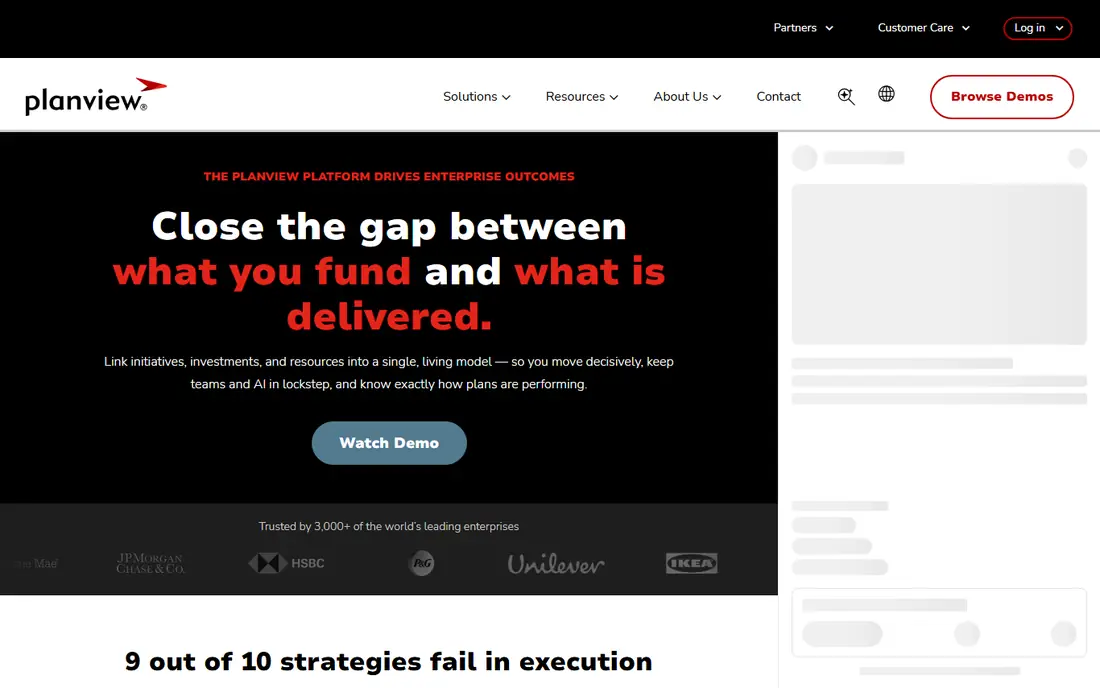
Planview is a strong fit for large organizations managing complex portfolios. Its strengths include broad portfolio planning, strong resource tools, and good financial views. That combination is why it earned a place on this list, and why it may suit you if those points match your priorities. When we lined up the official feature pages, this one stood out for the balance it strikes between depth and ease of use. Pricing is listed as see website, and the free plan is no, so check the vendor page for the current details that apply to your team size and region. The trade-off is worth naming plainly. Watch for pricing is by quote, and for implementation can be long. If neither of those is a deal breaker for you, Planview is a sensible shortlist candidate, and a short trial with a real task will tell you more than any feature list can.
- Broad portfolio planning
- Strong resource tools
- Good financial views
- Pricing is by quote
- Implementation can be long
Smartsheet
Ideal for: Teams that want spreadsheet-like portfolio tracking
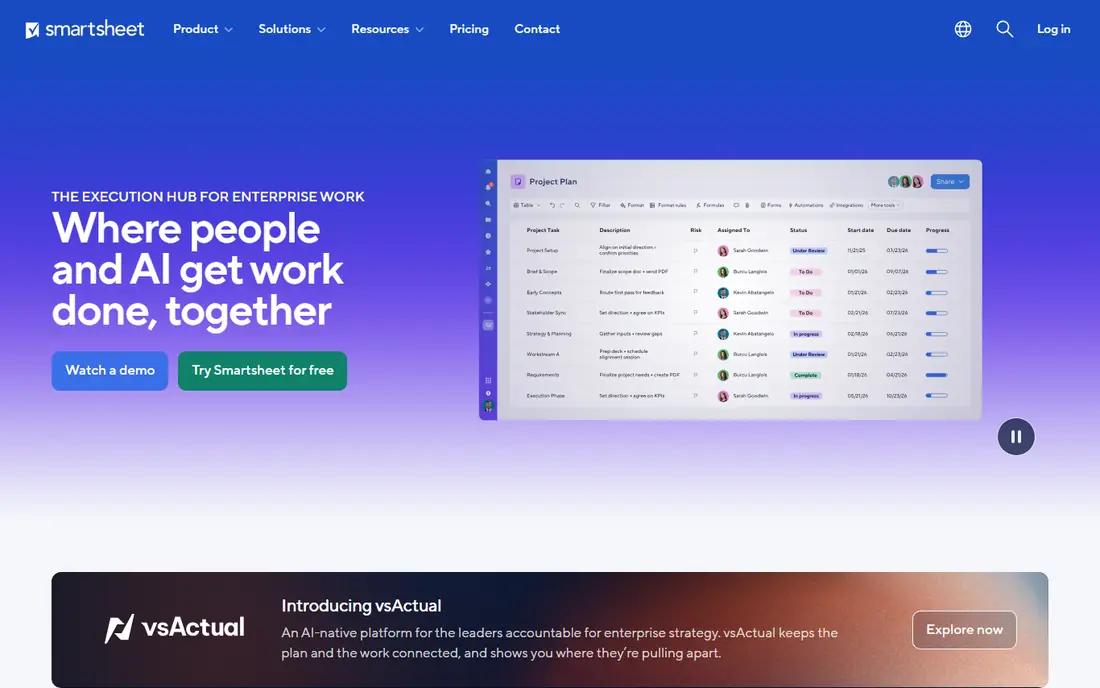
Smartsheet is a strong fit for teams that want spreadsheet-like portfolio tracking. Its strengths include familiar sheet views, good portfolio dashboards, and useful automation. That combination is why it earned a place on this list, and why it may suit you if those points match your priorities. On paper, the feature set looks broad, and the pricing page is the place to confirm what sits behind each tier before you commit. Pricing is listed as see website, and the free plan is free trial, so check the vendor page for the current details that apply to your team size and region. The trade-off is worth naming plainly. Watch for per-user pricing adds up, and for deep PPM needs setup. If neither of those is a deal breaker for you, Smartsheet is a sensible shortlist candidate, and a short trial with a real task will tell you more than any feature list can.
- Familiar sheet views
- Good portfolio dashboards
- Useful automation
- Per-user pricing adds up
- Deep PPM needs setup
Monday
Ideal for: Teams that want visual portfolio and work tracking
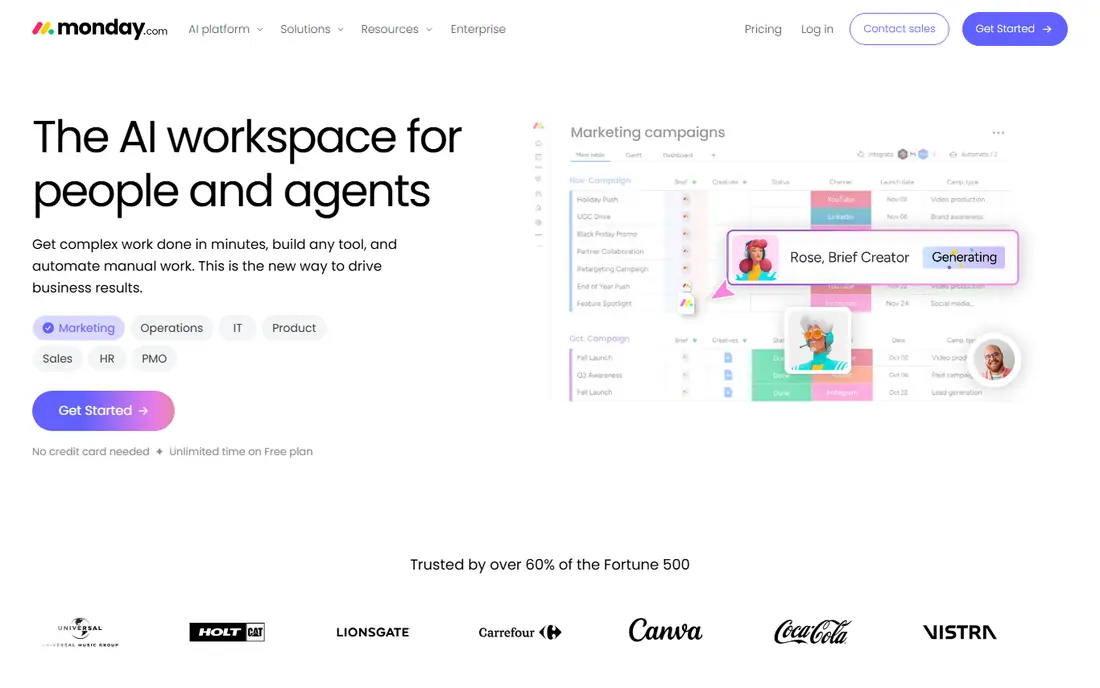
Monday is a strong fit for teams that want visual portfolio and work tracking. Its strengths include flexible visual views, simple portfolio dashboards, and good templates. That combination is why it earned a place on this list, and why it may suit you if those points match your priorities. We paid close attention to how clearly the vendor explains limits, because a tool that hides its limits tends to disappoint later. Pricing is listed as see website, and the free plan is free trial, so check the vendor page for the current details that apply to your team size and region. The trade-off is worth naming plainly. Watch for per-user pricing adds up, and for advanced PPM needs higher tiers. If neither of those is a deal breaker for you, Monday is a sensible shortlist candidate, and a short trial with a real task will tell you more than any feature list can.
- Flexible visual views
- Simple portfolio dashboards
- Good templates
- Per-user pricing adds up
- Advanced PPM needs higher tiers
Asana
Ideal for: Teams that want portfolio views inside Asana
Asana is a strong fit for teams that want portfolio views inside Asana. Its strengths include clear portfolio views, good goal tracking, and simple collaboration. That combination is why it earned a place on this list, and why it may suit you if those points match your priorities. Compared with the other options here, this one takes a narrower approach, and that focus is either a strength or a limit depending on your needs. Pricing is listed as see website, and the free plan is yes, so check the vendor page for the current details that apply to your team size and region. The trade-off is worth naming plainly. Watch for full portfolio features need paid tiers, and for resource depth varies. If neither of those is a deal breaker for you, Asana is a sensible shortlist candidate, and a short trial with a real task will tell you more than any feature list can.
- Clear portfolio views
- Good goal tracking
- Simple collaboration
- Full portfolio features need paid tiers
- Resource depth varies
Wrike
Ideal for: Teams that want work and portfolio tracking together
Wrike is a strong fit for teams that want work and portfolio tracking together. Its strengths include strong work tracking, good portfolio views, and useful reporting. That combination is why it earned a place on this list, and why it may suit you if those points match your priorities. The public reviews we read tended to praise the core workflow while noting the same trade-offs we list below. Pricing is listed as see website, and the free plan is free trial, so check the vendor page for the current details that apply to your team size and region. The trade-off is worth naming plainly. Watch for pricing is per user, and for setup needs planning. If neither of those is a deal breaker for you, Wrike is a sensible shortlist candidate, and a short trial with a real task will tell you more than any feature list can.
- Strong work tracking
- Good portfolio views
- Useful reporting
- Pricing is per user
- Setup needs planning
ServiceNow SPM
Ideal for: Large firms already using ServiceNow
ServiceNow SPM is a strong fit for large firms already using ServiceNow. Its strengths include strong enterprise SPM, good financial planning, and broad integrations. That combination is why it earned a place on this list, and why it may suit you if those points match your priorities. For a team that wants to start small, the free tier or trial is worth testing with a real task before any wider rollout. Pricing is listed as see website, and the free plan is no, so check the vendor page for the current details that apply to your team size and region. The trade-off is worth naming plainly. Watch for pricing is by quote, and for best inside ServiceNow workflow. If neither of those is a deal breaker for you, ServiceNow SPM is a sensible shortlist candidate, and a short trial with a real task will tell you more than any feature list can.
- Strong enterprise SPM
- Good financial planning
- Broad integrations
- Pricing is by quote
- Best inside ServiceNow workflow
Adobe Workfront
Ideal for: Large marketing and operations teams
Adobe Workfront is a strong fit for large marketing and operations teams. Its strengths include strong work management, good portfolio views, and useful reporting. That combination is why it earned a place on this list, and why it may suit you if those points match your priorities. We looked at integrations and support options as well, since a tool rarely works alone in a real workflow. Pricing is listed as see website, and the free plan is no, so check the vendor page for the current details that apply to your team size and region. The trade-off is worth naming plainly. Watch for pricing is by quote, and for setup can be involved. If neither of those is a deal breaker for you, Adobe Workfront is a sensible shortlist candidate, and a short trial with a real task will tell you more than any feature list can.
- Strong work management
- Good portfolio views
- Useful reporting
- Pricing is by quote
- Setup can be involved
Clarity
Ideal for: Large enterprises that need classic PPM controls
Clarity is a strong fit for large enterprises that need classic PPM controls. Its strengths include strong portfolio and resource planning, good financial tools, and long enterprise history. That combination is why it earned a place on this list, and why it may suit you if those points match your priorities. The documentation and help pages gave us a good sense of how much setup this one needs in the first week. Pricing is listed as see website, and the free plan is no, so check the vendor page for the current details that apply to your team size and region. The trade-off is worth naming plainly. Watch for pricing is by quote, and for interface feels enterprise-heavy. If neither of those is a deal breaker for you, Clarity is a sensible shortlist candidate, and a short trial with a real task will tell you more than any feature list can.
- Strong portfolio and resource planning
- Good financial tools
- Long enterprise history
- Pricing is by quote
- Interface feels enterprise-heavy
How we picked these
We compared official feature pages, pricing pages, app store listings, privacy policies, and public reviews for each option. We kept only products that exist and work in October 2026 and that truly fit the topic, and we left out options whose pricing or core features we could not verify. Where a price was unclear, we wrote See website rather than guessing a number. We also weighed who each product is really for, how clear its limits are, and how it handles privacy and support. Our pick for most people is the option that balances those points best, not the one with the longest feature list. Your shortlist should still reflect your budget, your team size, and the one task you need done every week.
Before you commit, check these points
Start with the portfolio question you answer each month. If leaders ask which projects to fund and which to stop, you need resource and budget views, not only timelines. If they only ask for status, a lighter tool will do, and a heavy PPM rollout will feel like overhead. Check resource planning with real data. Load your actual staff, their availability, and a few overlapping projects, then look for conflicts and overloads. A tool that only shows project dates will not help you balance people across work. Agree on a small set of portfolio metrics before rollout. Track budget health, resource load, and milestone risk the same way every month, and resist adding fields that no one reviews. A portfolio view that leaders trust comes from consistent data, not from a long list of charts.
Frequently asked questions
What is PPM software?
PPM stands for project portfolio management. It helps organizations plan, prioritize, and track many projects together, including resources, budgets, and risks.
What is the best PPM tool?
Planview and ServiceNow SPM suit large portfolios, while Smartsheet and Monday suit teams that want flexible portfolio views. Asana and Wrike suit teams already using those work tools.
How is PPM different from project management?
Project management tracks one project, while PPM tracks a whole portfolio, helping leaders compare projects, balance resources, and decide funding.
How much does PPM software cost?
Most dedicated platforms price by quote, while work tools offer per-user plans and trials. Request a quote for your user count and portfolio size.