Best Price Comparison Apps: 8 Options Compared

- 1
 Google ShoppingBroad price search across storesVisit
- 2
 CamelCamelCamelAmazon price history and alertsVisit
- 3
 PayPal HoneyAutomatic coupons and price trackingVisit
- 4
 RakutenCash back plus couponsVisit
- 5
 ShopSavvyBarcode scanning in storesVisit
- Google Shopping and CamelCamelCamel lead for search and Amazon price history, while Honey and Rakuten lead for coupons and cash back.
- Price history matters more than a single low price, since some deals are inflated before a sale.
- Shipping, taxes, and seller reputation can erase a small price saving, so compare the total cost.
- Set alerts for items you actually want, rather than browsing deals you do not need.
Quick comparison
| Product | Ideal for | Price from | Free version | |
|---|---|---|---|---|
| Google Shopping | Broad price search across stores | Free | Yes | Visit |
| CamelCamelCamel | Amazon price history and alerts | Free | Yes | Visit |
| PayPal Honey | Automatic coupons and price tracking | Free | Yes | Visit |
| Rakuten | Cash back plus coupons | Free | Yes | Visit |
| ShopSavvy | Barcode scanning in stores | Free | Yes | Visit |
 PriceGrabber | Classic price comparison search | Free | Yes | Visit |
 Shopzilla | Price search with merchant ratings | Free | Yes | Visit |
 Slickdeals | Community-found deals and prices | Free | Yes | Visit |
The best price comparison apps
Price comparison apps search many stores at once, track price history, and alert you when an item drops. We compared eight apps and sites that help shoppers find the best price without visiting dozens of stores.
Google Shopping
Ideal for: Broad price search across stores
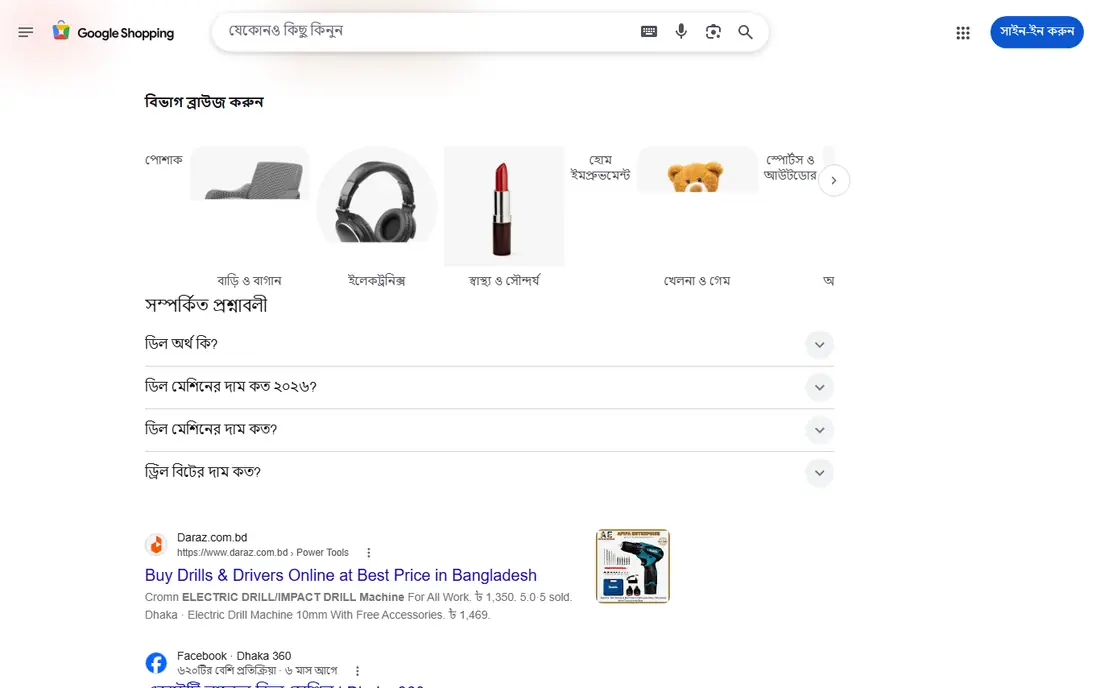
Our pick for Broad price search across stores is Google Shopping, and it stands out for broad store coverage with price sorting. Readers who want broad price search across stores will find its approach direct and practical. The trade-off is that there are no price history charts, so weigh that before you commit.
Pricing is listed as Free below, and the free plan status is Yes. We checked the official site and the app store listing for current plan details, and we suggest confirming the plan that fits your usage before checkout. Compared with the rest of this list, Google Shopping works best when broad price search across stores is your main priority.
- Broad store coverage
- Filters
- Price sorting
- No price history charts
- Seller quality varies
CamelCamelCamel
Ideal for: Amazon price history and alerts
If amazon price history and alerts matters most to you, CamelCamelCamel deserves a close look. It is known for Amazon price history charts with alerts, which gives it a clear edge in this list. On the other hand, it is Amazon only, so it is not the right fit for everyone.
Before you choose, compare CamelCamelCamel with one or two others in this list on price, limits, and support. Its free plan status is Yes and its starting price is shown as Free. In our view, it is a sensible shortlist pick for readers who value amazon price history and alerts above extra features.
- Amazon price history charts
- Alerts
- Clear data
- Amazon only
- Interface is basic
PayPal Honey
Ideal for: Automatic coupons and price tracking
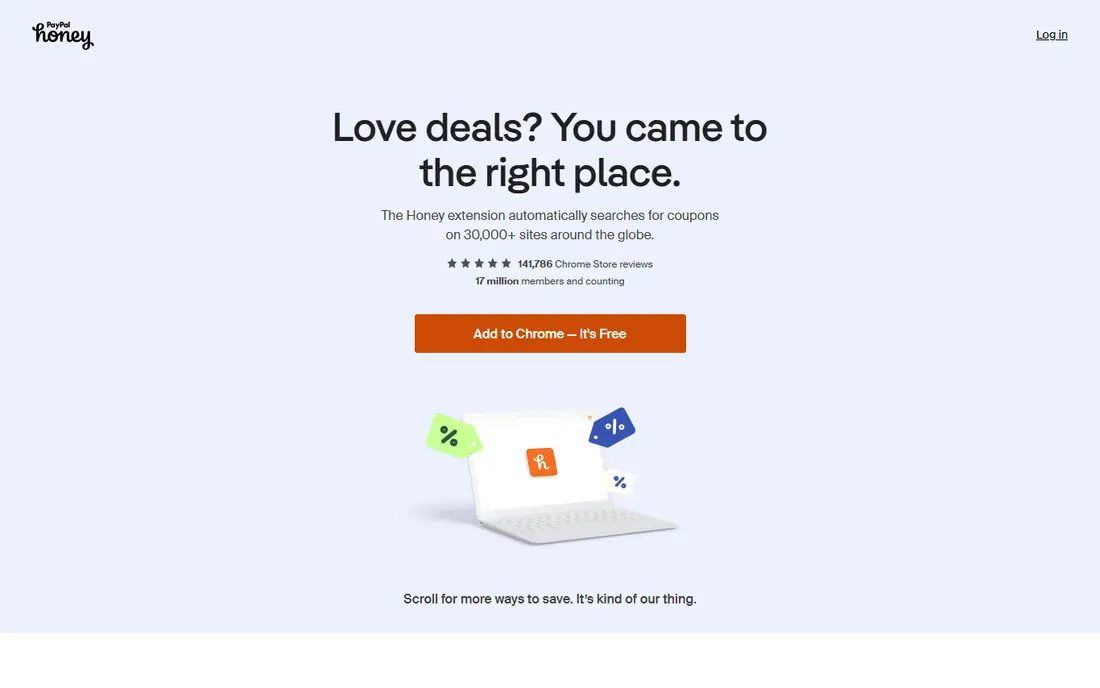
PayPal Honey earns its place here for automatic coupons and price tracking. Its main strength is automatic coupon codes with price tracking, and that makes day to day use feel focused rather than scattered. The catch is that coupon success varies by store, which may matter more to some readers than others.
We would shortlist PayPal Honey when automatic coupons and price tracking is the deciding factor. The starting price is Free and the free plan status is Yes, so the cost picture is clear from the official pricing page. Try the free option or trial first if one is offered, and test it on a real task.
- Automatic coupon codes
- Price tracking
- Rewards
- Coupon success varies
- Data sharing needs review
Rakuten
Ideal for: Cash back plus coupons
For readers focused on cash back plus coupons, Rakuten is a strong contender. It offers cash back at many stores with coupons, and we found that combination easy to recommend for its target audience. Still, cash back has payout thresholds, so check that detail against your own needs.
The honest summary is this: Rakuten is strong on cash back plus coupons and weaker where cash back has payout thresholds. With a starting price of Free and a free plan status of Yes, it is easy to compare against the other options here. Pick it if its strength matches the job you need done most often.
- Cash back at many stores
- Coupons
- Browser extension
- Cash back has thresholds and payout schedules
ShopSavvy
Ideal for: Barcode scanning in stores
ShopSavvy suits readers who need barcode scanning in stores without extra fuss. The headline strength is barcode scanning for in-store comparisons, which covers the core job well. The downside is that coverage varies by product, so a short trial is worth it before you pay.
Pricing is listed as Free below, and the free plan status is Yes. We checked the official site and the app store listing for current plan details, and we suggest confirming the plan that fits your usage before checkout. Compared with the rest of this list, ShopSavvy works best when barcode scanning in stores is your main priority.
- Barcode scanning
- Price history
- Store comparisons
- Coverage varies by product
- Ads appear
PriceGrabber
Ideal for: Classic price comparison search
Our pick for Classic price comparison search is PriceGrabber, and it stands out for broad product search with price sorting. Readers who want classic price comparison search will find its approach direct and practical. The trade-off is that the interface feels dated, so weigh that before you commit.
Before you choose, compare PriceGrabber with one or two others in this list on price, limits, and support. Its free plan status is Yes and its starting price is shown as Free. In our view, it is a sensible shortlist pick for readers who value classic price comparison search above extra features.
- Broad product search
- Price sorting
- Reviews
- Interface feels dated
- Coverage is thinner than Google
Shopzilla
Ideal for: Price search with merchant ratings
If price search with merchant ratings matters most to you, Shopzilla deserves a close look. It is known for merchant ratings with price comparisons, which gives it a clear edge in this list. On the other hand, coverage is thinner than Google Shopping, so it is not the right fit for everyone.
We would shortlist Shopzilla when price search with merchant ratings is the deciding factor. The starting price is Free and the free plan status is Yes, so the cost picture is clear from the official pricing page. Try the free option or trial first if one is offered, and test it on a real task.
- Merchant ratings
- Price comparisons
- Categories
- Coverage is thinner than Google Shopping
Slickdeals
Ideal for: Community-found deals and prices
Slickdeals earns its place here for community-found deals and prices. Its main strength is community-found deals with price discussion, and that makes day to day use feel focused rather than scattered. The catch is that deals can sell out fast, which may matter more to some readers than others.
The honest summary is this: Slickdeals is strong on community-found deals and prices and weaker where deals can sell out fast. With a starting price of Free and a free plan status of Yes, it is easy to compare against the other options here. Pick it if its strength matches the job you need done most often.
- Community deal finds
- Price discussion
- Alerts
- Deals can sell out fast
- Quality varies by post
How we picked these
We compared official feature pages, pricing pages, app store listings, privacy policies, and public reviews for each option in this list. We kept only products that exist and work in October 2026 and that truly fit the topic, and we dropped anything whose official homepage did not load or did not match the product. Where we could not verify a current price from the vendor, we wrote See website rather than guessing a figure.
We also weighed who each product is really for, not just how many features it lists. A strong pick for a large team can be a poor pick for one person, and the reverse is true too. That is why each write-up names a best fit and an honest weakness, so you can match the product to your own situation instead of chasing the longest feature list.
Finally, we checked renewal and trial terms where the vendor publishes them, since first-year prices and trial limits can change the real cost. When a vendor did not publish a clear price, we left the field as See website and said so plainly, rather than filling the gap with an estimate. That approach keeps every price claim in this list traceable to the vendor's own pages.
How to choose a price comparison app
Start with where you shop. Amazon-focused tools excel at Amazon price history, while general tools cover many retailers and in-store barcode scanning. If you mostly shop at one store, a store-specific tracker may beat a general comparison app.
Check price history and alerts together. A price that looks low today may be normal for that item, while a true drop shows in history charts. Set alerts at a price you would actually pay, and check whether alerts cover the exact model and seller you want.
Compare total cost, not just the item price. Shipping, taxes, return costs, and seller ratings can turn a cheap listing into a poor deal. Also check coupon and cash back terms, since some savings only apply after thresholds or exclusions.
Before you pay, run a short checklist against your top two picks: confirm the plan limits, test the feature you will use most, check support hours, and confirm cancellation terms. A product that passes that checklist on a real task is usually the right choice, even if a rival lists more features on paper. Keep notes from your trial so the decision stays based on evidence, not marketing.
Frequently asked questions
What is the best price comparison app?
Google Shopping is best for broad searches, CamelCamelCamel is best for Amazon price history, and Honey is best for automatic coupons. ShopSavvy suits in-store barcode scanning.
Do price comparison apps really save money?
They can, especially with price history and alerts for items you already plan to buy. Savings shrink if you buy extra items just because they are on sale.
How do price alerts work?
You set a target price for a product, and the app notifies you when it drops to that level at tracked stores. Alerts work best for exact models, not generic categories.
Are coupons and cash back worth it?
Coupons and cash back add savings on planned purchases, but read terms for exclusions, minimums, and payout thresholds. Cash back is not instant cash in most cases.
Can I compare prices in a store?
Yes, ShopSavvy and similar apps scan barcodes in stores to compare online prices. Check whether the app covers the store and product category you need.