Best Privacy Apps: 8 Options Compared

- 1
 SignalPrivate encrypted messagingVisit
- 2
 Proton MailPrivate encrypted emailVisit
- 3
 Proton VPNTrusted VPN with a free tierVisit
- 4
 BravePrivate browser with ad blockingVisit
- 5
 DuckDuckGoPrivate search and browserVisit
- Signal and Proton Mail lead for private messaging and email, while Brave and DuckDuckGo lead for private browsing.
- No single app makes you fully private, so combine messaging, browser, VPN, and password tools.
- Free tiers cover core privacy well, but VPN servers and storage usually need paid plans.
- Check jurisdiction, audits, and open source code when privacy claims matter most.
Quick comparison
| Product | Ideal for | Price from | Free version | |
|---|---|---|---|---|
| Signal | Private encrypted messaging | Free | Yes | Visit |
| Proton Mail | Private encrypted email | Free | Yes | Visit |
| Proton VPN | Trusted VPN with a free tier | Free | Yes | Visit |
| Brave | Private browser with ad blocking | Free | Yes | Visit |
| DuckDuckGo | Private search and browser | Free | Yes | Visit |
 1Password | Password management for families | See website | Free trial | Visit |
 Bitwarden | Open source password manager | Free | Yes | Visit |
 Tor Browser | Anonymous browsing via Tor | Free | Yes | Visit |
The best privacy apps
Privacy apps reduce tracking, encrypt messages, and limit how much data companies collect about you. We compared eight apps that cover messaging, email, browsing, VPN protection, and passwords for everyday use.
Signal
Ideal for: Private encrypted messaging
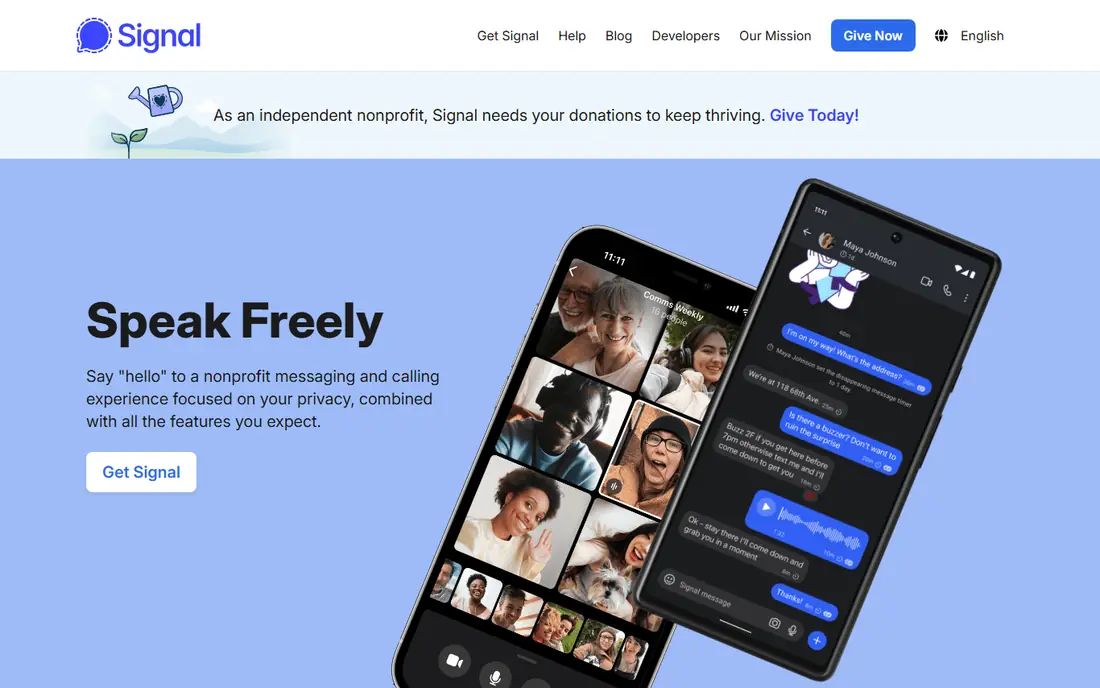
Our pick for Private encrypted messaging is Signal, and it stands out for end-to-end encryption by default with minimal data collection. Readers who want private encrypted messaging will find its approach direct and practical. The trade-off is that it needs a phone number to register, so weigh that before you commit.
Pricing is listed as Free below, and the free plan status is Yes. We checked the official site and the app store listing for current plan details, and we suggest confirming the plan that fits your usage before checkout. Compared with the rest of this list, Signal works best when private encrypted messaging is your main priority.
- End-to-end encryption by default
- Open source
- Minimal data collection
- Needs a phone number
- Fewer features than WhatsApp
Proton Mail
Ideal for: Private encrypted email
If private encrypted email matters most to you, Proton Mail deserves a close look. It is known for end-to-end encrypted email with a free tier, which gives it a clear edge in this list. On the other hand, free storage is limited, so it is not the right fit for everyone.
Before you choose, compare Proton Mail with one or two others in this list on price, limits, and support. Its free plan status is Yes and its starting price is shown as Free. In our view, it is a sensible shortlist pick for readers who value private encrypted email above extra features.
- End-to-end encrypted email
- Swiss jurisdiction
- Free tier
- Free storage is limited
- Search is limited on encrypted mail
Proton VPN
Ideal for: Trusted VPN with a free tier
Proton VPN earns its place here for trusted VPN with a free tier. Its main strength is a no-logs VPN with a free tier, and that makes day to day use feel focused rather than scattered. The catch is that free servers are slower than paid, which may matter more to some readers than others.
We would shortlist Proton VPN when trusted VPN with a free tier is the deciding factor. The starting price is Free and the free plan status is Yes, so the cost picture is clear from the official pricing page. Try the free option or trial first if one is offered, and test it on a real task.
- No-logs policy
- Free tier
- Strong speeds on paid plans
- Free servers are slower
- Streaming support varies
Brave
Ideal for: Private browser with ad blocking
For readers focused on private browser with ad blocking, Brave is a strong contender. It offers built-in ad and tracker blocking, and we found that combination easy to recommend for its target audience. Still, some sites break with shields on, so check that detail against your own needs.
The honest summary is this: Brave is strong on private browser with ad blocking and weaker where some sites break with shields on. With a starting price of Free and a free plan status of Yes, it is easy to compare against the other options here. Pick it if its strength matches the job you need done most often.
- Built-in ad and tracker blocking
- Fast browsing
- Rewards optional
- Some sites break with shields on
- Sync is basic
DuckDuckGo
Ideal for: Private search and browser
DuckDuckGo suits readers who need private search and browser without extra fuss. The headline strength is private search without tracking, which covers the core job well. The downside is that search results can differ from Google, so a short trial is worth it before you pay.
Pricing is listed as Free below, and the free plan status is Yes. We checked the official site and the app store listing for current plan details, and we suggest confirming the plan that fits your usage before checkout. Compared with the rest of this list, DuckDuckGo works best when private search and browser is your main priority.
- Private search without tracking
- Browser apps
- Email protection
- Search results can differ from Google
- Maps are basic
1Password
Ideal for: Password management for families
Our pick for Password management for families is 1Password, and it stands out for strong password vaults with family sharing. Readers who want password management for families will find its approach direct and practical. The trade-off is that there is no free tier, so weigh that before you commit.
Before you choose, compare 1Password with one or two others in this list on price, limits, and support. Its free plan status is Free trial and its starting price is shown as See website. In our view, it is a sensible shortlist pick for readers who value password management for families above extra features.
- Strong password vaults
- Family sharing
- Security audits
- No free tier
- Subscription only
Bitwarden
Ideal for: Open source password manager
If open source password manager matters most to you, Bitwarden deserves a close look. It is known for open source password management with a free tier, which gives it a clear edge in this list. On the other hand, the interface is plainer than 1Password, so it is not the right fit for everyone.
We would shortlist Bitwarden when open source password manager is the deciding factor. The starting price is Free and the free plan status is Yes, so the cost picture is clear from the official pricing page. Try the free option or trial first if one is offered, and test it on a real task.
- Open source
- Free tier
- Self-host option
- Interface is plainer than 1Password
- Some features need paid plans
Tor Browser
Ideal for: Anonymous browsing via Tor
Tor Browser earns its place here for anonymous browsing via Tor. Its main strength is strong anonymity via the Tor network, and that makes day to day use feel focused rather than scattered. The catch is that browsing is slow, which may matter more to some readers than others.
The honest summary is this: Tor Browser is strong on anonymous browsing via Tor and weaker where browsing is slow. With a starting price of Free and a free plan status of Yes, it is easy to compare against the other options here. Pick it if its strength matches the job you need done most often.
- Strong anonymity via Tor network
- Free and open source
- Browsing is slow
- Some sites block Tor traffic
How we picked these
We compared official feature pages, pricing pages, app store listings, privacy policies, and public reviews for each option in this list. We kept only products that exist and work in October 2026 and that truly fit the topic, and we dropped anything whose official homepage did not load or did not match the product. Where we could not verify a current price from the vendor, we wrote See website rather than guessing a figure.
We also weighed who each product is really for, not just how many features it lists. A strong pick for a large team can be a poor pick for one person, and the reverse is true too. That is why each write-up names a best fit and an honest weakness, so you can match the product to your own situation instead of chasing the longest feature list.
Finally, we checked renewal and trial terms where the vendor publishes them, since first-year prices and trial limits can change the real cost. When a vendor did not publish a clear price, we left the field as See website and said so plainly, rather than filling the gap with an estimate. That approach keeps every price claim in this list traceable to the vendor's own pages.
How to choose privacy apps
Start with the biggest leak in your daily habits. If you message a lot, encrypted messaging matters most. If you browse and search constantly, a private browser and search engine matter more. Fix the largest exposure first, then add other tools one at a time.
Check encryption, jurisdiction, and audits, not just marketing claims. End-to-end encryption, open source code, and independent audits give stronger assurance than a privacy policy alone. Also check whether the app needs a phone number or account details that could link activity to you.
Compare free and paid tiers honestly. Core messaging and browsing privacy are often free, while VPN speed, server choice, and storage need paid plans. A password manager is worth paying for if it helps you use unique passwords everywhere.
Before you pay, run a short checklist against your top two picks: confirm the plan limits, test the feature you will use most, check support hours, and confirm cancellation terms. A product that passes that checklist on a real task is usually the right choice, even if a rival lists more features on paper. Keep notes from your trial so the decision stays based on evidence, not marketing.
Frequently asked questions
What is the best privacy app?
Signal is the top pick for private messaging, Proton Mail for private email, and Brave for private browsing. Bitwarden and 1Password lead for password management.
Do I need a VPN for privacy?
A VPN hides browsing from your internet provider and local network, but it does not stop tracking by websites or apps you log into. Use a VPN alongside a private browser and good password habits.
Is Signal really private?
Signal uses end-to-end encryption by default, collects minimal metadata, and its code is open source. It still needs a phone number to register, which some users prefer to avoid.
Can privacy apps stop all tracking?
No. Apps, cookies, device fingerprints, and account logins can still track activity. Privacy apps reduce exposure, but they do not make anyone invisible online.
Which privacy apps are free?
Signal, Brave, DuckDuckGo, and Bitwarden all have strong free tiers. Proton services offer free tiers with limits on storage and VPN speed.