5 Strong Process Documentation Software Options in 2026

- This list starts with Trainual, which is built for SOPs as assignable training.
- Whale is the one to check for SOPs plus training tracking.
- Check the limits for Scribe before you commit: desktop capture needs a premium plan.
- Confluence, Scribe, Tango, Whale: these are the 4 tools out of 5 that offer a free plan.
Direct answer
This list puts Trainual first for SOPs as assignable training. Look at Confluence for wiki documentation in Atlassian stack, and at Scribe for auto-capturing step-by-step guides. The full list of 5 tools follows, with prices and free plan facts.
Quick comparison
| Product | Ideal for | Price from | Free version | |
|---|---|---|---|---|
 Trainual | SOPs as assignable training | See website | Free trial (7 days) | Visit |
 Confluence | Wiki documentation in Atlassian stack | $5.16/user/month (Standard) | Yes | Visit |
 Scribe | Auto-capturing step-by-step guides | $25/seat/month (billed annually) | Yes | Visit |
 Tango | In-app walkthroughs and guides | Free; Pro from $15/user/month (billed yearly) | Yes | Visit |
 Whale | SOPs plus training tracking | $249/month (billed yearly) | Yes | Visit |
Process Documentation Software compared in detail
This Ainotely guide covers 5 options for process documentation software. Each profile lists a starting price, free plan details, strengths and drawbacks, so you can drop poor fits quickly.
Trainual
Ideal for: SOPs as assignable training
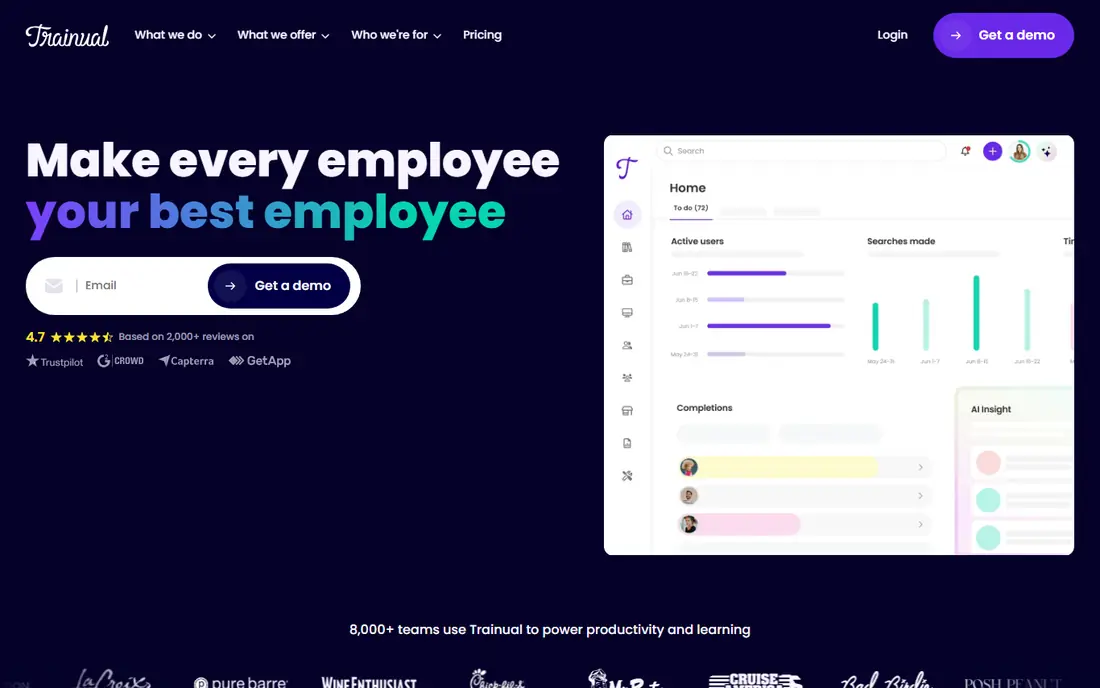
Trainual is built with SOPs as assignable training in mind. There is no permanent free plan. Trainual is where documentation meets accountability: your processes become structured training modules assigned by role, with quizzes testing comprehension and e-signatures proving completion.
Limits to weigh: Overkill for tiny teams.
Also, the catches: the pricing opacity and implementation fee make it a considered purchase. Teams under 10 may pay a high effective per-user cost. For everyday use, for firms with regular hiring where "I didn't know" is a recurring problem, the tracking justifies the spend. Worth adding: integrations with HR tools like BambooHR and Gusto automate assignments as people join. No starting price is listed for Trainual here; confirm pricing on the vendor site. On free options: Free trial (7 days).
- HR integrations
- Turns SOPs into structured training with quizzes
- Quote-based pricing with no public figures
Confluence
Ideal for: Wiki documentation in Atlassian stack
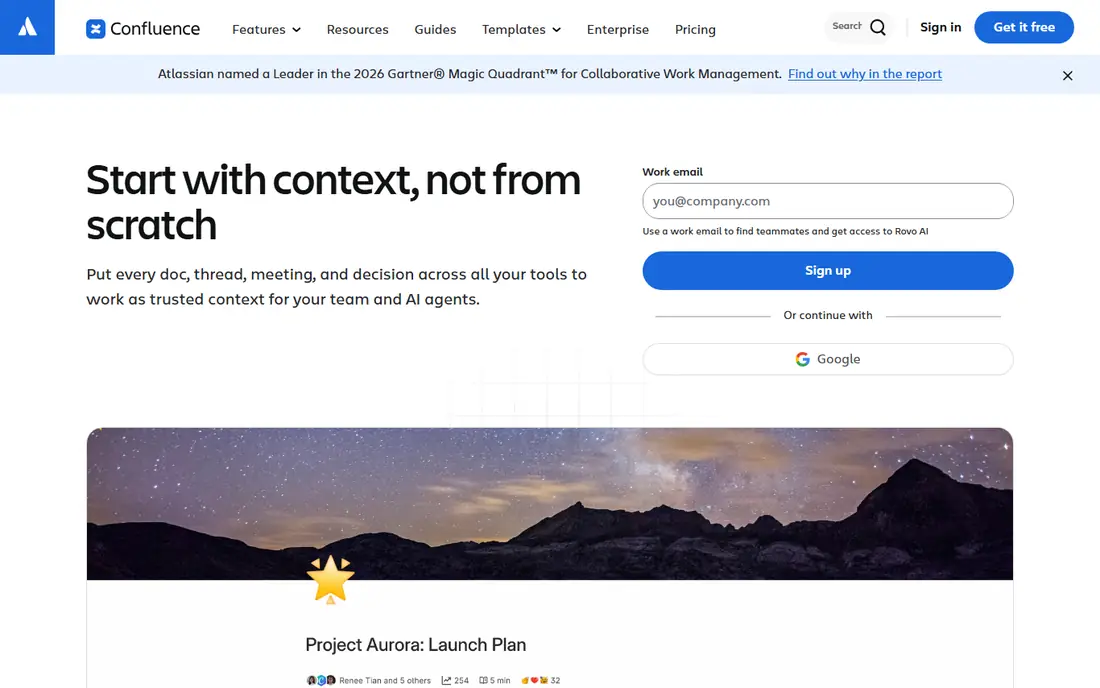
Confluence is aimed squarely at wiki documentation in Atlassian stack. Premium at $9.73 brings AI-powered knowledge features, 1,000 automation runs per user, and unlimited storage.
If your team already pays for Atlassian and just needs somewhere to put SOPs, it is the path of least resistance. Price to start with Confluence: $5.16/user/month. Free access exists with Confluence.
Where it falls short: Not made for auto-capture.
- Free for up to 10 users
- Deep Jira and Atlassian integration
- AI usage is credit-metered
Scribe
Ideal for: Auto-capturing step-by-step guides
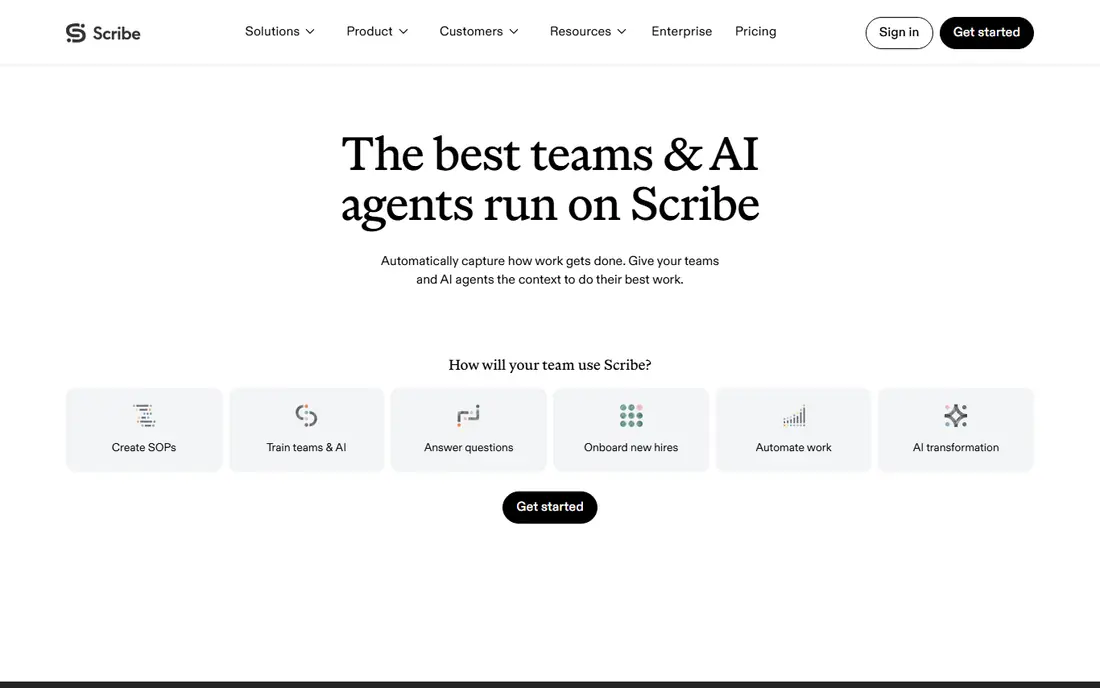
Scribe targets auto-capturing step-by-step guides. Scribe is the fastest way to document a process you already know: hit record in the browser extension or desktop app, do the task once, and Scribe turns your clicks into a written step-by-step guide with screenshots. Worth adding: the free Basic plan includes unlimited guides with browser capture.
What to check first: PDF export is premium.
Pro Personal at $25 a seat per month billed yearly ($35 monthly) brings desktop capture, branding, screenshot redaction, and PDF, HTML, and Markdown export. For everyday use, editing, redacting, and sharing by link or embed take minutes. Price to start with Scribe: $25/seat/month. Scribe includes a free tier.
- Records browser clicks into guides with screenshots automatically
- Free Basic plan with unlimited guides
- Desktop capture needs a premium plan
Tango
Ideal for: In-app walkthroughs and guides
Tango makes the most sense for in-app walkthroughs and guides. Tango goes beyond static guides: its Guide Me feature walks a user through a task inside the actual application with on-screen flags, which makes it part digital adoption system, not just a documentation tool. For teams that require help inside the app, not in a PDF, Tango is genuinely differentiated.
Honest limits: No HIPAA compliance.
For everyday use, Pro costs $22 a user per month for 1-2 users, or $15 a user billed yearly for teams of 3 or more ($20 monthly), adding desktop capture, branding, exports, and screenshot blurring. Tango also sells browser automation that turns captured workflows into automations. Starting cost for Tango: Free. Tango includes a free tier.
- Browser automation product
- Unique Guide Me in-app walkthroughs
- Full walkthrough features need Enterprise
Whale
Ideal for: SOPs plus training tracking
For SOPs plus training tracking, Whale is a natural candidate. Whale answers the complaint that SOPs sit unread in a folder: it merges AI-assisted SOP creation with training assignments, quizzes, e-signatures, and an AI health score that flags stale procedures for review. Beyond that, the free plan is free forever for up to 10 members with one creator.
In daily use, advance at $499 layers on SSO and deeper controls. For everyday use, procedures can be scanned by QR code on a factory floor or kiosk. Entry price for Whale: $249/month. You can start on Whale without paying.
What to check first: First premium level is a real jump at $249.
- Documentation and training in one tool
- MCP access for AI tools
- Export starts on premium plans
Our selection method
Ainotely looked at what each vendor publishes: pricing, plan limits, feature coverage for process documentation software and stated drawbacks. No hands-on testing is claimed. Plan names, prices and limits change often. Treat the figures here as a starting point and verify them with the vendor. Tools are placed by general fit for process documentation software, with price clarity and free access as tie-breakers. A different team can reasonably rank them differently.
Questions to settle before buying
- Get a written quote from Trainual; the list shows no starting price for them.
- Look at free plan limits closely: Confluence, Scribe, Tango and Whale have one, and the caps decide whether it is usable for real work.
- Take the trial from Trainual and push a live task through it before you pay.
- Before choosing Trainual, weigh its main limit: quote-based pricing with no public figures.
- The entry price of Tango is only the starting point; model the full cost with seats and extras.
- Test how quickly Scribe answers a pre-sales question; it hints at how support will feel later.
Frequently asked questions
Can process documentation software replace employee training?
Capture tools accelerate documentation, but they do not verify learning. Systems like Whale and Trainual add quizzes, completion tracking, and e-signatures, which get you much closer to real training outcomes.
Can I try these options before paying?
Often, yes. Confluence, Scribe, Tango and Whale have a free plan and Trainual offers a free trial. Use your own data and a real task during the test, and check what the free tier or trial limits before you rely on it.
Is screen-capture documentation secure?
Use redaction features before sharing, restrict who can produce guides, and check the vendor's security posture: Scribe claims SOC 2 Type 2 compliance, and Tango states it does not currently maintain HIPAA compliance.
Is Trainual the right pick for everyone comparing process documentation software?
No single tool suits every team. Trainual comes first because it fits SOPs as assignable training, while Confluence suits wiki documentation in Atlassian stack and Scribe suits auto-capturing step-by-step guides. Match the tool to your own size, budget and workflow before deciding.
How do we keep SOPs from going stale?
Assign an owner and a review date to every procedure, and use tools with review cycles: Whale's AI health score flags stale content automatically. Tie SOP reviews to process changes, not to a calendar quarter.
Which options for process documentation software have a free plan?
Confluence, Scribe, Tango and Whale offer a free plan in this list. Free plans usually cap users, projects or features, so check the limits on the vendor page. One other tool offers a trial instead.