Best product analytics tools for mobile apps in 2026: 8 options compared

- Our pick for most people is Mixpanel, because it covers the core needs of this topic with a clear free or low-cost starting point.
- Amplitude is a strong second choice when you want a different balance of price, features or support.
- Prices and free plans change often, so check the official site for the plan you actually need before you commit.
- The best option depends on your budget, your team size or household, and how much setup time you are willing to spend.
- Shortlist two or three names from this list, try the free option or trial where one exists, and only then pay for a longer plan.
Quick comparison
| Product | Ideal for | Price from | Free version | |
|---|---|---|---|---|
 Mixpanel | Event analytics for mobile products | See website | Yes | Visit |
 Amplitude | Product analytics at scale | See website | Yes | Visit |
 Firebase Analytics | Free analytics for app developers | Free | Yes | Visit |
 AppsFlyer | Mobile attribution and analytics | See website | Free trial | Visit |
 PostHog | Open source product analytics | See website | Yes | Visit |
 Heap | Automatic event capture analytics | See website | Free trial | Visit |
 Smartlook | Session replay plus analytics | See website | Yes | Visit |
 UXCam | Mobile session replay and analytics | See website | Free trial | Visit |
The best product analytics tools for mobile apps
We compared official feature pages, pricing pages, app store listings, privacy policies and public reviews to build this list of best product analytics tools for mobile apps. Every option below is offered in October 2026 as far as its official site shows, and each one fits the topic directly. Use the table above to narrow the field, then read the write-ups for the trade-offs that matter.
Mixpanel
Ideal for: Event analytics for mobile products
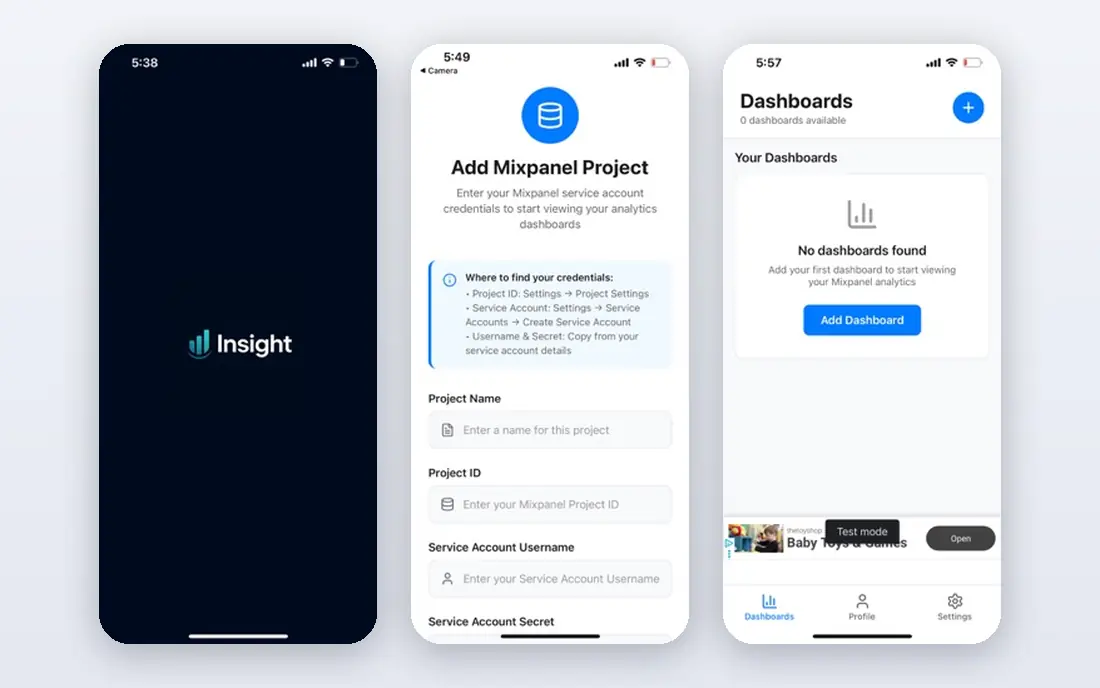
For readers who want event analytics for mobile products, Mixpanel is a strong place to start. Mixpanel tracks events, funnels and retention for mobile and web products. The strengths to weigh are strong event and funnel analysis; mobile sdks; retention reports The honest catch is worth stating plainly. The limits we noted are pricing rises with events; setup needs planning Check the current price and plan limits on the official site before you pay. If Mixpanel matches your budget and your main use case, it is a sensible choice. If one of its limits touches the feature you need most, move to the next option instead.
- Strong event and funnel analysis
- Mobile SDKs
- Retention reports
- Pricing rises with events
- Setup needs planning
Amplitude
Ideal for: Product analytics at scale
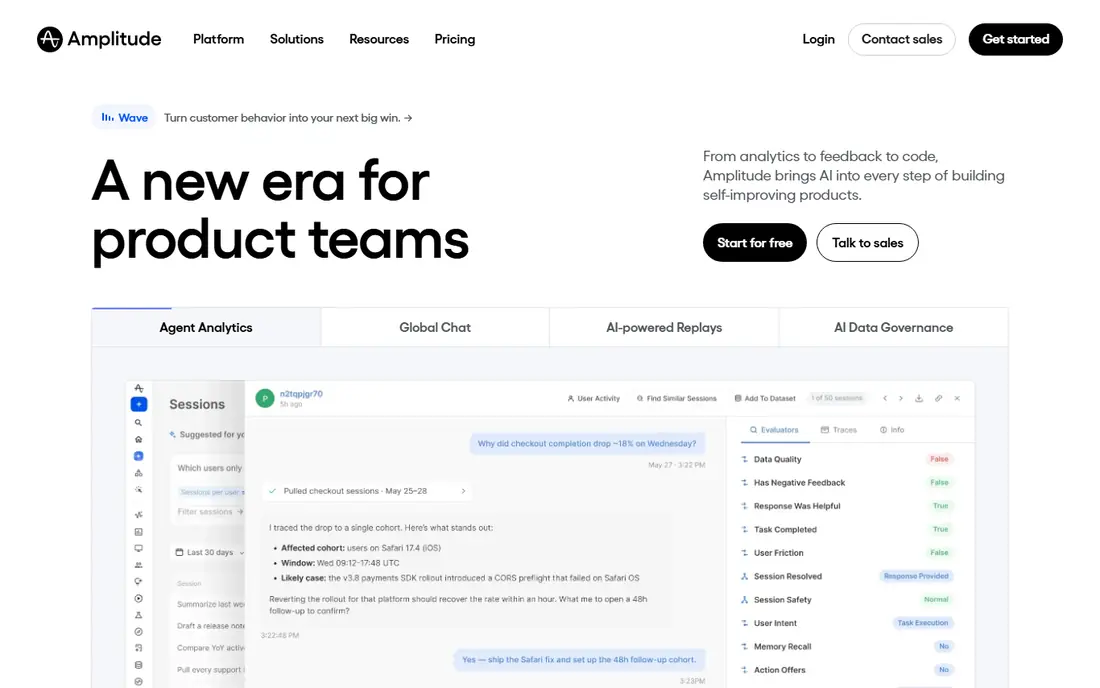
Amplitude suits readers who need product analytics at scale, and it earns its place here on practical grounds. Amplitude is a product analytics platform for funnels, retention and user journeys. The strengths to weigh are strong funnel and retention analysis; mobile sdks; experimentation add-ons The honest catch is worth stating plainly. The limits we noted are advanced plans are costly; learning curve for new teams Check the current price and plan limits on the official site before you pay. If Amplitude matches your budget and your main use case, it is a sensible choice. If one of its limits touches the feature you need most, move to the next option instead.
- Strong funnel and retention analysis
- Mobile SDKs
- Experimentation add-ons
- Advanced plans are costly
- Learning curve for new teams
Firebase Analytics
Ideal for: Free analytics for app developers

If free analytics for app developers is the priority, Firebase Analytics deserves a close look. Firebase Analytics, part of Google Firebase, tracks app events, audiences and crashes for free. The strengths to weigh are free with firebase; crash and audience tools; google play link The honest catch is worth stating plainly. The limits we noted are analysis depth is thinner than paid platforms; google ecosystem focus Check the current price and plan limits on the official site before you pay. If Firebase Analytics matches your budget and your main use case, it is a sensible choice. If one of its limits touches the feature you need most, move to the next option instead.
- Free with Firebase
- Crash and audience tools
- Google Play link
- Analysis depth is thinner than paid platforms
- Google ecosystem focus
AppsFlyer
Ideal for: Mobile attribution and analytics
AppsFlyer is worth shortlisting when mobile attribution and analytics matters most to you. AppsFlyer measures mobile installs, attribution and campaign performance. The strengths to weigh are strong install attribution; fraud protection; partner integrations The honest catch is worth stating plainly. The limits we noted are pricing is by quote for scale; attribution setup needs care Check the current price and plan limits on the official site before you pay. If AppsFlyer matches your budget and your main use case, it is a sensible choice. If one of its limits touches the feature you need most, move to the next option instead.
- Strong install attribution
- Fraud protection
- Partner integrations
- Pricing is by quote for scale
- Attribution setup needs care
PostHog
Ideal for: Open source product analytics
Readers focused on open source product analytics will find PostHog easy to compare with the rest of this list. PostHog is an open source product analytics platform with funnels, replay and feature flags. The strengths to weigh are open source and self-hostable; analytics plus session replay; generous free tier The honest catch is worth stating plainly. The limits we noted are self-hosting needs engineering time; interface is dense Check the current price and plan limits on the official site before you pay. If PostHog matches your budget and your main use case, it is a sensible choice. If one of its limits touches the feature you need most, move to the next option instead.
- Open source and self-hostable
- Analytics plus session replay
- Generous free tier
- Self-hosting needs engineering time
- Interface is dense
Heap
Ideal for: Automatic event capture analytics
Among the options here, Heap is the one to check first for automatic event capture analytics. Heap automatically captures user interactions so teams can analyse events without pre-tagging everything. The strengths to weigh are automatic event capture; retroactive analysis; no manual tagging for many events The honest catch is worth stating plainly. The limits we noted are pricing rises with sessions; analysis can feel complex Check the current price and plan limits on the official site before you pay. If Heap matches your budget and your main use case, it is a sensible choice. If one of its limits touches the feature you need most, move to the next option instead.
- Automatic event capture
- Retroactive analysis
- No manual tagging for many events
- Pricing rises with sessions
- Analysis can feel complex
Smartlook
Ideal for: Session replay plus analytics
For session replay plus analytics, Smartlook offers a clear and practical route. Smartlook combines session recordings, heatmaps and funnels for mobile and web products. The strengths to weigh are session replay with funnels; heatmaps; mobile sdks The honest catch is worth stating plainly. The limits we noted are free plan limits sessions; analysis depth is moderate Check the current price and plan limits on the official site before you pay. If Smartlook matches your budget and your main use case, it is a sensible choice. If one of its limits touches the feature you need most, move to the next option instead.
- Session replay with funnels
- Heatmaps
- Mobile SDKs
- Free plan limits sessions
- Analysis depth is moderate
UXCam
Ideal for: Mobile session replay and analytics
UXCam rounds out the list for readers who need mobile session replay and analytics, and it does so without fuss. UXCam offers mobile session replay, heatmaps and analytics for app teams. The strengths to weigh are mobile-first session replay; heatmaps; crash context The honest catch is worth stating plainly. The limits we noted are pricing is by quote for scale; smaller analytics depth than leaders Check the current price and plan limits on the official site before you pay. If UXCam matches your budget and your main use case, it is a sensible choice. If one of its limits touches the feature you need most, move to the next option instead.
- Mobile-first session replay
- Heatmaps
- Crash context
- Pricing is by quote for scale
- Smaller analytics depth than leaders
How we picked these
We started from the main topic, best product analytics tools for mobile apps, and kept only products that fit it directly and are offered in October 2026. We compared official feature pages and pricing pages, app store listings where the product is an app, privacy and terms pages, and public reviews. We did not claim hands-on testing that did not happen, and we did not add products that only touch the topic in passing. Where a price could not be verified from the vendor site, we wrote See website rather than guessing a number. We also looked for a mix of well-known leaders and smaller options. A product stayed on the list only if its official homepage loaded and belonged to that product, and if its strengths and limits could be stated in plain terms.
What to check before you pick mobile product analytics
Start by writing down the one job you need this product to do, then check that job against the free plan or the cheapest paid plan, not against the most expensive plan on the page. Many buyers pay for features they never open, while the plan they actually need is one step lower. Read the limits on seats, storage, exports, support hours and cancellation, because those limits decide whether a product stays useful after the first month. Next, compare two or three finalists side by side on the same task. Try the sign-up flow, the main screen and the export or sharing step, and note how long each step takes. Check the privacy policy for what data is collected and whether you can delete your account and your data. For services that handle money, health details, location or identity documents, that check matters more than a small price difference.
Frequently asked questions
What is the best option for best product analytics tools for mobile apps?
For most readers, Mixpanel is the best starting point, because it covers the core needs of this topic in a clear way. Amplitude is a good second choice if you want different pricing or features. Shortlist two options and compare them on the feature you will use most before you pay.
Is there a free option for best product analytics tools for mobile apps?
Yes, several options on this list offer a free plan, a free tier or a free trial, but the limits differ a lot. Check what the free plan includes and whether it asks for a card up front. If it covers your main task, there is no need to pay for a higher plan at first.
How much do these options cost?
Costs range from free to paid monthly or annual plans, and some business options are priced by quote. We marked prices we could not verify as See website, so check the official pricing page. Compare the yearly total, including add-ons and renewal prices, rather than the headline monthly figure alone.
How do I choose between the options on this list?
Start with your main use case, your budget and how many people will use the product. Then check the free plan or trial, the limits that affect your use case, and the privacy and cancellation terms. Pick the option with the fewest deal-breaking limits for your situation.
Are these options still available in October 2026?
Yes, each option on this list was checked against its official homepage and is offered in October 2026 as far as its official site shows. Features and prices can still change, so confirm the plan details on the official site before you sign up.