Comparing 6 Productivity Apps for Entrepreneurs in 2026

- This list starts with Motion, which is built for automatic AI scheduling.
- TickTick fits tasks plus habits and calendar.
- Before buying Notion, weigh this: weaker as a daily task manager, since you build every workflow yourself.
- Only 2 of the 6 tools have a free plan (Notion, TickTick), so check the caps.
Direct answer
This list puts Motion first for automatic AI scheduling. Akiflow is better for Centralizing tasks from numerous tools, and Notion is better for business operating system. Details, prices and limits for the rest of the 6 tools are below.
Quick comparison
| Product | Ideal for | Price from | Free version | |
|---|---|---|---|---|
 Motion | Automatic AI scheduling | See website | Free trial | Visit |
 Akiflow | Centralizing tasks from plenty of tools | $19 a month | Free trial | Visit |
 Notion | Business operating system | Free | Yes | Visit |
 Sunsama | Guided daily planning | $19.99 a month | Free trial | Visit |
 Morgen | Managing several calendars | $15 a month | Free trial | Visit |
 TickTick | Tasks plus habits and calendar | Free | Yes | Visit |
Tool-by-tool breakdown
Short on time? The summary and table above give the quick view of 6 productivity apps for entrepreneurs, and the profiles that follow give the detail behind each entry.
Motion
Ideal for: Automatic AI scheduling
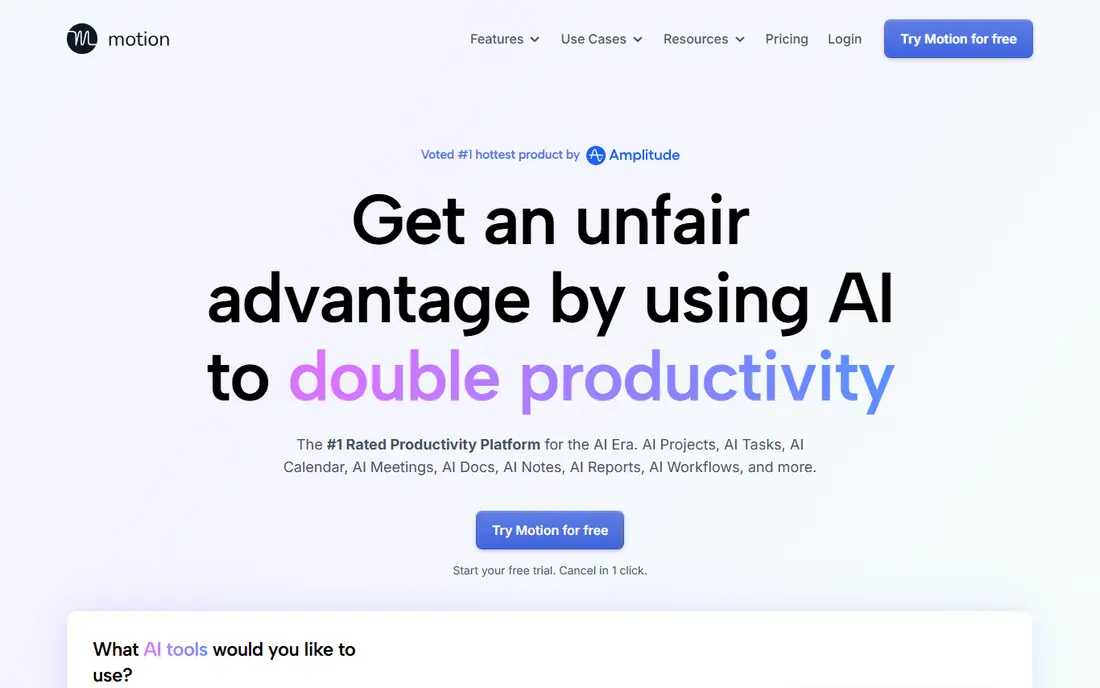
Pick Motion if this describes you: automatic AI scheduling. Motion has no free plan, only a trial, and pricing guides differ, from $19 to $29 per seat a month based on billing, so confirm current pricing before buying.
Honest limits: from $19 to $29 per seat a month; Pricing guides differ.
Motion suits best for founders with dense, deadline-driven calendars. This comparison lists no price for Motion; ask the vendor. Free plan details: Free trial.
- Projects in one app
- AI schedules tasks automatically around meetings
- AI scheduling needs accurate task estimates
Akiflow
Ideal for: Centralizing tasks from plenty of tools
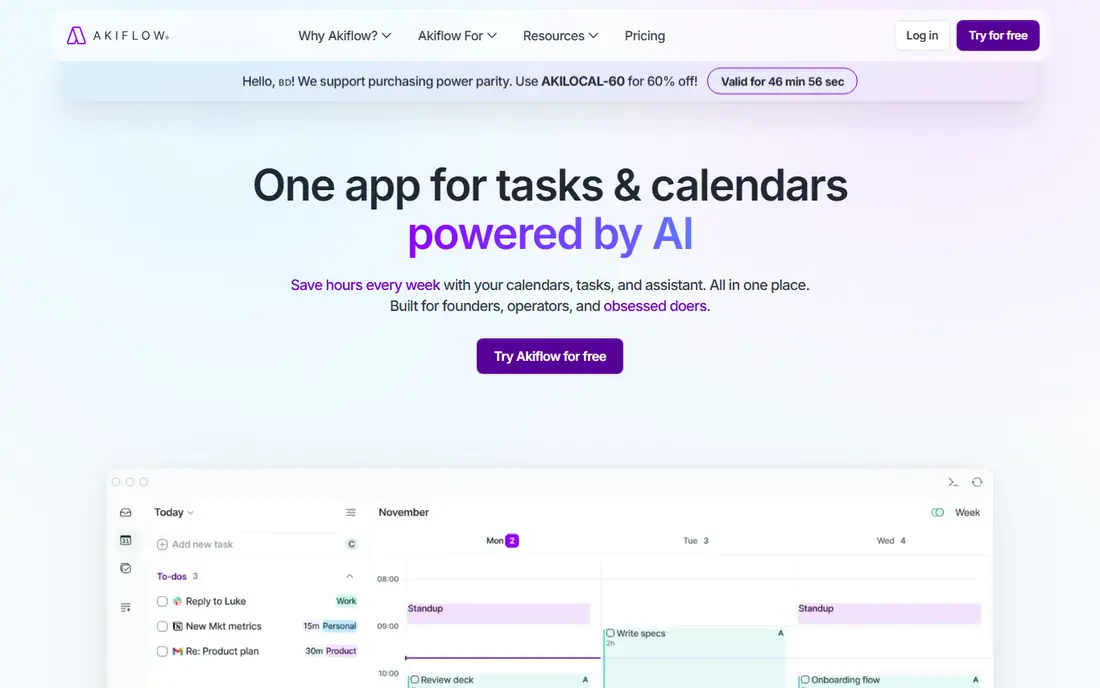
Akiflow was built for Centralizing tasks from plenty of tools. The limits are price and scope. On top of that, Akiflow has no free plan, only a 7-day trial, and $19 a month on annual billing is a real cost for a solo founder.
What users get: Calendar and tasks unified.
It is also less of a full business system than Notion. In practice, Akiflow suits best for founders whose central problem is task fragmentation across tools. For everyday use, Akiflow fits entrepreneurs whose tasks live in too many tools. Starting cost for Akiflow: $19 per month. Free access: Free trial.
Watch-outs: only a 7-day trial; No free plan.
- Quick keyboard-first capture
- Pulls tasks from plenty of tools into one inbox
- $19 a month on annual billing
Notion
Ideal for: Business operating system
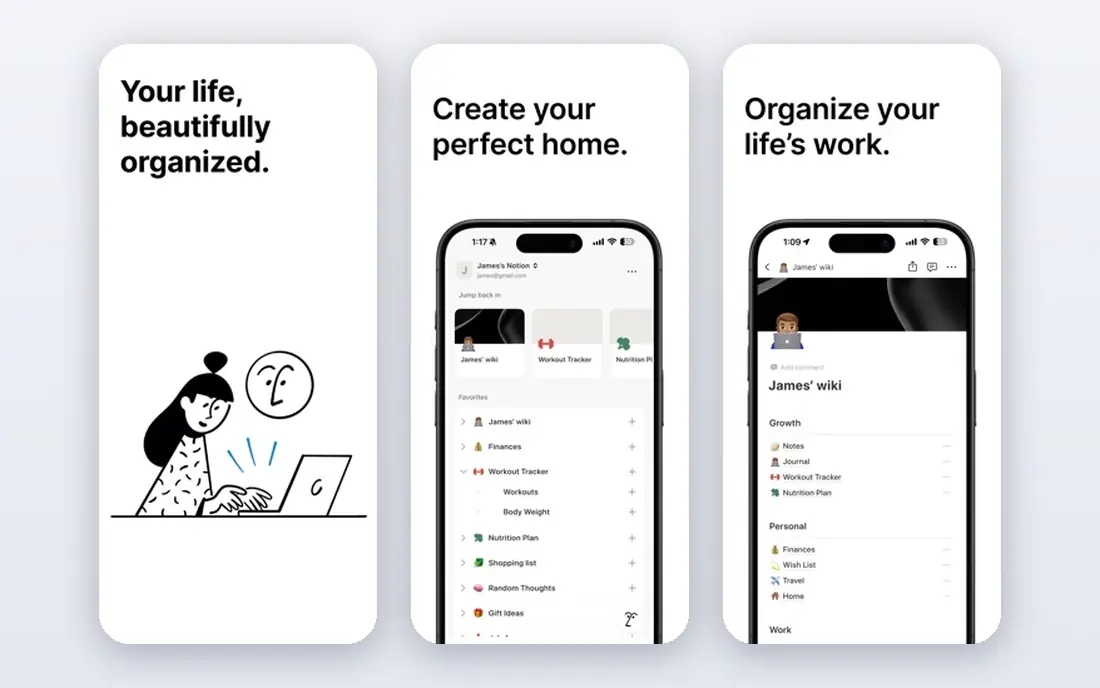
Notion is built with business operating system in mind. Also, the trade is daily task management.
What to check first: Plus at $10 per user a month.
Its databases, templates, and pages include clients, projects, content calendars, finances, and docs, with a free individual workspace that is ample enough for most solo founders indefinitely. Notion cost at the entry level: Free. A free plan is available with Notion.
- Adaptable databases and templates
- Ample free level for individuals
- Weaker as a daily task manager, since you build every workflow yourself
Sunsama
Ideal for: Guided daily planning
Sunsama serves guided daily planning. Sunsama has no free plan, only a 14-day trial, and $19.99 a month is steep for a solo founder.
Beyond that, for a founder whose days fill with reactive work whereas important projects never get time, that ritual is the fix. Worth adding: Sunsama fits entrepreneurs whose problem is planning the day instead of capturing tasks. On cost, Sunsama starts like this: $19.99 per month. Free access: Free trial.
Trade-offs to know: $19.99 a month is steep for a solo founder; Planning ritual takes daily time.
- Helps plan a day you can actually finish
- Guided daily planning ritual
- No free plan
Morgen
Ideal for: Managing several calendars
Think of Morgen for managing several calendars. Its task integration lets you timebox tasks alongside meetings. Its multi-calendar handling beats a single Google Calendar view for a founder with separate work and life calendars.
More specifically, at $15 a month on annual billing, it is less expensive than Sunsama or Motion. As for the details, the trade is scope. The starting price for Morgen: $15 per month. Free plan details: Free trial.
Where it falls short: $15 a month on annual billing; Calendar-first.
- Task integration
- Well suited to founders with multiple calendars
- Only a 14-day trial
TickTick
Ideal for: Tasks plus habits and calendar
For tasks plus habits and calendar, TickTick is a natural candidate. Its free level contains a calendar view, habit tracking. A Pomodoro timer alongside tasks, with Premium at $35.99 a year adding more lists, habits, and calendar features.
Where it falls short: Interface is busier than Todoist; Free plan caps lists at 9 and tasks per list at 99.
Also, TickTick suits best for founders who want an all-in-one planner with habits and calendar at a low price. From a buyer's view, the trade is caps and clutter. The starting price for TickTick: Free. You can start on TickTick without paying.
What works well: Most features without paying; Pomodoro timer.
- Premium at $35.99 a year
- Calendar view, habits
- Checklist items per task capped at 19
What went into this list
Each tool was reviewed on what its vendor publishes: price, plan limits, core features and stated drawbacks. We did not run hands-on tests. Where a vendor does not publish a price, the entry says quote. Where a price depends on seats or billing term, the entry says so. The order reflects how well each tool fits the most common buying scenario for productivity apps for entrepreneurs, then price clarity, then free plan access. It is a starting point, not a verdict.
A buyer's checklist
- Ask Motion for a written quote, since no starting price is shown.
- Check what the free option really includes: Notion and TickTick offer a free plan, and usage caps differ.
- Use real work to test the free trial from Motion, Akiflow, Sunsama and Morgen, rather than a demo project.
- Read the limits listed for Motion first: no free plan, only a trial.
- Ask Sunsama how an export works before you move any records in; an easy exit lowers the risk.
- Compare total cost, not headline price: for TickTick, add extra seats, add-ons and any usage-based charges.
Frequently asked questions
Which options for productivity apps for entrepreneurs have a free plan?
On this list, Notion and TickTick include a free plan. Caps on seats, usage or features are common, so test the free plan against your real workload. Several others offer a trial instead.
Do these tools publish their prices?
Not all of them. Motion publishes no starting price, so expect a quote request for it. The rest, Akiflow included, show a starting price, though seats and billing terms still change the final cost.
What is the best productivity app for entrepreneurs?
Motion comes first here and is built for automatic AI scheduling. Buyers with other needs may prefer Akiflow (for Centralizing tasks from plenty of tools) or Notion (for business operating system). Compare costs and limits first.
What is the cheapest option for productivity apps for entrepreneurs in this list?
On published monthly entry prices, Morgen is the lowest here at $15 per month. Entry price is only part of the cost, because seats, add-ons and billing terms can change the total.
Is Motion the right pick for everyone comparing productivity apps for entrepreneurs?
No single tool suits every team. Motion comes first because it fits automatic AI scheduling, while Akiflow suits Centralizing tasks from many tools and Notion suits business operating system. Match the tool to your own size, budget and workflow before deciding.