Comparing 6 Productivity Apps Updates in 2026

- Top of the list is Obsidian, which targets technical users and scripting.
- Microsoft 365 is the one to check for office plus AI in one bundle.
- 4 of 6 tools offer a free plan: Obsidian, Todoist, Linear, Notion.
- For the cheapest start, look at Google Workspace: $7 per user/month.
Direct answer
Obsidian is the first pick on this list for technical users and scripting. Todoist is the stronger choice for voice-to-task capture, while Linear suits engineering team workflows. The full list of 6 tools follows, with prices and free plan facts.
Quick comparison
| Product | Ideal for | Price from | Free version | |
|---|---|---|---|---|
 Obsidian | Technical users and scripting | Free | Yes | Visit |
 Todoist | Voice-to-task capture | Free | Yes | Visit |
 Linear | Engineering team workflows | See website | Yes | Visit |
 Notion | AI agents for knowledge work | Free | Yes | Visit |
 Google Workspace | Gmail, Docs, and Gemini AI | $7 per user/month | No | Visit |
 Microsoft 365 | Office plus AI in one bundle | $7 per user/month | No | Visit |
Tool-by-tool breakdown
Short on time? The summary and table above give the quick view of 6 productivity apps updates, and the profiles that follow give the detail behind each entry.
Obsidian
Ideal for: Technical users and scripting

Obsidian serves technical users and scripting. Obsidian's 2026 update is an official command-line interface, which fits technical users who want to script, automate, and integrate their notes with other tools. Its local Markdown files remain its core advantage: notes live on your device, in plain text, with no vendor lock-in.
Its plugin ecosystem handles almost any workflow. In practice, the trade is collaboration and setup. For a technical user who wants control, Obsidian's CLI closes the automation gap with Notion's agents. More specifically, Obsidian suits best for solo technical users who want local, scriptable notes. The starting price for Obsidian: Free. Obsidian offers a free plan.
Downsides: Plugin setup takes technical skill.
- Local Markdown files you own
- Free for personal use
- No built-in collaboration
Todoist
Ideal for: Voice-to-task capture
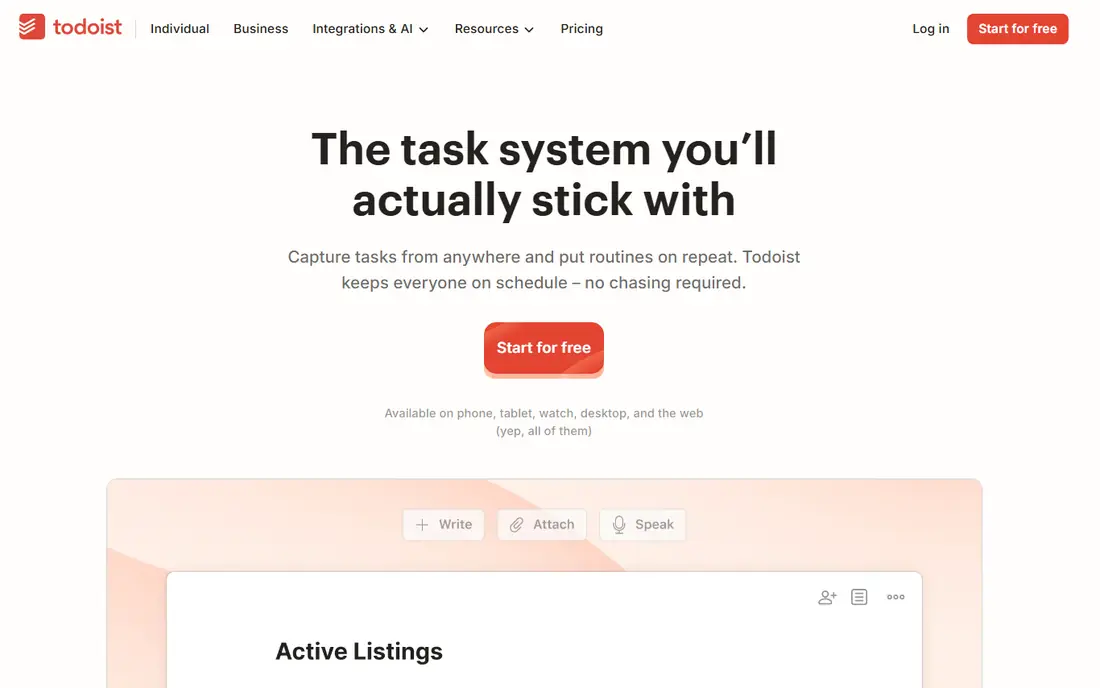
For voice-to-task capture, Todoist is a natural candidate. Todoist's 2026 update is Ramble, a voice-to-task feature that turns spoken rambling into structured tasks, which fits founders and busy professionals who think out loud.
Its AI Assist also recommends due dates based on your history, reducing the manual scheduling that slows task capture. The trade is price. Entry price for Todoist: Free. Free access exists with Todoist.
Trade-offs to know: Free plan limits projects to 5.
- Ramble voice-to-task capture
- Still the fastest task capture here
- Business rose from $6 to $8 per user
Linear
Ideal for: Engineering team workflows

Linear makes the most sense for engineering team workflows. Its blazing quick, keyboard-first design remains its signature: issue tracking that feels instant, with opinionated workflows that keep engineering teams aligned without configuration sprawl.
Where it is weaker: less suited to general task management; Pricing is quote-based in some guides.
For everyday use, Linear is designed for engineering teams and fits general task management less well, its pricing is quote-based in some guides, and non-engineers face a ramp-up time. Check the vendor site for Linear pricing; none is listed in this comparison. You can start on Linear without paying.
- Keyboard-first design
- Blazing quick
- Made for engineering teams
Notion
Ideal for: AI agents for knowledge work
Choose Notion for AI agents for knowledge work. Notion's 2026 updates center on AI agents that act, not just answer.
Drawbacks to consider: Complicated pages can load slowly on older hardware.
As for the details, October 2026 updates also added field-level permissions, sidebar defaults for new members, and a rebuilt iPad app. On top of that, business at $20 per member a month now bundles full Notion AI, including Agents and AI Meeting Notes, whereas Free and Plus get only a restricted trial. Price to start with Notion: Free. You can start on Notion without paying.
- Field-level permissions for teams
- Custom Agents and Workers automate repetitive tasks
- Agents need setup and testing
Google Workspace
Ideal for: Gmail, Docs, and Gemini AI
For Gmail, Docs, and Gemini AI, Google Workspace is a natural candidate. Google Workspace's 2026 update includes Gemini AI in its base business plans, beginning at $7 per user a month.
What Google Workspace does well: Meet in one bundle.
Where it falls short: Gemini depth varies by plan.
Google Workspace fits best for teams already using Gmail and Docs who want AI included in their existing plan. Google Workspace cost at the entry level: $7 per user/month. There is no free plan with Google Workspace.
- Familiar collaboration
- Gmail, Docs, Drive
- Google ecosystem lock-in for teams that mix vendors
Microsoft 365
Ideal for: Office plus AI in one bundle
Microsoft 365 serves office plus AI in one bundle. Microsoft 365's 2026 update is a price rise with AI woven in.
Where it falls short: Full Copilot needs higher levels.
Beyond that, for a team already using Outlook, Word, Excel, and Teams, the bundle remains convenient, with Copilot integration on higher levels for AI assistance across documents and meetings. Microsoft 365 cost at the entry level: $7 per user/month. Microsoft 365 has no free plan.
- Office apps plus cloud storage in one bundle
- Business Basic at $7 and Standard at $14 per user a month after July 2026 rises
- Bundle comes with apps some teams never use
Selection criteria
Pricing pages, product documentation and feature lists were the main sources, and every entry carries at least one honest drawback. Where a price is missing, the vendor does not list one publicly or ties it to a quote. Always confirm before budgeting. Position on the page reflects fit for a typical buyer first, with price clarity and free access breaking ties. Treat it as a guide, not a ruling.
Pre-purchase checklist
- Ask Linear for a written quote, since no starting price is shown.
- Look at free plan limits closely: Obsidian, Todoist, Linear and Notion have one, and the caps decide whether it is usable for real work.
- Read the limits listed for Obsidian first: no built-in collaboration.
- Get the contract term, renewal terms and any onboarding fees from Google Workspace in writing.
- Make sure Obsidian lets you export your data in a format another tool can read.
Frequently asked questions
What is the cheapest option for productivity apps updates in this list?
On published monthly entry prices, Google Workspace is the lowest here at $7 per user/month. Entry price is only part of the cost, because seats, add-ons and billing terms can change the total.
Which options for productivity apps updates have a free plan?
On this list, Obsidian, Todoist, Linear and Notion include a free plan. Caps on seats, usage or features are common, so test the free plan against your real workload.
How are the tools for productivity apps updates ordered?
The order follows typical fit for productivity apps updates, with Obsidian first and Microsoft 365 last, then price clarity and free access. It is editorial judgement, not a score, so another team could rank the tools differently.
Can I try these tools before paying?
Often, yes. Obsidian, Todoist, Linear and Notion have a free plan. Use your own data and a real task during the test, and check what the free tier or trial limits before you rely on it.