Best Productivity Tools for Software Developers in 2026: 8 Options Compared

- 1
 GitHub CopilotDevelopers who want AI help inside their editorVisit
- 2
 CursorDevelopers who want an AI-first code editorVisit
- 3
 LinearDevelopment teams that want fast issue trackingVisit
- 4
 NotionDevelopers who want docs, tasks and wikis in one placeVisit
- 5
 RaycastMac developers who want a fast launcher and workflow toolVisit
- Our pick for most people is GitHub Copilot, thanks to its balance of features, ease of use and value for developers who want ai help inside their editor.
- Cursor is the strongest alternative when developers who want an ai-first code editor matters more than a general all-round fit.
- Free and trial options exist, including Linear, so you can test the core experience before paying.
- We compared coding assistance, task and project handling, search quality, integrations, pricing and how well each tool fits a real development workflow.
- Check pricing, free plan terms and the exact features you need on the official site before you subscribe, since plans change.
Quick comparison
| Product | Ideal for | Price from | Free version | |
|---|---|---|---|---|
| GitHub Copilot | Developers who want AI help inside their editor | See website | Free trial | Visit |
| Cursor | Developers who want an AI-first code editor | See website | Free trial | Visit |
| Linear | Development teams that want fast issue tracking | See website | Yes | Visit |
| Notion | Developers who want docs, tasks and wikis in one place | See website | Yes | Visit |
| Raycast | Mac developers who want a fast launcher and workflow tool | See website | Yes | Visit |
 JetBrains IDEs | Developers who want powerful, language-specific IDEs | See website | Free trial | Visit |
 Sourcegraph | Developers who need to search large codebases | See website | Free trial | Visit |
 Warp | Developers who want a modern terminal | See website | Yes | Visit |
The best productivity tools for software developers
Developer productivity is not about working longer, it is about reducing friction in coding, planning, searching and context switching. The tools below cover AI coding help, task management, search and the daily workflow around building software.
GitHub Copilot
Ideal for: Developers who want AI help inside their editor
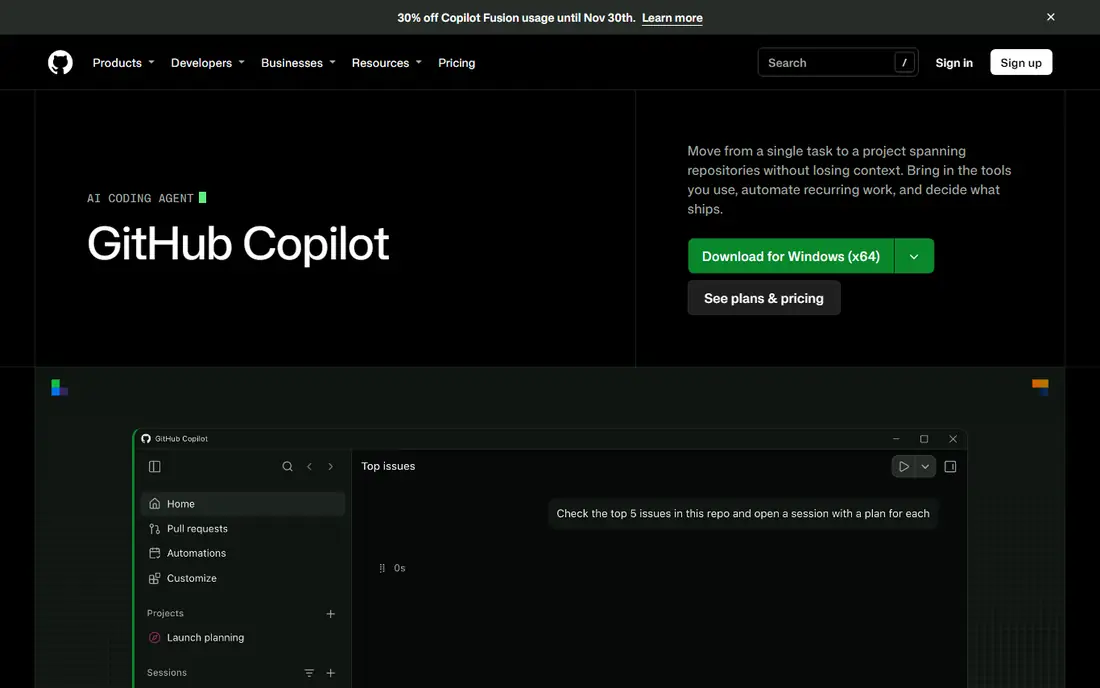
GitHub Copilot provides AI code suggestions and chat help directly inside popular editors, which suits developers who want faster boilerplate, tests and routine code. Its broad language support and integration with GitHub make it easy to adopt for teams already using that platform. For repetitive coding tasks, it saves real time.
The trade-off is quality control, since suggestions need review and can introduce subtle bugs or insecure patterns. Used as an assistant rather than an autopilot, with tests and code review in place, Copilot is a strong productivity boost.
For readers who want developers who want ai help inside their editor, GitHub Copilot is a sensible shortlist pick, provided the limits above feel acceptable. Compare its pricing page and trial terms before you commit, and check that it covers the exact workflow you need on day one.
- Code suggestions in the editor
- Chat help
- Broad language support
- Suggestions need review
- Subscription cost
Cursor
Ideal for: Developers who want an AI-first code editor
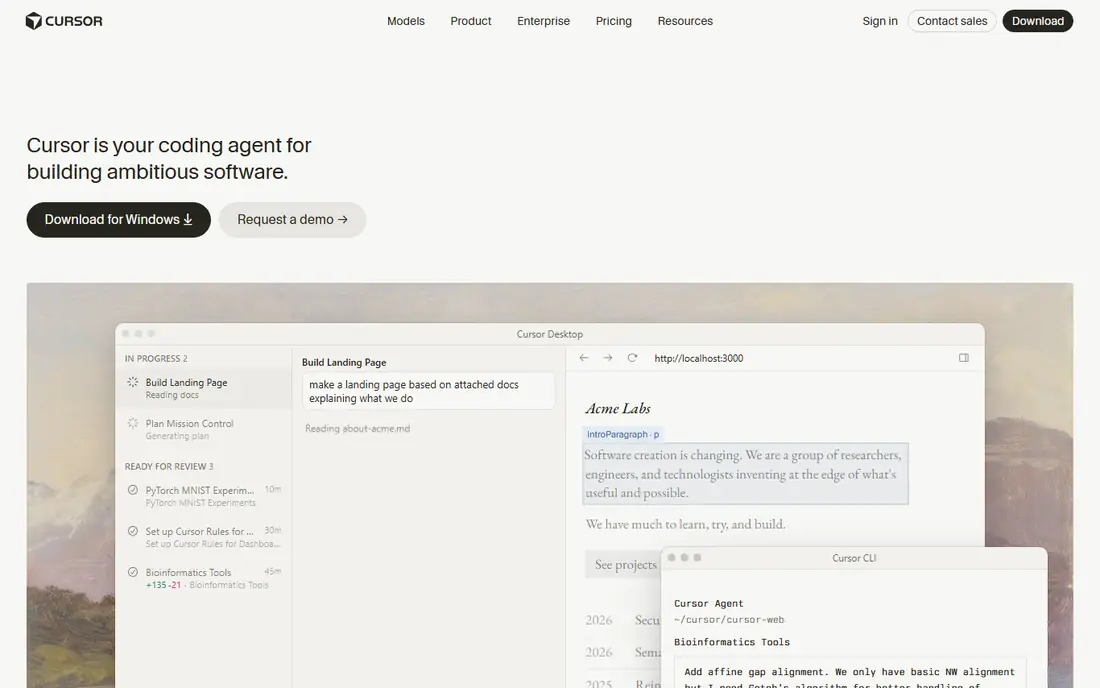
Cursor is an AI-first code editor built around codebase chat, intelligent editing and agent-style coding help. It suits developers who want AI assistance woven through the whole editor, not just as a suggestion plugin. Its ability to understand a whole codebase helps with refactoring and exploring unfamiliar code.
The limits are subscription cost and a workflow that differs from a standard editor, which takes adjustment. For developers who embrace AI-assisted coding, Cursor is one of the most capable editors available, but traditionalists may prefer Copilot in their existing editor.
For readers who want developers who want an ai-first code editor, Cursor is a sensible shortlist pick, provided the limits above feel acceptable. Compare its pricing page and trial terms before you commit, and check that it covers the exact workflow you need on day one.
- AI-first editor
- Codebase chat
- Fast editing
- Subscription cost
- Workflow differs from a standard editor
Linear
Ideal for: Development teams that want fast issue tracking
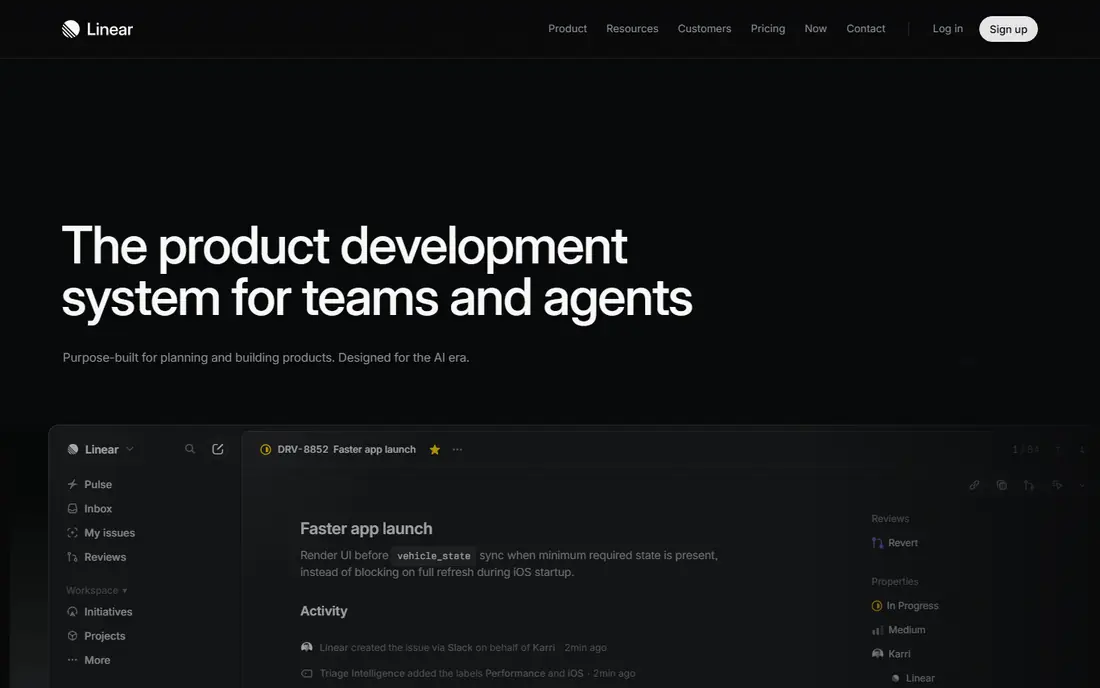
Linear is a fast issue tracker built for development teams, with cycles, roadmaps and Git integrations that keep planning close to code. It suits teams that find older trackers slow and cluttered, since its speed and keyboard-first design make triage and planning pleasant. Its integration with pull requests helps connect work to code changes.
The trade-off is breadth, since it is less of a general project and docs platform than Notion, and pricing is per user. For engineering issue tracking, though, Linear is one of the best tools a development team can adopt.
For readers who want development teams that want fast issue tracking, Linear is a sensible shortlist pick, provided the limits above feel acceptable. Compare its pricing page and trial terms before you commit, and check that it covers the exact workflow you need on day one.
- Fast issue tracking
- Cycles and roadmaps
- Git integrations
- Less general project breadth than Notion
- Pricing per user
Notion
Ideal for: Developers who want docs, tasks and wikis in one place
Notion combines docs, tasks, wikis and databases in one flexible place, which suits developers and teams who want project notes, specs and tasks together. Its templates help teams start quickly, and its integrations connect it to code and communication tools. For a team wiki plus task tracking, it is very versatile.
The limits are performance with very large workspaces and the discipline needed to keep a flexible tool organised. Without agreed structure, Notion can become messy, but with light conventions it is a powerful developer workspace.
For readers who want developers who want docs, tasks and wikis in one place, Notion is a sensible shortlist pick, provided the limits above feel acceptable. Compare its pricing page and trial terms before you commit, and check that it covers the exact workflow you need on day one.
- Docs, tasks and wikis
- Templates
- Integrations
- Can feel slow with very large workspaces
- Structure needs discipline
Raycast
Ideal for: Mac developers who want a fast launcher and workflow tool
Raycast is a fast launcher for Mac that goes beyond app launching, with extensions, clipboard history, window management and script commands. It suits Mac developers who want to reduce mouse travel and automate small daily tasks from the keyboard. Its extension store adds tools for GitHub, Linear, calendars and more.
The trade-off is platform and learning, since it is Mac only and its full power comes from learning extensions. For a Mac developer willing to invest an hour in setup, Raycast becomes a daily time saver.
For readers who want mac developers who want a fast launcher and workflow tool, Raycast is a sensible shortlist pick, provided the limits above feel acceptable. Compare its pricing page and trial terms before you commit, and check that it covers the exact workflow you need on day one.
- Fast launcher
- Extensions
- Clipboard and window tools
- Mac only
- Power comes from learning extensions
JetBrains IDEs
Ideal for: Developers who want powerful, language-specific IDEs
JetBrains IDEs, including IntelliJ IDEA, PyCharm and WebStorm, offer deep language support, refactoring, debugging and testing tools for professional developers. They suit developers who work in a specific language daily and want an IDE that understands their codebase deeply. Their refactoring and code analysis tools are genuinely strong.
The drawbacks are subscription cost and resource use, since JetBrains IDEs are heavier than a lightweight editor. For professional development in a supported language, though, their depth often justifies the cost and the system load.
For readers who want developers who want powerful, language-specific ides, JetBrains IDEs is a sensible shortlist pick, provided the limits above feel acceptable. Compare its pricing page and trial terms before you commit, and check that it covers the exact workflow you need on day one.
- Deep language support
- Refactoring
- Debugging and testing tools
- Subscription cost
- Heavier on system resources
Sourcegraph
Ideal for: Developers who need to search large codebases
Sourcegraph provides code search across many repositories, which suits developers working in large or unfamiliar codebases. Its search helps find definitions, usages and patterns quickly, and its AI chat can explain code in context. For a team with a sprawling codebase, that search power saves hours each week.
The limits are enterprise pricing and setup effort for self-hosted use. Smaller teams may find its free and team tiers enough, but large organisations should budget for a proper rollout and training.
For readers who want developers who need to search large codebases, Sourcegraph is a sensible shortlist pick, provided the limits above feel acceptable. Compare its pricing page and trial terms before you commit, and check that it covers the exact workflow you need on day one.
- Code search across repositories
- AI code chat
- Integrations
- Enterprise pricing can be high
- Setup for self-hosted use takes work
Warp
Ideal for: Developers who want a modern terminal
Warp is a modern terminal with AI command help, command history search and collaboration features, built for developers who live in the terminal. It suits developers who want a faster, more readable terminal with modern editing and sharing. Its AI help is useful when you forget a flag or need a complex command.
The trade-off is adjustment, since its workflow differs from a traditional terminal and its focus is Mac and Linux. For developers who spend much of their day in a terminal, Warp is a refreshing upgrade, but traditional terminal users may need time to adapt.
For readers who want developers who want a modern terminal, Warp is a sensible shortlist pick, provided the limits above feel acceptable. Compare its pricing page and trial terms before you commit, and check that it covers the exact workflow you need on day one.
- Modern terminal
- AI commands
- Collaboration features
- Mac and Linux focus
- Terminal habits need adjustment
How we picked these
We compared official feature pages, pricing pages, app store listings, privacy policies and public reviews for each option, and we focused on products that exist and work in October 2026 and truly fit the topic. We looked for a mix of well-known leaders and strong smaller options, rather than a list of near-identical tools. We compared coding assistance, task and project handling, search quality, integrations, pricing and how well each tool fits a real development workflow. We did not claim hands-on testing that did not happen, and where a price or free tier could not be verified from the vendor site, we wrote See website rather than guessing a number.
Choosing the right option for you
Start with your biggest friction, whether that is writing boilerplate code, finding code in a large codebase, or keeping tasks organised. A tool that solves a real daily annoyance will be used, while a generic productivity app may sit unused.
Check how each tool handles privacy and code security, especially for AI coding assistants, since code sent to a cloud service raises questions for some companies. Review the vendor privacy and security pages before using a tool on proprietary code.
Trial one tool at a time for two weeks, because adding several new tools at once makes it hard to tell which one actually helped. Measure the change in a simple way, such as time spent on routine tasks, rather than relying on feeling alone.
Before you decide, make a short list of three must-have features and one deal-breaker, then test only the two or three options that meet that list. A focused trial will tell you more than a week of comparing feature tables, and it keeps the decision tied to your real work rather than to marketing claims.
Frequently asked questions
What are the best best productivity tools for software developers?
The best choice depends on your needs, but GitHub Copilot suits most people, while Cursor is stronger for developers who want an ai-first code editor. Start with your must-have features, then trial the top two options before paying.
Is there a free option for best productivity tools for software developers?
Yes, several options here offer a free plan or a free trial, including Linear. Free plans usually limit advanced features, so check which tools you actually need before judging a free tier.
How much do best productivity tools for software developers cost?
Costs vary widely, and many vendors use quote-based pricing, so the pricing page is the reliable source. Where we could not verify a current price, we wrote See website rather than guessing, and you should get a written quote for team plans.
Which option is best for beginners?
GitHub Copilot is the easiest starting point for most beginners, thanks to its clear setup and guidance. If you want the simplest possible tool, look at the free or trial options first and choose the one whose interface feels clearest to you.
How should I choose between these options?
List your top three needs, check integrations and pricing for those needs, and run a short trial with real work. The option that handles your daily tasks smoothly, with support you can reach, is usually the right pick, even if a rival has a longer feature list.