Top 6 Professional Networking Platforms for 2026, Compared

- 1
 WellfoundStartup jobs, founder connections and early-stage talentVisit
- 2
 Indie HackersFounders, solo builders and bootstrappersVisit
- 3
 PeerlistTech professionals showcasing proof of workVisit
- 4
 LinkedInRecruiting, job hunting, B2B prospecting and wide professional visibilityVisit
- 5
 ADPListDesign and product professionals seeking mentorshipVisit
- Wellfound sits first on this list: startup jobs, founder connections and early-stage talent.
- Free plans are common here: 6 of 6 tools have one, including Wellfound, Indie Hackers, Peerlist and LinkedIn.
- LinkedIn is the lowest-priced starter here at See website.
- For in-person and local professional groups, Meetup is worth a look.
- Before buying Indie Hackers, weigh this: Skews toward small SaaS and side projects, not a hiring channel, lower activity than its peak years.
Direct answer
Start with Wellfound if you need startup jobs, founder connections and early-stage talent. Look at Indie Hackers for founders, solo builders and bootstrappers, and at Peerlist for tech professionals showcasing proof of work. The full list of 6 tools follows, with prices and free plan facts.
Quick comparison
| Product | Ideal for | Price from | Free version | |
|---|---|---|---|---|
| Wellfound | Startup jobs, founder connections and early-stage talent | Free for job seekers | Yes | Visit |
| Indie Hackers | Founders, solo builders and bootstrappers | Free | Yes | Visit |
| Peerlist | Tech professionals showcasing proof of work | Free | Yes | Visit |
| LinkedIn | Recruiting, job hunting, B2B prospecting and wide professional visibility | See website (Premium plans start at about $39/month) | Yes | Visit |
| ADPList | Design and product professionals seeking mentorship | Free | Yes | Visit |
 Meetup | In-person and local professional groups | Free for members; organizer plans from about $30/month | Yes | Visit |
Every option for professional networking platforms explained
This Ainotely guide covers 6 professional networking platforms. Each profile lists a starting price, free plan details, strengths and drawbacks, so you can drop poor fits quickly.
Wellfound
Ideal for: Startup jobs, founder connections and early-stage talent
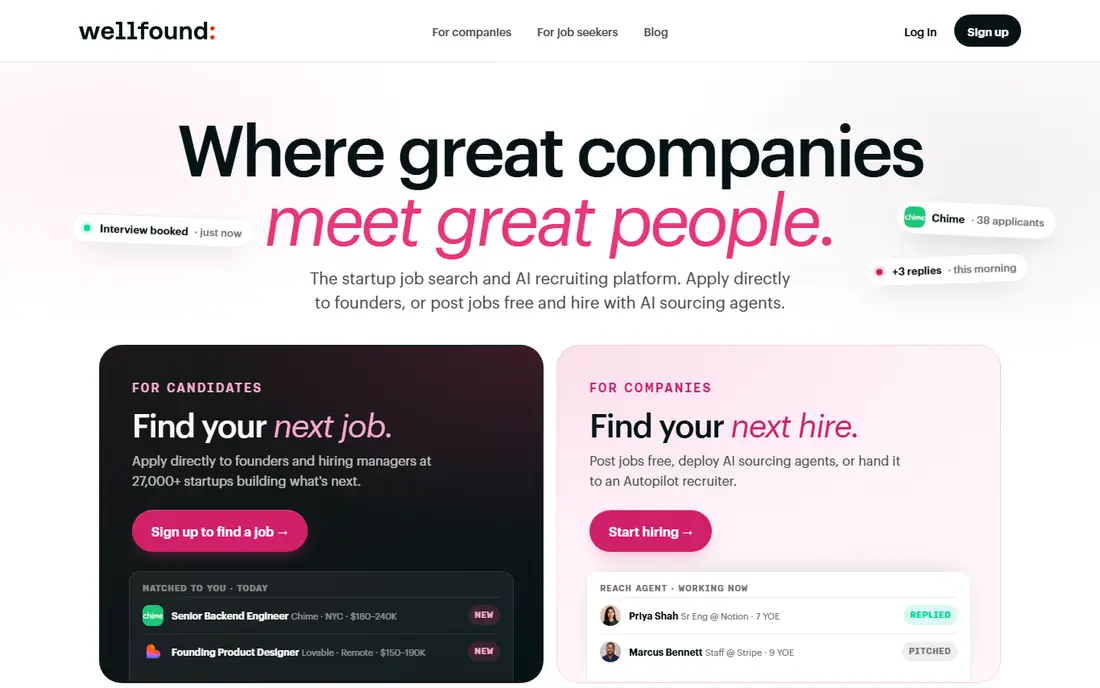
Wellfound was built for startup jobs, founder connections and early-stage talent. Conversations on Wellfound start from shared context about startups, which skips the small talk that makes general networking feel hollow.
Main advantages: no recruiter spam for candidates.
Where it falls short: company profiles vary in quality. Also, Wellfound, formerly AngelList Talent, is where the startup ecosystem networks. On top of that, if you are in healthcare operations or manufacturing, they largely are not. Wellfound pricing: Free for job seekers. Wellfound offers a free plan.
- Transparent salary and equity ranges
- Made for startup hiring
- Almost no value outside the startup world
Indie Hackers
Ideal for: Founders, solo builders and bootstrappers
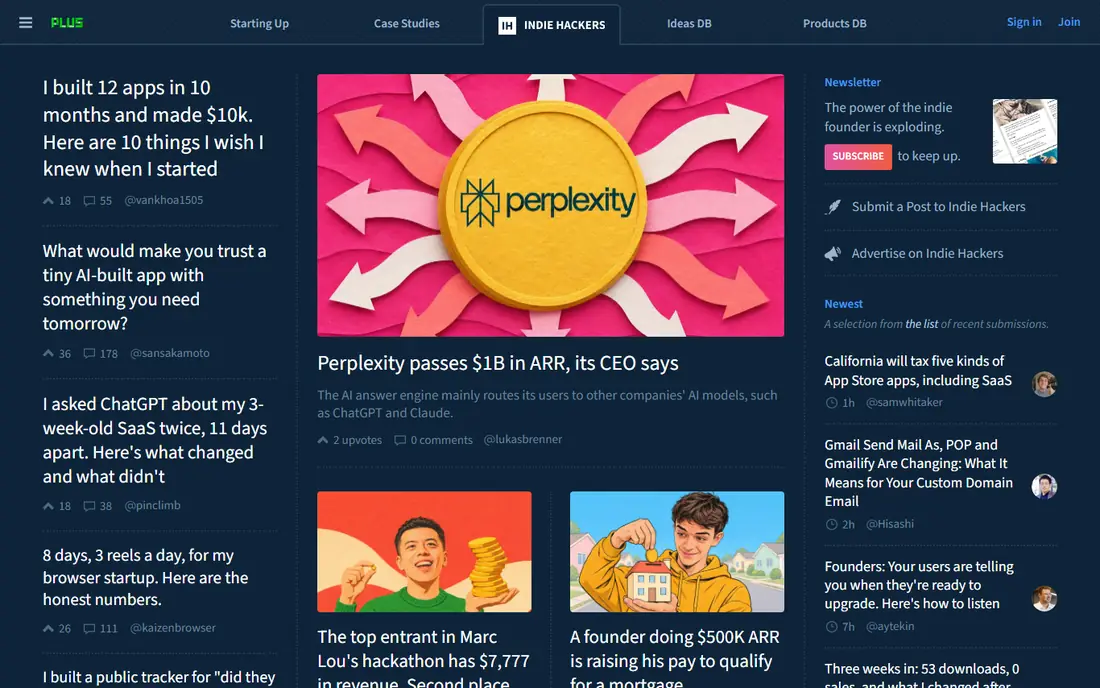
Indie Hackers is designed for founders, solo builders and bootstrappers. Indie Hackers is the anti-LinkedIn for founders: rather than funding announcements and thought leadership, members share real revenue numbers, failed experiments and tactical playbooks.
Where it is weaker: not a hiring channel.
The forum format rewards depth, and the community is unusually ample with feedback on early products. On cost, Indie Hackers starts like this: Free. Indie Hackers offers a free plan.
- Handy for accountability and feedback, free
- Honest revenue and growth stories from real founders
- Skews toward small SaaS and side projects
Peerlist
Ideal for: Tech professionals showcasing proof of work
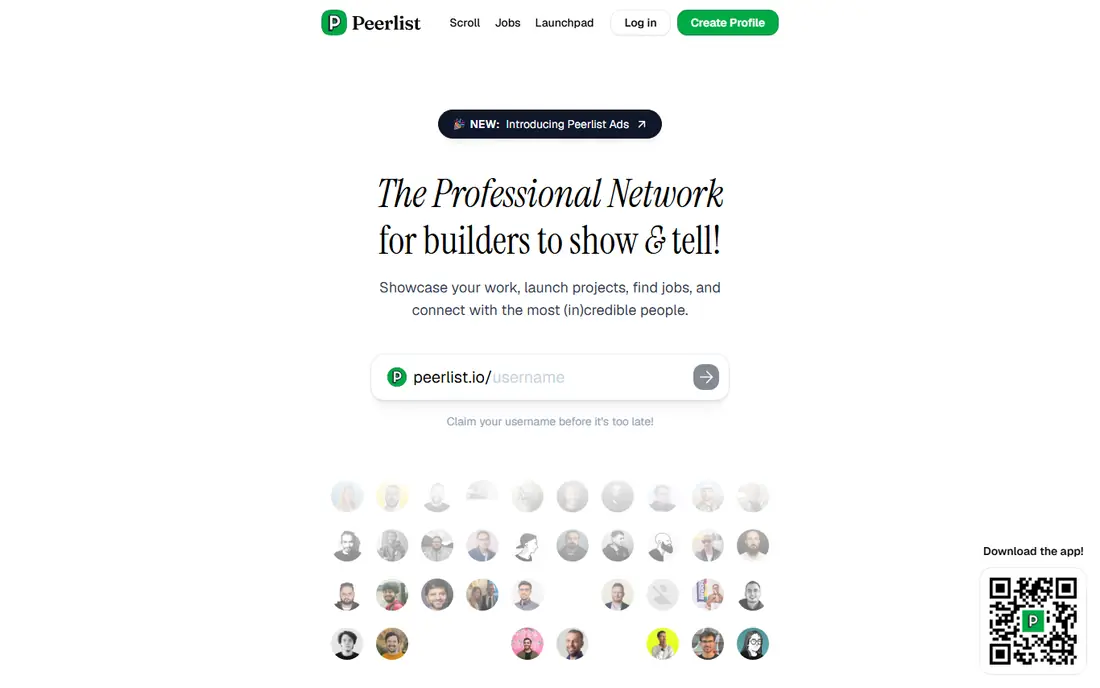
Peerlist is built with tech professionals showcasing proof of work in mind. Peerlist answers a real complaint about LinkedIn: anyone can claim skills, but few can display them. People in non-technical roles will find thinner crowds.
The main drawbacks: no recruiting tools for enterprises.
Where Peerlist stands out: Proof-of-work profiles that aggregate real output.
As a complement to a LinkedIn profile, it hands technical professionals a sharper identity than a list of job titles. Worth adding: Peerlist profiles pull in GitHub activity, shipped products and writing, so a hiring manager sees what you actually built. What you pay to start with Peerlist: Free. A free plan is available with Peerlist.
- Free to use
- Engaged builder community
- Still expanding outside India and the US
Ideal for: Recruiting, job hunting, B2B prospecting and wide professional visibility
LinkedIn is built with recruiting, job hunting, B2B prospecting and wide professional visibility in mind. LinkedIn is the network you cannot skip if you work in corporate roles, sales or recruiting. For everyday use, company pages and newsletters provide founders and marketers a built-in distribution channel.
Where it is weaker: premium pricing layers on up for teams.
The trade-off is attention. Use it as your public resume and recruiting channel, not as your only community. LinkedIn does not show a starting price in this comparison, so check the vendor site for current pricing. A free plan is available with LinkedIn.
- Largest professional member base in the world
- Publishing and company pages for brand building
- Organic reach for personal posts has declined
ADPList
Ideal for: Design and product professionals seeking mentorship
ADPList is built with design and product professionals seeking mentorship in mind. ADPList turned mentorship into a networking system. If you work in design or product, this is one of the highest-value free products on the internet.
Trade-offs to know: widely used mentors book out quick.
Best features of ADPList: Free access to vetted senior mentors. In daily use, thousands of senior designers and product leaders volunteer office hours, and anyone can book a free session. More specifically, for early-career professionals, a single conversation with the right mentor does more than per month of feed scrolling. Beyond that, the community side matters too: group sessions, portfolio reviews and local chapters provide members repeated contact with the same people, which is how networks actually form. Entry price for ADPList: Free. A free plan is available with ADPList.
- Structured 1-on-1 sessions
- Group events and workshops
- Restricted to design and product functions
Meetup
Ideal for: In-person and local professional groups
Meetup is a good fit for in-person and local professional groups. Quality relies on the organizer, so try a handful of groups before committing to one.
Main advantages: simple event discovery.
Watch-outs: professional focus diluted by social and hobby groups.
Price to start with Meetup: Free for members. You can start on Meetup without paying.
- Local chapters in most major cities
- Huge variety of professional groups
- Organizers pay to run groups
A closer look at professional networking platforms
It has the biggest member base in the world and every recruiter on earth lives there. Rather than one giant room, professionals now pick rooms by goal. Designers and product people trade feedback in mentorship-first spaces.
And people who want genuine relationships join communities that cap size or force real conversation. In practice, some are massive and general, others small and sharp.
How these tools were picked
The comparison looks at four things: starting price, free access, how well the feature set matches professional networking platforms, and the main limit of each tool. Plan names, prices and limits change often. Treat the figures here as a starting point and verify them with the vendor. We ordered the tools by general fit, then by how clearly pricing is shown, then by free access. A buyer with unusual needs may reorder them.
Before you commit
- Get a written quote from LinkedIn; the list shows no starting price for them.
- Check what the free option really includes: Wellfound, Indie Hackers, Peerlist and others offer a free plan, and usage caps differ.
- Before choosing Wellfound, weigh its main limit: almost no value outside the startup world, smaller total audience than LinkedIn, company profiles vary in quality.
- Ask Wellfound about contract length, onboarding fees and user minimums before you sign.
- Pick one real project and run it in Meetup first; a small pilot shows fit faster than a checklist.
Frequently asked questions
What is the cheapest option for professional networking platforms in this list?
On published monthly entry prices, LinkedIn is the lowest here at See website. Entry price is only part of the cost, because seats, add-ons and billing terms can change the total.
Which options for professional networking platforms have a free plan?
On this list, 6 of 6 tools include a free plan, among them Wellfound, Indie Hackers, Peerlist and LinkedIn. Caps on seats, usage or features are common, so test the free plan against your real workload.
Is Wellfound the right pick for everyone comparing professional networking platforms?
No single tool suits every team. Wellfound comes first because it fits startup jobs, founder connections and early-stage talent, while Indie Hackers suits founders, solo builders and bootstrappers and Peerlist suits tech professionals showcasing proof of work. Match the tool to your own size, budget and workflow before deciding.
Can I try these options before paying?
Often, yes. Wellfound, Indie Hackers, Peerlist and others have a free plan. Use your own data and a real task during the test, and check what the free tier or trial limits before you rely on it.