Best professional services automation software in 2026: 8 Options Compared

- 1
 ConnectWise PSAIT service firms wanting PSA plus ticketingVisit
- 2
 Autotask PSAIT firms wanting PSA with remote toolsVisit
- 3
 Acceloservice businesses wanting projects and retainersVisit
- 4
 Kantataprofessional firms wanting resource planningVisit
- 5
 BigTimefirms wanting time, billing and project trackingVisit
- Professional services automation links projects, resources, time and billing, so utilisation and margins stay visible.
- Most PSA tools are quote-based, so trials and demos matter more than headline prices.
- Integration with your accounting system decides whether PSA saves time or creates double entry.
Quick comparison
| Product | Ideal for | Price from | Free version | |
|---|---|---|---|---|
| ConnectWise PSA | IT service firms wanting PSA plus ticketing | See website | No | Visit |
| Autotask PSA | IT firms wanting PSA with remote tools | See website | No | Visit |
| Accelo | service businesses wanting projects and retainers | See website | Free trial | Visit |
| Kantata | professional firms wanting resource planning | See website | No | Visit |
| BigTime | firms wanting time, billing and project tracking | See website | Free trial | Visit |
 Scoro | agencies wanting projects, sales and finance together | See website | Free trial | Visit |
 FinancialForce PSA | Salesforce users wanting PSA on platform | See website | No | Visit |
 Workday PSA | large firms wanting PSA inside Workday | See website | No | Visit |
The best best professional services automation software
We compared official feature pages, pricing, app store listings, privacy policies and public reviews to build this list of best professional services automation software. Our pick for most people is listed first in each section below, but the right choice depends on your budget, team size and must-have features, so read the strengths and limits for each option before you decide.
ConnectWise PSA
Ideal for: IT service firms wanting PSA plus ticketing
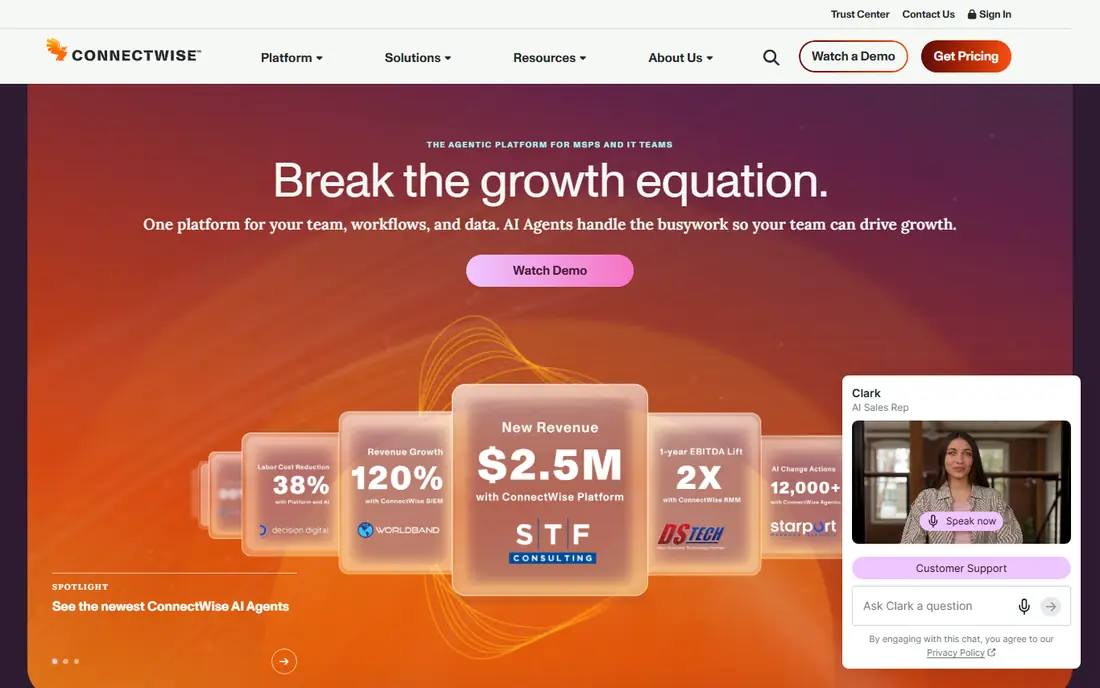
For readers weighing this option, the story starts with fit. ConnectWise PSA suits IT service firms, since projects, tickets, agreements and billing live in one system built for managed services. In practice, that means you should judge it on the job you need done most, not on the longest feature list, since a tool that fits your daily work beats a broader tool you rarely open. We also weighed pricing honesty, support options and how the product handles your data, because those factors shape the experience long after the first week.
The catch is learning, since its breadth takes time to adopt well. That trade-off is normal, since every product on this list gives up something to excel at its main job. Before you commit, use the free plan or trial with a real task from your own work, check the export and cancellation terms, and confirm the plan you need includes the features described here, since vendors move features between tiers from time to time.
- Project and ticket management
- Time and billing
- Agreements
- Learning curve
- Pricing is quote-based
Autotask PSA
Ideal for: IT firms wanting PSA with remote tools
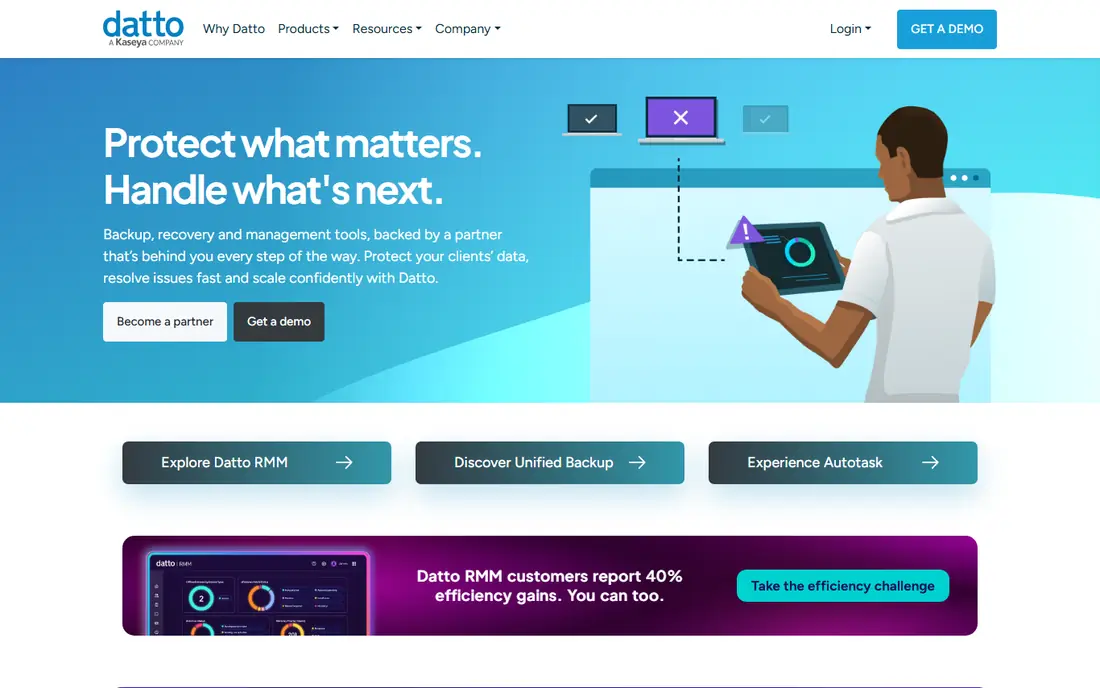
This one earns its place for a clear reason. Autotask PSA, part of Datto, fits IT firms that want PSA alongside remote monitoring and management tools. In practice, that means you should judge it on the job you need done most, not on the longest feature list, since a tool that fits your daily work beats a broader tool you rarely open. We also weighed pricing honesty, support options and how the product handles your data, because those factors shape the experience long after the first week.
The catch is focus, since non-IT professional firms may find it too IT-specific. That trade-off is normal, since every product on this list gives up something to excel at its main job. Before you commit, use the free plan or trial with a real task from your own work, check the export and cancellation terms, and confirm the plan you need includes the features described here, since vendors move features between tiers from time to time.
- Project management
- Time tracking
- Billing
- Integration with Datto tools
- IT focus
- Quote-based pricing
Accelo
Ideal for: service businesses wanting projects and retainers
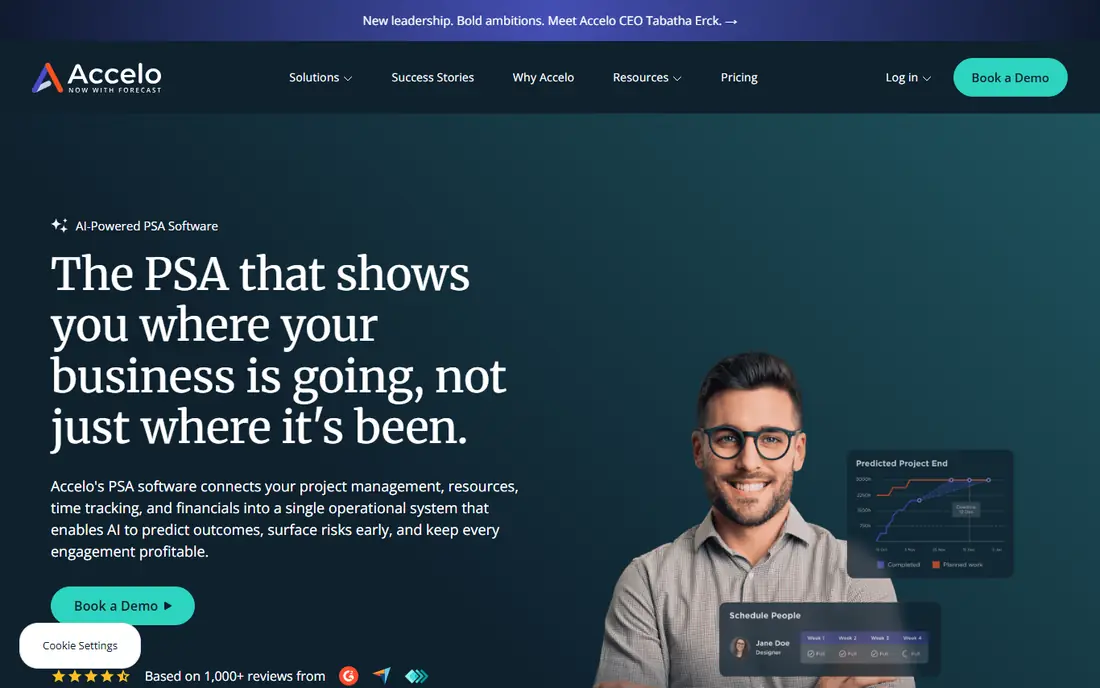
Here is where this option stands out from the rest of the list. Accelo suits service businesses that sell projects and retainers, with time, billing and client work in one place. In practice, that means you should judge it on the job you need done most, not on the longest feature list, since a tool that fits your daily work beats a broader tool you rarely open. We also weighed pricing honesty, support options and how the product handles your data, because those factors shape the experience long after the first week.
The catch is setup, since retainers and workflows need careful configuration. That trade-off is normal, since every product on this list gives up something to excel at its main job. Before you commit, use the free plan or trial with a real task from your own work, check the export and cancellation terms, and confirm the plan you need includes the features described here, since vendors move features between tiers from time to time.
- Project and retainer management
- Time tracking
- Client portal
- Pricing varies
- Setup needs planning
Kantata
Ideal for: professional firms wanting resource planning
Consider this option if its strengths match your main need. Kantata, formerly Mavenlink, leads for resource planning, showing who is available and who is overloaded across projects. In practice, that means you should judge it on the job you need done most, not on the longest feature list, since a tool that fits your daily work beats a broader tool you rarely open. We also weighed pricing honesty, support options and how the product handles your data, because those factors shape the experience long after the first week.
The catch is scale, since smaller firms may find it more than they need. That trade-off is normal, since every product on this list gives up something to excel at its main job. Before you commit, use the free plan or trial with a real task from your own work, check the export and cancellation terms, and confirm the plan you need includes the features described here, since vendors move features between tiers from time to time.
- Resource management
- Project planning
- Time and expenses
- Quote-based pricing
- Enterprise lean for small firms
BigTime
Ideal for: firms wanting time, billing and project tracking
This entry suits a narrower audience, and that focus is its strength. BigTime fits firms whose core need is time, billing and project budgets in one workflow. In practice, that means you should judge it on the job you need done most, not on the longest feature list, since a tool that fits your daily work beats a broader tool you rarely open. We also weighed pricing honesty, support options and how the product handles your data, because those factors shape the experience long after the first week.
The catch is tiering, since some useful features sit on higher plans. That trade-off is normal, since every product on this list gives up something to excel at its main job. Before you commit, use the free plan or trial with a real task from your own work, check the export and cancellation terms, and confirm the plan you need includes the features described here, since vendors move features between tiers from time to time.
- Time and expense tracking
- Project budgeting
- Invoicing
- Some features need higher tiers
- Integration setup takes time
Scoro
Ideal for: agencies wanting projects, sales and finance together
On value alone, this option deserves a close look. Scoro brings projects, sales and finance together, which suits agencies that want one system from quote to invoice. In practice, that means you should judge it on the job you need done most, not on the longest feature list, since a tool that fits your daily work beats a broader tool you rarely open. We also weighed pricing honesty, support options and how the product handles your data, because those factors shape the experience long after the first week.
The catch is breadth, since smaller teams may use only part of what it offers. That trade-off is normal, since every product on this list gives up something to excel at its main job. Before you commit, use the free plan or trial with a real task from your own work, check the export and cancellation terms, and confirm the plan you need includes the features described here, since vendors move features between tiers from time to time.
- Project management
- CRM
- Quoting and billing
- Price rises with users
- Smaller firms may find it broad
FinancialForce PSA
Ideal for: Salesforce users wanting PSA on platform
If you want a dependable choice, start here. FinancialForce PSA is the pick for Salesforce houses, since PSA runs on the same platform as sales and customer data. In practice, that means you should judge it on the job you need done most, not on the longest feature list, since a tool that fits your daily work beats a broader tool you rarely open. We also weighed pricing honesty, support options and how the product handles your data, because those factors shape the experience long after the first week.
The catch is dependency, since it only makes sense if you already run Salesforce. That trade-off is normal, since every product on this list gives up something to excel at its main job. Before you commit, use the free plan or trial with a real task from your own work, check the export and cancellation terms, and confirm the plan you need includes the features described here, since vendors move features between tiers from time to time.
- PSA on Salesforce
- Project and resource management
- Billing
- Requires Salesforce
- Quote-based pricing
Workday PSA
Ideal for: large firms wanting PSA inside Workday
The final entry rounds out the list with a different angle. Workday PSA suits large firms already on Workday, linking projects to finance and people data in one system. In practice, that means you should judge it on the job you need done most, not on the longest feature list, since a tool that fits your daily work beats a broader tool you rarely open. We also weighed pricing honesty, support options and how the product handles your data, because those factors shape the experience long after the first week.
The catch is weight, since it is an enterprise system, not a small-firm tool. That trade-off is normal, since every product on this list gives up something to excel at its main job. Before you commit, use the free plan or trial with a real task from your own work, check the export and cancellation terms, and confirm the plan you need includes the features described here, since vendors move features between tiers from time to time.
- Project and resource management
- Time and expenses
- Finance links
- Enterprise pricing and complexity
- Heavy for small firms
How we picked these
We compared official feature pages, pricing pages, app store listings, privacy policies and public reviews for each product on this list, and we checked that each product exists and works today. We favoured products that fit the topic directly, offered clear pricing or a usable free tier, and showed an honest balance of strengths and limits. We did not claim hands-on testing we did not do, and where a price could not be verified we wrote See website rather than guessing.
We also mixed well-known leaders with strong smaller options, so the list is useful whether you want the safest default or a more specialised pick. If a product changed its pricing or features after our check, the vendor website is the final word, and we recommend confirming the plan details before you buy.
How to choose the right best professional services automation software
Start with utilisation and billing, since those two numbers decide whether PSA pays for itself. Check resource planning next, because a PSA that cannot show who is free next month will not fix overbooking. Trial with real projects and your accounting integration, and count onboarding time honestly, since PSA implementations often take longer than the demo suggests. Small firms should favour simpler tools like BigTime or Accelo over enterprise suites.
Use the checklist below with your own shortlist, since it catches the problems that cause most regret after purchase.
- Fit first: does it solve your main job, or does it only look impressive in a demo.
- True cost: add up seats, add-ons, taxes and renewal prices, not just the headline monthly figure.
- Exit route: can you export your data and cancel without a long process or penalty.
- Support and privacy: check support hours, data handling and security practices before you rely on it daily.
Run a trial with real work, not sample data, and involve the people who will use the product every day. Their verdict after a week of real tasks tells you more than any feature table, including ours.
Frequently asked questions
What is professional services automation software?
PSA software links projects, resources, time, expenses and billing for service firms, so managers can see utilisation, margins and capacity in one place. It replaces separate project, time and invoicing tools.
What are the best PSA tools?
ConnectWise PSA and Autotask suit IT firms, Kantata leads for resource planning, and Accelo and BigTime suit wider service businesses. FinancialForce suits Salesforce users, while Workday suits large firms already on Workday.
How much does PSA software cost?
Most PSA tools use quote-based pricing tied to users and modules, so public prices are rare. Ask for pricing at your real user count and check whether onboarding, training and accounting integration are included.
Do small firms need PSA software?
Small firms with a few projects may manage with project and invoicing tools, but PSA helps once utilisation, retainers and multi-project resourcing matter. BigTime and Accelo are good starting points for smaller firms.
Does PSA integrate with accounting software?
Most PSA tools integrate with accounting systems such as QuickBooks, Xero or Salesforce, but depth varies. Check the exact integration for invoicing and revenue recognition before you buy, since weak links create double entry.