6 Best Project and Resource Management Software Options for 2026

- 1
 monday.comSMBs that want project tracking plus workload views in one productVisit
- 2
 Resource GuruTeams that want quick, clash-free people scheduling without project bloatVisit
- 3
 RunnBusinesses that want utilization and project cost in one viewVisit
- 4
 FloatAgencies and studios that plan people on a visual scheduleVisit
- 5
 SmartsheetTeams that think in spreadsheets and need portfolio-level visibilityVisit
- This list starts with monday.com, which is built for SMBs that want project tracking plus workload views in one system.
- The lowest published monthly entry price here is $4.16/person/month, from Resource Guru.
- Teamdeck fits agencies and IT teams wanting scheduling, time tracking and leave in one low-cost tool.
- monday.com is the only tool of the 6 with a free plan.
- A fair warning about Float: restricted project management depth, so most teams pair it with a task tool.
Direct answer
Start with monday.com if you need SMBs that want project tracking plus workload views in one system. Resource Guru fits teams that want quick, clash-free people scheduling without project bloat; Runn fits businesses that want utilization and project cost in one view. The remaining 3 options are covered below with prices and limits.
Quick comparison
| Product | Ideal for | Price from | Free version | |
|---|---|---|---|---|
| monday.com | SMBs that want project tracking plus workload views in one product | $12/seat/month (Standard, billed annually) | Yes | Visit |
| Resource Guru | Teams that want quick, clash-free people scheduling without project bloat | $4.16/person/month (Grasshopper, billed yearly) | Free trial (30 days) | Visit |
| Runn | Businesses that want utilization and project cost in one view | $7/resource/month (Lite plan) | Free trial (30 days) | Visit |
| Float | Agencies and studios that plan people on a visual schedule | $7/person/month (Starter, billed annually) | Free trial (30 days) | Visit |
| Smartsheet | Teams that think in spreadsheets and need portfolio-level visibility | $9/member/month (Pro, billed yearly) | Free trial (30 days) | Visit |
 Teamdeck | Agencies and IT teams | $6/full member/month | Free trial | Visit |
Project and Resource Management Software, one by one
This Ainotely guide covers 6 options for project and resource management software. Each profile lists a starting price, free plan details, strengths and drawbacks, so you can drop poor fits quickly.
monday.com
Ideal for: SMBs that want project tracking plus workload views in one product
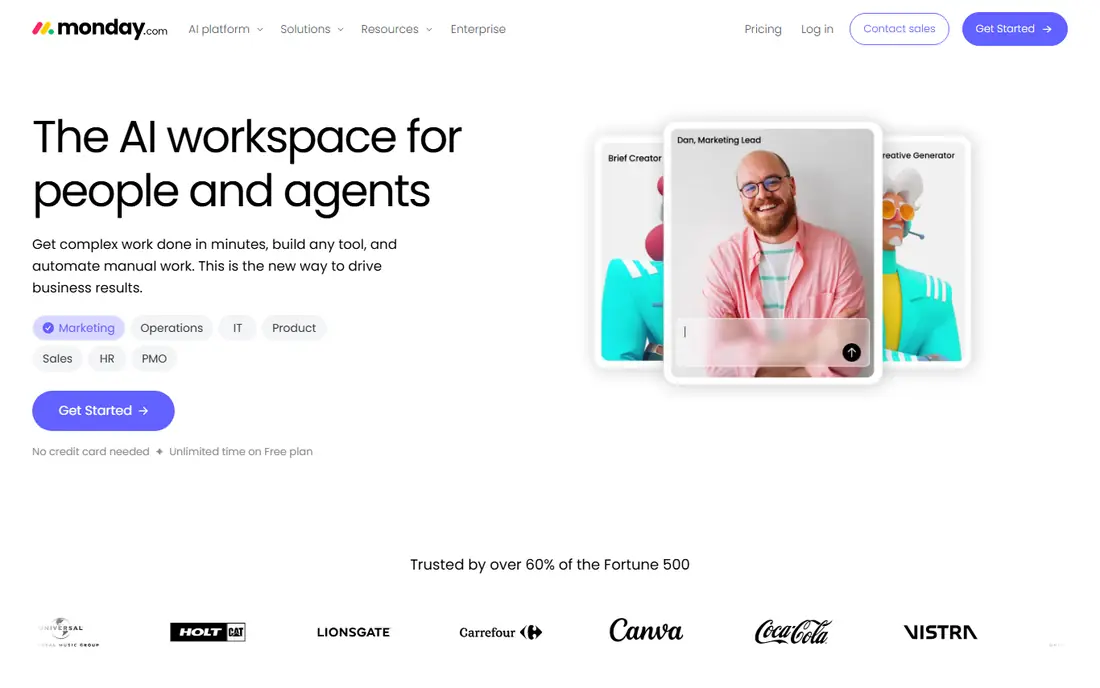
monday.com makes the most sense for SMBs that want project tracking plus workload views in one product. Entry-level at $9 keeps the project side but drops the capacity layer most buyers come for.
Trade-offs to know: Costs climb rapidly with extras and additional seats.
Also, the two-seat free plan is genuinely handy for trying the core. On top of that, automations and integrations are capable, though heavy automation use can push teams toward higher levels. Price to start with monday.com: $12/seat/month. monday.com offers a free plan.
- Large integration marketplace and automation library
- Free plan for very small teams
- Resource features sit on Standard and above, not Basic
Resource Guru
Ideal for: Teams that want quick, clash-free people scheduling without project bloat
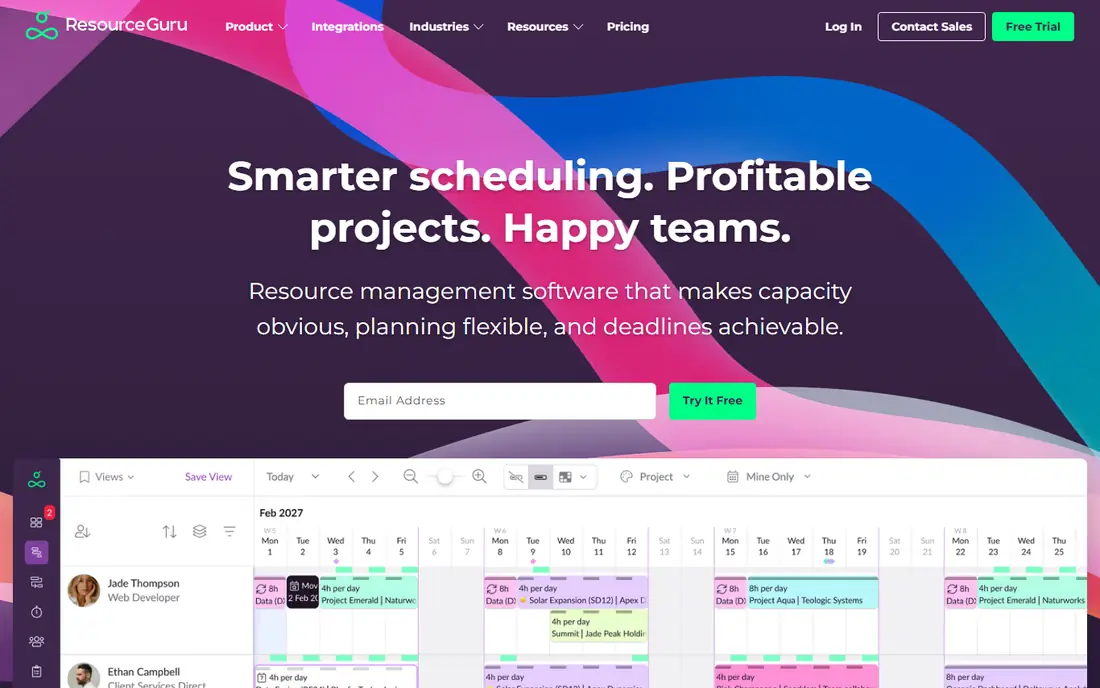
Resource Guru works best for teams that want quick, clash-free people scheduling without project bloat. Some teams want a calendar, not a system.
Drawbacks to consider: Monthly billing raises the price to $5 per person.
Beyond that, the trade-off is depth: project timelines, budgets and reporting are entry-level compared to Float or Runn. Also, setup takes minutes, and most teams are scheduling the same day. On cost, Resource Guru starts like this: $4.16/person/month. On free options: Free trial (30 days).
- Fast to learn with minimal setup
- Booking bars make over-allocation visible immediately
- Thin project management and reporting depth
Runn
Ideal for: Businesses that want utilization and project cost in one view
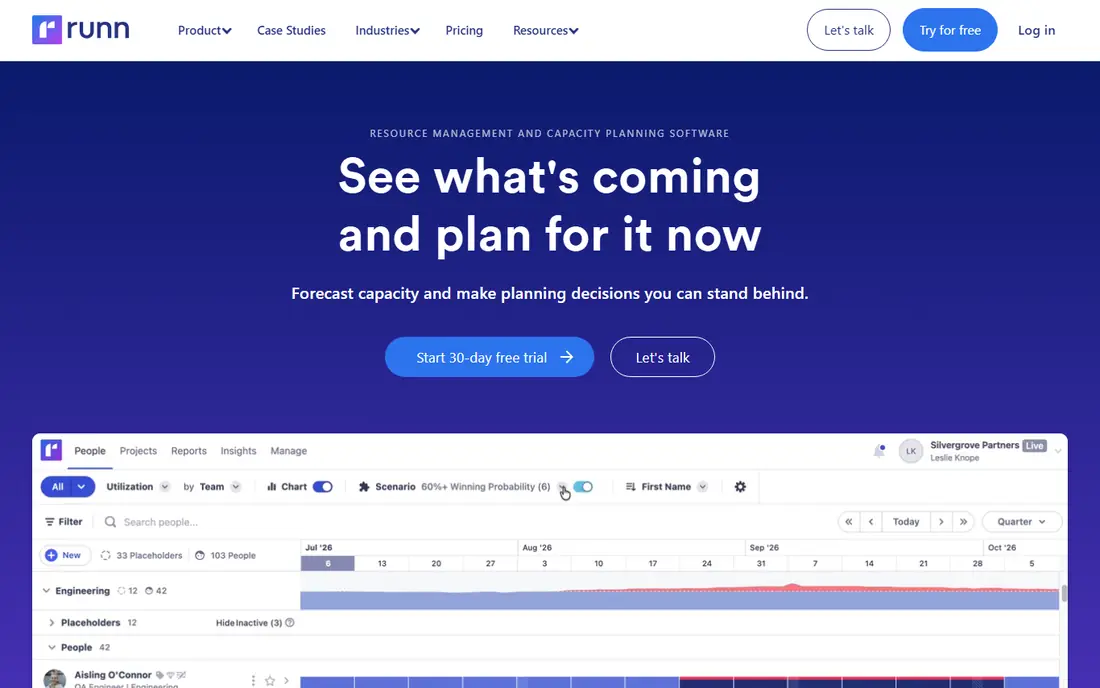
Choose Runn for businesses that want utilization and project cost in one view. Runn was built for one job: showing who is doing what, and what it costs. Standard at $11 brings the financial layer, so you see project margins alongside utilization.
That pairing is what separates Runn from prettier calendars. For everyday use, for services businesses that bill by the hour, the margin view pays for itself. The Lite plan at $7 per resource a month includes scheduling and capacity. On cost, Runn starts like this: $7/resource/month. Free options: Free trial (30 days).
Where it is weaker: Project management features are light next to monday.com or ClickUp.
What Runn does well: Placeholder resources for pipeline planning.
- Capacity and financial forecasting in one dashboard
- Straightforward per-resource pricing
- Standard plan nearly doubles the Lite price
Float
Ideal for: Agencies and studios that plan people on a visual schedule
Float targets agencies and studios that plan people on a visual schedule. The Starter plan at $7 per person a month (billed yearly) handles scheduling, capacity and reporting.
If you want one calendar of truth for your team, it is the cleanest choice here. Price to start with Float: $7/person/month. As for free access: Free trial (30 days).
Downsides: Per-person pricing layers on up on large teams.
- Capacity and time-off planning built in
- Visual schedule the entire team reads at a glance
- Restricted project management depth, so most teams pair it with a task tool
Smartsheet
Ideal for: Teams that think in spreadsheets and need portfolio-level visibility
Smartsheet works best for teams that think in spreadsheets and need portfolio-level visibility. Projects run on a familiar grid, with Gantt, Kanban and calendar views layered on top, and resource management plus portfolio dashboards arriving on the Business plan at $19 per member a month. Operations and PMO teams adopt it quick since the ramp-up time is nearly flat.
Limits to weigh: Per-member minimums that punish tiny teams.
Highlights: Resource management and portfolio dashboards on Business. Smartsheet is for teams that live in rows and columns. In daily use, there is no free plan anymore, only a 30-day trial, and minimum seat counts make it awkward for very small groups. Smartsheet pricing: $9/member/month. Free access: Free trial (30 days).
- Solid enterprise controls
- Card and calendar views
- No free plan since the free level was discontinued
Teamdeck
Ideal for: Agencies and IT teams
Teamdeck was built for agencies and IT teams wanting scheduling, time tracking and leave in one low-cost tool. Teamdeck's pitch is capacity planning without enterprise pricing.
Light members at $2 include contractors who only have to appear on the calendar and log time. Few tools bundle this much at this price. Teamdeck starts at: $6/full member/month. Free plan details: Free trial.
What to check first: Smaller integration ecosystem than the big products.
- Light members at $2 a month keep contractors cheap
- Merges resource scheduling
- Interface feels utilitarian next to Float or monday.com
What went into this list
We compared the tools on published pricing, free plan or trial availability, feature coverage for project and resource management software, and the limits each vendor documents. Figures are shown as the vendors publish them. Billing terms, seat minimums and add-ons can change the real cost. Position on the page reflects fit for a typical buyer first, with price clarity and free access breaking ties. Treat it as a guide, not a ruling.
What to check before you buy
- Prices are a starting point; Resource Guru shows $4.16/person/month to start, so verify what your seat count would cost.
- Test the free plan from monday.com against your real workload before relying on it.
- Take the trial from Resource Guru, Runn, Float and others and push a live task through it before you pay.
- Before choosing monday.com, weigh its main limit: Resource features sit on Standard and above, not Basic.
- Read the plan comparison for Float carefully; key features often start on a higher tier.
- Get the contract term, renewal terms and any onboarding fees from Teamdeck in writing.
Frequently asked questions
What is the cheapest option for project and resource management software in this list?
On published monthly entry prices, Resource Guru is the lowest here at $4.16/person/month. Entry price is only part of the cost, because seats, add-ons and billing terms can change the total.
What is the best project and resource management software for a small agency?
monday.com is the pick this page puts first, mainly for SMBs that want project tracking plus workload views in one system. If your situation differs, Resource Guru suits teams that want quick, clash-free people scheduling without project bloat, and Runn suits businesses that want utilization and project cost in one view. Compare price and limits before you decide.
Is monday.com the right pick for everyone comparing project and resource management software?
No single tool suits every team. monday.com comes first because it fits SMBs that want project tracking plus workload views in one platform, while Resource Guru suits teams that want fast, clash-free people scheduling without project bloat and Runn suits firms that want utilization and project cost in one view. Match the tool to your own size, budget and workflow before deciding.
Do these tools publish their prices?
Yes. Every tool from monday.com to Teamdeck shows a starting price, though seats, add-ons and billing terms still change the final cost.
Can these tools handle contractors and freelancers?
Teamdeck supplies $2 Light members for people who only need calendar visibility and time logging. Most other tools let you add contractors as regular seats, so compare the per-seat math before committing.
Can I try these options before paying?
Often, yes. monday.com has a free plan and Resource Guru, Runn, Float and others offer a free trial. Use your own data and a real task during the test, and check what the free tier or trial limits before you rely on it.