Project Collaboration Software in 2026: A Guide to 7 Tools

- 1
 ProofHubTeams wanting chat, tasks, proofing and time tracking for one flat feeVisit
- 2
 SmartsheetTeams that plan projects in spreadsheets but need moreVisit
- 3
 SlackTeams that coordinate work through chat and channelsVisit
- 4
 MiroDistributed teams that collaborate visually on a shared canvasVisit
- 5
 BasecampTeams that want one calm workspace with flat, predictable pricingVisit
- The list opens with ProofHub, aimed at Teams wanting chat, tasks, proofing and time tracking for one flat fee.
- A free plan is available from 5 of the 7 tools: Slack, Miro, Basecamp, Microsoft Teams, Trello.
- The main caution on Miro: pricing is not published on the pages we could verify.
- For small teams that think in kanban boards, Trello is worth a look.
Direct answer
This list puts ProofHub first for Teams wanting chat, tasks, proofing and time tracking for one flat fee. If your case is different, Smartsheet suits Teams that plan projects in spreadsheets but need more and Slack suits Teams that coordinate work through chat and channels. The full list of 7 tools follows, with prices and free plan facts.
Quick comparison
| Product | Ideal for | Price from | Free version | |
|---|---|---|---|---|
| ProofHub | Teams wanting chat, tasks, proofing and time tracking for one flat fee | $45/month, billed annually (Essential) | Free trial | Visit |
| Smartsheet | Teams that plan projects in spreadsheets but need more | $9/user/month, billed yearly | Free trial (30 days) | Visit |
| Slack | Teams that coordinate work through chat and channels | $7.25/user/month, billed yearly (Pro) | Yes | Visit |
| Miro | Distributed teams that collaborate visually on a shared canvas | See website | Yes | Visit |
| Basecamp | Teams that want one calm workspace with flat, predictable pricing | Free (1 project); Unlimited $300/month | Yes | Visit |
 Microsoft Teams | Organizations already invested in Microsoft 365 | See website | Yes | Visit |
 Trello | Small teams that think in kanban boards | $5/user/month, billed yearly (Standard) | Yes | Visit |
Project Collaboration Software, one by one
Short on time? The summary and table above give the quick view of 7 tools for project collaboration software, and the profiles that follow give the detail behind each entry.
ProofHub
Ideal for: Teams wanting chat, tasks, proofing and time tracking for one flat fee
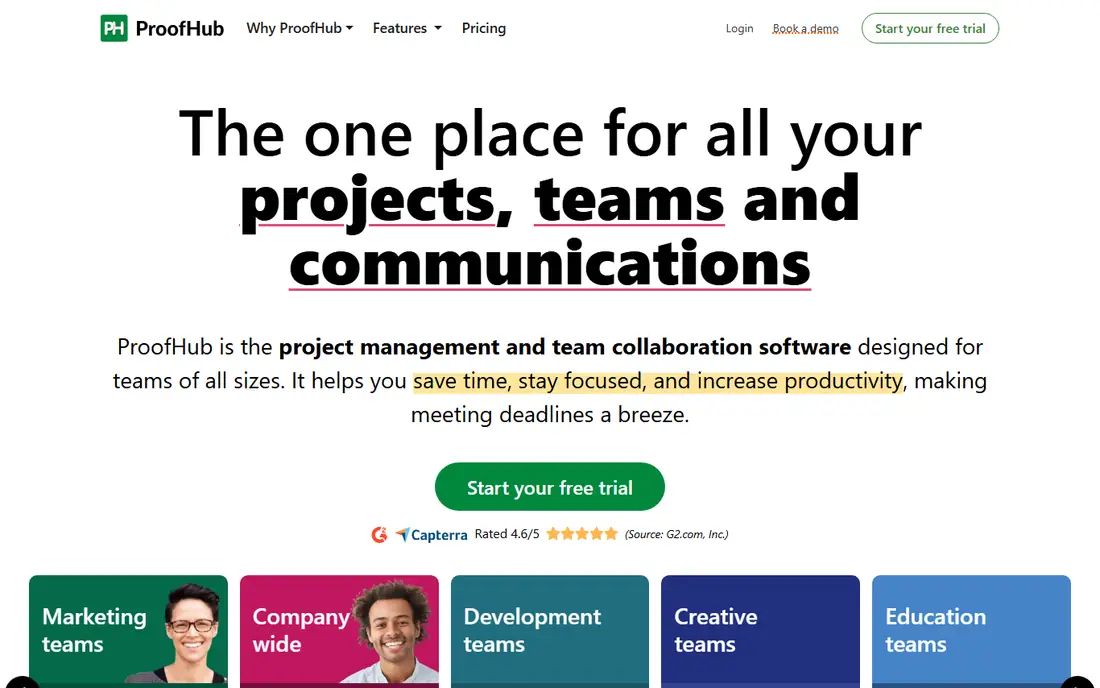
ProofHub was built for Teams wanting chat, tasks, proofing and time tracking for one flat fee. At $45 a month billed yearly for unlimited users, a 30-person team pays a fraction of what Slack plus Asana would cost. For budget-conscious teams, one subscription replacing three has obvious appeal.
As for the details, the honest check is depth. In practice, Teams that require good-enough everything at a flat price will find it hard to beat. Also, ProofHub's chat is not Slack, its boards are not Trello, and its proofing is not a dedicated review tool. Price to start with ProofHub: $45/month, billed annually. As for free access: Free trial.
Downsides: No permanent free plan.
What ProofHub does well: Tasks, Gantt, chat, discussions, proofing.
- Flat pricing with unlimited users: $45 a month billed yearly for Essential
- Straightforward onboarding
- Advanced features trail best-of-breed specialists in each category
Smartsheet
Ideal for: Teams that plan projects in spreadsheets but need more
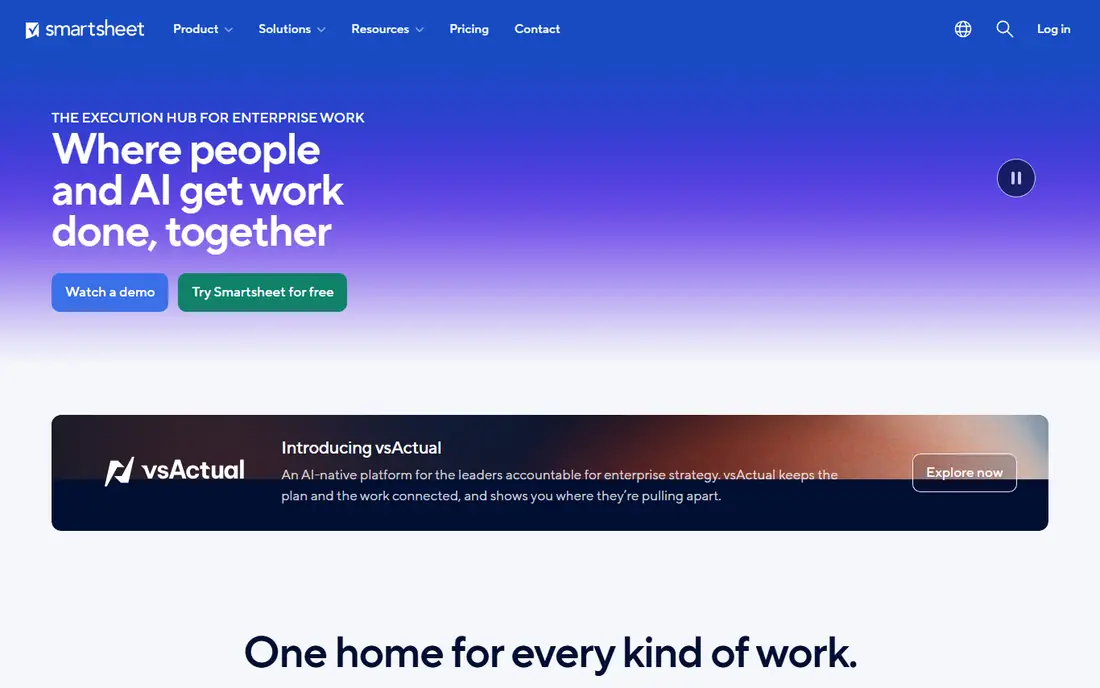
Smartsheet works best for Teams that plan projects in spreadsheets but need more. Premium plans allow unlimited free collaborators, so only the people building sheets need licenses, which keeps costs sane. The honest math: $9 per user a month billed yearly is the entry price.
There is no free level beyond the 30-day trial. Worth adding: Smartsheet meets spreadsheet-native teams where they are. For operations teams that think in rows and columns, that is exactly right. In daily use, if your project plans live in Excel, Smartsheet feels like home whereas adding Gantt charts, automatic workflows, dashboards and forms. Starting cost for Smartsheet: $9/user/month, billed annually. Free access: Free trial (30 days).
Trade-offs to know: No permanent free plan; only a 30-day trial.
- Card and calendar views on the same data
- Unlimited free collaborators on premium plans
- The interface displays its spreadsheet roots
Slack
Ideal for: Teams that coordinate work through chat and channels
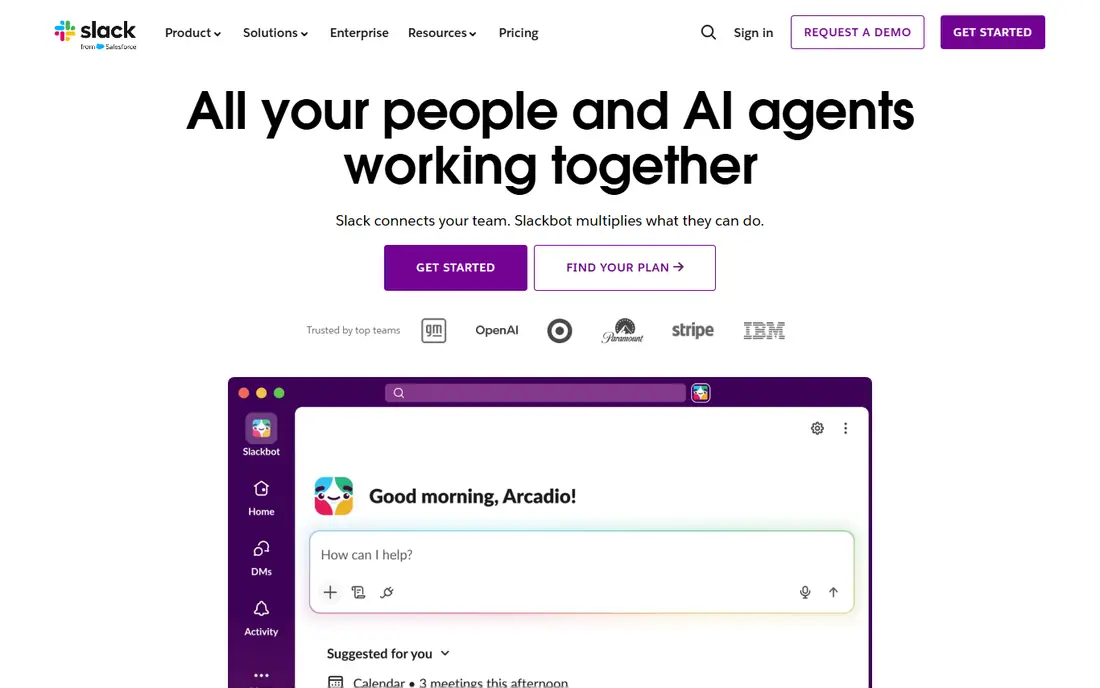
Slack targets Teams that coordinate work through chat and channels. Channels replace email threads, integrations pull in alerts from every tool you use, and Slack Connect lets clients join the conversation without another login. Beyond that, the free plan's 90-day message limit means institutional knowledge disappears except when you pay, and Pro at $7.25 per user a month billed yearly is real money at headcount.
On top of that, pair it with a task tool or accept the chaos. On top of that, Slack is where work talk happens for millions of teams. Slack cost at the entry level: $7.25/user/month, billed annually. You can start on Slack without paying.
Trade-offs to know: Important decisions still get buried in fast-moving channels. What Slack does well: Over 2,600 app integrations.
- Lists and canvases add light project tracking
- Slack Connect for working with clients and vendors
- Pro at $7.25 per user a month layers on up for large teams
Miro
Ideal for: Distributed teams that collaborate visually on a shared canvas
Miro is a good fit for distributed teams that collaborate visually on a shared canvas. Miro is the digital whiteboard that remote teams actually use. The free plan with 3 editable boards is enough to prove the value before talking to sales about premium levels.
The limit is scope. Budget for it alongside a task tool instead of rather than one. Miro shows no starting price here, so confirm the cost on the vendor site. Free access exists with Miro.
Where it falls short: not a task tracker, so projects need a companion tool; It is a whiteboard.
- Workshops and roadmaps
- Infinite canvas for brainstorming
- Pricing is not published on the pages we could verify
Basecamp
Ideal for: Teams that want one calm workspace with flat, predictable pricing
Basecamp works best for Teams that want one calm workspace with flat, predictable pricing. Basecamp takes the opposite approach to feature arms races: fewer features, calmer design, flat pricing. From a buyer's view, Teams drowning in Slack threads and scattered docs commonly find Basecamp's simplicity is exactly the collaboration upgrade they needed.
What to check first: No Gantt charts or advanced reporting.
Beyond that, Teams that require structured project tracking will outgrow it. In daily use, the new Basecamp 5 supplies message boards, to-do lists, card tables, chat, schedules and docs in one workspace, with unlimited users and no per-seat fees on Studio, Pro and the $300-per-month Unlimited Edition. For everyday use, there are no Gantt charts, no workload views, no complicated automations. Basecamp cost at the entry level: Free. You can start on Basecamp without paying.
Where it shines: Message boards, to-dos, chat.
- Deliberately calm design that resists notification overload
- 30-day free trials with no credit card required
- Deliberately straightforward, so power users may find it limiting
Microsoft Teams
Ideal for: Organizations already invested in Microsoft 365
Where Microsoft Teams fits: organizations already invested in Microsoft 365. Microsoft supplies a free version for individuals including chat, calls and file sharing, and business plans flow through Microsoft 365 licensing. The trade-off is agility.
Downsides: The best experience needs the full Microsoft 365 stack.
Teams feels like enterprise software: feature-rich but heavy, with an interface that changes commonly and external collaboration that takes more setup than Slack Connect. As for the details, businesses already paying for Microsoft 365 should use what they own. Microsoft Teams does not show a starting price in this comparison, so check the vendor site for current pricing. Microsoft Teams includes a free tier.
- Chat and file collaboration in one app
- Bundled with Microsoft 365, so numerous firms already pay for it
- The interface feels heavier than Slack's
Trello
Ideal for: Small teams that think in kanban boards
Choose Trello for small teams that think in kanban boards. Trello remains the easiest way to run a visual project board. On top of that, register, make lists, drag cards, and the team is collaborating in minutes.
In daily use, as the visual layer of a collaboration stack, it is very good and cheap. The free plan supports up to 10 collaborators per workspace, which covers numerous small teams entirely. Also, know what it is not. In daily use, Trello has no native chat, no docs, no goals and no workload management. It is a board tool with integrations bolted on. The starting price for Trello: $5/user/month, billed annually. You can start on Trello without paying.
Points against: Reporting needs Premium.
Best features of Trello: Standard at $5 per user a month brings unlimited boards and automation.
- Free plan handles up to 10 collaborators
- Huge template gallery and 200-plus integrations
- Atlassian's attention is split across numerous products
Our selection method
Each tool was reviewed on what its vendor publishes: price, plan limits, core features and stated drawbacks. We did not run hands-on tests. Prices and plan limits come from vendor pages and can change, so confirm them on the vendor site before you buy. The ranking is editorial: typical fit first, then clear pricing, then free access. If your needs are unusual, read the profiles rather than relying on position.
A buyer's checklist
- Get a written quote from Miro and Microsoft Teams; the list shows no starting price for them.
- Look at free plan limits closely: Slack, Miro, Basecamp and others have one, and the caps decide whether it is usable for real work.
- Run a trial of ProofHub and Smartsheet with real work before paying for a year; your own workflow is the best test.
- Read the limits listed for ProofHub first: no permanent free plan.
- Ask Microsoft Teams how an export works before you move any records in; an easy exit lowers the risk.
- Pick one real project and run it in Trello first; a small pilot shows fit faster than a checklist.
Frequently asked questions
Which options for project collaboration software have a free plan?
On this list, Slack, Miro, Basecamp, Microsoft Teams and Trello include a free plan. Caps on seats, usage or features are common, so test the free plan against your real workload. Several others offer a trial instead.
How are the tools for project collaboration software ordered?
The order follows typical fit for project collaboration software, with ProofHub first and Trello last, then price clarity and free access. It is editorial judgement, not a score, so another team could rank the tools differently.
Can I try these options before paying?
Often, yes. Slack, Miro, Basecamp and others have a free plan and ProofHub and Smartsheet offer a free trial. Use your own data and a real task during the test, and check what the free tier or trial limits before you rely on it.
What is the cheapest option for project collaboration software in this list?
On published monthly entry prices, Trello is the lowest here at $5/user/month, billed annually. Entry price is only part of the cost, because seats, add-ons and billing terms can change the total.