8 Strong Project Management Software for Consultants in 2026

- 1
 ScoroConsultancies of 5 to 50 wanting delivery and financials togetherVisit
- 2
 Monday.comConsultancies wanting visual tracking plus sales and ops in one accountVisit
- 3
 BigTimeProfessional services businesses where billing accuracy is the businessVisit
- 4
 AsanaConsulting teams prioritizing execution clarityVisit
- 5
 Harvest + ForecastConsultancies that bill by the hourVisit
- Scoro sits first on this list: Consultancies of 5 to 50 wanting delivery and financials together.
- For the cheapest start, look at ClickUp: $7/user/month.
- For agencies and consultancies running several client projects, Teamwork.com is worth a look.
- Asana, Harvest + Forecast, ClickUp, Teamwork.com: these are the 4 tools out of 8 that offer a free plan.
Direct answer
Scoro comes first here, mainly for Consultancies of 5 to 50 wanting delivery and financials together. Alternatives: Monday.com for Consultancies wanting visual tracking plus sales and ops in one account, and BigTime for professional services businesses where billing accuracy is the business. The full list of 8 tools follows, with prices and free plan facts.
Quick comparison
| Product | Ideal for | Price from | Free version | |
|---|---|---|---|---|
| Scoro | Consultancies of 5 to 50 wanting delivery and financials together | See website (quote-based; third-party figures unverified on vendor page) | Free trial (14 days) | Visit |
| Monday.com | Consultancies wanting visual tracking plus sales and ops in one account | See website (per-seat; 3-seat minimum reported, unverified on vendor page) | Free trial (14 days) | Visit |
| BigTime | Professional services businesses where billing accuracy is the business | $20/user/month (Essentials plan, per vendor blog) | Free trial | Visit |
| Asana | Consulting teams prioritizing execution clarity | $10.99/user/month (Starter, billed yearly) | Yes | Visit |
| Harvest + Forecast | Consultancies that bill by the hour | $9/seat/month (Harvest Teams, annual); Forecast $5/person/month (annual) | Yes | Visit |
 ClickUp | Budget-conscious consultancies wanting one tool for everything | $7/user/month (Unlimited, billed yearly); Business $12 | Yes | Visit |
 Accelo | Retainer-based businesses wanting sale-to-invoice in one system | See website (quote-based; third-party figures unverified) | Free trial | Visit |
 Teamwork.com | Agencies and consultancies running several client projects | $9.99/user/month (Basics, billed yearly) | Yes | Visit |
The full project management software for consultants list
Ainotely put together this guide to project management software for consultants for readers who want a clear shortlist without reading every vendor page. It compares 8 tools on starting price, free plans, who each one suits and where each one falls short.
Scoro
Ideal for: Consultancies of 5 to 50 wanting delivery and financials together
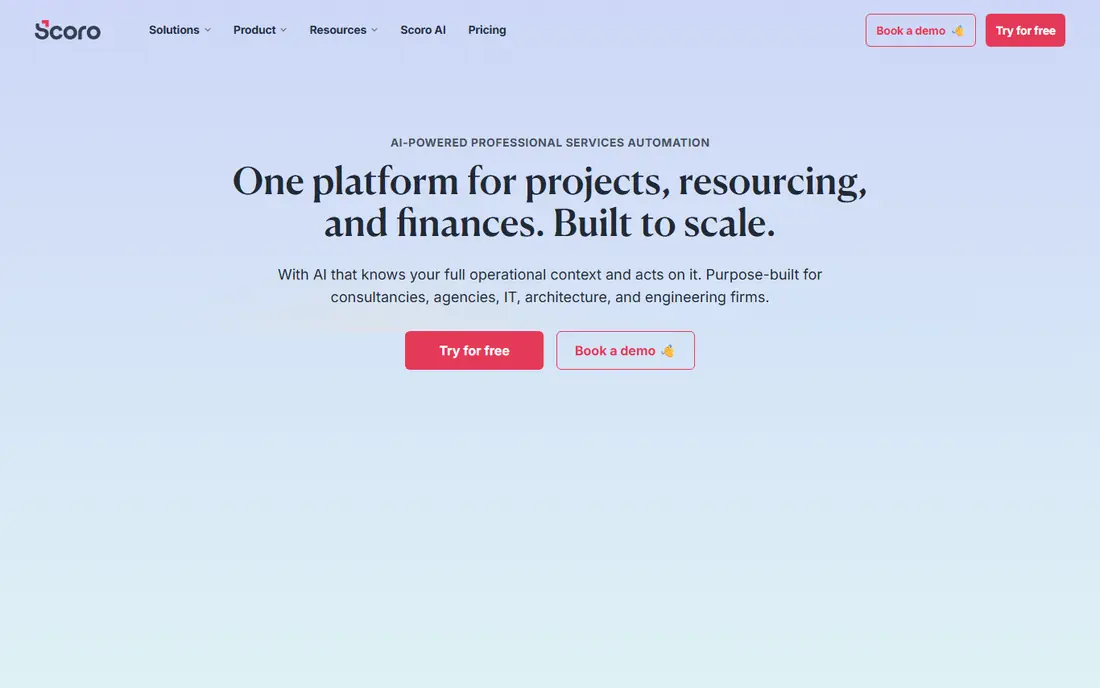
Scoro works best for Consultancies of 5 to 50 wanting delivery and financials together. Scoro's unified data model is the selling point: time entries feed budgets, invoices and profitability reports without exports or reconciliation. Worth adding: setup takes a handful of weeks with onboarding support.
What users get: Live dashboards for utilization.
Downsides: Higher levels get pricey as financial features stack.
In daily use, the 5-user minimum on every plan is the filter: a 3-person firm pays for seats it does not use, so solos and tiny teams should look elsewhere. The quoting-to-invoicing workflow spans the commercial side from proposal to payment, and live dashboards show utilization and project profitability as work happens. Pricing for Scoro is not stated here, so ask the vendor for current figures. Trial and free access: Free trial (14 days).
- All-in-one work management: projects, time
- Billing and financial reporting
- Minimum 5 users on all plans prices out solo consultants
Monday.com
Ideal for: Consultancies wanting visual tracking plus sales and ops in one account
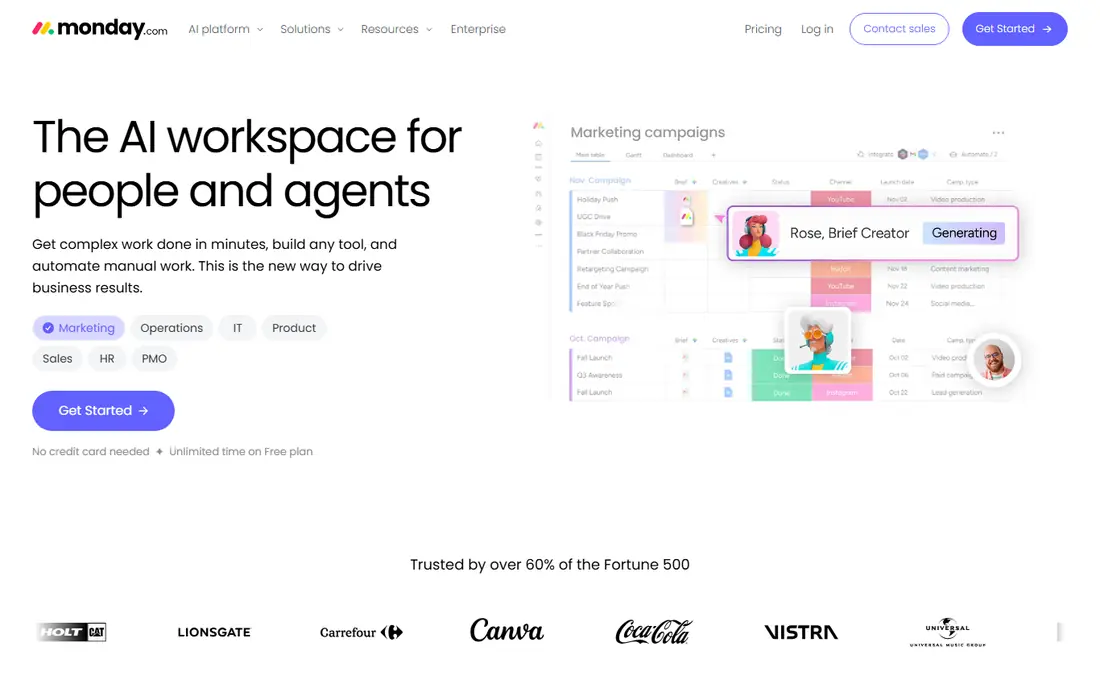
Choose Monday.com for Consultancies wanting visual tracking plus sales and ops in one account. For pure delivery-to-invoice, the specialists above fit better. Serious time tracking and billing need external apps, since native depth is thin.
Reasons to shortlist it: Work OS approach covers CRM.
Drawbacks to consider: No native time tracking depth for billable consulting.
For a consultancy that wants visual project tracking alongside sales and ops, the system breadth is the draw. Also, the template library and 200-plus integrations handle most consultancy workflows. Monday.com does not show a starting price in this comparison, so check the vendor site for current pricing. Free access: Free trial (14 days).
- 200-plus integrations
- Highly visual
- 3-seat minimum on premium plans means tiny teams pay for empty seats
BigTime
Ideal for: Professional services businesses where billing accuracy is the business
Where BigTime fits: professional services businesses where billing accuracy is the business. Time, expenses, invoicing and project budgets link to QuickBooks with live two-way sync, and utilization reporting presents exactly who is billable and who is not. Essentials starts at $20 per user a month (per the vendor's blog).
At $20 a seat minimum with $35 to $45 tiers for resource planning and multi-currency, it costs more than generalist tools, and the interface feels made for accountants. For everyday use, businesses of 5-plus people where billing accuracy drives revenue will find the depth worth it. BigTime starts at: $20/user/month. Free plan details: Free trial.
What to check first: Interface feels designed for accountants more than creatives.
- Expenses and utilization in one PSA
- Deep project accounting: invoicing
- Notably pricier than general PM tools
Asana
Ideal for: Consulting teams prioritizing execution clarity
Where Asana fits: consulting teams prioritizing execution clarity. The gap is financials. There is no native time tracking, budgets or invoicing, so billable-hour firms pair Asana with Harvest or similar, which is a fine stack but two subscriptions.
Trade-offs to know: Free level capped at 2 users.
If your billing already lives elsewhere and you need the work itself managed beautifully, Asana is the benchmark. More specifically, the free level's 2-user cap means even tiny teams pay. What you pay to start with Asana: $10.99/user/month. Asana offers a free plan. Where Asana stands out: portfolios and workload views on higher levels.
- Lowest-friction interface
- Unlimited free guests on premium plans for client collaboration
- Consultants need extras for billing
Harvest + Forecast
Ideal for: Consultancies that bill by the hour
In short, Harvest + Forecast is for Consultancies that bill by the hour. The combination includes the plan-versus-actual view that separates profitable businesses from busy ones. More specifically, pricing is published: $9 per seat a month annually for Harvest, plus $5 per person a month for Forecast.
For everyday use, setup is quick, usually days, since the product is deliberately straightforward. On top of that, a 15-person team pays for both Harvest seats and Forecast seats, roughly doubling the headline rate, and usage fees can apply for invoices, projects and clients above allowances. Harvest + Forecast cost at the entry level: $9/seat/month. Free access exists with Harvest + Forecast.
Drawbacks to consider: Usage-based fees can apply above allowances.
- Forecast layers on clean visual resource scheduling on top of actuals
- Straightforward enough that consultants actually log their time
- Two products, two bills
ClickUp
Ideal for: Budget-conscious consultancies wanting one tool for everything
ClickUp makes the most sense for budget-conscious consultancies wanting one tool for everything. The $7 Unlimited level (billed yearly, verified on clickup.com) contains Gantt, native time tracking and unlimited storage, and Business at $12 brings billable rates and timesheets. If your team will invest in configuration, the value per dollar is unmatched.
Points against: Usage caps on dashboards and views push reporting-heavy teams to Business.
For everyday use, ClickUp Brain AI is a separate $9 per user a month add-on. The sprawl is the tax. Entry price for ClickUp: $7/user/month. ClickUp includes a free tier. What ClickUp does well: time tracking.
- Gantt and automations
- Enormous feature set per dollar: docs, goals
- Feature sprawl overwhelms without governance
Accelo
Ideal for: Retainer-based businesses wanting sale-to-invoice in one system
Think of Accelo for Retainer-based businesses wanting sale-to-invoice in one system. Accelo links the client lifecycle end to end: CRM, projects, time, tickets and invoicing share data, so billable hours do not fall through the cracks between systems. If that is your shape, the connected lifecycle is worth the sales process.
The commitment is real. Pricing is quote-based with minimum user counts reported around 3 to 10 based on level. Setup is a genuine implementation project over weeks. This is software for a firm, not a freelancer: the value appears when the entire client operation runs through it. Check the vendor site for Accelo pricing; none is listed in this comparison. Free plan details: Free trial.
Drawbacks to consider: Pricing is not publicly listed.
- Approvals and recurring work
- Purpose-built for professional services: projects, retainers
- Minimum seat requirements make it pricey for small teams
Teamwork.com
Ideal for: Agencies and consultancies running several client projects
Teamwork.com serves agencies and consultancies running several client projects. Teamwork.com is the agency-native project system. The vendor publishes SOC 2 Type 2 and ISO 27001 certifications with US or EU hosting.
On top of that, basics lacks workload planning and invoicing, so expanding firms land on Accelerate ($24.99) or Optimize for the financial features. Client users are free on premium plans, which changes the per-seat math fully compared with competitors: invite every client stakeholder without watching the bill. What you pay to start with Teamwork.com: $9.99/user/month. Free access exists with Teamwork.com.
What to check first: CRM and Desk extras are licensed separately.
- Budgets and invoicing on higher levels
- Made for client work with unlimited free client users on premium plans
- Profitability and advanced resource planning sit behind higher levels
How these tools were picked
The comparison looks at four things: starting price, free access, how well the feature set matches project management software for consultants, and the main limit of each tool. Where a vendor does not publish a price, the entry says quote. Where a price depends on seats or billing term, the entry says so. We ordered the tools by general fit, then by how clearly pricing is shown, then by free access. A buyer with unusual needs may reorder them.
Pre-purchase checklist
- Ask Scoro, Monday.com and Accelo for a written quote, since no starting price is shown.
- Check what the free option really includes: Asana, Harvest + Forecast, ClickUp and Teamwork.com offer a free plan, and usage caps differ.
- Run a trial of Scoro, Monday.com, BigTime and Accelo with real work before paying for a year; your own workflow is the best test.
- Read the limits listed for Scoro first: minimum 5 users on all plans prices out solo consultants.
- Map your must-have features to a specific Scoro plan before you compare prices.
- Ask BigTime which support channels and response times come with the plan you would buy.
Frequently asked questions
Do these tools publish their prices?
Not all of them. Scoro, Monday.com and Accelo publish no starting price, so expect a quote request for those. The rest, BigTime included, show a starting price, though seats and billing terms still change the final cost.
Can I try these tools before paying?
Often, yes. Asana, Harvest + Forecast, ClickUp and Teamwork.com have a free plan and Scoro, Monday.com, BigTime and Accelo offer a free trial. Use your own data and a real task during the test, and check what the free tier or trial limits before you rely on it.
Which options for project management software for consultants have a free plan?
On this list, Asana, Harvest + Forecast, ClickUp and Teamwork.com include a free plan. Caps on seats, usage or features are common, so test the free plan against your real workload. Several others offer a trial instead.
How are the tools for project management software for consultants ordered?
Scoro sits first and Teamwork.com last because the order follows typical fit for project management software for consultants, then price clarity and free access. It is a judgement call, so read each profile for fit and limits.