7 Best Project Management Software for Creative Teams for 2026

- 1
 ClickUpSmall creative teams that want docs, tasks and chat in one appVisit
- 2
 Teamwork.comAgencies and client-service teams that bill time and track profitabilityVisit
- 3
 monday.comCreative agencies that want visual boards running in a dayVisit
- 4
 HiveFast-moving teams that want chat, tasks and proofing togetherVisit
- 5
 NotionTeams that want project boards fused with docs and wikisVisit
- Number one here is ClickUp, a fit for small creative teams that want docs, tasks and chat in one app.
- ClickUp is the lowest-priced starter here at $8/user/month, billed annually.
- 7 out of 7 tools include a free plan, among them ClickUp, Teamwork.com, monday.com and Hive.
- Milanote is the one to check for designers and art directors organizing ideas, mood boards and references.
Direct answer
Start with ClickUp if you need small creative teams that want docs, tasks and chat in one app. Teamwork.com fits agencies and client-service teams that bill time and track profitability; monday.com fits creative agencies that want visual boards running in a day. The other 4 tools in the list cover narrower or pricier cases.
Quick comparison
| Product | Ideal for | Price from | Free version | |
|---|---|---|---|---|
| ClickUp | Small creative teams that want docs, tasks and chat in one app | $8/user/month, billed yearly (Core) | Yes | Visit |
| Teamwork.com | Agencies and client-service teams that bill time and track profitability | $9.99/user/month, billed annually (Basics) | Yes | Visit |
| monday.com | Creative agencies that want visual boards running in a day | See website | Yes | Visit |
| Hive | Fast-moving teams that want chat, tasks and proofing together | See website | Yes | Visit |
| Notion | Teams that want project boards fused with docs and wikis | See website | Yes | Visit |
 Asana | Studios that plan in timelines and track portfolios of client work | $10.99/user/month, billed yearly (Starter) | Yes | Visit |
 Milanote | Designers and art directors organizing ideas, mood boards and references | $9.99/user/month, billed yearly (pay per person) | Yes | Visit |
The best project management software for creative teams
Choosing project management software for creative teams usually comes down to price, fit and limits. This Ainotely guide sets 7 tools side by side on those three points, with the facts kept short and checkable.
ClickUp
Ideal for: Small creative teams that want docs, tasks and chat in one app
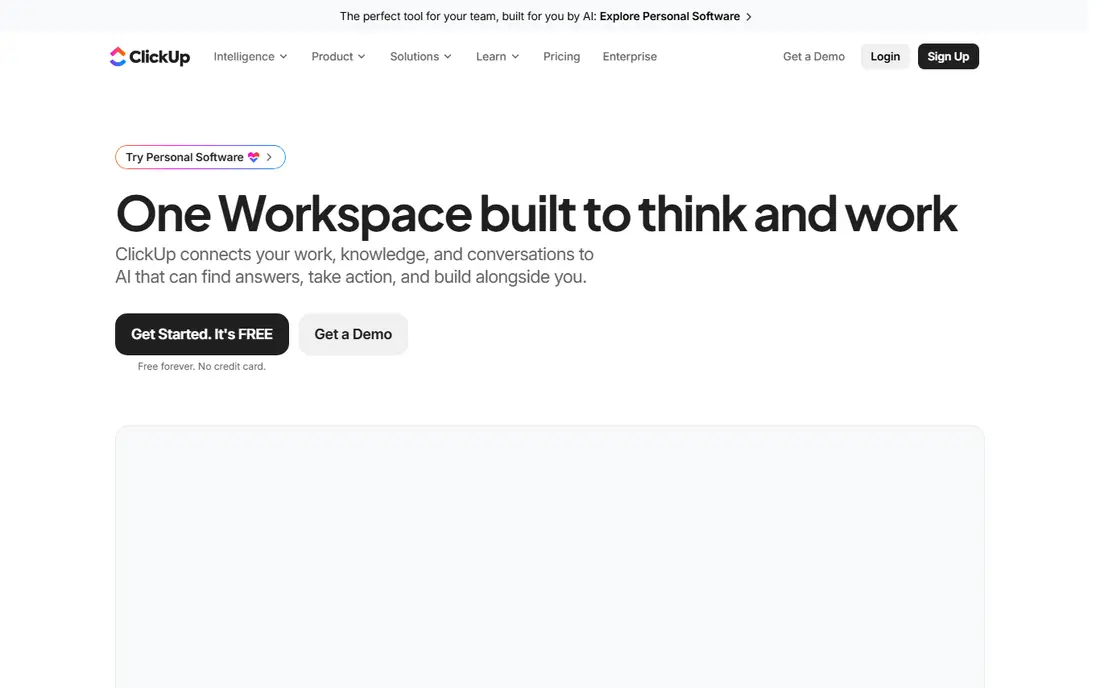
ClickUp is designed for small creative teams that want docs, tasks and chat in one app. ClickUp appeals to studios that are tired of paying for five subscriptions. In practice, at $8 per user a month billed yearly for Core, it undercuts every major rival here.
ClickUp's settings run deep, and teams that skip the setup phase end up with a messy workspace that nobody trusts. More specifically, tasks, briefs, mood boards, time tracking and client chat can all live in one workspace, and the free level handles unlimited tasks with no credit card required. For everyday use, budget a week to configure spaces, statuses and templates properly. The price of everything-in-one is complexity. What you pay to start with ClickUp: $8/user/month, billed annually. ClickUp offers a free plan.
Main advantages: chat and goals. Limits to weigh: Feature density overwhelms new users.
- The Free Forever plan is genuinely usable
- Custom views per project (list, board, calendar, timeline)
- Support quality varies at the lower levels
Teamwork.com
Ideal for: Agencies and client-service teams that bill time and track profitability
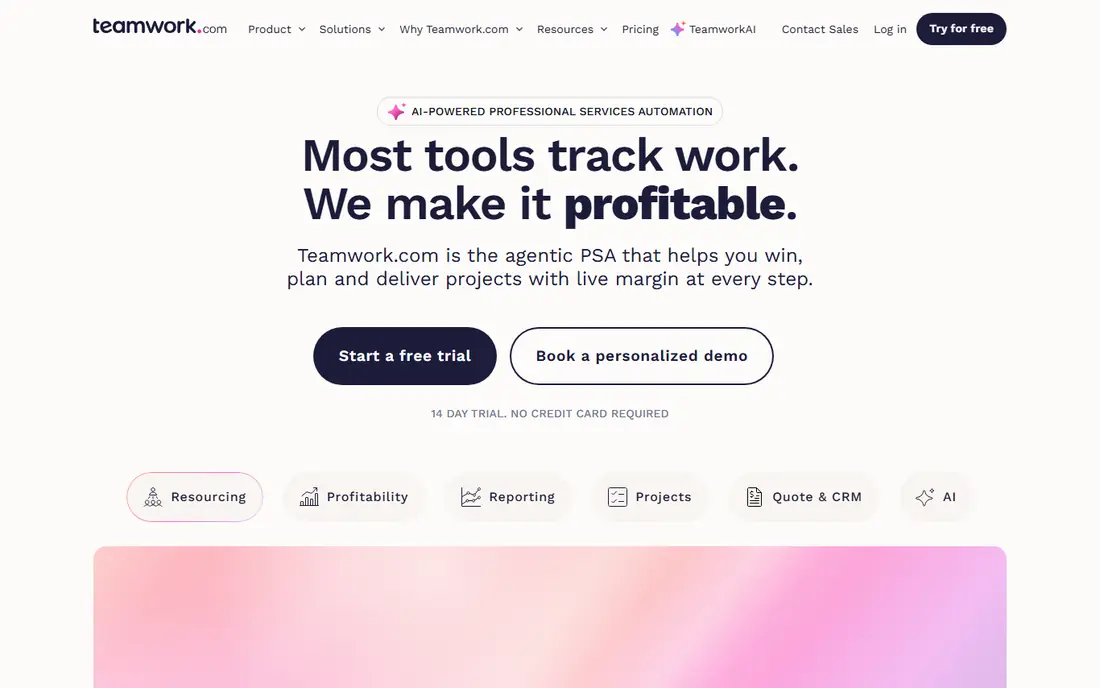
Teamwork.com works best for agencies and client-service teams that bill time and track profitability. Teamwork.com is the agency operator's pick. The basics plan at $9.99 per user a month billed yearly spans the essentials.
Main advantages: Straightforward per-user pricing.
Drawbacks to consider: The best financial features wait for the $24.99 level. The free plan takes care of up to five users and five projects, which fits a tiny studio testing the waters. For studios that bill hourly or by retainer, that closes the loop between doing the work and getting premium. Starting cost for Teamwork.com: $9.99/user/month, billed annually. A free plan is available with Teamwork.com.
- Workload and capacity planning on higher levels
- Invoicing and project budgets are native
- The interface looks dated next to monday.com or Asana
monday.com
Ideal for: Creative agencies that want visual boards running in a day
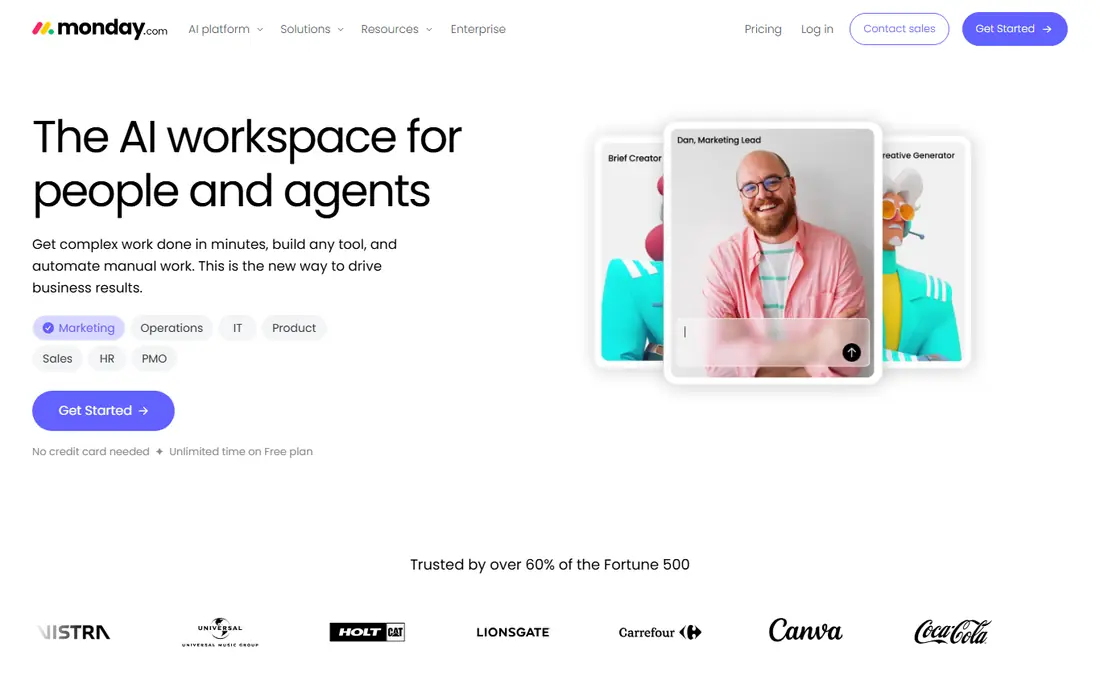
monday.com makes the most sense for creative agencies that want visual boards running in a day. Creative agencies pick monday.com for one practical reason: a client can open a shared board and understand it without training. On top of that, get a quote in writing for your exact headcount before committing.
Beyond that, plans start from a minimum seat count. So a five-person studio pays for seats it may not use, and the features agencies actually want (time tracking, formula columns, guest access controls) push you up the levels. In practice, automations deal with the boring handoffs, like notifying a client when a proof is ready for review. This comparison lists no price for monday.com; ask the vendor. monday.com offers a free plan.
Limits to weigh: Advanced reporting and automations sit on higher levels.
- Very visual boards
- Timelines and calendars that non-technical clients grasp
- Pricing is seat-based with minimums that punish small teams
Hive
Ideal for: Fast-moving teams that want chat, tasks and proofing together
Hive makes the most sense for fast-moving teams that want chat, tasks and proofing together. Built-in chat means feedback does not scatter across email and Slack, and proofing tools let clients mark up designs without leaving the task.
Downsides: Some users report a ramp-up time with the sheer number of views.
Pricing for Hive is not stated here, so ask the vendor for current figures. Free access exists with Hive.
- Proofing and approvals built into tasks
- Adaptable project views including Gantt and kanban
- Integrations trail the biggest systems
Notion
Ideal for: Teams that want project boards fused with docs and wikis
Notion is designed for teams that want project boards fused with docs and wikis. Agencies use it as the single source of truth: brand guidelines, client wikis, meeting notes and project trackers all in one searchable place.
Beyond that, as an adaptable content operations hub with light project tracking, it is hard to beat. On top of that, there is no real workload view, no time tracking and no proofing, so deadline-driven studios frequently outgrow it or bolt on integrations. Notion does not show a starting price in this comparison, so check the vendor site for current pricing. You can start on Notion without paying.
Drawbacks to consider: Pricing for teams sits behind a quote on the pages we checked. What works well: Templates for everything from campaign plans to brand guidelines.
- Databases that double as project trackers
- Content calendars and asset libraries
- No native Gantt chart or workload management
Asana
Ideal for: Studios that plan in timelines and track portfolios of client work
Asana is built with studios that plan in timelines and track portfolios of client work in mind. Asana's superpower for creative teams is the portfolio view: every client project rolls up into one dashboard where the owner sees deadlines, workloads and at-risk work at a glance.
Limits to weigh: Meaningful reporting waits for Advanced at $24.99 per user a month.
Proofing exists on Advanced, but annotations and version control feel bolted on compared to purpose-built review tools. At $10.99 per user a month billed yearly, Starter is fairly priced for what agencies use. Entry price for Asana: $10.99/user/month, billed annually. Asana has a free plan.
- Timeline and Gantt views included on Starter
- Portfolios provide agency owners a cross-client view
- The free Personal plan caps at two users
Milanote
Ideal for: Designers and art directors organizing ideas, mood boards and references
Milanote is aimed squarely at designers and art directors organizing ideas, mood boards and references. The free plan spans personal use; the $9.99 per person plan billed yearly removes the card limit. The team plan at $49 a month billed yearly spans a small studio.
Where it is weaker: File upload limits bite on the free plan; Not a real task manager: no Gantt charts.
If your team also needs task assignments, timelines and time tracking, Milanote pairs with a task tool instead of replacing one. Mood boards, brand research, shot lists and client presentations live on infinite visual boards that look like a designer's desk. Milanote pricing: $9.99/user/month, billed annually. A free plan is available with Milanote.
- Clients can view and comment without learning PM software
- Links and notes onto freeform boards
- Teams of five-plus need the $49 a month team plan
How we chose
Ainotely looked at what each vendor publishes: pricing, plan limits, feature coverage for project management software for creative teams and stated drawbacks. No hands-on testing is claimed. Treat prices as a snapshot: vendors change plans often, so check the vendor site for the figure that applies today. Order on the page follows fit for the typical buyer first, then price transparency and free access. Your own requirements should decide the final pick.
What to check before you buy
- Get a written quote from monday.com, Hive and Notion; the list shows no starting price for them.
- Read the fine print on the free plans from ClickUp, Teamwork.com, monday.com and others; seat, project and feature caps differ.
- Read the limits listed for ClickUp first: feature density overwhelms new users.
- Before rolling out ClickUp, verify the integrations your workflow depends on.
- Test how quickly Hive answers a pre-sales question; it hints at how support will feel later.
Frequently asked questions
How are the tools for project management software for creative teams ordered?
The order follows typical fit for project management software for creative teams, with ClickUp first and Milanote last, then price clarity and free access. It is editorial judgement, not a score, so another team could rank the tools differently.
Do these tools publish their prices?
Not all of them. monday.com, Hive and Notion publish no starting price, so expect a quote request for those. The rest, ClickUp included, show a starting price, though seats and billing terms still change the final cost.
Is ClickUp the right pick for everyone comparing project management software for creative teams?
No single tool suits every team. ClickUp comes first because it fits small creative teams that want docs, tasks and chat in one app, while Teamwork.com suits agencies and client-service teams that bill time and track profitability and monday.com suits creative agencies that want visual boards running in a day. Match the tool to your own size, budget and workflow before deciding.
What is the cheapest option for project management software for creative teams in this list?
On published monthly entry prices, ClickUp is the lowest here at $8/user/month, billed annually. Entry price is only part of the cost, because seats, add-ons and billing terms can change the total.