6 Project Management Software for Designers Ranked for 2026

- Number one here is Notion, a fit for docs plus design projects.
- Before buying Monday Work Management, weigh this: three-seat minimum on premium plans.
- Basecamp fits client-facing project delivery.
- The lowest published monthly entry price here is $5 per user per month, from Trello.
Direct answer
Notion is the first pick on this list for docs plus design projects. Trello is better for straightforward kanban boards, and Wrike is better for creative production workflows. Details, prices and limits for the rest of the 6 tools are below.
Quick comparison
| Product | Ideal for | Price from | Free version | |
|---|---|---|---|---|
 Notion | Docs plus design projects | $10 per user a month | Yes | Visit |
 Trello | Straightforward kanban boards | $5 per user per month | Yes | Visit |
 Wrike | Creative production workflows | $10 per user a month | Yes | Visit |
 Monday Work Management | Visual design teams | $9 per user a month | Yes | Visit |
 ClickUp | All-in-one creative workspaces | $7 per user a month | Yes | Visit |
 Basecamp | Client-facing project delivery | $15 per user a month | No | Visit |
Project Management Software for Designers profiles
This Ainotely guide covers 6 project management software for designers. Each profile lists a starting price, free plan details, strengths and drawbacks, so you can drop poor fits quickly.
Notion
Ideal for: Docs plus design projects
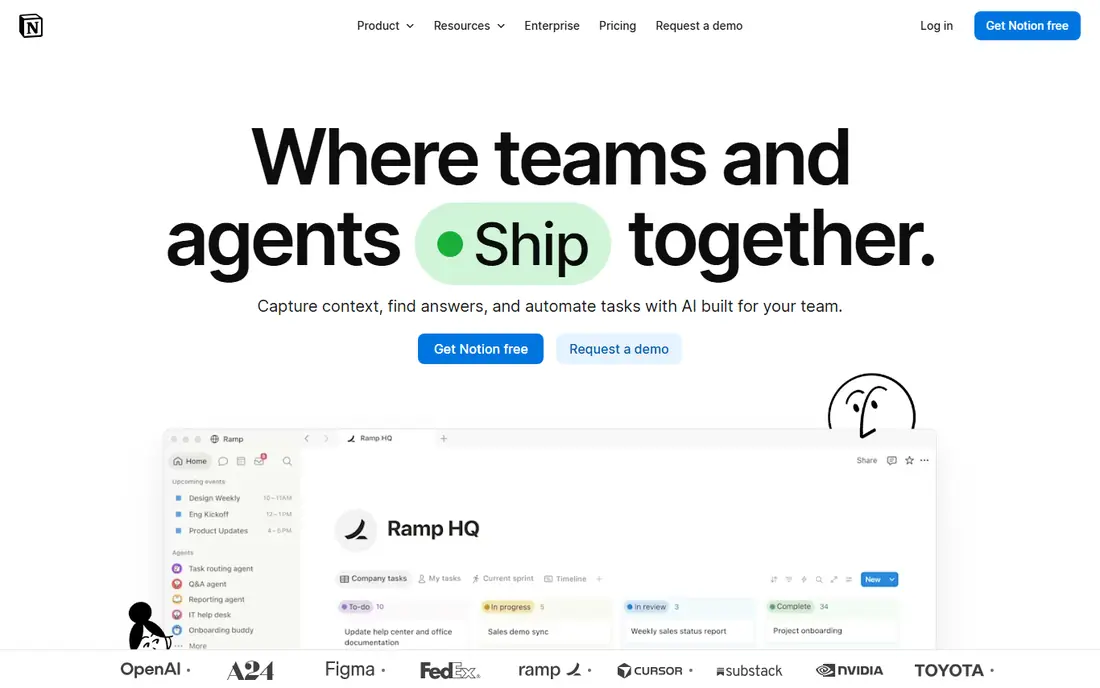
Notion is designed for docs plus design projects. Premium plans start at $10 per user a month, with a free plan for personal use. More specifically, for studios that produce plenty of documentation alongside design work, that connected feel is hard to match.
Watch-outs: Setup takes live.
Beyond that, Briefs, brand guidelines, mood boards, asset libraries, and task databases can link together. So a designer can move from a brand page to the tasks that use it without switching apps. More specifically, if your team values docs and shared knowledge as much as task tracking, Notion is a solid pick, particularly with a decent starter template. Notion starts at: $10 per user per month. Notion includes a free tier.
- Adaptable templates
- Very good for brand guidelines and wikis
- Project features are less structured than Asana or Monday
Trello
Ideal for: Straightforward kanban boards
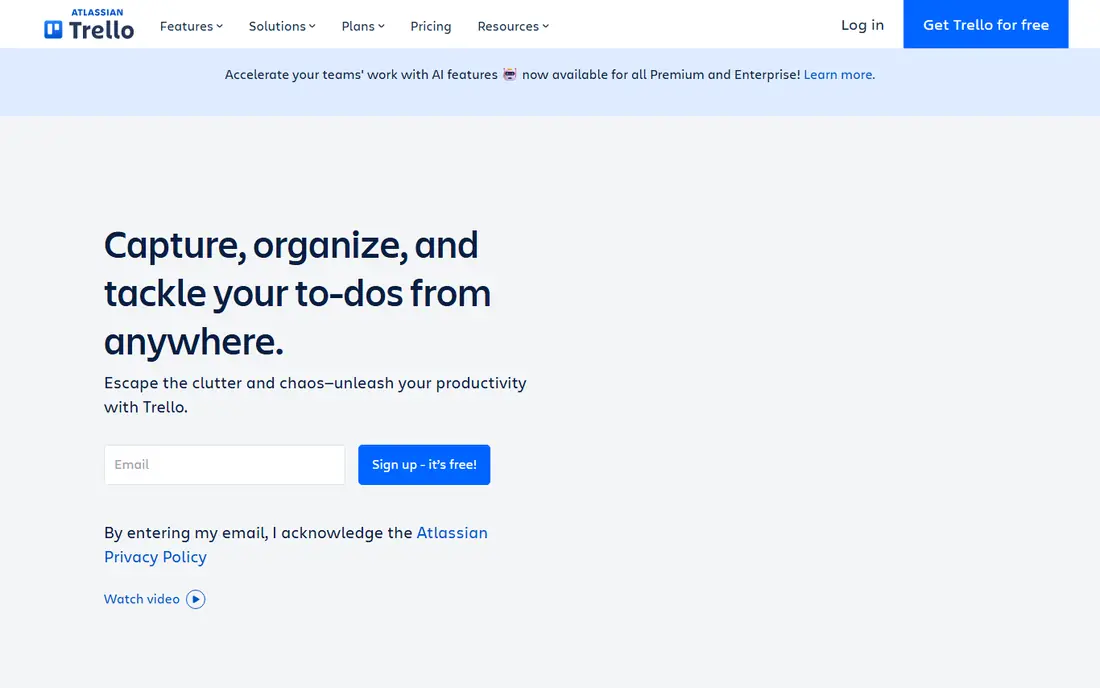
Trello targets straightforward kanban boards. A board, a handful of lists for design stages, and cards for each deliverable is often all a small team or freelancer needs to stay organized.
Trello starts at: $5 per user per month. Free access exists with Trello.
The main drawbacks: Can feel thin for large multi-project studios.
- Handy Power-Ups for calendars and files
- Quick setup for freelancers
- Restricted reporting and workload tools
Wrike
Ideal for: Creative production workflows
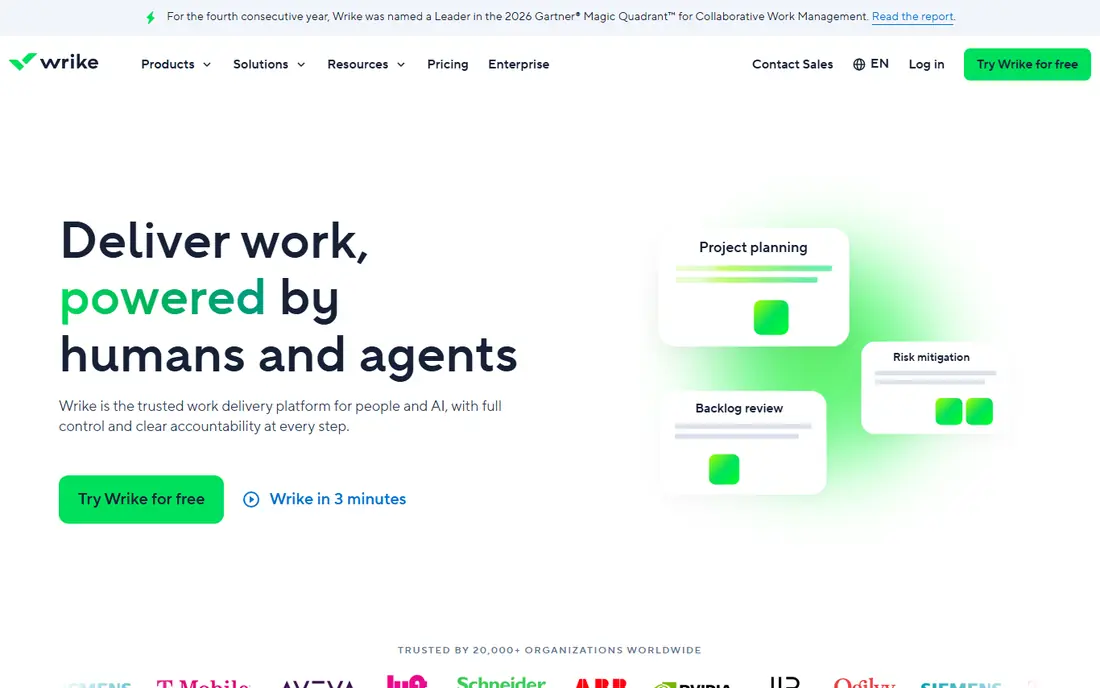
Wrike is designed for creative production workflows. Reporting is also more solid than on more straightforward tools, so managers can see throughput and bottlenecks across plenty of projects. Worth adding: premium plans start at around $10 per user a month.
Points against: Interface takes time to learn.
For a team of two or three, it may feel heavier than needed. The ramp-up time is steeper than Trello or Monday, and some of the most handy creative features need higher plans. Wrike starts at: $10 per user per month. You can start on Wrike without paying.
- Solid approval and proofing workflows
- In-depth reporting
- Some features sit on higher plans
Monday Work Management
Ideal for: Visual design teams
Monday Work Management serves visual design teams. You can shape columns around your own design stages, add file columns for mockups, and set automations that move a task to review when a designer marks it done. On top of that, the free plan spans only two seats, so it works as a trial instead of a team option.
Beyond that, the pricing needs care. Premium plans start at $9 per user a month with a three-seat minimum, and the bill grows as teams add users and features. Worth adding: for a studio that lives by visual status and wants clients or stakeholders to understand progress without a meeting, Monday earns its price. What you pay to start with Monday Work Management: $9 per user per month. Monday Work Management has a free plan.
Points against: Costs rise as you add dashboards and automations.
- Strong automations for handoffs
- Adaptable columns for design stages
- Three-seat minimum on premium plans
ClickUp
Ideal for: All-in-one creative workspaces
ClickUp is a good fit for all-in-one creative workspaces. You can keep briefs in docs, track project goals, log time, handle tasks in list, board, or calendar views, and proof work without leaving the workspace. ClickUp tries to replace multiple tools at once, and for design teams that is commonly the appeal.
What users get: Ample free plan.
What to check first: Interface can feel busy with everything turned on. Worth adding: my advice is to start with one project, one view, and the features you actually need, then expand slowly. ClickUp supplies so plenty of views and choices that a new team can spend days configuring it before doing real work. The interface can feel crowded if every feature is switched on. The free plan is ample, and premium plans start at $7 per user a month, which makes ClickUp one of the best value choices here for a team that wants depth without a large bill. The starting price for ClickUp: $7 per user per month. ClickUp has a free plan.
- Time tracking
- Very configurable views
- Setup can feel complicated for new teams
Basecamp
Ideal for: Client-facing project delivery
Basecamp is built with client-facing project delivery in mind. The trade-off is visual adaptability.
Where it falls short: Fewer visual planning views than Monday or Miro.
More specifically, if your studio's central problem is keeping client communication tidy and projects moving without tool sprawl, Basecamp is a calm, dependable answer. The starting price for Basecamp: $15 per user per month. There is no free plan with Basecamp.
- Message boards keep discussion in one place
- Flat $299 a month choice for unlimited users
- No free plan
Picking the right project management software for designers
Start with your feedback loop, since that is where design projects typically stall. Finally, run one real project through the free plan or trial for two weeks with the people who will actually use it daily. Beyond that, freelancers and tiny teams do well with Trello or Notion.
How we compared the tools
Each tool was reviewed on what its vendor publishes: price, plan limits, core features and stated drawbacks. We did not run hands-on tests. Plan names, prices and limits change often. Treat the figures here as a starting point and verify them with the vendor. Order on the page follows fit for the typical buyer first, then price transparency and free access. Your own requirements should decide the final pick.
What to check before you buy
- Prices are a starting point; Trello shows $5 per user per month to start, so verify what your seat count would cost.
- Look at free plan limits closely: Notion, Trello, Wrike and others have one, and the caps decide whether it is usable for real work.
- Before choosing Notion, weigh its main limit: project features are less structured than Asana or Monday.
- Run a one or two week pilot of Basecamp with the people who will use it every day.
- Confirm you can export your data from Notion, so leaving later does not mean losing records.
Frequently asked questions
What should a design studio check before buying?
Check proofing and approval workflows, file handling, seat minimums, and integrations with design tools like Figma and Adobe apps. Run a real project through a trial first, and confirm that clients can follow progress without extra training.
Can I try these tools before paying?
Often, yes. Notion, Trello, Wrike and others have a free plan. Use your own data and a real task during the test, and check what the free tier or trial limits before you rely on it.
What is the cheapest option for project management software for designers in this list?
On published monthly entry prices, Trello is the lowest here at $5 per user per month. Entry price is only part of the cost, because seats, add-ons and billing terms can change the total.
Do these tools publish their prices?
Yes. Every tool from Notion to Basecamp shows a starting price, though seats, add-ons and billing terms still change the final cost.
How are the tools for project management software for designers ordered?
The order follows typical fit for project management software for designers, with Notion first and Basecamp last, then price clarity and free access. It is editorial judgement, not a score, so another team could rank the tools differently.