6 Best Project Management Software for Event Planning Options for 2026
- 1
 SmartsheetCorporate event teams already comfortable in spreadsheetsVisit
- 2
 Cvent Event DiagrammingVenues and planners who require professional floorplans and seating chartsVisit
- 3
 TrelloSmall planners and teams that want the simplest possible visual boardVisit
- 4
 HoneyBookPhotographers, florists and other client-facing creativesVisit
- 5
 Planning PodFull-service event planning businesses, caterers and venues managing several events at onceVisit
- Top of the list is Smartsheet, which targets corporate event teams already comfortable in spreadsheets.
- The lowest published monthly entry price here is Standard $5/user/month billed annually, from Trello.
- ClickUp suits planners who want the most features per dollar.
- What to know about Trello first: reporting is thin and native automation is restricted on lower plans.
Direct answer
Smartsheet comes first here, mainly for corporate event teams already comfortable in spreadsheets. For a different need, Cvent Event Diagramming covers venues and planners who require professional floorplans and seating charts and Trello covers small planners and teams that want the simplest possible visual board. Prices, free plans and limits for all 6 tools follow.
Quick comparison
| Product | Ideal for | Price from | Free version | |
|---|---|---|---|---|
| Smartsheet | Corporate event teams already comfortable in spreadsheets | Pro $9/member/month billed annually ($12 per month); Business $19 ($24); Enterprise custom | Free trial (30 days) | Visit |
| Cvent Event Diagramming | Venues and planners who require professional floorplans and seating charts | Free tier ($0, 1 user, 3 events); premium plans from $49/month Standard (12-month commitment) | Yes | Visit |
| Trello | Small planners and teams that want the simplest possible visual board | Standard $5/user/month billed yearly ($6 monthly); Premium $10 ($12.50); Enterprise $17.50 | Yes | Visit |
| HoneyBook | Photographers, florists and other client-facing creatives | Starter $36/month billed monthly ($29/month billed annually); Essentials $59 ($49); Premium $129 ($109) | Free trial (30 days) | Visit |
| Planning Pod | Full-service event planning businesses, caterers and venues managing several events at once | $74/month flat (Event Management Planner, up to 10 events at a time) | No | Visit |
 ClickUp | Planners who want the most features per dollar | Core $9/user/month billed annually (regularly $12); Business $17 (regularly $25); Enterprise custom; MAX $100 | Yes | Visit |
Project Management Software for Event Planning compared in detail
This Ainotely guide covers 6 options for project management software for event planning. Each profile lists a starting price, free plan details, strengths and drawbacks, so you can drop poor fits quickly.
Smartsheet
Ideal for: Corporate event teams already comfortable in spreadsheets
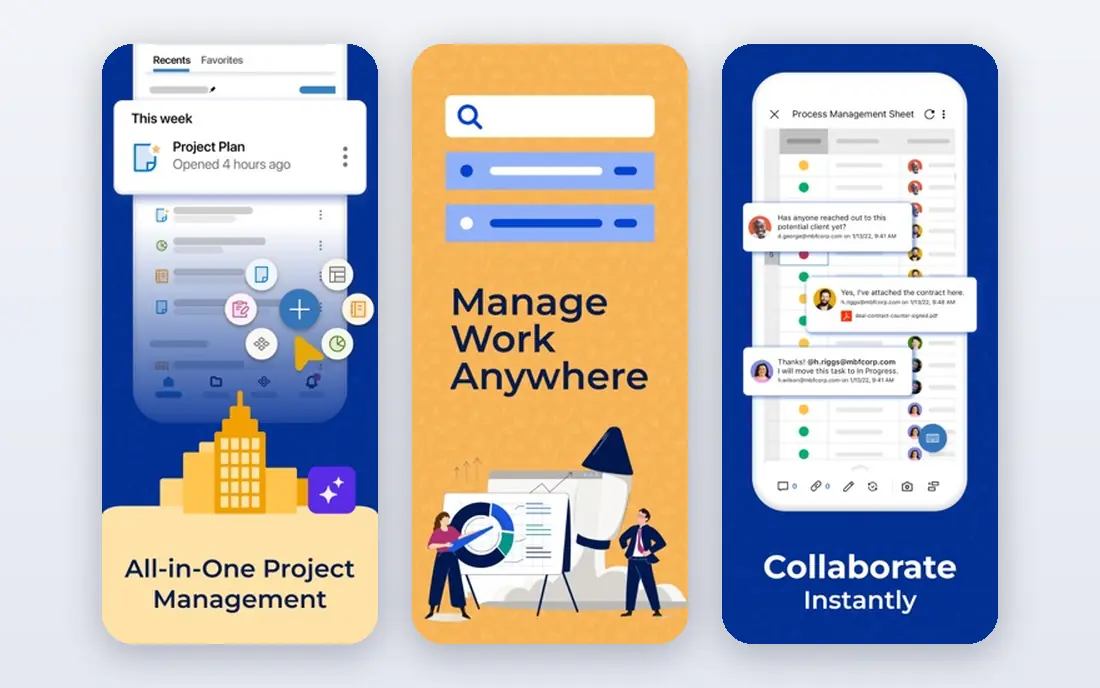
Where Smartsheet fits: corporate event teams already comfortable in spreadsheets. Corporate event departments use it for exactly that: multi-workstream production schedules with reporting that rolls up to leadership. Smartsheet is the corporate event planner's comfort zone.
Trade-offs to know: No free plan.
The honest read is that Smartsheet is the least inviting tool here. For everyday use, choose it when spreadsheet people need project structure, not when you want the team to love the tool. The 30-day free trial is long enough to run a real event cycle. The starting price for Smartsheet: Pro $9/member/month billed annually. On free options: Free trial (30 days).
- Critical path and baselines for production schedules
- Spreadsheet familiarity with real Gantt charts
- Steeper ramp-up time than modern PM tools
Cvent Event Diagramming
Ideal for: Venues and planners who require professional floorplans and seating charts
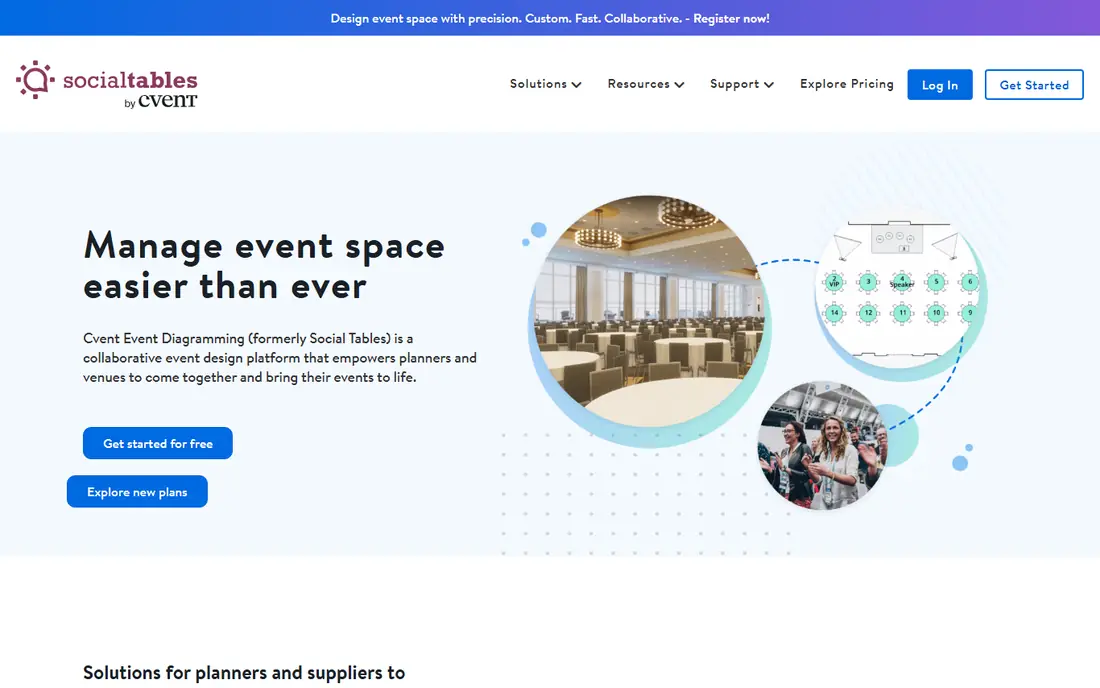
Cvent Event Diagramming works best for venues and planners who require professional floorplans and seating charts. Cvent Event Diagramming (formerly Social Tables) does one thing better than everything else here: it draws the room.
Points against: Full event registration and management live in other Cvent products, not this one.
This is a diagramming and collaboration tool, not a full event management product. Price to start with Cvent Event Diagramming: Free tier. You can start on Cvent Event Diagramming without paying.
- The most solid diagramming and 3D seating tools in this category, with a searchable venue database
- The free level is genuinely usable for occasional planners
- Premium plans need a 12-month commitment
Trello
Ideal for: Small planners and teams that want the simplest possible visual board
Think of Trello for small planners and teams that want the simplest possible visual board. A wedding planner's board might have lists for Inquiry, Booked, In Production, Week Of and Done, with each event as a card carrying its checklist, due dates, vendor contacts and files. It takes an hour to learn and the free plan spans a surprising amount of real planning work.
More specifically, Trello is the starting line. Trello will not draw a floorplan or build a catering budget. From a buyer's view, standard at $5 per user a month is the lowest premium entry price here. Native reporting is entry-level, the timeline view needs Premium, and serious automation lives behind higher levels or premium power-ups. What you pay to start with Trello: Standard $5/user/month billed annually. You can start on Trello without paying.
Where it falls short: Reporting is thin and native automation is restricted on lower plans.
- Kanban boards anyone can learn in an hour, with calendar and timeline views on Premium
- The cheapest premium level on this list
- Power-ups and integrations cost additional as needs grow
HoneyBook
Ideal for: Photographers, florists and other client-facing creatives
HoneyBook works best for photographers, florists and other client-facing creatives. Set it once and HoneyBook sends the follow-up when a lead goes quiet or an invoice goes overdue, which is work most solo planners never get around to doing by hand.
In daily use, HoneyBook is the business-of-the-business tool for freelancers. The Starter level is low-cost, but the automations that make HoneyBook worth it sit on Essentials at $59 a month. HoneyBook starts at: Starter $36/month billed monthly. Free options: Free trial (30 days).
Where it is weaker: Task management is light, so it does not replace a real PM tool.
- Automation that follows up on leads and overdue invoices without manual chasing
- Invoices and payments in one place
- Pricing brings up once you need the Essentials level for automations
Planning Pod
Ideal for: Full-service event planning businesses, caterers and venues managing several events at once
Planning Pod is built with full-service event planning businesses, caterers and venues managing several events at once in mind. Planning Pod is the specialist pick. Rather than bending a generic task manager into an event workflow, you get tools built for the actual artifacts of the job: a budget builder that tracks deposits and payments, a floorplan designer, an event timeline, vendor and attendee managers, and day-of checklists.
Beyond that, the interface has not aged gracefully, and the integration list is thin compared to the big PM products. The flat $74 a month price is the other half of the pitch. As for the details, the honest weakness is polish. Starting cost for Planning Pod: $74/month flat. Planning Pod has no free tier.
The main drawbacks: The interface looks dated next to modern PM tools.
- Flat monthly pricing with no per-user fees, so a 20-person team costs the same as a solo planner
- Purpose-built for event work with 25-plus built-in tools (budget builder, floorplans, timelines, checklists, seating)
- Fewer external integrations than Asana or monday.com
ClickUp
Ideal for: Planners who want the most features per dollar
Where ClickUp fits: planners who want the most features per dollar. ClickUp's settings and customization choices are famously deep, and teams report a real learning curve before the app feels calm. As for the details, the Free Forever plan is generous enough that plenty of small teams never pay.
Also, the cost of that breadth is complexity. In practice, Event planners use the calendar and Gantt views for production timelines, docs for vendor briefs, and time tracking for billable hours. Entry price for ClickUp: Core $9/user/month billed yearly. You can start on ClickUp without paying.
Where it falls short: The feature sprawl can overwhelm new users.
- An enormous feature set for the price: docs, goals
- The free level is one of the most ample in PM software
- Event-specific workflows are user-made templates, not built-in
What went into this list
The comparison looks at four things: starting price, free access, how well the feature set matches project management software for event planning, and the main limit of each tool. Where a price is missing, the vendor does not list one publicly or ties it to a quote. Always confirm before budgeting. We ordered the tools by general fit, then by how clearly pricing is shown, then by free access. A buyer with unusual needs may reorder them.
Things to verify first
- Prices are a starting point; Trello shows Standard $5/user/month billed annually to start, so verify what your seat count would cost.
- Check what the free option really includes: Cvent Event Diagramming, Trello and ClickUp offer a free plan, and usage caps differ.
- Use real work to test the free trial from Smartsheet and HoneyBook, rather than a demo project.
- Before choosing Smartsheet, weigh its main limit: steeper ramp-up time than modern PM tools.
- Check whether ClickUp bills monthly or annually, and what cancelling early costs.
- Run a one or two week pilot of Trello with the people who will use it every day.
Frequently asked questions
What is the best project management software for event planning?
Start with Smartsheet if you need corporate event teams already comfortable in spreadsheets. Cvent Event Diagramming is the better match for venues and planners who require professional floorplans and seating charts, and Trello for small planners and teams that want the simplest possible visual board. The best choice depends on budget, team size and workflow.
Do these tools publish their prices?
Yes. Every tool from Smartsheet to ClickUp shows a starting price, though seats, add-ons and billing terms still change the final cost.
Is Smartsheet the right pick for everyone comparing project management software for event planning?
No single tool suits every team. Smartsheet comes first because it fits corporate event teams already comfortable in spreadsheets, while Cvent Event Diagramming suits venues and planners who need professional floorplans and seating charts and Trello suits small planners and teams that want the simplest possible visual board. Match the tool to your own size, budget and workflow before deciding.
How are the tools for project management software for event planning ordered?
The order follows typical fit for project management software for event planning, with Smartsheet first and ClickUp last, then price clarity and free access. It is editorial judgement, not a score, so another team could rank the tools differently.
What features matter most in event planning software?
Floorplans and seating charts matter for social and corporate events. Automations matter most for teams repeating the same event types, since they remove the weekly status-chasing.
What is the cheapest option for project management software for event planning in this list?
On published monthly entry prices, Trello is the lowest here at Standard $5/user/month billed annually. Entry price is only part of the cost, because seats, add-ons and billing terms can change the total.