5 Project Management Software for Individuals Ranked for 2026

- The list opens with Trello, aimed at visual kanban planning.
- Todoist fits quick task capture on any device.
- 3 of 5 tools offer a free plan: Trello, ClickUp, Todoist.
- The main caution on Trello: card details get cluttered at scale.
- The cheapest monthly starting price in the list is $5 per user/month, offered by Trello.
Direct answer
For visual kanban planning, Trello is where this list starts. If your case is different, ClickUp suits all-in-one workspace for power users and Things suits Apple users who want beautiful simplicity. The full list of 5 tools follows, with prices and free plan facts.
Quick comparison
| Product | Ideal for | Price from | Free version | |
|---|---|---|---|---|
 Trello | Visual kanban planning | $5 per user/month (billed yearly) | Yes | Visit |
 ClickUp | All-in-one workspace for power users | $7 per user/month (billed annually) | Yes | Visit |
 Things | Apple users who want beautiful simplicity | $49.99 one-time (Mac) | Free trial | Visit |
 Motion | AI auto-scheduling of tasks and meetings | See website | Free trial | Visit |
 Todoist | Quick task capture on any device | $5 per user/month (billed annually) | Yes | Visit |
The best project management software for individuals
Short on time? The summary and table above give the quick view of 5 project management software for individuals, and the profiles that follow give the detail behind each entry.
Trello
Ideal for: Visual kanban planning
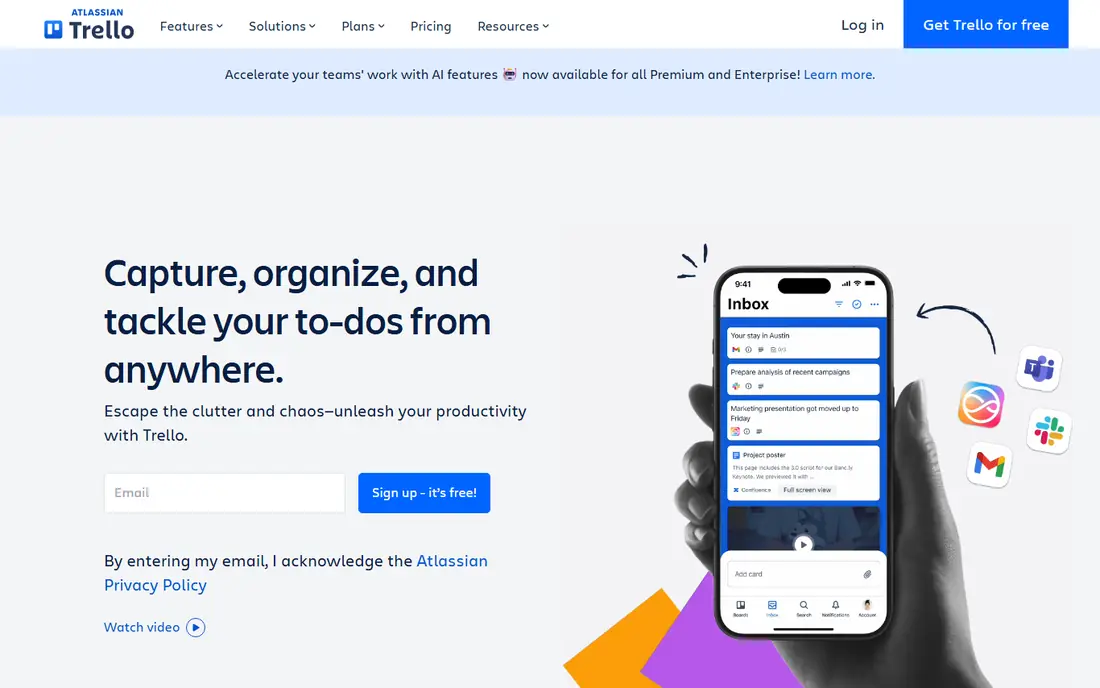
Where Trello fits: visual kanban planning. Trello hands you boards, lists, and cards, and that is nearly the entire product. For personal projects of normal size, though, it stays quick and fun where heavier tools feel like paperwork.
Where it is weaker: Card details get cluttered at scale.
For individuals the free plan is genuinely enough: unlimited cards, up to ten boards per workspace, and unlimited storage at a capped file size. In daily use, checklists, attachments, and comments all work. But a card with forty checklist items is a sign you have outgrown the format. A freelancer can run "Leads, In Progress, Waiting, Done" in about ninety seconds. The visual layout makes the state of everything obvious at a glance. Trello starts at: $5 per user/month. Free access exists with Trello.
- Ample free plan
- Boards are immediately understandable
- Automation costs additional
ClickUp
Ideal for: All-in-one workspace for power users
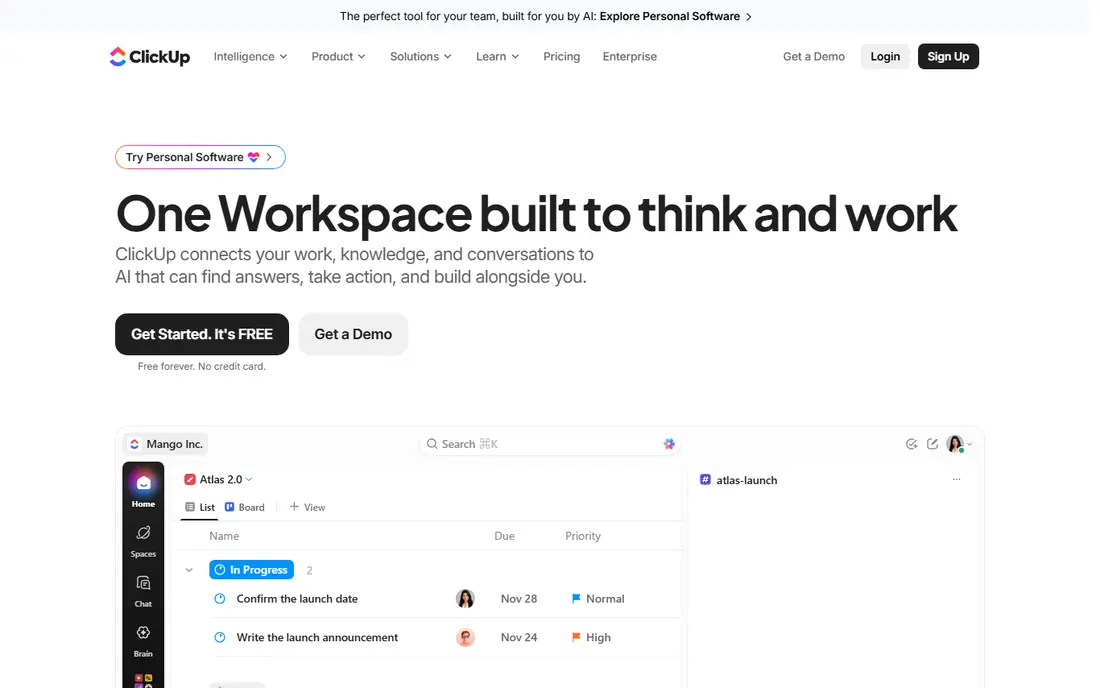
Where ClickUp fits: all-in-one workspace for power users. ClickUp is the heavyweight here, and that is both the appeal and the warning.
What users get: Capable free plan.
Trade-offs to know: Can feel heavy for straightforward personal use. For a one-person operation that reads like hiring a part-time chief of staff. Beyond that, ClickUp asks you to design your system before it helps you, and the settings run deep. What you pay to start with ClickUp: $7 per user/month. Free access exists with ClickUp.
- Tasks, docs
- Whiteboards and chat in one place
- Setup takes real effort
Things
Ideal for: Apple users who want beautiful simplicity
Pick Things if this describes you: Apple users who want beautiful simplicity. If your life runs entirely on Apple hardware and you run your own work, none of that matters. This is the rare task manager that feels like it was designed instead of assembled: animations guide your eye, the Today view is genuinely pleasant to open, and everything responds immediately.
You buy it once per system (Mac, iPad, iPhone plus Watch) and you are done. Worth adding: Cultured Code won the Apple Design Award for it twice. There is no Windows or Android app, no web version, and no team collaboration to speak of. As for the details, no subscription, no feature gates appearing per year later. What you pay to start with Things: $49.99 one-time. Free access: Free trial.
Watch-outs: Apple products only.
- No subscription
- Twice an Apple Design Award winner
- No real collaboration features
Motion
Ideal for: AI auto-scheduling of tasks and meetings
Motion serves AI auto-scheduling of tasks and meetings. Motion costs noticeably more than any list app here, there is no free level, and people who enjoy planning their own day commonly find the automation presumptuous. More specifically, when a deadline is at risk, it warns you days ahead.
Drawbacks to consider: Costly compared to list apps.
On top of that, when something runs long, it re-plans around it. For an individual juggling client work, meetings, and personal commitments, that auto-scheduling can replace the Sunday-night planning session entirely. Pricing for Motion is not stated here, so ask the vendor for current figures. As for free access: Free trial.
- Docs and meetings
- Warns you before deadlines slip
- No free plan
Todoist
Ideal for: Quick task capture on any device
For quick task capture on any device, Todoist is a natural candidate. The free plan takes care of a serious personal setup: projects, labels, priorities, and recurring tasks. Paying users get calendar layout, custom filters, and Todoist Assist, the AI layer that breaks big tasks into steps.
The honest catch is that Todoist is still a list app at heart. It will not plan your day for you or display you where the hours go. Todoist starts at: $5 per user/month. Todoist offers a free plan.
What to check first: No built-in time blocking.
- Natural language input
- 50+ project templates
- Free plan limits projects and filters
How we chose
Ainotely used vendor pricing pages and product documentation as the base, then compared plans, free access and documented limits for 5 tools. Where a price is missing, the vendor does not list one publicly or ties it to a quote. Always confirm before budgeting. We ordered the tools by general fit, then by how clearly pricing is shown, then by free access. A buyer with unusual needs may reorder them.
What to confirm before you sign up
- Confirm the entry price on the vendor page. For Motion that means a quote rather than a fixed price.
- Read the fine print on the free plans from Trello, ClickUp and Todoist; seat, project and feature caps differ.
- Take the trial from Things and Motion and push a live task through it before you pay.
- Before choosing Trello, weigh its main limit: card details get cluttered at scale.
- Test the integrations you rely on with ClickUp before committing; some connectors sit on upper tiers.
- Check how data leaves Motion: formats, limits and whether exports are available on every plan.
Frequently asked questions
Is Trello the right pick for everyone comparing project management software for individuals?
No single tool suits every team. Trello comes first because it fits visual kanban planning, while ClickUp suits all-in-one workspace for power users and Things suits Apple users who want beautiful simplicity. Match the tool to your own size, budget and workflow before deciding.
Do these tools publish their prices?
Not all of them. Motion publishes no starting price, so expect a quote request for it. The rest, Trello included, show a starting price, though seats and billing terms still change the final cost.
What is the cheapest option for project management software for individuals in this list?
On published monthly entry prices, Trello is the lowest here at $5 per user/month. Entry price is only part of the cost, because seats, add-ons and billing terms can change the total.
Can I try these tools before paying?
Often, yes. Trello, ClickUp and Todoist have a free plan and Things and Motion offer a free trial. Use your own data and a real task during the test, and check what the free tier or trial limits before you rely on it.