6 Best Project Management Software for Interior Designers for 2026

- 1
 Design ManagerResidential design businesses obsessed with project profitabilityVisit
- 2
 Studio DesignerEstablished businesses that want project management and accounting in one placeVisit
- 3
 Houzz ProDesigners and remodelers wanting one business productVisit
- 4
 AsanaDesign teams that live in timelines and want portfoliosVisit
- 5
 DesignFilesDesigners who sell through visuals and want sourcing connectedVisit
- Design Manager sits first on this list: residential design businesses obsessed with project profitability.
- For the cheapest start, look at Asana: $10.99/user/month.
- For solo designers and small studios managing the client lifecycle, HoneyBook is worth a look.
- 2 of 6 tools offer a free plan: Houzz Pro, Asana.
Direct answer
This list puts Design Manager first for residential design businesses obsessed with project profitability. If your case is different, Studio Designer suits established businesses that want project management and accounting in one place and Houzz Pro suits designers and remodelers wanting one business product. Details, prices and limits for the rest of the 6 tools are below.
Quick comparison
| Product | Ideal for | Price from | Free version | |
|---|---|---|---|---|
| Design Manager | Residential design businesses obsessed with project profitability | $79/user/month | Free trial (7 days) | Visit |
| Studio Designer | Established businesses that want project management and accounting in one place | $69/user/month (Essentials, billed yearly) | No | Visit |
| Houzz Pro | Designers and remodelers wanting one business product | $99/month (Design plan, 1 user) | Yes | Visit |
| Asana | Design teams that live in timelines and want portfolios | $10.99/user/month (Starter, billed annually) | Yes | Visit |
| DesignFiles | Designers who sell through visuals and want sourcing connected | See website | No | Visit |
 HoneyBook | Solo designers and small studios managing the client lifecycle | $29/month (Starter plan, billed yearly) | Free trial | Visit |
The best project management software for interior designers
Short on time? The summary and table above give the quick view of 6 project management software for interior designers, and the profiles that follow give the detail behind each entry.
Design Manager
Ideal for: Residential design businesses obsessed with project profitability
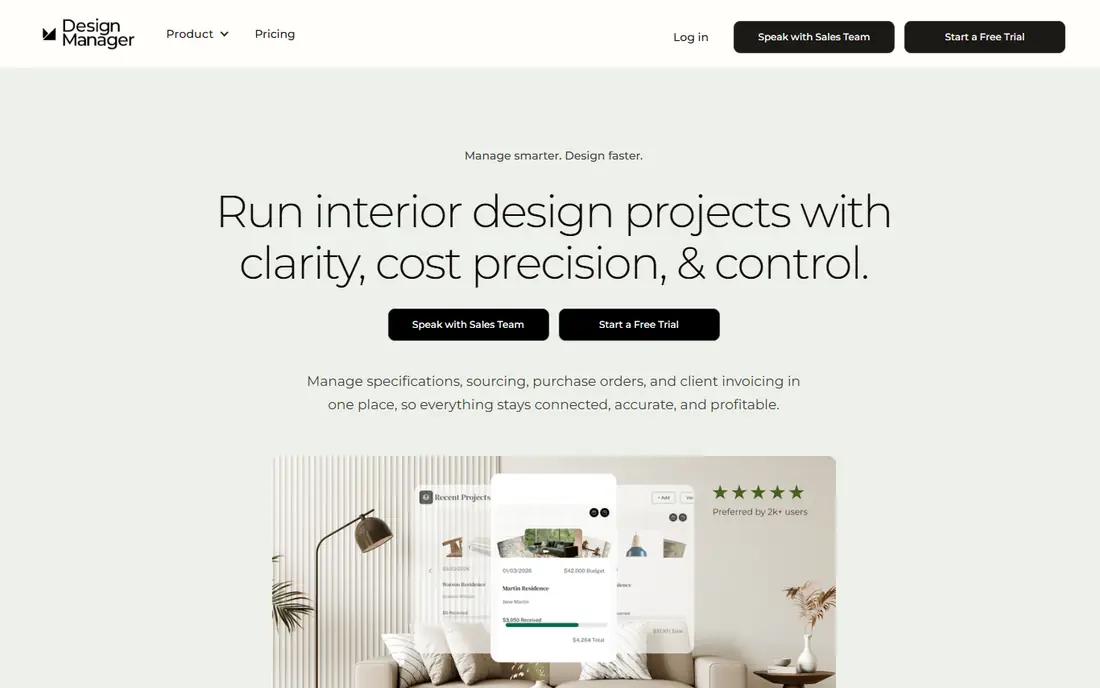
Design Manager is built with residential design businesses obsessed with project profitability in mind. Where other tools track tasks, it tracks profitability at the item level: what each product cost, what you charged, and what the project actually made.
The trade is focus. Entry price for Design Manager: $79/user/month. As for free access: Free trial (7 days).
Honest limits: Showroom and data collection modules cost additional.
- Including retainers and deposits
- Niche accounting designed for designers
- Optimized for US-based businesses, with some features not aimed at international use
Studio Designer
Ideal for: Established businesses that want project management and accounting in one place
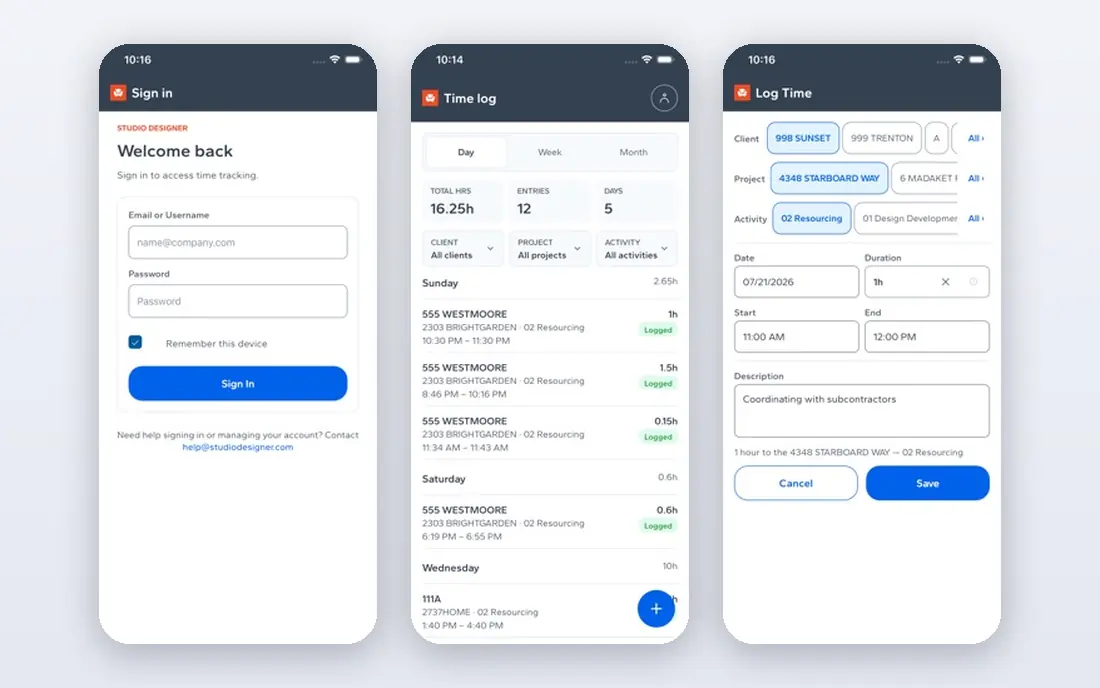
Studio Designer works best for established businesses that want project management and accounting in one place. Studio Designer is the industry's heavyweight for businesses that have outgrown the patchwork of apps. It runs the design business end to end: sourcing with a product clipper, proposals, purchase orders, time billing, client portal, online payments through StudioPay, and full accounting with project profitability reporting.
Where it shines: Tiered plans that scale from solo designers to large businesses.
Watch-outs: The depth of the accounting side means a real learning curve.
Implementation takes effort, and every user on the team needs a seat. Also, the Essentials plan at $69 per user a month billed yearly handles project management and accounting basics. Professional at $79 and Premier at $109 add customization, support and services. Studio Designer pricing: $69/user/month. Studio Designer does not include a free plan.
- Item-based project tracking from proposal through purchase order to invoice
- True general-ledger accounting made for interior design
- Per-user pricing layers on up for larger teams
Houzz Pro
Ideal for: Designers and remodelers wanting one business product
Houzz Pro serves designers and remodelers wanting one business product. Houzz Pro is the closest thing this industry has to a default. Beyond that, the pricing deserves a close read.
Watch-outs: Per-user pricing climbs quick for teams (Pro is $199/month for one user).
The Design plan at $99 a month includes one user. Pro at $199 brings takeoffs, bid management, change orders and scheduling; Teams begins at $399 with unlimited users. On cost, Houzz Pro starts like this: $99/month. Houzz Pro offers a free plan.
- Invoicing and payments
- All-in-one scope: CRM, estimates
- The breadth means some features feel shallower than specialist tools
Asana
Ideal for: Design teams that live in timelines and want portfolios
Asana is built with Design teams that live in timelines and want portfolios in mind. Studios that choose Asana typically pair it with HoneyBook or a similar client tool for the front end and QuickBooks for the books.
What to check first: product database or design accounting.
It is a decent coordinator and a poor business manager. Timelines with dependencies keep install weeks honest, portfolios roll up every active project for the principal, and custom fields can track budgets or phases if you set them up. Asana starts at: $10.99/user/month. Asana includes a free tier.
- Portfolios provide principals a cross-project view
- Best-in-class timeline and Gantt views for managing project schedules
- Per-user pricing with the handy views gated behind premium plans
DesignFiles
Ideal for: Designers who sell through visuals and want sourcing connected
DesignFiles is aimed squarely at designers who sell through visuals and want sourcing connected. DesignFiles comes at the problem from the presentation side. Beyond that, the gap is the books.
Best features of DesignFiles: Purchasing.
The pitch is that better concept boards close more projects. The system links those boards straight to sourcing, quotes, invoices, purchase orders and order tracking. Check the vendor site for DesignFiles pricing; none is listed in this comparison. DesignFiles does not include a free plan. Where it is weaker: Lighter on accounting depth than Studio Designer or Design Manager.
- Templates for questionnaires
- Contracts and proposals that cut admin time
- No published pricing, so you cannot budget without a sales conversation
HoneyBook
Ideal for: Solo designers and small studios managing the client lifecycle
HoneyBook works best for solo designers and small studios managing the client lifecycle. The Starter plan at $29 a month billed yearly spans unlimited clients and projects, and every plan starts with a free trial. Designers who live on referrals and repeat clients get the most from it.
As for the details, for solo designers, it replaces the patchwork of proposal PDFs, contract templates and payment links. It is not project management software in the construction sense. On cost, HoneyBook starts like this: $29/month. As for free access: Free trial.
Where it is weaker: Project management is light compared to real PM tools.
- QuickBooks integration on the Essentials plan and up
- Automations deal with follow-ups and reminders
- The useful automation features start at the $49/month Essentials level
Worth knowing about project management software for interior designers
That chaos is normal in this industry, and it is exactly what design-specific software exists to tame. Generic task apps track the to-dos.
How we compared the tools
Ainotely looked at what each vendor publishes: pricing, plan limits, feature coverage for project management software for interior designers and stated drawbacks. No hands-on testing is claimed. Treat prices as a snapshot: vendors change plans often, so check the vendor site for the figure that applies today. The sequence is a judgement call: typical use case first, then pricing transparency, then free access. Use the profiles to check fit.
What to check before you buy
- Get a written quote from DesignFiles; the list shows no starting price for them.
- Look at free plan limits closely: Houzz Pro and Asana have one, and the caps decide whether it is usable for real work.
- Take the trial from Design Manager and HoneyBook and push a live task through it before you pay.
- Read the limits listed for Design Manager first: optimized for US-based businesses, with some features not designed for international use.
- Ask Design Manager about contract length, onboarding fees and user minimums before you sign.
- Verify that exporting from DesignFiles is possible on your plan and covers all your records.
Frequently asked questions
Is Houzz Pro worth it for a solo designer?
Frequently yes, since the $99 a month Design plan replaces multiple subscriptions and the free plan lets you start at no cost. Solo designers who only need client management and invoicing may find HoneyBook at $29 a month sufficient.
Can I try these tools before paying?
Often, yes. Houzz Pro and Asana have a free plan and Design Manager and HoneyBook offer a free trial. Use your own data and a real task during the test, and check what the free tier or trial limits before you rely on it.
What happened to Ivy by Houzz?
Ivy's pricing page now redirects to Houzz Pro pricing, which signals the product has been folded into Houzz Pro. Designers evaluating Ivy should evaluate Houzz Pro instead, since that is where development and support are going.
What is the cheapest option for project management software for interior designers in this list?
On published monthly entry prices, Asana is the lowest here at $10.99/user/month. Entry price is only part of the cost, because seats, add-ons and billing terms can change the total.
Is Design Manager the right pick for everyone comparing project management software for interior designers?
No single tool suits every team. Design Manager comes first because it fits residential design firms obsessed with project profitability, while Studio Designer suits established firms that want project management and accounting in one place and Houzz Pro suits designers and remodelers wanting one business platform. Match the tool to your own size, budget and workflow before deciding.
What is the best all-in-one software for interior designers?
The first pick on this list is Design Manager, because it suits residential design businesses obsessed with project profitability. Studio Designer is better for established firms that want project management and accounting in one place, and Houzz Pro for designers and remodelers wanting one business product. Check price and limits against your own needs before choosing.