8 Best Project Management Software for Nonprofits for 2026

- Top of the list is Zoho Projects, which targets budget-friendly projects.
- 8 of the 8 tools have a free plan, including Zoho Projects, Freedcamp, ClickUp and Asana.
- Trello fits straightforward kanban boards.
- A fair warning about ClickUp: feature density overwhelms new users.
Direct answer
Zoho Projects leads the list, best for budget-friendly projects. Freedcamp is the stronger choice for free for decent causes, while ClickUp suits all-in-one workspace. The full list of 8 tools follows, with prices and free plan facts.
Quick comparison
| Product | Ideal for | Price from | Free version | |
|---|---|---|---|---|
 Zoho Projects | Budget-friendly projects | $0 | Yes | Visit |
 Freedcamp | Free for decent causes | $0 | Yes | Visit |
 ClickUp | All-in-one workspace | $0 | Yes | Visit |
 Asana | Task and program management | $0 | Yes | Visit |
 Teamwork | Client and program delivery | $0 | Yes | Visit |
 monday.com | Nonprofit work management | $0 (nonprofit: 10 free seats) | Yes | Visit |
 Basecamp | Straightforward, flat-fee collaboration | $0 | Yes | Visit |
 Trello | Straightforward kanban boards | $0 | Yes | Visit |
Tool-by-tool breakdown
Ainotely put together this guide to project management software for nonprofits for readers who want a clear shortlist without reading every vendor page. It compares 8 tools on starting price, free plans, who each one suits and where each one falls short.
Zoho Projects
Ideal for: Budget-friendly projects
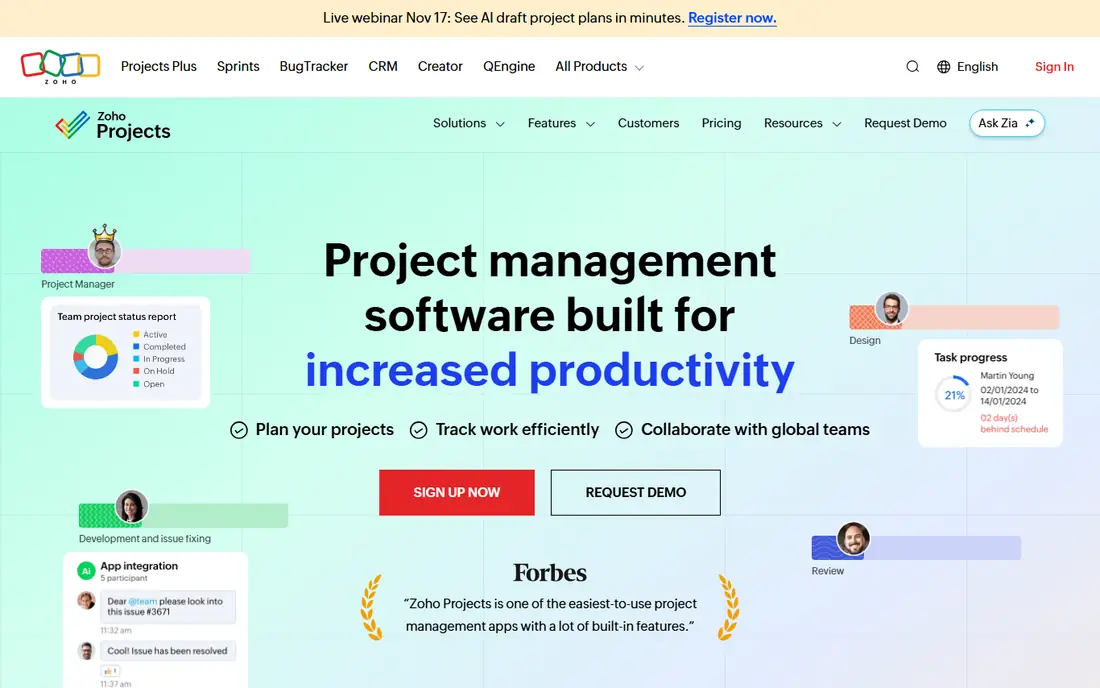
Zoho Projects is a good fit for budget-friendly projects. For a small nonprofit already using Zoho apps, adding Projects is a no-brainer. The interface is less refined than Asana or monday, and the product shines brightest with other Zoho tools.
Also, for nonprofits counting every dollar, Zoho Projects gives real project management at minimal cost. Also, Zoho Projects is the budget pick. What you pay to start with Zoho Projects: $0. A free plan is available with Zoho Projects.
Points against: Interface feels dated.
- Free for up to 5 users
- Part of the budget-friendly Zoho ecosystem
- Best value inside the Zoho suite
Freedcamp
Ideal for: Free for decent causes

Where Freedcamp fits: free for decent causes. Pro is $2.49 per user a month, Business $8.99, and the vendor explicitly supports nonprofit organizations.
Watch-outs: Fewer integrations than major players.
The mission is affordability. Freedcamp aims to provide teams that cannot afford costly tools a real alternative, with tasks, discussions, calendar, milestones, time tracking and invoicing. On cost, Freedcamp starts like this: $0. You can start on Freedcamp without paying.
- Pro from $2.49/user/mo
- Free plan ($0/user) with unlimited tasks and projects
- Smaller ecosystem
ClickUp
Ideal for: All-in-one workspace
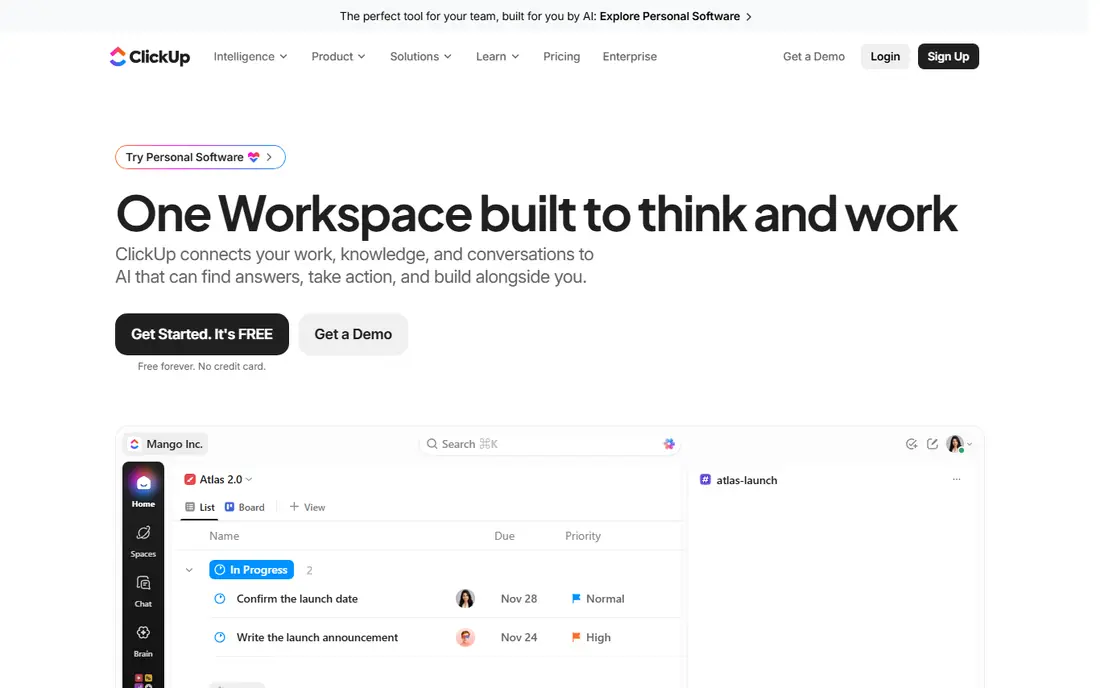
For all-in-one workspace, ClickUp is a natural candidate. The Free Forever plan contains unlimited tasks and members, docs, kanban boards, calendar, time tracking and video calls.
The main drawbacks: Setup takes effort.
The ramp-up time is real; the interface packs in features that take time to master. Core is $8 per user a month billed yearly, Business $17, and nonprofits can claim a discount. Starting cost for ClickUp: $0. You can start on ClickUp without paying.
- Replaces docs
- Forms and dashboards
- Feature density overwhelms new users
Asana
Ideal for: Task and program management
Choose Asana for task and program management. The strength is clarity. Tasks, projects, timelines, Gantt charts and portfolios provide programs structure without drowning staff in configuration.
In daily use, starter is $10.99 per user a month billed yearly, and eligible nonprofits get 50% off premium plans. The Personal plan is free forever for up to 2 users with unlimited tasks and projects. For everyday use, the free level is restricted to 2 users, so teams grow into premium plans. On cost, Asana starts like this: $0. You can start on Asana without paying.
Where it is weaker: Can feel rigid for creative teams.
- 50% nonprofit discount
- Ample Personal plan ($0, unlimited tasks)
- Advanced features need premium levels
Teamwork
Ideal for: Client and program delivery
Worth adding: the Free plan includes up to 5 users and 5 projects. For everyday use, for nonprofits with client-like stakeholders and time-based reporting needs, Teamwork is the natural fit. Price to start with Teamwork: $0. Teamwork has a free plan.
Honest limits: premium plans from $9.99/user/mo.
- Free plan (up to 5 users, 5 projects)
- Aimed at service delivery
- Client-work focus may not suit all nonprofits Teamwork if this describes you: client and program delivery. Teamwork is the client-work specialist. For everyday use, time tracking, billable hours, retainers and client invoicing fit organizations that account for staff time against grants or contracts.
monday.com
Ideal for: Nonprofit work management
monday.com makes the most sense for nonprofit work management. The nonprofit program, confirmed on monday's own support site, moves eligible organizations to a Nonprofit Pro plan with 10 free seats and 70% off extra seats.
The main drawbacks: Can get pricey beyond the free seats.
monday.com pricing: $0. monday.com has a free plan.
- 10 free Pro seats for eligible nonprofits
- Highly visual
- Complexity grows with customization
Basecamp
Ideal for: Straightforward, flat-fee collaboration
Basecamp is built with straightforward, flat-fee collaboration in mind. Basecamp is the anti-complexity choice. Worth adding: the philosophy is simplicity: message boards, to-dos, schedules, docs and group chat in one calm interface.
The main drawbacks: No Gantt or advanced reporting.
Registered 501(c)(3) nonprofits get 10% off. Also, there are no Gantt charts, no custom fields, no automation rules. For everyday use, the Free plan includes 1 project and 5 users. For small nonprofits that want one straightforward place for team communication and task tracking, Basecamp is refreshingly sane. What you pay to start with Basecamp: $0. Basecamp includes a free tier.
- Free plan (1 project, 5 users)
- 10% nonprofit discount
- Deliberately feature-light
Trello
Ideal for: Straightforward kanban boards
Where Trello fits: straightforward kanban boards. Standard is $5 per user per month billed yearly, and nonprofits get 75% off premium plans. In daily use, for complicated programs with dependencies and portfolios, Trello runs out of steam.
Limits to weigh: Thin on advanced project features.
On top of that, Butler automation manages routine moves, and Power-Ups add calendar, voting and integrations. In daily use, for volunteer coordination, event checklists and straightforward campaign tracking, it is the fastest to adopt and the easiest to love. Starting cost for Trello: $0. Trello includes a free tier.
- 75% nonprofit discount
- Free plan ($0, up to 10 collaborators)
- Reporting is entry-level
Our selection method
Ainotely looked at what each vendor publishes: pricing, plan limits, feature coverage for project management software for nonprofits and stated drawbacks. No hands-on testing is claimed. Seat minimums, billing terms and add-ons can move the real cost, so the starting prices here are a guide and not a quote. Order on the page follows fit for the typical buyer first, then price transparency and free access. Your own requirements should decide the final pick.
What to check before you buy
- Check the current price for Zoho Projects, Trello and the rest on each vendor page, since seats and billing terms change the total.
- Look at free plan limits closely: Zoho Projects, Freedcamp, ClickUp and others have one, and the caps decide whether it is usable for real work.
- Before choosing Zoho Projects, weigh its main limit: interface feels dated.
- Check the support hours and onboarding help Asana offers; smaller vendors vary a lot here.
- Confirm the exact Teamwork plan that includes your must-have features.
Frequently asked questions
Should nonprofits use free or premium project management software?
Start free. The free levels from ClickUp, Trello, Zoho Projects and Freedcamp deal with real work for small teams. With nonprofit discounts, the premium step is affordable, but there is no reason to pay before the free level constrains you.
How are the tools for project management software for nonprofits ordered?
The order follows typical fit for project management software for nonprofits, with Zoho Projects first and Trello last, then price clarity and free access. It is editorial judgement, not a score, so another team could rank the tools differently.
What is the difference between Asana and monday.com for nonprofits?
Both are very good. Asana is more structured and task-focused, with a cleaner ramp-up time and 50% nonprofit discount. monday.com is more visual and configurable, with 10 free Pro seats for nonprofits and more solid templates for grants and volunteers.
Is Zoho Projects the right pick for everyone comparing project management software for nonprofits?
No single tool suits every team. Zoho Projects comes first because it fits budget-friendly projects, while Freedcamp suits free for good causes and ClickUp suits all-in-one workspace. Match the tool to your own size, budget and workflow before deciding.
Do these tools publish their prices?
Yes. Every tool from Zoho Projects to Trello shows a starting price, though seats, add-ons and billing terms still change the final cost.
What is the best project management software for nonprofits?
Start with Zoho Projects if you need budget-friendly projects. Freedcamp is the better match for free for decent causes, and ClickUp for all-in-one workspace. The best choice depends on budget, team size and workflow.