5 Best Project Management Software for Solopreneurs for 2026

- 1
 Amazing MarvinSolopreneurs who want to customize every detail of their workflowVisit
- 2
 MotionSolopreneurs who want AI to schedule their tasks automaticallyVisit
- 3
 TodoistSolopreneurs who want the fastest, most dependable task capture on every deviceVisit
- 4
 Any.doSolopreneurs who want the simplest possible list, calendar and remindersVisit
- 5
 NotionSolopreneurs who want to build a custom business operating systemVisit
- Amazing Marvin takes the first slot, best suited to Solopreneurs who want to customize every detail of their workflow.
- For Solopreneurs who want to build a custom business operating system, Notion is worth a look.
- One limit worth knowing about Todoist: no built-in timeboxing or calendar scheduling depth.
- 3 of 5 tools offer a free plan: Todoist, Any.do, Notion.
- The cheapest monthly starting price in the list is Premium $4.99/month billed annually, offered by Any.do.
Direct answer
Start with Amazing Marvin if you need Solopreneurs who want to customize every detail of their workflow. Look at Motion for Solopreneurs who want AI to schedule their tasks automatically, and at Todoist for Solopreneurs who want the fastest, most dependable task capture on every device. All 5 tools are compared below on price, free plan and limits.
Quick comparison
| Product | Ideal for | Price from | Free version | |
|---|---|---|---|---|
| Amazing Marvin | Solopreneurs who want to customize every detail of their workflow | $12/month billed monthly ($8/month billed annually, $96/year); $300 lifetime | Free trial | Visit |
| Motion | Solopreneurs who want AI to schedule their tasks automatically | Pro AI $29/month billed yearly (individual); $49 month-to-month | Free trial (7 days) | Visit |
| Todoist | Solopreneurs who want the fastest, most dependable task capture on every device | Pro $7/month billed per month ($5/month billed annually, $60/year) | Yes | Visit |
| Any.do | Solopreneurs who want the simplest possible list, calendar and reminders | Premium $4.99/month billed annually | Yes | Visit |
| Notion | Solopreneurs who want to build a custom business operating system | Plus $10/member/month billed annually ($12 per month); Business $20 ($24) | Yes | Visit |
Project Management Software for Solopreneurs profiles
This Ainotely guide covers 5 project management software for solopreneurs. Each profile lists a starting price, free plan details, strengths and drawbacks, so you can drop poor fits quickly.
Amazing Marvin
Ideal for: Solopreneurs who want to customize every detail of their workflow
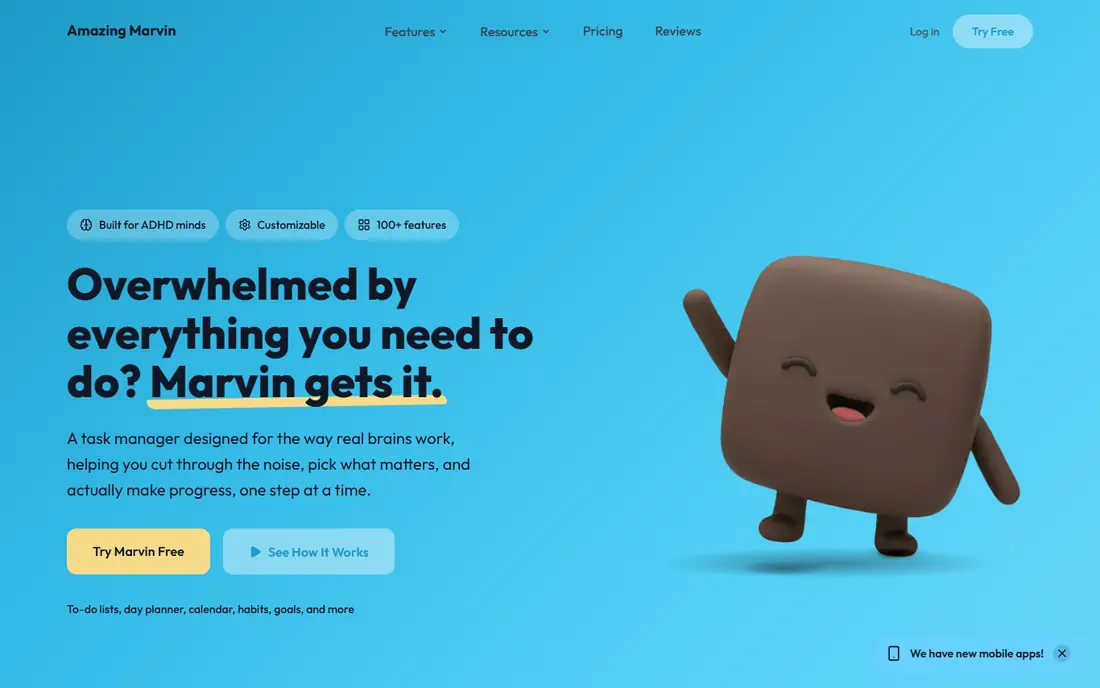
In short, Amazing Marvin is for Solopreneurs who want to customize every detail of their workflow. New users report a real ramp-up time before it clicks. Also, the honest warning is the setup cost.
Where it falls short: The ramp-up time is real.
The design draws on behavioral psychology, with features pitched at procrastination and focus that the mainstream tools skip. Also, Marvin's adaptability means decisions: which of the numerous strategies to enable, how to configure views, how to structure the day. In daily use, for a solopreneur who has tried every task manager and found them all too rigid, Marvin is the one that bends. What you pay to start with Amazing Marvin: $12/month billed monthly. Free access: Free trial.
- The $300 lifetime choice ends the subscription treadmill
- Views and workflows built on behavioral science
- The interface and mobile apps feel less refined than the larger names
Motion
Ideal for: Solopreneurs who want AI to schedule their tasks automatically
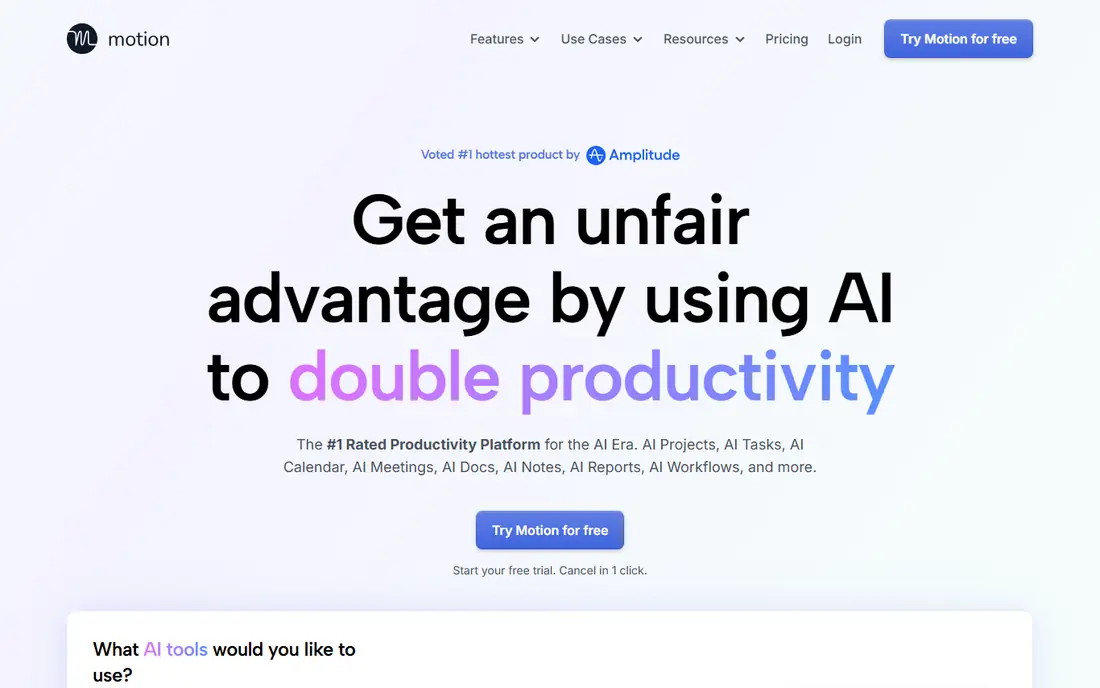
Think of Motion for Solopreneurs who want AI to schedule their tasks automatically. Motion is the autopilot choice. On top of that, beyond scheduling it now bundles project management, docs, meeting transcription and AI assistants, aiming to replace multiple subscriptions at once.
Trade-offs to know: The individual price ($29/month annual) is well above the team per-seat rate shown on the pricing page.
From a buyer's view, the headline $19 per seat a month is the team rate. An individual pays $29 a month on annual billing or $49 month-to-month for Pro AI. Beyond that, the pricing needs a careful read. Worth adding: for more straightforward workloads, it is more software than the job needs. Price to start with Motion: Pro AI $29/month billed annually. Free plan details: Free trial (7 days).
- Calendar and docs in one app
- Merges tasks, projects
- The 7-day trial needs a card and converts except when canceled
Todoist
Ideal for: Solopreneurs who want the fastest, most dependable task capture on every device
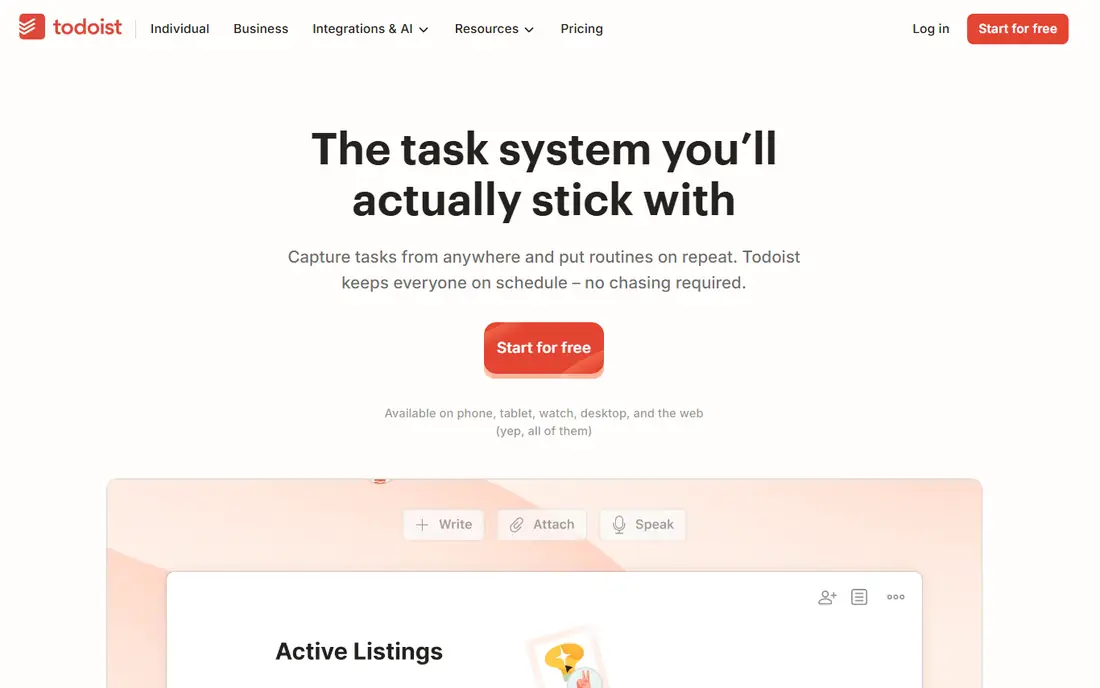
Todoist is aimed squarely at Solopreneurs who want the fastest, most dependable task capture on every device. The free Beginner plan comes with 5 active projects and core features indefinitely, which is enough for plenty of one-person companies to never pay.
Worth adding: Pro at $7 a month monthly ($5 on annual) layers on reminders, calendar layout, filters and the AI Assist features. Starting cost for Todoist: Pro $7/month billed monthly. Free access exists with Todoist.
Drawbacks to consider: No built-in timeboxing or calendar scheduling depth.
- The free Beginner plan includes real work
- Desktop and web with quick sync
- The December 2025 price increase pushed Pro to $7/month monthly
Any.do
Ideal for: Solopreneurs who want the simplest possible list, calendar and reminders
Think of Any.do for Solopreneurs who want the simplest possible list, calendar and reminders. Any.do is the minimal viable task manager, and that is the point. Lists, a daily planner view, calendar, and reminders including time, location and WhatsApp-based nudges include what most solo operators actually use.
The free plan is free forever with no credit card, and Premium at $4.99 a month billed yearly brings recurring tasks, color tags, AI features and integrations. It will not replace a project system. For everyday use, Subtask depth, filtering and reporting are lighter than Todoist, and there is no timeboxing or auto-scheduling. But for a solopreneur whose needs are capture, remind and check off, Any.do is the least software that does the job, with the friendliest free plan here. What you pay to start with Any.do: Premium $4.99/month billed annually. Free access exists with Any.do.
Trade-offs to know: Task management depth is thinner than Todoist or TickTick.
- Genuinely free level
- WhatsApp reminders and location-based reminders are unusual at this price
- Advanced features like recurring tasks and integrations need Premium
Notion
Ideal for: Solopreneurs who want to build a custom business operating system
Notion targets Solopreneurs who want to build a custom business operating system. Notion is the build-your-own choice. The tradeoff is the blank page.
The main drawbacks: Per-member pricing means collaborators each add cost.
For a solo operator who enjoys building systems, that is the appeal. From a buyer's view, a solopreneur can run client records, project trackers, a content calendar, invoices and a knowledge base in one workspace, linked together with relational databases. In practice, Notion ships no opinion about how to run your week. So you spend hours designing databases and views before it pays off. On top of that, templates from the community shortcut the setup. Starting cost for Notion: Plus $10/member/month billed annually. Notion includes a free tier.
- One workspace for tasks
- Client CRM
- You build every workflow yourself, which costs setup time
How we chose
Each tool was reviewed on what its vendor publishes: price, plan limits, core features and stated drawbacks. We did not run hands-on tests. Seat minimums, billing terms and add-ons can move the real cost, so the starting prices here are a guide and not a quote. The sequence is a judgement call: typical use case first, then pricing transparency, then free access. Use the profiles to check fit.
Questions to settle before buying
- Confirm the entry price on the vendor page: Any.do starts at Premium $4.99/month billed annually, but seat counts and billing terms change the total.
- Check what the free option really includes: Todoist, Any.do and Notion offer a free plan, and usage caps differ.
- Run a trial of Amazing Marvin and Motion with real work before paying for a year; your own workflow is the best test.
- Before choosing Amazing Marvin, weigh its main limit: the ramp-up time is real.
- Look at the renewal terms for Any.do: auto-renewal, notice periods and price changes can matter more than the first-year price.
- Map your must-have features to a specific Motion plan before you compare prices.
Frequently asked questions
Is Amazing Marvin the right pick for everyone comparing project management software for solopreneurs?
No single tool suits every team. Amazing Marvin comes first because it fits Solopreneurs who want to customize every detail of their workflow, while Motion suits Solopreneurs who want AI to schedule their tasks automatically and Todoist suits Solopreneurs who want the fastest, most reliable task capture on every device. Match the tool to your own size, budget and workflow before deciding.
Can I try these tools before paying?
Often, yes. Todoist, Any.do and Notion have a free plan and Amazing Marvin and Motion offer a free trial. Use your own data and a real task during the test, and check what the free tier or trial limits before you rely on it.
Which options for project management software for solopreneurs have a free plan?
On this list, Todoist, Any.do and Notion include a free plan. Caps on seats, usage or features are common, so test the free plan against your real workload. Several others offer a trial instead.
What is the best project management software for solopreneurs?
Start with Amazing Marvin if you need Solopreneurs who want to customize every detail of their workflow. Motion is the better match for Solopreneurs who want AI to schedule their tasks automatically, and Todoist for Solopreneurs who want the fastest, most dependable task capture on every device. The best choice depends on budget, team size and workflow.
How are the tools for project management software for solopreneurs ordered?
Amazing Marvin sits first and Notion last because the order follows typical fit for project management software for solopreneurs, then price clarity and free access. It is a judgement call, so read each profile for fit and limits.