7 Best Project Management Software for Video Production Options for 2026

- 1
 WipsterTeams that want review and approval without the complexityVisit
- 2
 ftrackVFX, animation and game studios tracking shots and assetsVisit
- 3
 StudioBinderPre-production planning from script to call sheetsVisit
- 4
 YamduFilm and TV productions with serious security requirementsVisit
- 5
 Frame.ioReview and approval for teams of any sizeVisit
- The list opens with Wipster, aimed at teams that want review and approval without the complexity.
- 3 of 7 tools offer a free plan: Wipster, Frame.io, Kitsu.
- Kitsu fits animation studios wanting open-source production tracking.
- Yamdu comes with a trade-off: Flex handles one user and one project, so expanding teams pay per extra user or move up to Studio.
- Starting prices begin at $15/member/month with Frame.io.
Direct answer
Wipster is the first pick on this list for teams that want review and approval without the complexity. Alternatives: ftrack for VFX, animation and game studios tracking shots and assets, and StudioBinder for pre-production planning from script to call sheets. The other 4 tools in the list cover narrower or pricier cases.
Quick comparison
| Product | Ideal for | Price from | Free version | |
|---|---|---|---|---|
| Wipster | Teams that want review and approval without the complexity | See website | Yes | Visit |
| ftrack | VFX, animation and game studios tracking shots and assets | See website | Free trial | Visit |
| StudioBinder | Pre-production planning from script to call sheets | See website | No | Visit |
| Yamdu | Film and TV productions with serious security requirements | $45/mo (Flex) | Free trial | Visit |
| Frame.io | Review and approval for teams of any size | $15/member/month (Pro) | Yes | Visit |
 Flow Production Tracking | Large studios standardized on Autodesk tools | See website | No | Visit |
 Kitsu | Animation studios wanting open-source production tracking | See website | Yes | Visit |
7 options for project management software for video production in detail
Short on time? The summary and table above give the quick view of 7 tools for project management software for video production, and the profiles that follow give the detail behind each entry.
Wipster
Ideal for: Teams that want review and approval without the complexity
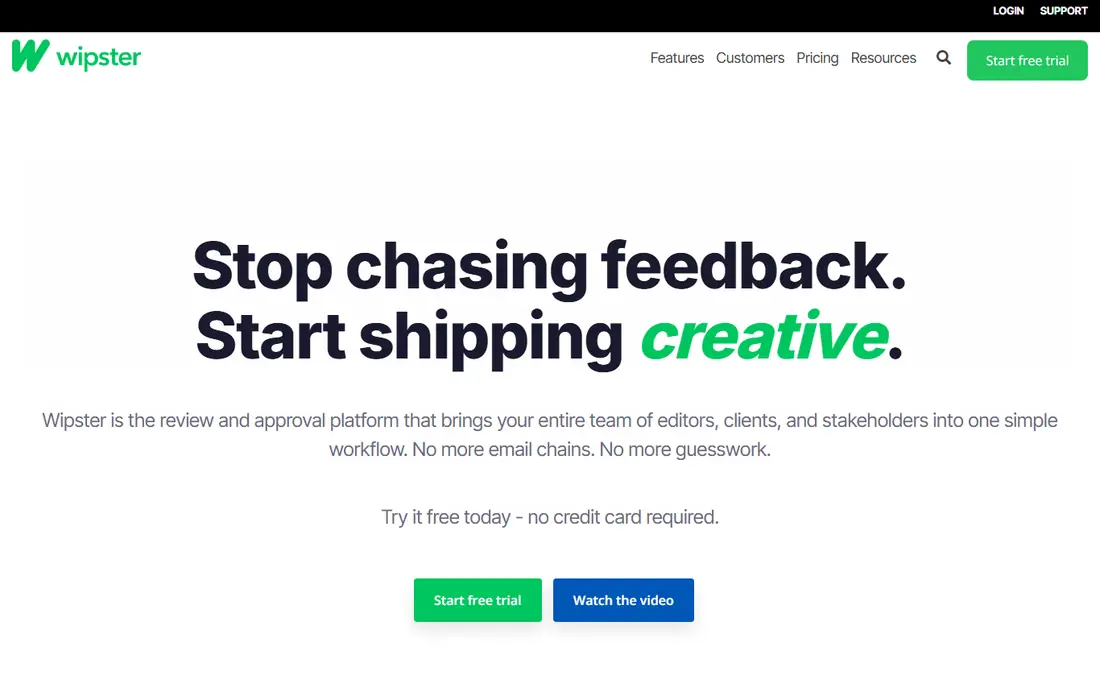
Think of Wipster for teams that want review and approval without the complexity. Wipster is the more straightforward sibling in the review category, and simplicity is the selling point.
Where it shines: Frame-accurate comments.
What to check first: No published pricing.
In daily use, pricing is not published, so you will talk to sales for team plans, though the free tier gets you started. From a buyer's view, upload video, images, PDFs or audio, collect frame-accurate comments from anyone with a link, compare versions side by side and get sign-off with an audit trail. Pricing for Wipster is not stated here, so ask the vendor for current figures. Wipster includes a free tier.
- Version comparison and approval workflows cover the essentials
- Editing panels for Premiere Pro and Final Cut Pro keep feedback in the timeline
- Narrower feature set than Frame.io for large-team workflow management
ftrack
Ideal for: VFX, animation and game studios tracking shots and assets
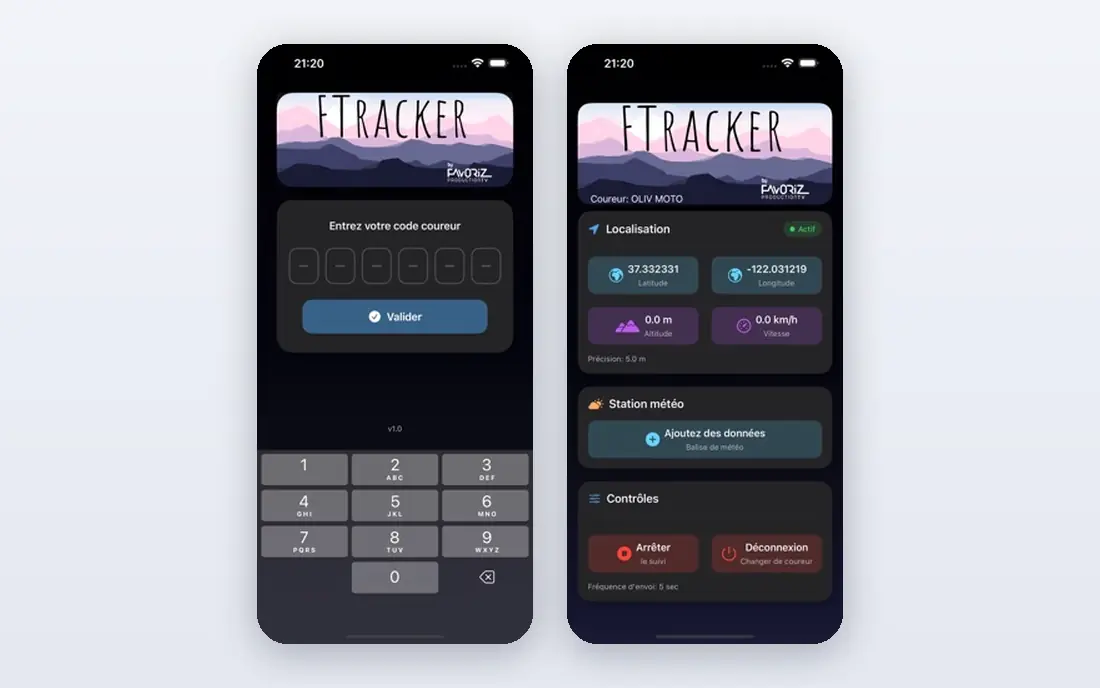
ftrack targets VFX, animation and game studios tracking shots and assets. Studios track every shot from layout through final, review work in live with clients drawing straight on frames, and run artist schedules against delivery dates. This is not a tool for corporate video teams: if you do not think in shots and versions, the pipeline model will feel alien and the price will feel steep.
In practice, ftrack is what you buy when your "tasks" are shots, assets and versions moving through a pipeline. For everyday use, pricing is quote-based with a free trial to evaluate. But for VFX, animation and game cinematics studios, it is one of the two serious answers alongside Flow Production Tracking. The one with the more approachable onboarding. ftrack shows no starting price here, so confirm the cost on the vendor site. Free access: Free trial.
Watch-outs: No published pricing.
- Live review with annotation made for client sessions
- Scheduling and resource planning in one
- Overkill for simple video production without a shot pipeline
StudioBinder
Ideal for: Pre-production planning from script to call sheets
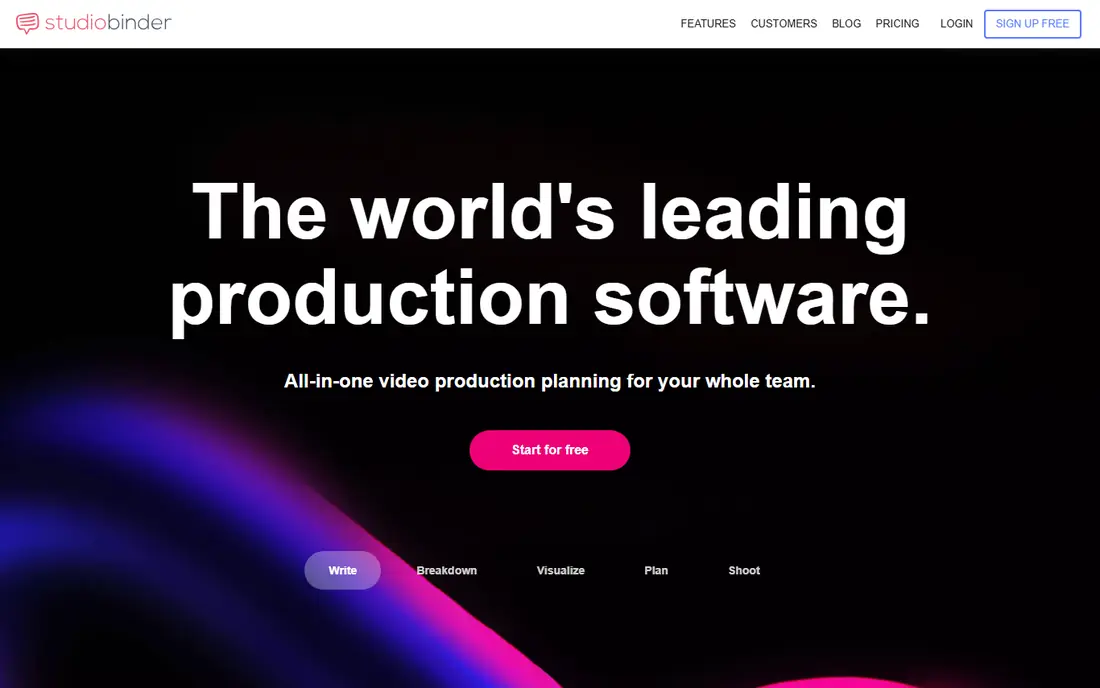
StudioBinder is aimed squarely at pre-production planning from script to call sheets. StudioBinder plans the shoot; it does not replace Frame.io or Wipster for client review and approvals.
Pricing is quote-based with no free level, which stings for indie teams. No starting price is listed for StudioBinder here; confirm pricing on the vendor site. StudioBinder has no permanent free option.
Points against: No published pricing and no free plan.
- Locations and contacts save real prep time
- Auto-filled call sheets with weather
- Post-production review is thinner than the dedicated review tools
Yamdu
Ideal for: Film and TV productions with serious security requirements
Think of Yamdu for film and TV productions with serious security requirements. Commercial production businesses use it too: Tillmann Brothers, The Terminal and Sons of Motion Pictures are among its commercial customer stories.
From a buyer's view, the Flex plan, pitched at individuals and small productions, is $45 a month for one user and one project, Studio is $199 a month billed yearly ($265 month to month) for 10 users with unlimited projects, and Signature is priced on request. On cost, Yamdu starts like this: $45/mo. On free options: Free trial.
Drawbacks to consider: A full production workflow is more than solo creators and YouTubers need. Where it shines: call sheets; Full production management from development through wrap: breakdowns, scheduling.
- Solid in European film and TV with GDPR-native handling
- Security-first design with TPN membership
- Flex handles one user and one project, so expanding teams pay per additional user or move up to Studio
Frame.io
Ideal for: Review and approval for teams of any size
Frame.io works best for review and approval for teams of any size. The Premiere Pro panel pulls those comments into the editor's timeline, which is where the hours actually get saved.
More specifically, the free plan (2 members, 2 projects, 2GB) is enough to prove the workflow. Storage is the other lever, with 2TB on Pro scaling from there. Entry price for Frame.io: $15/member/month. Frame.io includes a free tier.
- Deep Adobe integration puts client comments straight in Premiere Pro
- Best-in-class frame-accurate review with a free plan including 2 members and 2GB
- The free plan's 2GB storage runs out rapidly on real projects
Flow Production Tracking
Ideal for: Large studios standardized on Autodesk tools
Flow Production Tracking is designed for large studios standardized on Autodesk tools. Marvel Studios, Animal Logic and Square Enix are among the names on its customer stories.
Downsides: The ShotGrid-to-Flow rebrand means older tutorials and integrations may reference the old name.
For everyday use, the buyer here is a studio, not a team: pricing is enterprise and quote-based, and implementations are real projects. Pricing for Flow Production Tracking is not stated here, so ask the vendor for current figures. Flow Production Tracking has no permanent free option.
Main advantages: Deep integration with Maya.
- TV and games
- 3ds Max and the Autodesk media ecosystem
- Enterprise pricing with no public numbers
Kitsu
Ideal for: Animation studios wanting open-source production tracking
Kitsu is a good fit for animation studios wanting open-source production tracking. Kitsu is the open-source answer to production tracking, built by French company CGWire for animation and VFX studios.
Where Kitsu stands out: Open source and self-hosted, so the software itself costs nothing and your data stays yours.
Trade-offs to know: Self-hosting needs technical effort or a premium hosted plan. It includes the production essentials: task tracking across departments, shot and asset management, review playlists, scheduling, time tracking and client review. The cost is operational: you maintain the server, or you pay CGWire for hosted Kitsu. Pricing for Kitsu is not stated here, so ask the vendor for current figures. A free plan is available with Kitsu.
- Made for animation and VFX: tasks, shots, assets
- Playlists and reviews
- Smaller ecosystem of integrations than the commercial giants
Project Management Software for Video Production: the basics
Buying a task manager for a VFX pipeline, or a VFX tracker for corporate video, wastes everyone's time. In practice, next, find where your feedback lives today. Worth adding: fix the review loop before you optimize the schedule.
Third, check your integrations. Premiere Pro and After Effects teams get the most from Frame.io's Adobe ownership. Maya, 3ds Max and Unreal pipelines point to Flow Production Tracking.
Clients, agencies and freelancers all need access, and per-seat pricing punishes broad sharing.
How we chose
Ainotely used vendor pricing pages and product documentation as the base, then compared plans, free access and documented limits for 7 tools. Treat prices as a snapshot: vendors change plans often, so check the vendor site for the figure that applies today. The ranking is editorial: typical fit first, then clear pricing, then free access. If your needs are unusual, read the profiles rather than relying on position.
Questions to settle before buying
- Ask Wipster, ftrack, StudioBinder and others for a written quote, since no starting price is shown.
- Check what the free option really includes: Wipster, Frame.io and Kitsu offer a free plan, and usage caps differ.
- Take the trial from ftrack and Yamdu and push a live task through it before you pay.
- Before choosing Wipster, weigh its main limit: no published pricing.
- Find out what support Kitsu includes on your plan, and whether onboarding help costs extra.
- A short pilot of ftrack with your real workflow tells you more than a feature table.
Frequently asked questions
What is the cheapest option for project management software for video production in this list?
On published monthly entry prices, Frame.io is the lowest here at $15/member/month. Entry price is only part of the cost, because seats, add-ons and billing terms can change the total.
Can I try these tools before paying?
Often, yes. Wipster, Frame.io and Kitsu have a free plan and ftrack and Yamdu offer a free trial. Use your own data and a real task during the test, and check what the free tier or trial limits before you rely on it.
Is Wipster the right pick for everyone comparing project management software for video production?
No single tool suits every team. Wipster comes first because it fits teams that want review and approval without the complexity, while ftrack suits VFX, animation and game studios tracking shots and assets and StudioBinder suits pre-production planning from script to call sheets. Match the tool to your own size, budget and workflow before deciding.
How are the tools for project management software for video production ordered?
The order follows typical fit for project management software for video production, with Wipster first and Kitsu last, then price clarity and free access. It is editorial judgement, not a score, so another team could rank the tools differently.
Which tool is a good match for client review and approvals?
For most readers this guide would start with Wipster, built for teams that want review and approval without the complexity. ftrack is the alternative for VFX, animation and game studios tracking shots and assets, and StudioBinder for pre-production planning from script to call sheets. The right answer depends on budget and workflow.