7 Best Project Management Software with Time Tracking Options for 2026

- 1
 monday.comVisual teams that live in boards and dashboardsVisit
- 2
 PaymoSmall businesses that bill time straight from tasksVisit
- 3
 ClickUpTeams that want one app for projects and time trackingVisit
- 4
 AvazaTeams wanting projects, time tracking and invoicing in one loginVisit
- 5
 AsanaTeams already standardized on Asana's project viewsVisit
- monday.com is the opening pick, best for visual teams that live in boards and dashboards.
- Before buying ClickUp, weigh this: feature density makes onboarding slow for new teams.
- Scoro suits professional services businesses tracking utilization and margins.
- A free plan is available from 4 of the 7 tools: monday.com, ClickUp, Avaza, Asana.
Direct answer
This list puts monday.com first for visual teams that live in boards and dashboards. Paymo is the stronger choice for small businesses that bill time straight from tasks, while ClickUp suits teams that want one app for projects and time tracking. The full list of 7 tools follows, with prices and free plan facts.
Quick comparison
| Product | Ideal for | Price from | Free version | |
|---|---|---|---|---|
| monday.com | Visual teams that live in boards and dashboards | $9/seat/month (Basic plan, billed yearly) | Yes | Visit |
| Paymo | Small businesses that bill time straight from tasks | $9.95/user/month (Small Office plan, billed yearly) | Free trial (15 days) | Visit |
| ClickUp | Teams that want one app for projects and time tracking | $7/user/month (Unlimited plan, billed yearly) | Yes | Visit |
| Avaza | Teams wanting projects, time tracking and invoicing in one login | $19/month (Startup plan, billed yearly) | Yes | Visit |
| Asana | Teams already standardized on Asana's project views | $10.99/user/month (Starter plan, billed yearly) | Yes | Visit |
 Accelo | Service companies selling retainers and fixed-fee engagements | See website (custom quote) | No | Visit |
 Scoro | Professional services businesses tracking utilization and margins | See website (custom quote) | Free trial (14 days) | Visit |
Project Management Software with Time Tracking compared in detail
Ainotely put together this guide to project management software with time tracking for readers who want a clear shortlist without reading every vendor page. It compares 7 tools on starting price, free plans, who each one suits and where each one falls short.
monday.com
Ideal for: Visual teams that live in boards and dashboards
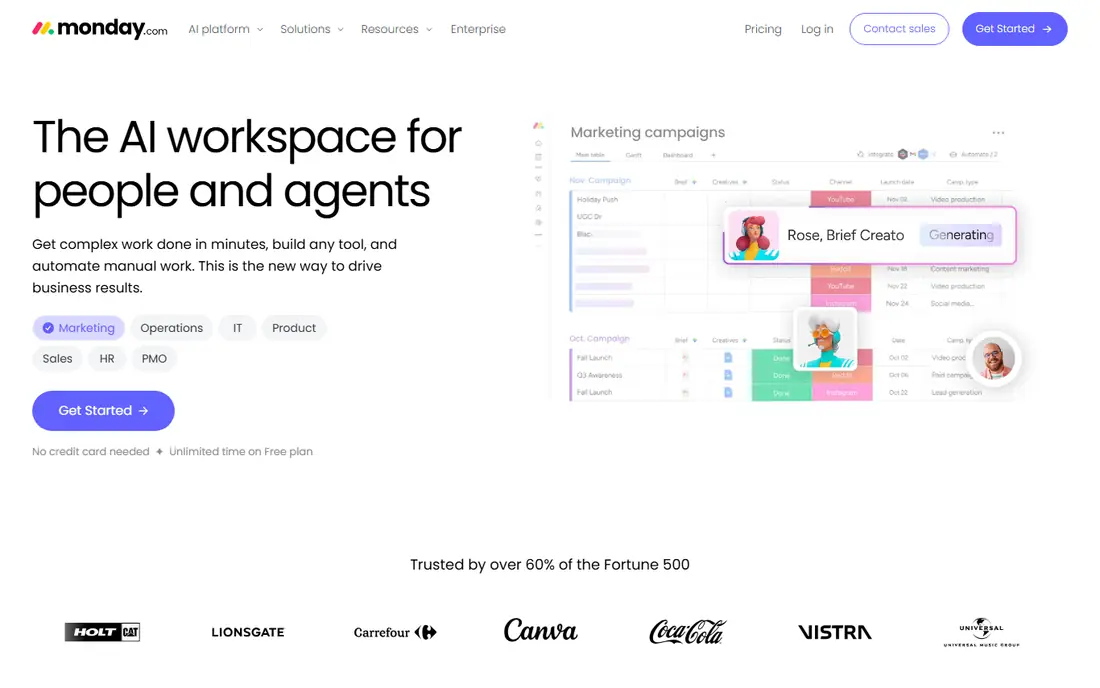
Think of monday.com for visual teams that live in boards and dashboards. monday.com sells clarity.
The main drawbacks: Per-seat pricing brings up quick as teams grow.
What works well: 200-plus integrations.
The time tracking column is a Pro feature at $19 per seat a month billed yearly. So the $9 Basic price you see advertised does not contain it. monday.com pricing: $9/seat/month. You can start on monday.com without paying.
- Automations that move work without manual updates
- Timelines and dashboards that non-technical teams adopt quick
- Time tracking column only appears on Pro and above
Paymo
Ideal for: Small businesses that bill time straight from tasks
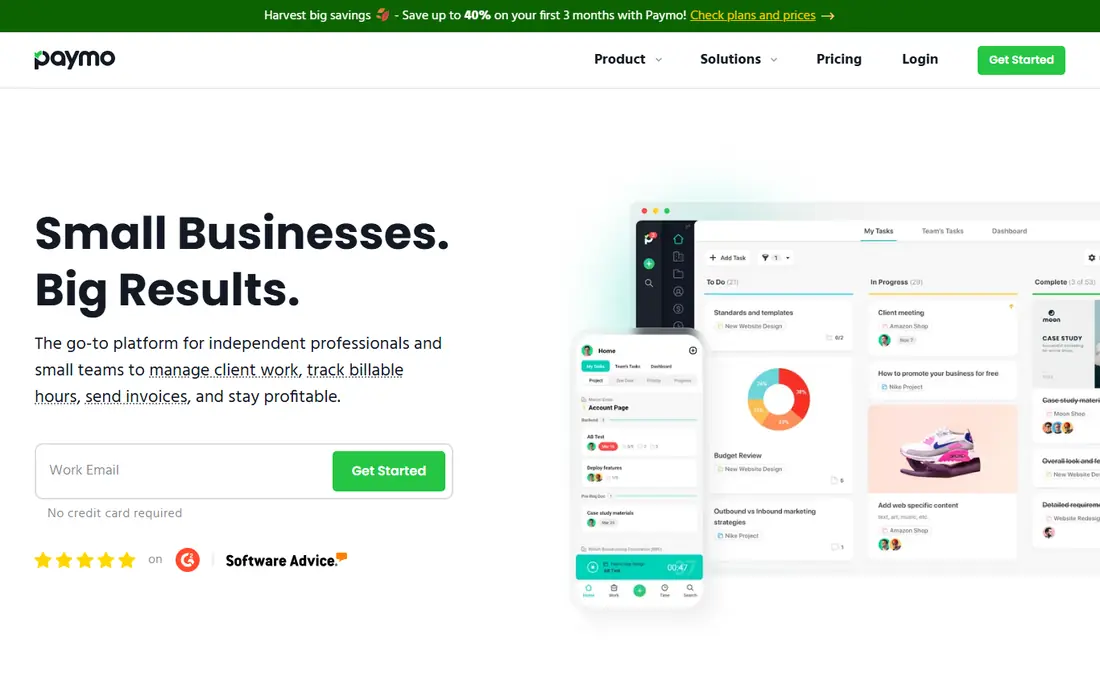
Paymo is built with small businesses that bill time directly from tasks in mind. Paymo is the pick for businesses where the tracked hour becomes the invoice line. Automatic time tracking runs in the background and lets you convert recorded activity into timesheet entries.
Where it is weaker: No permanent free plan, only a trial.
As for the details, Paymo connects with the essentials, Google Calendar, Slack, QuickBooks, Xero. But the catalog is a fraction of monday.com's or ClickUp's. Paymo pricing: $9.95/user/month. Free access: Free trial (15 days).
- Time tracking
- Gantt charts and kanban on the entry plan
- Smaller integration library than the big systems
ClickUp
Ideal for: Teams that want one app for projects and time tracking
For teams that want one app for projects and time tracking, ClickUp is a natural candidate. ClickUp can replace a project tool, a docs tool and a time tracker, but the setup takes real work. Teams that skip the configuration phase end up with a messy workspace.
Limits to weigh: Feature density makes onboarding slow for new teams.
On top of that, time tracking is native instead of bolted on: every task gets a timer, manual entries and timesheets. The data rolls into reports without an integration. On cost, ClickUp starts like this: $7/user/month. A free plan is available with ClickUp.
- Statuses and automations
- Native time tracking on every plan
- Goals and portfolios sit on higher levels
Avaza
Ideal for: Teams wanting projects, time tracking and invoicing in one login
Avaza works best for teams wanting projects, time tracking and invoicing in one login. The project side is more straightforward than the leaders. Also, inside that flat price you get project tasks, time tracking with timers and timesheets, expense tracking and invoicing with online payments.
Where it shines: Clean interface that small teams learn rapidly.
Limits to weigh: Project management depth is lighter than ClickUp or Wrike.
From a buyer's view, Gantt charts, kanban boards and task dependencies are all present. But teams running complicated multi-phase programs will feel the ceiling. The starting price for Avaza: $19/month. A free plan is available with Avaza.
- Expense tracking and invoicing under one subscription
- Projects, timesheets
- Free plan is restricted to one user
Asana
Ideal for: Teams already standardized on Asana's project views
Asana is aimed squarely at teams already standardized on Asana's project views. Each task carries estimated and actual hours, subtasks can log time individually, and reporting compares the two across projects. Worth adding: buy Asana since the project management suits, and treat time tracking as a solid built-in bonus.
More specifically, nobody buys Asana for its time tracking alone. The timer is competent but entry-level: no billable rates, no invoicing, no utilization dashboards. The starting price for Asana: $10.99/user/month. You can start on Asana without paying.
Trade-offs to know: Advanced reporting and portfolios need the Advanced level.
- Native time tracking with estimated compared with actual hours on tasks
- The project views teams already know, list, board, timeline, calendar
- Time tracking depth is entry-level next to Paymo or Accelo
Accelo
Ideal for: Service companies selling retainers and fixed-fee engagements
Where Accelo fits: service firms selling retainers and fixed-fee engagements. The buying process is the friction.
Downsides: No published pricing, so every evaluation starts with a sales call.
Main advantages: project and team member.
Check the vendor site for Accelo pricing; none is listed in this comparison. Accelo has no free tier.
- Automatic activity capture that logs emails and meetings against projects
- From quote to ticket to invoice
- Implementation takes longer than more straightforward tools
Scoro
Ideal for: Professional services businesses tracking utilization and margins
Pick Scoro if this describes you: professional services businesses tracking utilization and margins. The differentiator is utilization: Scoro displays what percentage of each person's time is billable, planned compared with actual, which is the number consultancy owners actually run to. Businesses with 10 to 100 billable staff should put it on the shortlist next to Accelo.
Where it is weaker: Best value appears at team sizes of 10-plus.
In daily use, the 14-day trial is worth running with your actual project data, since Scoro either suits your firm's operating model or it does not. From a buyer's view, solo operators and tiny teams will find it heavy. More specifically, like Accelo, Scoro keeps pricing behind a sales conversation, and the product assumes a real implementation. Check the vendor site for Scoro pricing; none is listed in this comparison. Trial and free access: Free trial (14 days).
- Time and invoices in one system
- Dashboards built around agency and consultancy KPIs
- No published pricing in 2026
What went into this list
Ainotely used vendor pricing pages and product documentation as the base, then compared plans, free access and documented limits for 7 tools. Where a price is missing, the vendor does not list one publicly or ties it to a quote. Always confirm before budgeting. Position on the page reflects fit for a typical buyer first, with price clarity and free access breaking ties. Treat it as a guide, not a ruling.
Before you commit
- Get a written quote from Accelo and Scoro; the list shows no starting price for them.
- Look at free plan limits closely: monday.com, ClickUp, Avaza and Asana have one, and the caps decide whether it is usable for real work.
- Take the trial from Paymo and Scoro and push a live task through it before you pay.
- Read the limits listed for monday.com first: time tracking column only appears on Pro and above.
- Before rolling out Paymo, verify the integrations your workflow depends on.
- Map your must-have features to a specific Asana plan before you compare prices.
Frequently asked questions
Can I try these tools before paying?
Often, yes. monday.com, ClickUp, Avaza and Asana have a free plan and Paymo and Scoro offer a free trial. Use your own data and a real task during the test, and check what the free tier or trial limits before you rely on it.
Which options for project management software with time tracking have a free plan?
monday.com, ClickUp, Avaza and Asana offer a free plan in this list. Free plans usually cap users, projects or features, so check the limits on the vendor page. Several others offer a trial instead.
What is the cheapest option for project management software with time tracking in this list?
On published monthly entry prices, ClickUp is the lowest here at $7/user/month. Entry price is only part of the cost, because seats, add-ons and billing terms can change the total.
Is monday.com the right pick for everyone comparing project management software with time tracking?
No single tool suits every team. monday.com comes first because it fits visual teams that live in boards and dashboards, while Paymo suits small firms that bill time directly from tasks and ClickUp suits teams that want one app for projects and time tracking. Match the tool to your own size, budget and workflow before deciding.
Can monday.com track time on the Basic plan?
No. The time tracking column needs Pro at $19 per seat a month billed yearly. Teams evaluating monday.com for time tracking should price Pro from the start, since Basic does not contain the feature at all.