8 Best Project Management Tools for Agencies for 2026

- Agency project tools must track client work, budgets, time, and capacity, not just tasks.
- Teamwork, Asana, and Monday suit agencies that want client-ready project delivery with strong collaboration.
- ClickUp and Wrike suit agencies that want deep customization and scale.
- Basecamp, Notion, and Smartsheet suit agencies that want simplicity, docs, or spreadsheet-style planning.
- Trial with a real client project, because agency workflows expose gaps that a generic demo hides.
Quick comparison
| Product | Ideal for | Price from | Free version | |
|---|---|---|---|---|
 Teamwork | Client work with live margin and profitability | See website | Yes | Visit |
 Asana | Team project delivery with strong collaboration | See website | Yes | Visit |
 Monday | Visual project and client work management | See website | Yes | Visit |
 ClickUp | Customizable all-in-one agency workspace | See website | Yes | Visit |
 Wrike | Scalable agency project management with strong reporting | See website | Yes | Visit |
 Basecamp | Simple client project communication and delivery | See website | No | Visit |
 Notion | Docs, wikis, and project tracking in one workspace | See website | Yes | Visit |
 Smartsheet | Spreadsheet-style project and portfolio management | See website | No | Visit |
The best project management tools for agencies
Teamwork
Ideal for: Client work with live margin and profitability
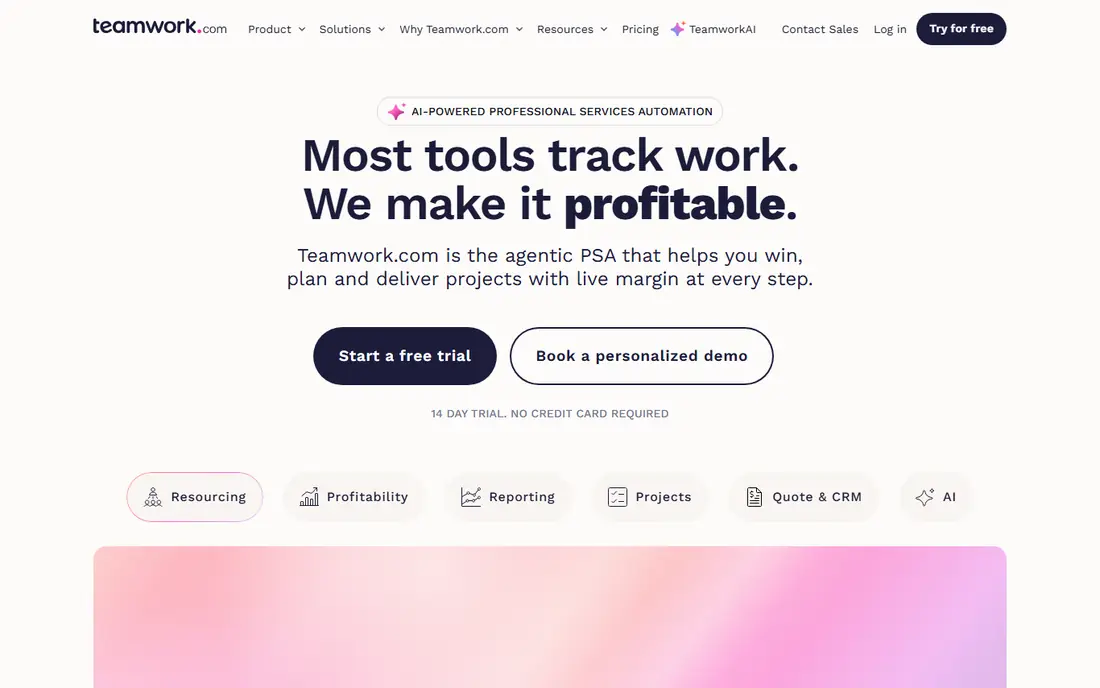
Teamwork.com is an AI-powered professional services automation platform built for client work, helping agencies win, plan, and deliver projects with live margin at every step. Its agency features include real cost rates per person, margin by account, project, and retainer, utilization views, and scope-creep detection, so teams see profitability while work happens rather than at month end. Time tracking, budgeting, and client collaboration are built in, and its AI features summarize work, forecast risk, and assist with planning. Teamwork offers a 14-day trial with no credit card required, and a free tier for smaller teams. For agencies that want project delivery tied directly to profitability, Teamwork is the most agency-focused tool in this list.
- Client project focus, margin and utilization views, time tracking, 14-day trial
- Agency-specific depth takes setup, pricing varies by plan
Asana
Ideal for: Team project delivery with strong collaboration
Asana is a work management platform that helps teams plan, track, and deliver projects with lists, boards, timelines, calendars, and goals. Its collaboration features, including comments, approvals, and project status updates, suit agencies coordinating creative, account, and production teams across many clients. Asana's templates and automation rules speed up repeatable agency workflows such as onboarding, campaign launches, and content production. Time tracking and advanced budgeting typically need integrations or higher tiers. Asana offers a free tier for small teams. For agencies that prioritize clear, collaborative project delivery, Asana is a proven choice.
- Clear task and project views, timelines, goals, broad integrations
- Time and budget tracking need add-ons or higher tiers, costs grow with team size
Monday
Ideal for: Visual project and client work management
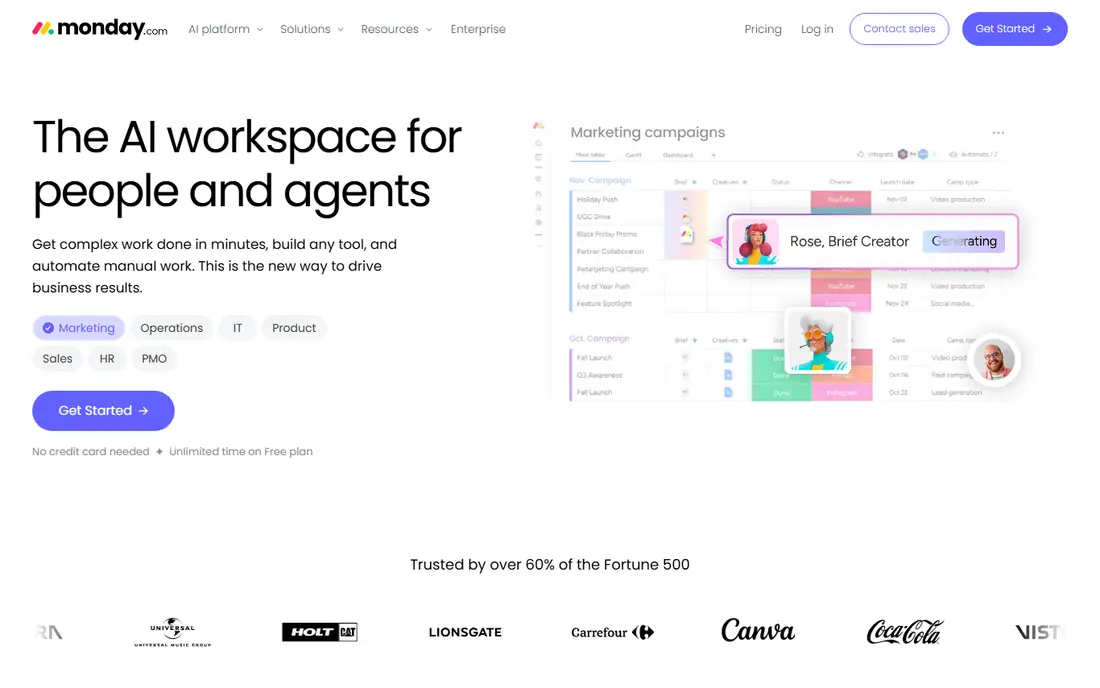
Monday is a visual work management platform where agencies build boards for projects, clients, and campaigns, with timelines, dashboards, automations, and forms. Its visual approach suits agencies that want clients and stakeholders to see progress at a glance, and its templates cover marketing, creative, and project delivery workflows. Monday's automations reduce manual status updates, and its integrations connect common agency tools. Time tracking and budgeting are available but less deep than in Teamwork's agency finance features. Monday offers a free tier for small teams. For agencies that want flexible, visual project management, Monday is a strong choice.
- Visual boards, dashboards, automations, client-friendly views
- Costs grow with team size, deep agency finance needs add-ons
ClickUp
Ideal for: Customizable all-in-one agency workspace
ClickUp is an all-in-one productivity platform that combines tasks, docs, goals, time tracking, and dashboards, with deep customization for agency workflows. Agencies can build spaces per client, track projects with multiple views, manage retainers and deliverables, and report on team workload, all in one workspace. Its free tier is generous, which suits small agencies testing a platform before committing. The breadth that makes ClickUp powerful also makes setup complex, and teams need discipline to avoid building a workspace nobody maintains. For agencies that want one tool for nearly everything and are willing to configure it, ClickUp is a flexible choice.
- Deep customization, docs, goals, time tracking, generous free tier
- Setup complexity, feature breadth can overwhelm new teams
Wrike
Ideal for: Scalable agency project management with strong reporting
Wrike is a project management platform built for scale, with project structures, resource management, approvals, and reporting that suit agencies managing many clients and large teams. Its folder and project hierarchy keeps client work organized, its workload views show capacity, and its proofing and approval features suit creative agencies. Wrike's reporting and dashboards help agency leaders track delivery, utilization, and project health across accounts. Pricing scales with team size and features, with a free tier for small teams. For larger agencies that need structure and reporting at scale, Wrike is a strong choice.
- Scalable project structures, reporting, resource management, approvals
- Enterprise pricing, setup needs planning
Basecamp
Ideal for: Simple client project communication and delivery
Basecamp is a deliberately simple project management tool built around message boards, to-dos, schedules, docs, and group chat, with client access that keeps communication in one place. Its flat pricing per organization rather than per user suits agencies with many collaborators, and its calm design reduces the notification overload that plagues busier tools. Basecamp lacks native time tracking and deep budgeting, so agencies that need those features must pair it with another tool. For small agencies that value clarity and client communication over feature depth, Basecamp remains a refreshing choice.
- Simple and calm, client access, flat pricing, message boards and schedules
- No native time tracking or deep budgeting, limited customization
Notion
Ideal for: Docs, wikis, and project tracking in one workspace
Notion combines docs, wikis, databases, and project tracking in one flexible workspace, which suits agencies that live in documents as much as in tasks. Teams can build client hubs, content calendars, project trackers, and knowledge bases, with templates for common agency workflows. Notion's flexibility is its strength and its risk: teams can build exactly what they need, but they must build it, and project management features such as dependencies and workload views are lighter than in Asana or Wrike. Notion offers a free tier. For agencies that want docs and project tracking together, Notion is a versatile choice.
- Flexible docs and databases, wikis, templates, free tier
- Project management depth lags dedicated PM tools, time tracking needs add-ons
Smartsheet
Ideal for: Spreadsheet-style project and portfolio management
Smartsheet is a work management platform with spreadsheet-style grids, Gantt charts, Kanban boards, and dashboards, suited to agencies that plan in sheets and need portfolio visibility. Its B2B client delivery features include client collaboration portals, resource utilization and forecasting, and AI-powered reporting for customers, which suit agencies managing many accounts. Smartsheet's milestone and dependency tracking, workload balancing, and approval workflows support structured delivery. Its interface is less intuitive for creative teams used to visual boards, and pricing should be checked on its site. For agencies that think in spreadsheets and portfolios, Smartsheet is a strong choice.
- Familiar grid views, Gantt and dashboards, portfolio visibility, client portals
- Less intuitive for creative teams, pricing requires checking the site
How we picked these
We looked for tools that agencies actually use for client project delivery, covering task tracking, collaboration, and at least some time, budget, or capacity features. We balanced agency-focused platforms, general project tools, simple communicators, and docs-plus-projects workspaces, because agencies vary in size and style. We compared official feature pages, pricing pages, documentation, and public reviews, and we left out pure time trackers and pure CRM tools without project delivery. Where a vendor did not publish a current price, we wrote "See website" rather than repeat a third-party figure.
How to choose an agency project tool without regret
Map your real workflow before you trial anything: how a project moves from brief to delivery, who approves work, how time is tracked, and how budgets are reported. Trial with one real client project, including a client collaborator, because client access and permissions often reveal problems a staff-only trial hides. Check reporting: can you see margin, utilization, and on-time delivery by client without exporting to a spreadsheet? Confirm integrations with your time, billing, and communication tools. Finally, agree on who owns the workspace, because an agency tool without an owner becomes a graveyard of half-updated projects within months.
Frequently asked questions
What should an agency project management tool include?
Task tracking, client collaboration, time tracking, budgets, capacity planning, templates, and reporting by client and project. Tools without time and budget features leave profitability invisible.
Is Teamwork better than Asana for agencies?
Teamwork is more agency-focused, with margin, utilization, and retainer features built in. Asana is stronger for general team collaboration and has broader adoption. Choose based on whether profitability tracking or collaboration matters more.
Can a small agency use a free project tool?
Yes. Asana, Monday, ClickUp, and Notion all offer free tiers that suit small teams. Check limits on projects, guests, and features before committing client work to a free plan.
How do agencies track profitability in a project tool?
By combining time tracked, cost rates, budgets, and invoicing in one view. Tools such as Teamwork show margin live, while others need integrations with time and billing systems.
Should clients have access to the project tool?
Usually yes, with controlled permissions. Client access reduces status emails and builds trust, but guests should see only their own project, not other clients' work.
How long does it take to set up an agency project tool?
A simple setup takes days, while a full agency configuration with templates, rates, and integrations can take weeks. Start with one workflow and expand, rather than configuring everything at once.