6 Top Project Management Tools for Freelancers Compared (2026)

- 1
 BonsaiFreelancers who want the entire business in one toolVisit
- 2
 Monday.comFreelancers who want visual boards with automationsVisit
- 3
 WrikeFreelancers who require Gantt charts and dashboards cheapVisit
- 4
 NotionFreelancers who live in docs, notes and client wikisVisit
- 5
 AsanaFreelancers who want structured task management that scalesVisit
- This list starts with Bonsai, which is built for freelancers who want the entire business in one tool.
- 5 of 6 tools offer a free plan: Monday.com, Wrike, Notion, Asana, ClickUp.
- Notion comes with a trade-off: project management is DIY: you build your own boards, timelines and trackers.
- Pricing for Bonsai is quote-based, which adds a sales step before you can compare cost.
Direct answer
If you need freelancers who want the entire business in one tool, Bonsai is the first tool to look at here. Monday.com is the stronger choice for freelancers who want visual boards with automations, while Wrike suits freelancers who require Gantt charts and dashboards cheap. Prices, free plans and limits for all 6 tools follow.
Quick comparison
| Product | Ideal for | Price from | Free version | |
|---|---|---|---|---|
| Bonsai | Freelancers who want the entire business in one tool | See website (7-day free trial) | Free trial (7 days) | Visit |
| Monday.com | Freelancers who want visual boards with automations | Free ($0, up to 2 seats); Basic $9/seat/month (billed annually) | Yes | Visit |
| Wrike | Freelancers who require Gantt charts and dashboards cheap | Free ($0); Team $10/user/month (billed yearly) | Yes | Visit |
| Notion | Freelancers who live in docs, notes and client wikis | Free ($0); Plus $10/user/month (billed annually) | Yes | Visit |
| Asana | Freelancers who want structured task management that scales | Free ($0, Personal plan); Starter $10.99/user/month (billed yearly) | Yes | Visit |
 ClickUp | Freelancers who want tasks, docs and chat in one free workspace | Free ($0, Free Forever); Core $9/user/month (billed annually) | Yes | Visit |
Our 6 project management tools for freelancers
Short on time? The summary and table above give the quick view of 6 project management tools for freelancers, and the profiles that follow give the detail behind each entry.
Bonsai
Ideal for: Freelancers who want the entire business in one tool
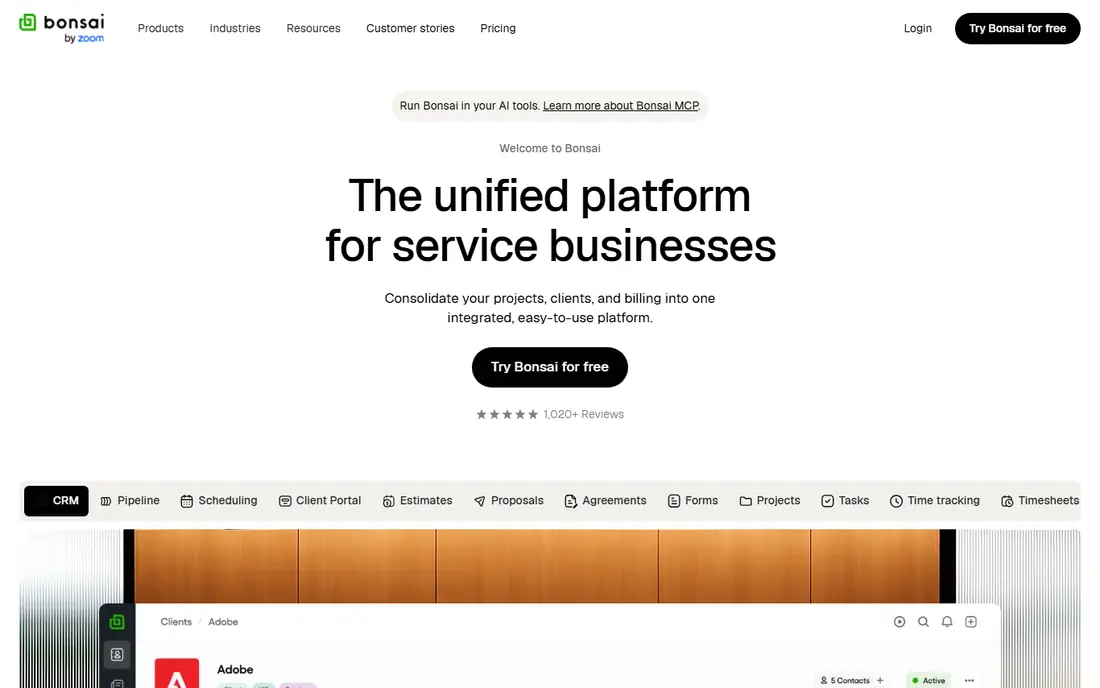
Bonsai is built with freelancers who want the entire business in one tool in mind. Bonsai takes the opposite approach from every other tool here: rather than managing tasks, it runs the freelance business. Second, its pricing page did not load during our checks, so we could not verify current plan prices from the vendor: external pricing guides consistently report a Starter plan around $21 a month billed yearly, but confirm on hellobonsai.com before budgeting.
What users get: Client portal for transparent collaboration.
Where it is weaker: only a 7-day trial; No permanent free plan.
More specifically, the suite spans CRM, project management via kanban boards, time tracking, expense management, accounting integrations and a freelancer tax calculator, with integrations for QuickBooks, Xero, Slack, Gmail and Calendly. In practice, first, its project management is entry-level next to Asana or ClickUp: it tracks tasks fine, but do not expect Gantt charts or resource planning. On top of that, proposals convert to contracts, contracts become projects with tracked time, and time becomes invoices with payment processing, all in one subscription. Bonsai shows no starting price here, so confirm the cost on the vendor site. Trial and free access: Free trial (7 days).
- Time tracking, invoicing, expenses
- The only all-in-one here designed for freelancers: proposals, contracts
- Pricing was not fetchable from the vendor page, so confirm current plans before buying
Monday.com
Ideal for: Freelancers who want visual boards with automations
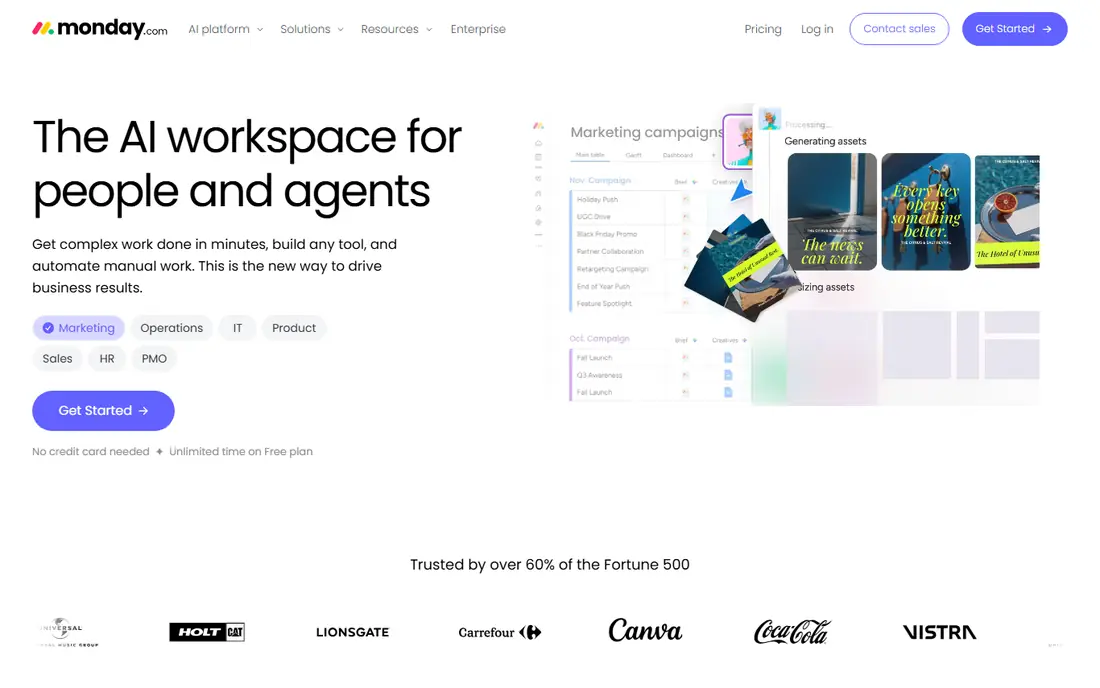
Where Monday.com fits: freelancers who want visual boards with automations. Entry-level at $9 per seat a month (billed yearly, $12 monthly) layers on unlimited items and 5GB storage. For a freelancer working with a partner or a VA, the free 2-seat plan is genuinely handy.
Pro at $19 brings time tracking and advanced reporting. From a buyer's view, Monday's own pricing FAQ confirms plans start from 3 users. In practice, for a solo operator who needs premium features, Asana Starter or ClickUp Core cost less since they have no seat minimum. More specifically, the 14-day Pro trial needs no credit card. Entry price for Monday.com: Free. Monday.com offers a free plan.
Drawbacks to consider: The 3-seat minimum on premium plans means a solo freelancer pays for 3: Entry-level opens at $27 a month real cost.
- The most visual board builder here: colorful, drag-and-drop
- Free plan handles 2 users with unlimited docs
- Automations and timeline views need Standard at $12 per seat
Wrike
Ideal for: Freelancers who require Gantt charts and dashboards cheap
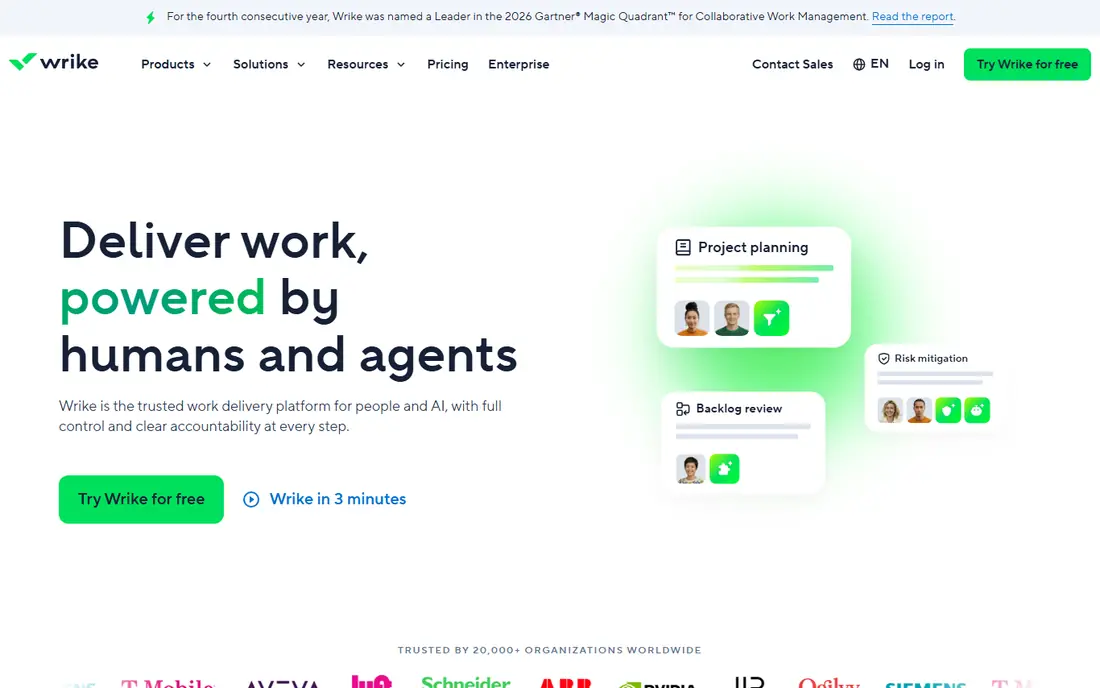
Choose Wrike for freelancers who require Gantt charts and dashboards cheap. Wrike is enterprise work management at freelancer-friendly entry prices. Business at $25 adds resource planning, standard integrations and deeper customization.
Limits to weigh: Aimed at teams, so the admin model feels heavy for a solo user.
Team at $10 per user a month (billed yearly, for 2 to 15 users) brings interactive Gantt charts, shareable dashboards, custom fields and workflow customization. The free plan spans tasks, subtasks, board and table views. Worth adding: Wrike's own site confirms these prices and supplies a 14-day free trial. On cost, Wrike starts like this: Free. You can start on Wrike without paying.
- Interactive Gantt charts and shareable dashboards on the $10 Team plan
- 400-plus integrations
- Business at $25 is a big jump
Notion
Ideal for: Freelancers who live in docs, notes and client wikis
Notion makes the most sense for freelancers who live in docs, notes and client wikis. Notion is the freelancer's second brain. As for the details, Asana and ClickUp ship workflows; Notion ships a blank page.
From a buyer's view, for client work, Notion's published sites and client portals are a quiet advantage: deliver a project wiki rather than a PDF. Beyond that, the free plan is unlimited for individuals (5MB uploads, 7-day history, 10 guests). Worth adding: the main limit is that Notion hands you building blocks, not a project system. Freelancers who want structure from day one should pick ClickUp or Asana. Notion cost at the entry level: Free. Notion offers a free plan.
Honest limits: Plus at $10 per user a month only matters once you add collaborators or need version history.
- Templates and relational databases beat every other tool's adaptability
- One workspace for notes, tasks, databases
- Project management is DIY: you build your own boards, timelines and trackers
Asana
Ideal for: Freelancers who want structured task management that scales
Asana works best for freelancers who want structured task management that scales. Starter at $10.99 per user a month (billed yearly, $13.49 month to month) layers on timeline and Gantt views, reporting dashboards, unlimited automations, forms and unlimited free guest seats.
Worth adding: the catch for freelancers is that Asana thinks in teams. On cost, Asana starts like this: Free. A free plan is available with Asana.
Points against: Meaningful upgrades (timeline, Gantt, dashboards, automations) start at $10.99 per user a month.
- The Personal plan is free forever for up to 2 users with unlimited tasks and projects
- Board and calendar views all included
- Built for teams, so solo users get more structure than they need
ClickUp
Ideal for: Freelancers who want tasks, docs and chat in one free workspace
ClickUp is aimed squarely at freelancers who want tasks, docs and chat in one free workspace. Core at $9 per user a month (billed annually, regular $12) brings unlimited storage, custom fields, Gantt charts and automations. Business at $17 (regular $25) brings dashboards, timesheets and resource management.
Where it falls short: The sheer number of features can overwhelm: setup takes longer than Trello or Todoist.
More specifically, the honest catch is complexity: the same feature depth that makes it generous makes the first week confusing. More specifically, ClickUp's Free Forever plan is famously ample: unlimited tasks and subtasks, unlimited members and guests, collaborative docs, kanban boards, calendar view, sprint management, time tracking and video calls at $0. Entry price for ClickUp: Free. A free plan is available with ClickUp.
Main advantages: One workspace replaces multiple apps.
- Boards and members
- The most ample free plan in this category: unlimited tasks, docs
- The entry premium tier is Core at $9
How the list was put together
Ainotely used vendor pricing pages and product documentation as the base, then compared plans, free access and documented limits for 6 tools. Plan names, prices and limits change often. Treat the figures here as a starting point and verify them with the vendor. The sequence is a judgement call: typical use case first, then pricing transparency, then free access. Use the profiles to check fit.
Pre-purchase checklist
- Ask Bonsai for a written quote, since no starting price is shown.
- Look at free plan limits closely: Monday.com, Wrike, Notion and others have one, and the caps decide whether it is usable for real work.
- Take the trial from Bonsai and push a live task through it before you pay.
- Before choosing Bonsai, weigh its main limit: no permanent free plan, only a 7-day trial.
- Confirm the exact Asana plan that includes your must-have features.
- See whether Monday.com offers onboarding or training, and whether it is included in the price.
Frequently asked questions
Is Bonsai the right pick for everyone comparing project management tools for freelancers?
No single tool suits every team. Bonsai comes first because it fits freelancers who want the whole business in one tool, while Monday.com suits freelancers who want visual boards with automations and Wrike suits freelancers who need Gantt charts and dashboards cheap. Match the tool to your own size, budget and workflow before deciding.
Do these tools publish their prices?
Not all of them. Bonsai publishes no starting price, so expect a quote request for it. The rest, Monday.com included, show a starting price, though seats and billing terms still change the final cost.
Which tool is a good match for a freelancer working with clients?
Start with Bonsai if you need freelancers who want the entire business in one tool. Monday.com is the better match for freelancers who want visual boards with automations, and Wrike for freelancers who require Gantt charts and dashboards cheap. The best choice depends on budget, team size and workflow.
How is Bonsai different from Asana or ClickUp?
Asana and ClickUp handle tasks and projects. Bonsai runs the freelance business: proposals, legally vetted contracts, time tracking, invoicing, expenses and taxes.
What is the best free project management tool for freelancers?
For most readers this guide would start with Bonsai, built for freelancers who want the entire business in one tool. Monday.com is the alternative for freelancers who want visual boards with automations, and Wrike for freelancers who require Gantt charts and dashboards cheap. The right answer depends on budget and workflow.
Can I try these tools before paying?
Often, yes. Monday.com, Wrike, Notion and others have a free plan and Bonsai offers a free trial. Use your own data and a real task during the test, and check what the free tier or trial limits before you rely on it.