7 Strong Project Management Tools for Teams in 2026
- 1
 ClickUpTeams that want maximum features per dollar and can investVisit
- 2
 NotionKnowledge-centered teams that want docsVisit
- 3
 WrikeEnterprises and agencies managing complicated, cross-department workflowsVisit
- 4
 monday.comVisual teams that want colorful boards and quick onboardingVisit
- 5
 AsanaCross-functional teams running campaigns, launches and repeatable processesVisit
- ClickUp is the opening pick, best for teams that want maximum features per dollar and can invest in setup.
- For teams that value simplicity and predictable pricing over features, Basecamp is worth a look.
- Before buying Wrike, weigh this: seats sell in groups of five, which complicates odd-sized teams.
- 7 of the 7 tools have a free plan, including ClickUp, Notion, Wrike and monday.com.
Direct answer
ClickUp is the first pick on this list for teams that want maximum features per dollar and can invest in setup. Notion fits knowledge-centered teams that want docs, wikis and projects in one place; Wrike fits enterprises and agencies managing complex, cross-department workflows. The remaining 4 options are covered below with prices and limits.
Quick comparison
| Product | Ideal for | Price from | Free version | |
|---|---|---|---|---|
| ClickUp | Teams that want maximum features per dollar and can invest | $7/user/month (Unlimited plan, billed yearly) | Yes | Visit |
| Notion | Knowledge-centered teams that want docs | $10/seat/month (Plus plan, billed yearly) | Yes | Visit |
| Wrike | Enterprises and agencies managing complicated, cross-department workflows | $10/user/month (Team plan, billed annually) | Yes | Visit |
| monday.com | Visual teams that want colorful boards and quick onboarding | $8/seat/month (Basic plan, billed annually; 3-seat minimum) | Yes | Visit |
| Asana | Cross-functional teams running campaigns, launches and repeatable processes | $10.99/user/month (Starter plan, billed annually) | Yes | Visit |
 Trello | Small teams that want kanban with zero ramp-up time | $5/user/month (Standard plan, billed yearly) | Yes | Visit |
 Basecamp | Teams that value simplicity and predictable pricing over features | $15/user/month (Plus plan) or $299/month flat (Pro Unlimited, annual) | Yes | Visit |
7 project management tools for teams in detail
This Ainotely guide covers 7 project management tools for teams. Each profile lists a starting price, free plan details, strengths and drawbacks, so you can drop poor fits quickly.
ClickUp
Ideal for: Teams that want maximum features per dollar and can invest

ClickUp is aimed squarely at teams that want maximum features per dollar and can invest in setup. Unlimited at $7 per user per month (annual) contains native time tracking, Gantt charts, unlimited storage and dashboards, features Asana and monday.com reserve for plans costing half as much again. More specifically, buy it if you have (or will hire) the operations-minded person to own it.
What ClickUp does well: Unlimited at $7 contains Gantt.
And budget Brain AI separately if you want the AI features. The main limit is the one every review mentions: ClickUp is simple to use once someone has set it up, and genuinely difficult to set up well. Price to start with ClickUp: $7/user/month. ClickUp has a free plan. The main drawbacks: Setup complexity is real: the adaptability that powers it demands an owner who configures it well.
- The most ample free plan in the category: unlimited tasks and members
- Time tracking and dashboards that rivals lock behind higher levels
- Guests convert to premium seats past the allowance
Notion
Ideal for: Knowledge-centered teams that want docs
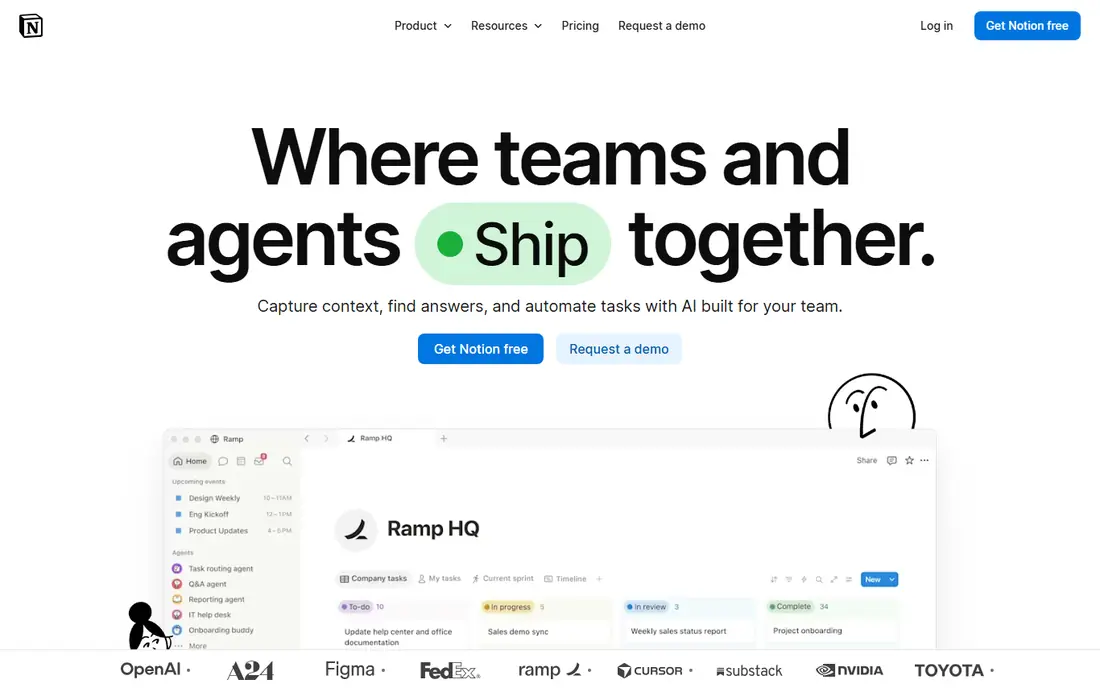
Choose Notion for knowledge-centered teams that want docs, wikis and projects in one place. Notion is not really project management software; it is a workspace that teams bend into project management. That distinction matters.
Points against: Project-specific features (sprints, workload, proofing) lag the dedicated PM tools.
Over half of Y Combinator companies run on it, which tells you where its center of gravity sits. For everyday use, teams that love Notion have a Notion champion who maintains the system. Also, plus at $10 a seat is the sensible team entry point. As for the details, without that person, it drifts into a beautiful mess. Notion pricing: $10/seat/month. You can start on Notion without paying.
- Calendars and project trackers in one workspace
- AI bundled into the $20 Business plan instead of sold separately
- Performance can drag in very large workspaces
Wrike
Ideal for: Enterprises and agencies managing complicated, cross-department workflows
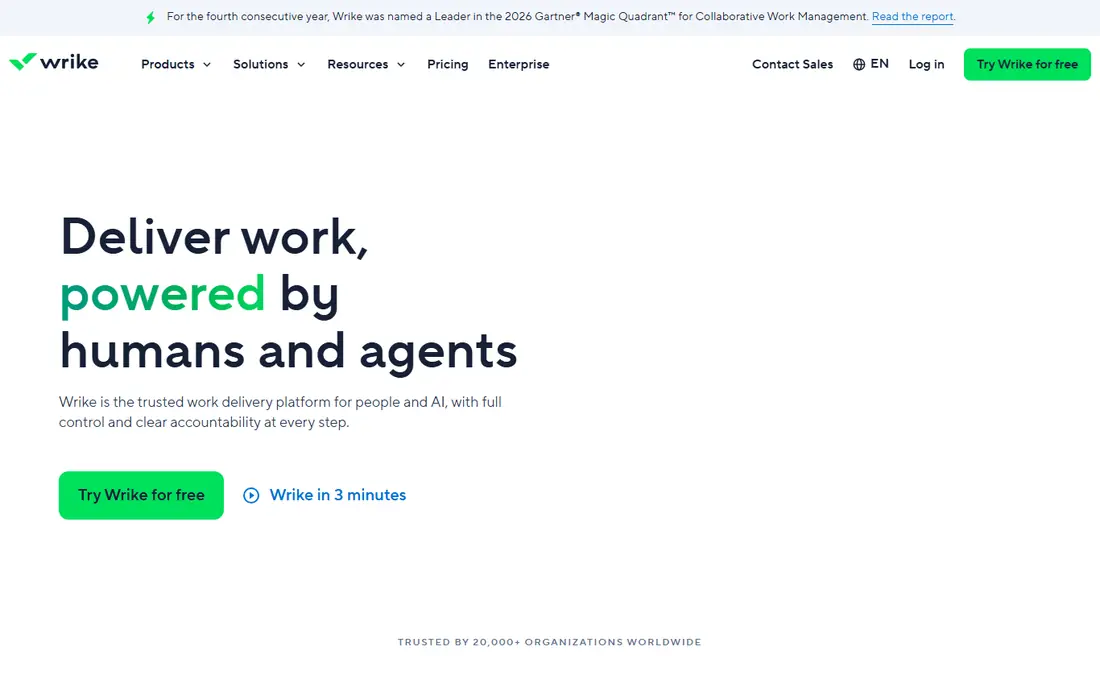
Wrike works best for enterprises and agencies managing complicated, cross-department workflows. Wrike is where teams go when the work itself is complicated.
Worth adding: the five-seat purchase groups are an annoyance for teams of seven or twelve. On cost, Wrike starts like this: $10/user/month. Wrike offers a free plan.
Downsides: Seats sell in groups of five, which complicates odd-sized teams. Strengths: Trusted by 20,000-plus organizations including large enterprises.
- 400-plus integrations
- Request forms and resource management
- Real reporting and resource features need Business at $25
monday.com
Ideal for: Visual teams that want colorful boards and quick onboarding
Pick monday.com if this describes you: visual teams that want colorful boards and quick onboarding. The template library spans most common workflows, and the system has grown into a genuine work OS with docs, dashboards and CRM-adjacent products. More specifically, the pricing structure rewards attention.
Limits to weigh: Costs climb fast as teams add seats in fixed team sizes.
A 20-person team on Standard pays for the seats plus whatever the automation overages become. It is still very good value for visual teams; just model the real plan, not the headline. On cost, monday.com starts like this: $8/seat/month. A free plan is available with monday.com.
- Unlimited free viewers on premium plans
- 200-plus templates and a huge integration marketplace
- Gantt and timeline views start on Standard, not Basic
Asana
Ideal for: Cross-functional teams running campaigns, launches and repeatable processes
Asana serves cross-functional teams running campaigns, launches and repeatable processes. Watch the level jump. Multiple features small teams assume are standard, including native time tracking, portfolios and workload, only appear on Advanced at more than double the Starter price.
The main drawbacks: Seats sell in brackets, so a team of six pays for ten.
What Asana does well: The most refined task-centered workflow in the category with list, board. Price the level you will end up on, not the one you register for, and note the bracketed seats. The 2026 story is agentic: AI teammates that work inside real workflows with shared memory. It organizes work as tasks inside projects that roll up into portfolios and goals. Its Work Graph model lets one task live in several projects without duplication. What you pay to start with Asana: $10.99/user/month. Asana has a free plan.
- Unlimited free guests on premium plans
- 2026 AI push layers on AI teammates and AI Studio automations
- Time tracking and portfolios only appear on Advanced at $24.99
Trello
Ideal for: Small teams that want kanban with zero ramp-up time
Think of Trello for small teams that want kanban with zero ramp-up time. Standard at $5 per user per month (annual) layers on unlimited boards, advanced checklists and more automation runs.
From a buyer's view, Trello works beautifully until a team needs to answer "who is overloaded" or "are we on track across twelve projects," at which point the answer is a different tool. The starting price for Trello: $5/user/month. Trello includes a free tier.
Limits to weigh: Butler automations are metered by command runs; Teams with real process needs outgrow it quick.
- Atlassian ecosystem benefits (same account as Jira and Confluence)
- Standard at $5 is the cheapest premium level on this list
- Workload or portfolio views even on Premium
Basecamp
Ideal for: Teams that value simplicity and predictable pricing over features
Where Basecamp fits: teams that value simplicity and predictable pricing over features. Basecamp is the anti-feature-list choice, and it knows it. Also, the pricing is the story.
Trade-offs to know: The flat plan punishes small teams ($299 for 5 users is $60 each).
In practice, the trade is capability: if you need Gantt charts, dependencies, custom workflows or real reporting, look elsewhere. Beyond that, the 2026 Basecamp 5 release refreshed the product whereas keeping the philosophy. More specifically, if you need everyone actually using the tool, start here. Entry price for Basecamp: $15/user/month. Basecamp includes a free tier.
- The simplest full project tool here: to-dos, messages, schedules
- Files and check-ins with near-zero ramp-up time
- Extras like time tracking cost additional
How we chose
Selection started from tools commonly considered for project management tools for teams, then narrowed to 7 that have clear pricing information or a clear quote process. Where a price is missing, the vendor does not list one publicly or ties it to a quote. Always confirm before budgeting. Tools are placed by general fit for project management tools for teams, with price clarity and free access as tie-breakers. A different team can reasonably rank them differently.
Before you commit
- Prices are a starting point; Trello shows $5/user/month to start, so verify what your seat count would cost.
- Read the fine print on the free plans from ClickUp, Notion, Wrike and others; seat, project and feature caps differ.
- Before choosing ClickUp, weigh its main limit: setup complexity is real: the adaptability that powers it demands an owner who configures it well.
- Test the integrations you rely on with monday.com before committing; some connectors sit on upper tiers.
- Check how data leaves Asana: formats, limits and whether exports are available on every plan.
Frequently asked questions
How hard is it to switch project management tools?
Harder than vendors suggest. Export completeness varies by tool and plan, so verify export formats before you commit to a new product.
Do these tools publish their prices?
Yes. Every tool from ClickUp to Basecamp shows a starting price, though seats, add-ons and billing terms still change the final cost.
How are the tools for project management tools for teams ordered?
ClickUp sits first and Basecamp last because the order follows typical fit for project management tools for teams, then price clarity and free access. It is a judgement call, so read each profile for fit and limits.
Which options for project management tools for teams have a free plan?
On this list, 7 of 7 tools include a free plan, among them ClickUp, Notion, Wrike and monday.com. Caps on seats, usage or features are common, so test the free plan against your real workload.
What is the cheapest option for project management tools for teams in this list?
On published monthly entry prices, Trello is the lowest here at $5/user/month. Entry price is only part of the cost, because seats, add-ons and billing terms can change the total.