7 Strong Project Management Tracking Tools in 2026

- 1
 RescueTimeIndividuals and teams that want automatic tracking without starting timersVisit
- 2
 ClockifyTeams wanting a genuinely free time tracker with unlimited trackingVisit
- 3
 DeskTimeHybrid teams wanting automatic tracking, screenshots and shift schedulingVisit
- 4
 Time DoctorBusinesses wanting in-depth workforce analytics and distraction alertsVisit
- 5
 HubstaffRemote teams needing screenshots, activity levels and payroll in one productVisit
- Number one here is RescueTime, a fit for individuals and teams that want automatic tracking without starting timers.
- The main caution on DeskTime: monitoring features need the same trust conversation as Hubstaff.
- Clockify has the lowest monthly starting price in this list: $3.99/seat/month billed annually.
- Everhour suits teams that live in Asana, ClickUp, Jira, Monday, Trello or Linear.
- Clockify, Time Doctor, Hubstaff, Toggl Track, Everhour: these are the 5 tools out of 7 that offer a free plan.
Direct answer
If you need individuals and teams that want automatic tracking without starting timers, RescueTime is the first tool to look at here. Clockify fits teams wanting a genuinely free time tracker with unlimited tracking; DeskTime fits hybrid teams wanting automatic tracking, screenshots and shift scheduling. The full list of 7 tools follows, with prices and free plan facts.
Quick comparison
| Product | Ideal for | Price from | Free version | |
|---|---|---|---|---|
| RescueTime | Individuals and teams that want automatic tracking without starting timers | $7/month billed yearly (Solo Focus; $9 billed per month) | Free trial | Visit |
| Clockify | Teams wanting a genuinely free time tracker with unlimited tracking | $3.99/seat/month billed yearly (Basic; $4.99 billed per month) | Yes | Visit |
| DeskTime | Hybrid teams wanting automatic tracking, screenshots and shift scheduling | $6.42/user/month billed yearly (Pro) | Free trial | Visit |
| Time Doctor | Businesses wanting in-depth workforce analytics and distraction alerts | See website (plan prices render via script on the pricing page) | Yes | Visit |
| Hubstaff | Remote teams needing screenshots, activity levels and payroll in one product | From $4.99/user/month (per vendor site) | Yes | Visit |
 Toggl Track | Freelancers and teams wanting straightforward time tracking with capacity planning | $9/user/month billed annually (Starter; $12 billed monthly) | Yes | Visit |
 Everhour | Teams that live in Asana, ClickUp, Jira, Monday, Trello or Linear | $8.50/seat/month billed annually (Team; 5-seat minimum) | Yes | Visit |
The full project management tracking tools list
If you are comparing project management tracking tools, this page covers 7 tools in one place: what each is best for, what it costs to start, whether it has a free plan, and the main limit to know about.
RescueTime
Ideal for: Individuals and teams that want automatic tracking without starting timers
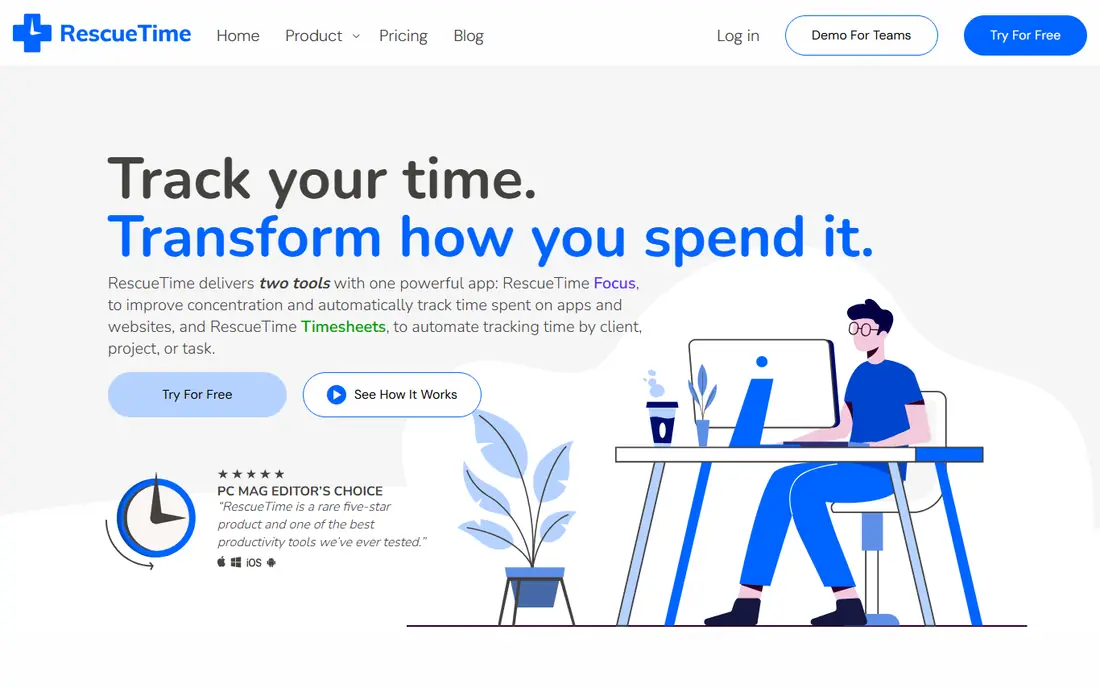
RescueTime targets individuals and teams that want automatic tracking without starting timers. But for the typical failure mode of time tracking, which is people forgetting to track, RescueTime's automatic approach genuinely works: the data exists whether or not anyone remembered the timer.
Honest limits: No screenshots or proof-of-work monitoring for managers.
The free trial lets you test that claim before paying. Price to start with RescueTime: $7/month billed annually. Free plan details: Free trial.
- Focus sessions block distractions and build deep-work habits
- Runs automatically in the background
- Timesheets need the pricier Solo+ or Team+ levels
Clockify
Ideal for: Teams wanting a genuinely free time tracker with unlimited tracking
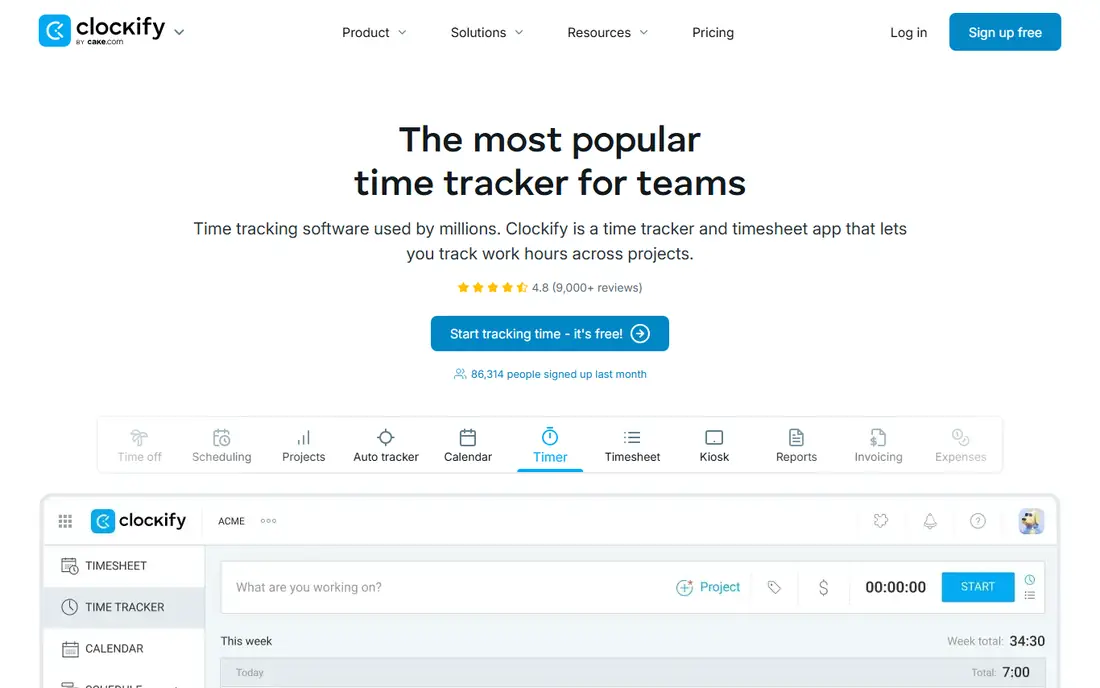
Pick Clockify if this describes you: teams wanting a genuinely free time tracker with unlimited tracking. Clockify's pitch is that the free level is the real product for numerous teams: unlimited time tracking, projects, reports and apps on web, desktop and mobile at no cost. When you outgrow it, Basic at $3.99 per seat a month billed yearly layers on admin controls like required fields, bulk edit, kiosk and time estimates.
Limits to weigh: SSO and custom subdomain need premium levels; Every active or invited user counts as a premium seat, including admins.
Standard at $5.49 layers on timesheet approval, invoicing and time off; Pro at $7.99 layers on scheduling, forecasting and activity monitoring. For everyday use, the kiosk-only restricted seats ($0.79 a month on Basic) soften that for shift workers. A 10-seat team on Basic pays $39.90 a month billed yearly. What you pay to start with Clockify: $3.99/seat/month billed annually. Clockify has a free plan.
- Free level includes timers, timesheets
- Kiosk mode, scheduling
- Timesheet approval, audit log
DeskTime
Ideal for: Hybrid teams wanting automatic tracking, screenshots and shift scheduling
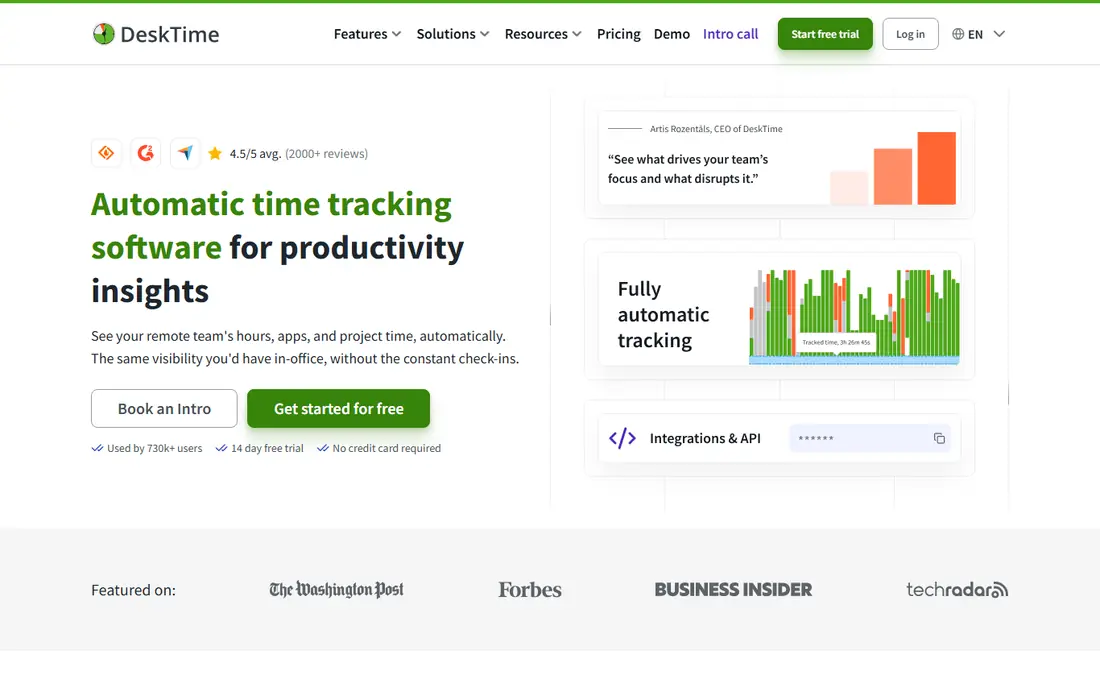
DeskTime works best for hybrid teams wanting automatic tracking, screenshots and shift scheduling. DeskTime is the automatic-tracking answer for teams that also want scheduling. In daily use, Pro at $6.42 per user a month billed yearly handles automatic tracking, screenshots, reports and integrations; Premium at $9.17 brings shift scheduling, invoicing and more admin controls.
What to check first: Best prices need annual billing.
It calculates a productivity score from categorized apps and sites, tracks absences and office presence, and runs on desktop and mobile. Position it against Hubstaff straight: similar monitoring depth, similar audience, a little different packaging. On cost, DeskTime starts like this: $6.42/user/month billed annually. On free options: Free trial.
Strengths: absence calendar and productivity calculation.
- App tracking
- Completely automatic time tracking with no manual start-stop
- Interface and reports feel dated next to newer rivals
Time Doctor
Ideal for: Businesses wanting in-depth workforce analytics and distraction alerts
For businesses wanting in-depth workforce analytics and distraction alerts, Time Doctor is a natural candidate. Plans run Basic, Standard, Premium and Enterprise, and every signup starts with a 14-day free trial of Premium with no credit card required.
Limits to weigh: Extras stack up (Software Cost Insights $3/user/month, HRIS and payroll integrations $200/integration/month).
Beyond timers and screenshots, it rates the productivity of apps and websites, tracks work-life balance metrics, spots unusual activity patterns with AI, and sells extras like meeting cost insights and software license tracking. In daily use, the transparency gap is real: the pricing page I loaded listed the plan names and features but rendered prices through a script, so I could not verify a number to print here. Check the vendor site for Time Doctor pricing; none is listed in this comparison. Free access exists with Time Doctor.
- Native payroll and HRIS integrations plus 60-plus app integrations
- Granular productivity reporting with web and app usage ratings
- Plan prices did not render as text on the pricing page, so you must check the site straight
Hubstaff
Ideal for: Remote teams needing screenshots, activity levels and payroll in one product
Hubstaff is built with remote teams needing screenshots, activity levels and payroll in one platform in mind. Hubstaff is the pick when "tracked hours" is not enough and you need verifiable proof of work. On top of that, the vendor's own site lists pricing from $4.99 per user a month.
Upsides: Payoneer and Deel; app and URL tracking.
Watch-outs: Plan lineup and pricing details sit behind a JS-heavy page.
That power is also the risk. From a buyer's view, the desktop and mobile apps capture screenshots, keyboard and mouse activity levels, apps and URLs used, and GPS locations for mobile crews, then roll it into timesheets, project budgets and payroll. What you pay to start with Hubstaff: From $4.99/user/month. A free plan is available with Hubstaff.
- Automatic payroll through Wise, PayPal
- 140,000-plus users per the vendor
- No permanent free plan, trial only
Toggl Track
Ideal for: Freelancers and teams wanting straightforward time tracking with capacity planning
Toggl Track is built with freelancers and teams wanting straightforward time tracking with capacity planning in mind. Toggl Track is the easy-default pick for teams that hate trackers. Also, Time Off Pro ($2) and Capacity Management ($5 to $6) are per-user monthly extras.
Trade-offs to know: Free plan caps the user count.
So the real price for a completely loaded setup is higher than the headline. On top of that, starter at $9 per user a month billed yearly layers on billable rates, team reports and timeline views. Premium at $16 brings labor costs, profitability reports and timesheet approvals. A 10-person team pays $90 a month on Starter billed yearly. Toggl also deliberately avoids screenshots and keystroke logging, which helps adoption but means managers who want proof-of-work monitoring should look at Hubstaff or Time Doctor instead. Starting cost for Toggl Track: $9/user/month billed annually. A free plan is available with Toggl Track.
- Premium layers on profitability reports
- Anti-surveillance positioning that teams accept more readily
- Extras (Time Off Pro $2, Capacity Management $5 per user/month) stack on top
Everhour
Ideal for: Teams that live in Asana, ClickUp, Jira, Monday, Trello or Linear
Think of Everhour for teams that live in Asana, ClickUp, Jira, Monday, Trello or Linear. Everhour's entire idea is that time tracking should live where the work lives. Rather than a separate app, its controls embed inside Asana, ClickUp, Jira, Monday, Trello, Linear and GitHub, so timers, estimates and budget bars sit on the tasks your team already opens.
A 10-seat team pays $85 a month, or $42.50 a month at the 5-seat minimum. And the free plan excludes integrations, which is the product's primary reason to exist. But for agencies already paying for Asana or ClickUp, Everhour is normally less expensive and deeper than the PM tool's own built-in time tracking, which typically sits on the most costly levels. One Team plan at $8.50 per seat a month billed yearly comes with everything: billing, budgeting, invoicing, SSO and API. Everhour pricing: $8.50/seat/month billed annually. Everhour includes a free tier.
Honest limits: premium plans carry a 5-seat minimum even for smaller teams.
Strengths: Your time history survives a PM tool switch.
- Budget alerts
- Billing rates and invoicing included in one flat price with no feature gating
- Native integrations need the premium plan
Worth knowing about project management tracking tools
A project that "took about two weeks" normally took either nine days or nineteen. The difference decides whether you made money on it. That is the entire job of project management tracking tools: turn the hours your team spends into data you can bill, budget and plan with.
How the list was put together
Ainotely looked at what each vendor publishes: pricing, plan limits, feature coverage for project management tracking tools and stated drawbacks. No hands-on testing is claimed. Where a price is missing, the vendor does not list one publicly or ties it to a quote. Always confirm before budgeting. The order reflects how well each tool fits the most common buying scenario for project management tracking tools, then price clarity, then free plan access. It is a starting point, not a verdict.
Things to verify first
- Confirm the entry price on the vendor page. For Time Doctor that means a quote rather than a fixed price.
- Read the fine print on the free plans from Clockify, Time Doctor, Hubstaff and others; seat, project and feature caps differ.
- Run a trial of RescueTime and DeskTime with real work before paying for a year; your own workflow is the best test.
- Before choosing RescueTime, weigh its main limit: no screenshots or proof-of-work monitoring for managers.
- Before rolling out Toggl Track, verify the integrations your workflow depends on.
- Get the contract term, renewal terms and any onboarding fees from Time Doctor in writing.
Frequently asked questions
Can these tools replace my project management software?
No. They track hours against work; they do not replace task management, sprints or Gantt charts. Everhour comes closest to bridging the gap since it embeds inside Asana, ClickUp, Jira and Monday, but you still need the PM tool itself.
How are the tools for project management tracking tools ordered?
The order follows typical fit for project management tracking tools, with RescueTime first and Everhour last, then price clarity and free access. It is editorial judgement, not a score, so another team could rank the tools differently.
Do these tools publish their prices?
Not all of them. Time Doctor publishes no starting price, so expect a quote request for it. The rest, RescueTime included, show a starting price, though seats and billing terms still change the final cost.
Can I try these options before paying?
Often, yes. Clockify, Time Doctor, Hubstaff and others have a free plan and RescueTime and DeskTime offer a free trial. Use your own data and a real task during the test, and check what the free tier or trial limits before you rely on it.
Is RescueTime the right pick for everyone comparing project management tracking tools?
No single tool suits every team. RescueTime comes first because it fits individuals and teams that want automatic tracking without starting timers, while Clockify suits teams wanting a genuinely free time tracker with unlimited tracking and DeskTime suits hybrid teams wanting automatic tracking, screenshots and shift scheduling. Match the tool to your own size, budget and workflow before deciding.