Best Free Project Manager Software in 2026: 8 Tools Compared

- Asana stands out for teams that want a polished free task system, which makes it a strong starting point for that need.
- Trello stands out for simple visual boards for small projects, which makes it a strong starting point for that need.
- ClickUp stands out for teams that want the most free features, which makes it a strong starting point for that need.
- Notion stands out for teams that mix projects with notes and docs, which makes it a strong starting point for that need.
- Prices and free plans vary widely across this list, so check the vendor pricing page for your team size or usage before you commit.
Quick comparison
| Product | Ideal for | Price from | Free version | |
|---|---|---|---|---|
 Asana | Teams that want a polished free task system | Free | Yes | Visit |
 Trello | Simple visual boards for small projects | Free | Yes | Visit |
 ClickUp | Teams that want the most free features | Free | Yes | Visit |
 Notion | Teams that mix projects with notes and docs | Free | Yes | Visit |
 Wrike | Teams that need structure on a free plan | Free | Yes | Visit |
 Airtable | Projects tracked as flexible databases | Free | Yes | Visit |
 Freedcamp | Teams that want a free, no-fuss project tool | Free | Yes | Visit |
 OpenProject | Teams that want open-source project management | Free | Yes | Visit |
The best free project manager software
We compared official feature pages, pricing pages, app store listings, privacy policies, and public reviews to build this list, and we focused on tools that truly fit best project manager software free rather than general tools with a passing connection. The eight options below cover different budgets, team sizes, and priorities, so start with the best-for notes and read the full write-up for any tool that matches your situation.
Asana
Ideal for: Teams that want a polished free task system
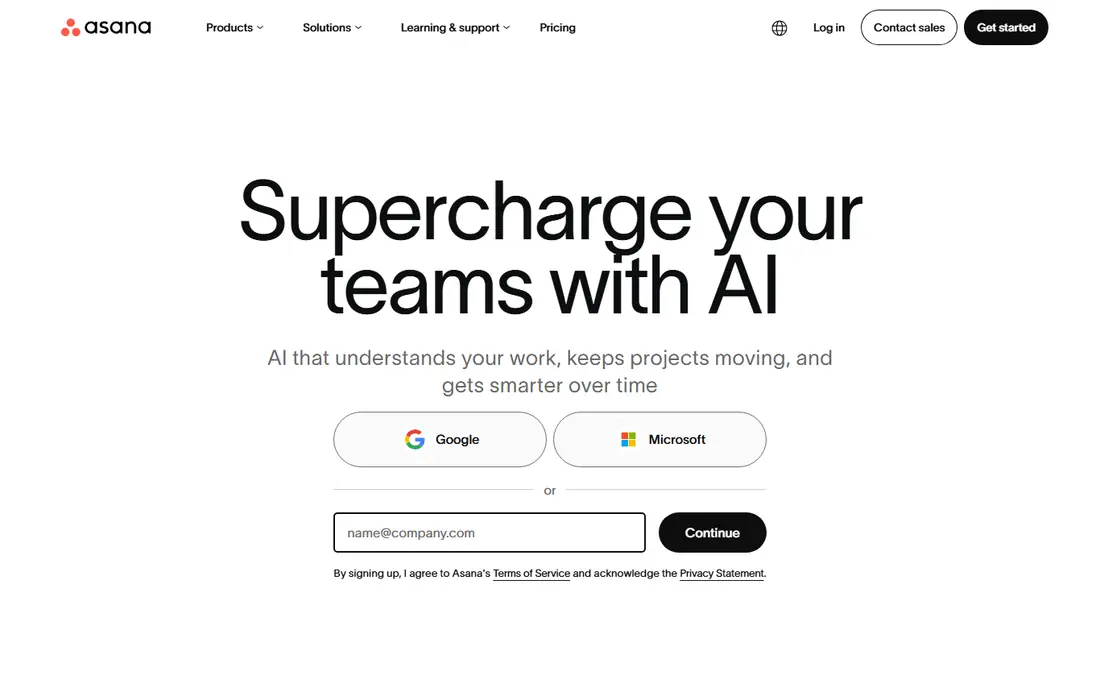
Asana offers one of the most polished free project tools available, with lists, boards, and calendar views for teams of up to 10. Small teams can run real projects, assign tasks, and track deadlines without paying. The interface is clean enough that new users need little training.
The free tier caps team size and leaves advanced timelines and reporting to paid plans. Teams that outgrow 10 people or need portfolio reporting will need to upgrade. For a small team starting out, Asana free is a strong, low-risk choice.
Before you commit, check the current pricing page and trial terms for your team size, since plans change and the right tier depends on how many people will actually use the tool daily.
- Free tier for up to 10 users
- Lists, boards, and timelines
- Strong integrations
- Advanced timelines and reporting need paid plans
Trello
Ideal for: Simple visual boards for small projects
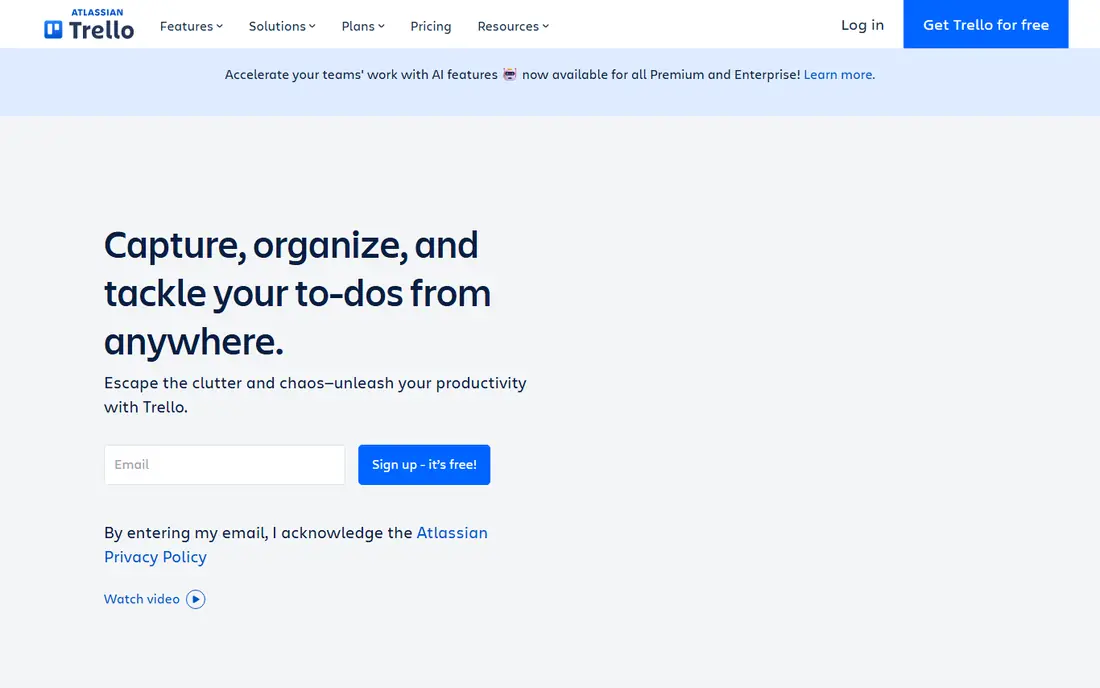
Trello remains the simplest free project board: cards on lists, dragged across stages, with checklists and attachments. Small teams and solo users can set up a project in minutes, and the free plan allows unlimited cards. Power-Ups add calendars, maps, and integrations as needed.
The simplicity has limits. Free workspaces cap boards, and reporting is thin compared with Asana or ClickUp. For straightforward projects where a visual board is enough, Trello is still the fastest way to get organized.
Before you buy, run a short trial with your real data and your real workflow, since a demo with sample data hides the friction points that matter once the whole team is involved.
- Unlimited cards on free plan
- Very easy to learn
- Huge Power-Up ecosystem
- Free boards limited
- Reporting and automation are basic without paid tiers
ClickUp
Ideal for: Teams that want the most free features
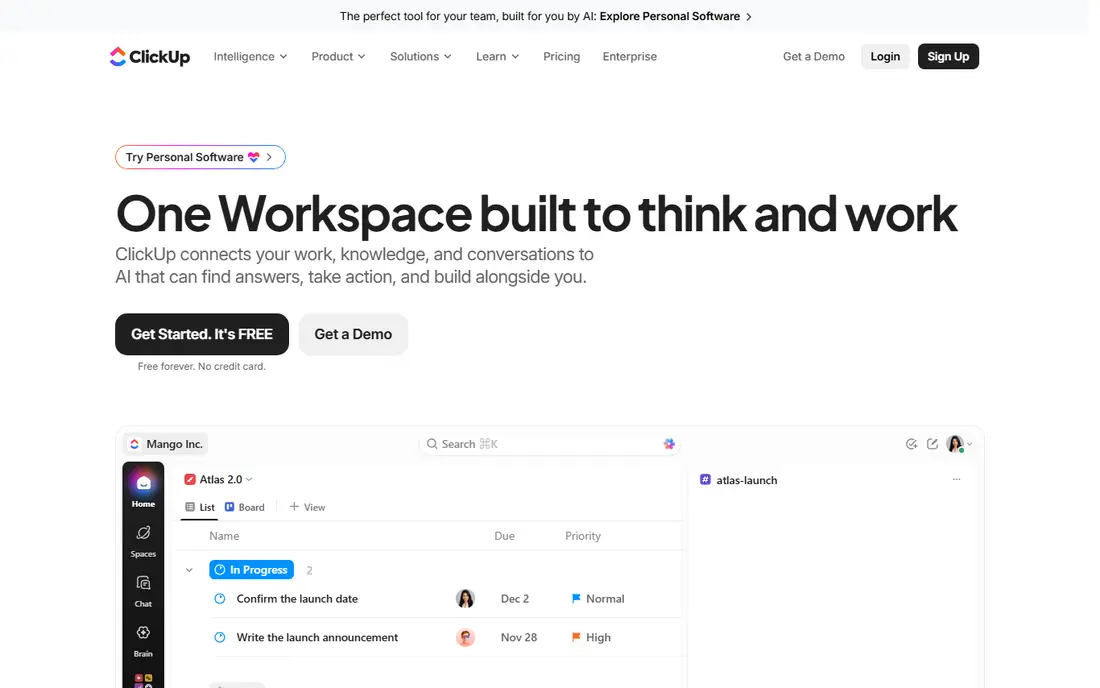
ClickUp free tier packs in more than most rivals: tasks, boards, lists, calendars, docs, and goals. That breadth suits teams that want one free tool for projects, notes, and tracking without stitching apps together. Custom views let each person work the way they prefer.
The price of breadth is complexity. New users can feel lost among the options, so start with one view and add features slowly. For teams willing to learn it, ClickUp free is the most capable no-cost option here.
Before you decide, confirm integration with the tools you already use and check what support hours and onboarding help are included, since those details matter more than a feature list once you are live.
- Generous free tier with many views
- Docs, goals, and time tracking included
- Can feel overwhelming at first
- Some features need paid plans
Notion
Ideal for: Teams that mix projects with notes and docs
Notion blends project tracking with notes, docs, and wikis, which suits teams that plan projects in documents as much as in task lists. Databases can become task boards, roadmaps, or content calendars, and everything links together. Individuals use it free with generous limits.
The catch is setup. Notion gives you building blocks, not a ready-made project system, so teams must design their own boards and templates. For teams that like shaping their own workspace, that freedom is the appeal. For teams that want instant structure, Asana or Trello fit better.
Before you commit, ask for a quote that covers every user, module, and add-on you need, and compare that total against at least one other tool on this list for the same scope.
- Free for individuals
- Flexible pages, databases, and docs in one place
- Project features need setup
- Free team use has limits
Wrike
Ideal for: Teams that need structure on a free plan
Wrike free covers task management, boards, and basic collaboration for small teams that like structure. It suits teams moving from spreadsheets that want clear task ownership and deadlines without paying yet. Paid tiers add dashboards and automation later.
The free tier is narrower than ClickUp or Asana, and the interface can feel dense. For teams that value order and plan to upgrade as they grow, Wrike free is a sensible starting point. Casual users may prefer Trello simplicity.
Before you commit, check the current pricing page and trial terms for your team size, since plans change and the right tier depends on how many people will actually use the tool daily.
- Free tier with task management and basic boards
- Strong for structured work
- Free tier is limited
- Interface can feel dense
Airtable
Ideal for: Projects tracked as flexible databases
Airtable treats projects as databases, which suits teams tracking content, inventory, or campaigns alongside tasks. The free tier includes generous records and several views, including kanban and calendar, plus templates for common projects. Filtering and grouping make large task lists manageable.
It feels like a database first and a task manager second, so teams that want simple task assignment may find it indirect. For projects where custom fields and views matter, Airtable free is unusually powerful. Start from a template to avoid building from scratch.
Before you buy, run a short trial with your real data and your real workflow, since a demo with sample data hides the friction points that matter once the whole team is involved.
- Free tier with generous records
- Grid, calendar, and kanban views
- Templates
- Feels like a database, not a task app
- Automation limits on free plan
Freedcamp
Ideal for: Teams that want a free, no-fuss project tool
Freedcamp is a quiet free option that covers the basics well: unlimited projects and tasks on the free tier, plus calendars, discussions, and file sharing. It suits small teams and community groups that want a straightforward project tool without upsell pressure.
The ecosystem is smaller and the design is plainer than Asana or ClickUp, and some features need paid plans. For teams that just need shared tasks and deadlines at no cost, Freedcamp delivers without fuss.
Before you decide, confirm integration with the tools you already use and check what support hours and onboarding help are included, since those details matter more than a feature list once you are live.
- Free tier with unlimited projects and tasks
- Calendar and discussions included
- Smaller ecosystem
- Interface is plain compared with rivals
OpenProject
Ideal for: Teams that want open-source project management
OpenProject is open-source project software with Gantt charts, agile boards, and work package tracking. Teams can self-host it free, which suits organizations that want data control and no vendor lock-in. It covers classic project management well, including timelines and milestones.
Self-hosting needs technical skill, and the managed cloud version is paid. Teams without IT support may prefer a hosted free tier elsewhere. For technical teams and organizations that value open source, OpenProject is the strongest free choice.
Before you commit, ask for a quote that covers every user, module, and add-on you need, and compare that total against at least one other tool on this list for the same scope.
- Open source and self-hostable
- Gantt charts and agile boards
- No vendor lock-in
- Setup needs technical skill
- Hosted version is paid
How we picked these
We started from the topic itself and looked for products that genuinely serve it, not tools that mention it in passing. For each candidate we checked the vendor's own feature and pricing pages, app store listings where relevant, privacy and security pages, and public user reviews, and we dropped any product we could not verify as real and available in October 2026.
We then compared the remaining tools on fit for the stated need, pricing transparency, free or trial options, ease of adoption, and honest weaknesses. Every list below mixes well-known leaders with strong smaller options, and every write-up names a real trade-off, since no tool is best for every team.
Getting real value from a free plan
Start by counting your team and your projects honestly. Free tiers differ mainly on user caps and feature limits, so a tool that is free for five people may not be free for fifteen. Map your current projects and collaborators before you choose, not after.
Next, test the view your team will actually use daily. A board, a list, or a calendar can make or break adoption, and each tool does one better than the others. Run a real project for two weeks, not a demo task, and watch whether tasks get updated without nagging.
Finally, check the upgrade price and the export options. Free tools earn money by converting teams to paid plans, so know what that plan costs and confirm you can export tasks if you leave. A free tool with a fair upgrade path beats one that traps your data.
Frequently asked questions
What is the best truly free project management software?
ClickUp and Asana have the strongest free tiers for small teams, while Trello is simplest for visual boards. The best pick depends on team size and whether you need docs, Gantt charts, or just task lists.
Are free plans really free, or just trials?
The tools here offer ongoing free tiers, not just trials, though most cap users, projects, or features. Check the limits for your team size before building long-term projects on a free plan.
How many people can use a free plan?
Asana free covers up to 10 users, while Trello and ClickUp free tiers have their own workspace and feature limits. OpenProject self-hosted has no user fee, but needs technical setup.
Can free tools handle Gantt charts?
OpenProject includes Gantt charts free when self-hosted, and ClickUp offers timeline views with some free access. Asana reserves its full timeline for paid plans, so check each tool before committing.
When should a team upgrade from free?
Upgrade when you hit user caps, need reporting, automation, or portfolio views, or when security and admin controls matter. Until then, a free tier is a legitimate long-term home for small teams.