Which Proposal Writing Software Fits You? 6 Tools Compared

- 1
 ProposifySales teams that want branded proposals with serious close-rate analyticsVisit
- 2
 GetAcceptSales teams that want proposals living inside a digital sales roomVisit
- 3
 Better ProposalsFreelancers, consultants and agencies that want great-looking proposals quickVisit
- 4
 LoopioProposal and presales teams that require a collaborative RFP response libraryVisit
- 5
 ResponsiveTeams drowning in RFPs, RFIs and security questionnairesVisit
- Proposify sits first on this list: sales teams that want branded proposals with serious close-rate analytics.
- Better Proposals has the lowest monthly starting price in this list: $13/user/month.
- A permanent free plan is missing from all 6 tools, Proposify and PandaDoc included; plan for a trial or a premium start.
- PandaDoc is the one to check for teams that want proposals, contracts and e-signatures in one document workflow.
- The main caution on GetAccept: the system scope is broader than pure proposal writing.
Direct answer
For sales teams that want branded proposals with serious close-rate analytics, Proposify is where this list starts. GetAccept is better for sales teams that want proposals living inside a digital sales room, and Better Proposals is better for freelancers, consultants and agencies that want great-looking proposals quick. Prices, free plans and limits for all 6 tools follow.
Quick comparison
| Product | Ideal for | Price from | Free version | |
|---|---|---|---|---|
| Proposify | Sales teams that want branded proposals with serious close-rate analytics | See website (tiered plans) | Free trial | Visit |
| GetAccept | Sales teams that want proposals living inside a digital sales room | See website | Free trial | Visit |
| Better Proposals | Freelancers, consultants and agencies that want great-looking proposals quick | From $13/user/month (per the vendor site) | Free trial (14 days) | Visit |
| Loopio | Proposal and presales teams that require a collaborative RFP response library | See website (Foundations tier with 10 seats; custom quotes above that) | No | Visit |
| Responsive | Teams drowning in RFPs, RFIs and security questionnaires | See website (custom quote) | No | Visit |
 PandaDoc | Teams that want proposals, contracts and e-signatures in one document workflow | See website (tiered plans) | Free trial | Visit |
Our 6 picks for proposal writing software
Choosing proposal writing software usually comes down to price, fit and limits. This Ainotely guide sets 6 tools side by side on those three points, with the facts kept short and checkable.
Proposify
Ideal for: Sales teams that want branded proposals with serious close-rate analytics
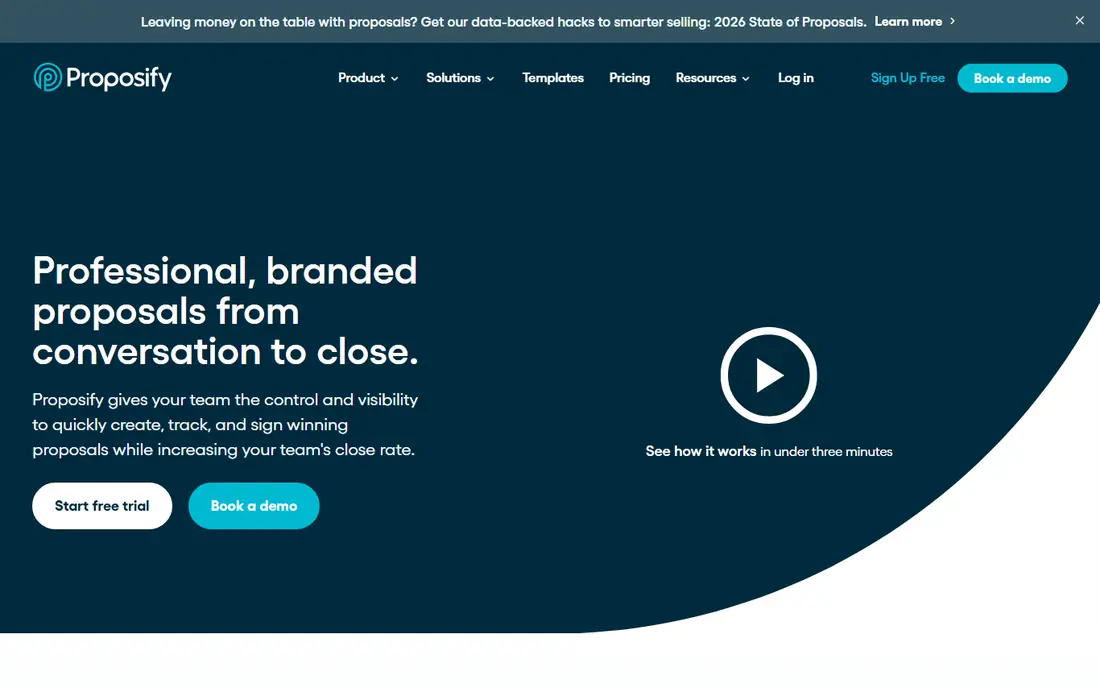
Choose Proposify for sales teams that want branded proposals with serious close-rate analytics. Proposify is made for one job: winning proposals.
Downsides: The template design service costs additional.
The vendor reports customers with close rates 2x the industry average and proposals created in 17 minutes on average. This comparison lists no price for Proposify; ask the vendor. Free options: Free trial.
- Proposal-specific depth: templates
- CRM data merge
- Pricing not shown without engaging the plans page
GetAccept
Ideal for: Sales teams that want proposals living inside a digital sales room

Where GetAccept fits: sales teams that want proposals living inside a digital sales room. For complicated B2B sales with buying committees, the sales-room model keeps the deal organized in a way a standalone proposal cannot.
Drawbacks to consider: Pricing not published.
Where GetAccept stands out: AI agents for meeting summaries and business cases. From a buyer's view, the vendor cites meaningful customer results (win-rate doubling in case studies, hours saved monthly on proposal creation). The e-signature layer supports advanced and qualified electronic signatures for European deals. GetAccept shows no starting price here, so confirm the cost on the vendor site. As for free access: Free trial.
- Advanced e-signatures (AdES, QES) with SOC 2 certification
- The digital sales room concept: proposals, content
- The system scope is broader than pure proposal writing
Better Proposals
Ideal for: Freelancers, consultants and agencies that want great-looking proposals quick

For freelancers, consultants and agencies that want great-looking proposals quick, Better Proposals is a natural candidate. The product includes the essentials well: refined templates, e-signatures, proposal analytics, automatic follow-ups.
The capacity to run contracts and onboarding documents through the same system. Starting cost for Better Proposals: From $13/user/month. Free access: Free trial (14 days).
Drawbacks to consider: Less enterprise machinery than PandaDoc or Proposify.
- The vendor displays a 4.8 rating from 412 reviews on its site
- Genuinely straightforward: beautiful templates, e-signatures
- No published enterprise level for large sales orgs
Loopio
Ideal for: Proposal and presales teams that require a collaborative RFP response library
Loopio targets proposal and presales teams that require a collaborative RFP response library. Loopio competes straight with Responsive in RFP response automation, with its own strengths: a collaborative content library where subject-matter experts own and refresh answers, smart assignments with automatic nudges, and integrations that let experts answer inside Slack or Teams. Onboarding runs 15 to 30 days per the vendor.
The main drawbacks: Pricing levels start at a 10-seat Foundations package.
First drafts come together in minutes from the library, and automated review cycles keep content from going stale. For everyday use, the vendor is transparent about the entry point: a Foundations level with 10 seats for smaller sales-led RFP teams, with Enhanced and Enterprise packages above it and custom quotes for bigger needs. This comparison lists no price for Loopio; ask the vendor. Loopio has no free tier.
- Capable content library with automatic review cycles that keep answers current
- SME collaboration (assignments, nudges, in-Slack/Teams answering)
- RFP-focused: outbound proposal design is not the job
Responsive
Ideal for: Teams drowning in RFPs, RFIs and security questionnaires
Responsive was built for teams drowning in RFPs, RFIs and security questionnaires. Responsive (formerly RFPIO) pioneered what it calls Strategic Response Management: a single source of truth for answering RFPs, RFIs, due diligence questionnaires and security questionnaires.
More specifically, pricing is quote-based. For everyday use, the vendor reports $1 trillion-plus in managed opportunities, 8.7 million-plus Q&A pairs maintained, and customers like Microsoft's proposal organization. No starting price is listed for Responsive here; confirm pricing on the vendor site. There is no free plan with Responsive.
Honest limits: It is RFP response software.
- 2,000+ firms and 25+ of the Fortune 100 per the vendor
- TRACE scoring validates answer completeness
- Not a proposal design tool: different job, different buyer
PandaDoc
Ideal for: Teams that want proposals, contracts and e-signatures in one document workflow
PandaDoc works best for teams that want proposals, contracts and e-signatures in one document workflow. PandaDoc is the all-in-one document product: build proposals and quotes with a drag-and-drop editor, route them through approvals, track engagement, collect legally binding e-signatures and take payment, all in one flow.
Limits to weigh: The breadth means proposal-specific polish competes with general document features.
For teams whose sales process runs from proposal to signed contract to premium invoice, the unified workflow is the argument: no exporting between a proposal tool, an e-signature tool and a payment link. In practice, the vendor's headline promise is documents created, approved, tracked and signed 40% quicker, with customer stories citing 50-92% reductions in proposal creation time. PandaDoc does not show a starting price in this comparison, so check the vendor site for current pricing. Free plan details: Free trial.
Strengths: e-signatures and payments.
- The complete document product: proposals, quotes, contracts
- E-SIGN, UETA
- Pricing details sit behind the plans page
How we built this list
The comparison looks at four things: starting price, free access, how well the feature set matches proposal writing software, and the main limit of each tool. Seat minimums, billing terms and add-ons can move the real cost, so the starting prices here are a guide and not a quote. We ordered the tools by general fit, then by how clearly pricing is shown, then by free access. A buyer with unusual needs may reorder them.
Pre-purchase checklist
- Get a written quote from Proposify, GetAccept, Loopio and others; the list shows no starting price for them.
- Use real work to test the free trial from Proposify, GetAccept, Better Proposals and PandaDoc, rather than a demo project.
- Before choosing Proposify, weigh its main limit: pricing not shown without engaging the plans page.
- Read the plan comparison for GetAccept carefully; key features often start on a higher tier.
- Make sure PandaDoc lets you export your data in a format another tool can read.
Frequently asked questions
Does any tool for proposal writing software here have a free plan?
No tool in this list, Proposify and PandaDoc included, has a permanent free plan. Proposify, GetAccept, Better Proposals, PandaDoc offer a trial. Trials and quotes are the usual route, so plan a short evaluation period.
Do these tools manage e-signatures legally?
PandaDoc cites E-SIGN and UETA compliance, GetAccept supports advanced and qualified electronic signatures for European deals. The enterprise tools carry SOC 2 certification. For regulated or high-value contracts, confirm the specific signature standard your jurisdiction needs before relying on it.
What is the difference between proposal software and RFP software?
Proposal software builds outbound sales documents: design, send, track, sign. RFP software answers inbound buyer questionnaires: content libraries, AI-drafted answers, SME review workflows and compliance tracking.
What is the cheapest option for proposal writing software in this list?
On published monthly entry prices, Better Proposals is the lowest here at $13/user/month. Entry price is only part of the cost, because seats, add-ons and billing terms can change the total.
Is Proposify the right pick for everyone comparing proposal writing software?
No single tool suits every team. Proposify comes first because it fits sales teams that want branded proposals with serious close-rate analytics, while GetAccept suits sales teams that want proposals living inside a digital sales room and Better Proposals suits freelancers, consultants and agencies that want great-looking proposals fast. Match the tool to your own size, budget and workflow before deciding.
Can I try these options before paying?
Often, yes. Proposify, GetAccept, Better Proposals and PandaDoc offer a free trial. Use your own data and a real task during the test, and check what the free tier or trial limits before you rely on it.