Best PSA Software for Midsize Tech Companies

- 1
 ConnectWise PSAMSPs and IT service firms that run the ConnectWise stackVisit
- 2
 AutotaskMSPs that want PSA paired with Datto RMMVisit
- 3
 AcceloProfessional services firms that want sales to billing in one placeVisit
- 4
 KantataEnterprise services firms that need resource planningVisit
- 5
 ScoroMidsize teams that want published pricing and a trialVisit
- Most PSA vendors in this list publish no price, so five of the eight tools are quote only and need a sales conversation.
- Scoro is the clearest priced option at 17 dollars per user per month, with a 14-day trial and no card required.
- Klient PSA starts at 39 dollars per user per month billed annually, with the Salesforce Platform licence included.
- HaloPSA charges a single flat rate of 66 GBP per agent per month billed annually, but onboarding packages are required and cost extra.
- Certinia and Klient both run on Salesforce, so add Salesforce licences and implementation time to the real cost.
Quick comparison
| Product | Ideal for | Price from | Free version | |
|---|---|---|---|---|
| ConnectWise PSA | MSPs and IT service firms that run the ConnectWise stack | quote only | No | Visit |
| Autotask | MSPs that want PSA paired with Datto RMM | quote only | No | Visit |
| Accelo | Professional services firms that want sales to billing in one place | quote only | No | Visit |
| Kantata | Enterprise services firms that need resource planning | quote only | No | Visit |
| Scoro | Midsize teams that want published pricing and a trial | $17 per user/month | No | Visit |
 HaloPSA | IT teams that want one flat rate with no tiers | 66 GBP per agent/month | No | Visit |
 Certinia | Enterprise services firms already on Salesforce | quote only | No | Visit |
 Klient PSA | Services teams that run entirely on Salesforce | $39 per user/month | No | Visit |
The best PSA software for midsize tech companies
ConnectWise PSA
Ideal for: MSPs and IT service firms that run the ConnectWise stack
ConnectWise PSA, sold as part of the ConnectWise business management platform, is the default PSA for many managed service providers. It covers ticketing, service desk, project management, time tracking and billing in one system, and it connects with the wider ConnectWise stack, including RMM and quoting tools. For an MSP that already runs ConnectWise, the PSA is the hub that ties service delivery to invoicing. Pricing is quote only. The packages page on connectwise.com loaded on 12 Nov 2026 and shows no price figure, only a quote form. There is no free plan and no free trial. Tiering also matters: Essentials lacks quote and proposal creation, procurement and billing and finance integrations, which sit in Pro, and implementation and premium support are charged separately. Ask ConnectWise for the quote broken down by tier, implementation and support, and check which of your current workflows need the Pro tier before you sign.
- Deep ticketing, project and billing tools for MSPs
- Wide integration range
- No published price
- Essentials lacks quoting, procurement and billing integrations
Autotask
Ideal for: MSPs that want PSA paired with Datto RMM
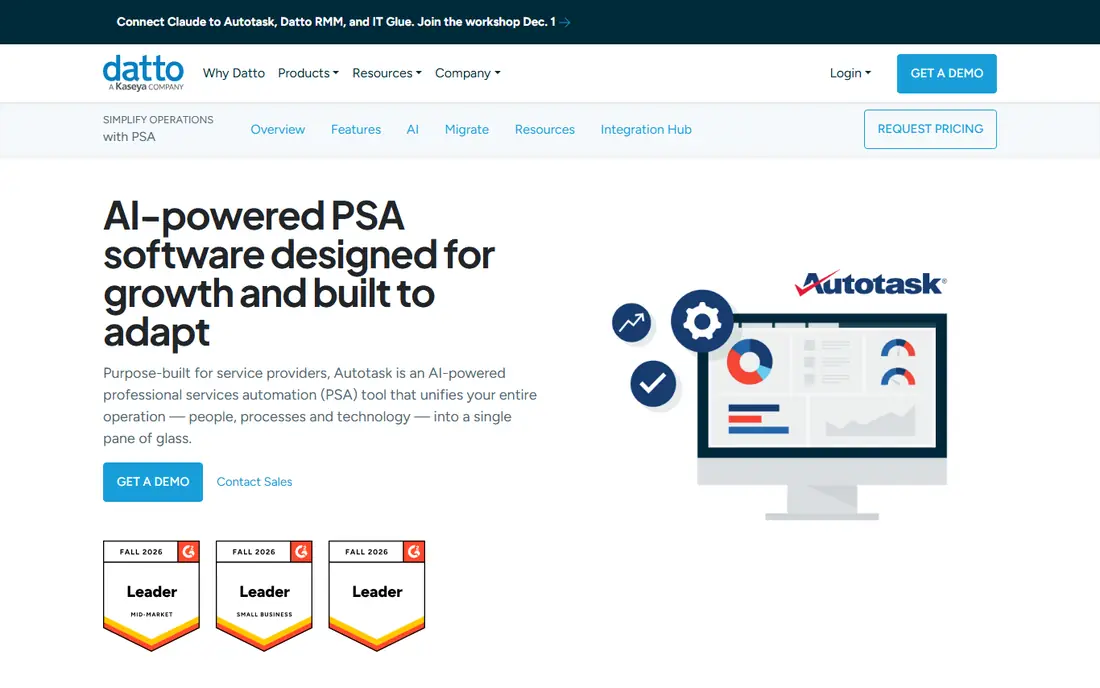
Autotask is Datto PSA for managed service providers, covering ticketing, contracts, projects, time and billing. It is designed for MSPs that sell managed services on contract, with service level tracking, dispatch and billing that fit how MSPs actually work. It pairs with Datto RMM, so an MSP running both gets one vendor for monitoring and service management. There is no published price. A September 2026 read of Datto pricing page found only a get-tailored-pricing form, and no Datto pricing URL with figures was returned in the checks on 12 Nov 2026. There is no free plan, and no trial is advertised on Datto pages, only a demo or contact sales. Autotask also has no built-in RMM, so it pairs with Datto RMM instead, which means a second product to buy and manage. Ask Datto for a combined quote for PSA and RMM, and confirm the onboarding timeline before you commit.
- Built for MSP service delivery
- Pairs with Datto RMM and backup tools
- No published price or self-serve trial
- No built-in RMM
Accelo
Ideal for: Professional services firms that want sales to billing in one place
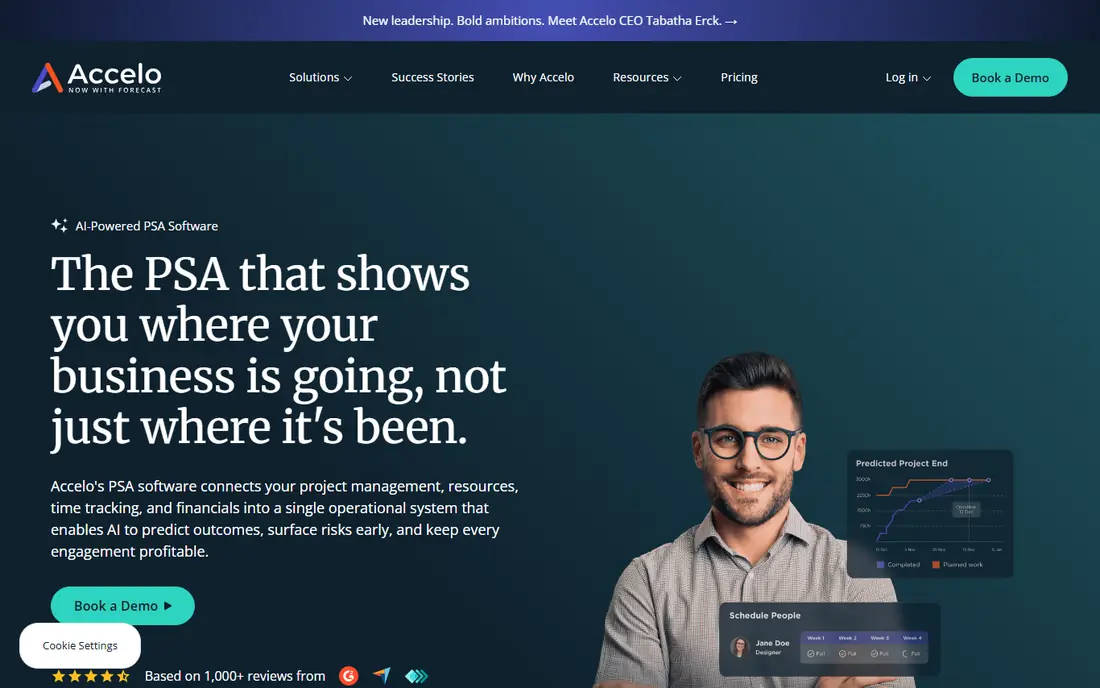
Accelo is a PSA built for professional services firms, covering the full client lifecycle from sales and quoting through projects, retainers, time tracking and invoicing. Its client portal lets customers see project status and approve work, which cuts the email back and forth that slows many services teams. It suits firms that want one system instead of separate CRM, project and billing tools. Pricing is entirely quote-based. The pricing page on accelo.com loaded on 12 Nov 2026 and shows no price figure, only a get-your-custom-quote form. There is no free plan and no self-serve trial on the vendor site, and third-party sources conflict on whether a trial exists at all. Pricing is by team size and modules, with seat minimums and onboarding billed separately according to third-party reports. Ask Accelo for the quote by module, the seat minimum that applies to your team, and whether onboarding is included or billed separately.
- Covers sales, projects, retainers and billing
- Strong client portal
- No published prices and no self-serve purchase
- Seat minimums and onboarding billed separately
Kantata
Ideal for: Enterprise services firms that need resource planning
Kantata, formerly Mavenlink, is a PSA for enterprise professional services, with resource management, project accounting and forecasting at its core. It helps large services firms plan who works on what, forecast revenue and track project margins, which is the part of PSA work that spreadsheets handle badly at scale. It suits firms with hundreds of consultants and complex staffing needs. Pricing is quote only. The pricing page, still served from mavenlink.com, loaded on 12 Nov 2026 and shows no price figure, only a statement that plans are tailored by company size and goals, with a PSA advisor form. There is no free plan and no trial, only a demo or advisor call. Advanced reporting, HRIS and finance integrations require additional licence fees according to G2 reviewers. Ask Kantata for the full licence list your workflows need, including integrations, before you compare its quote with a simpler priced tool such as Scoro.
- Strong resource management and forecasting
- Enterprise-grade reporting
- Quote-only enterprise pricing with no self-serve trial
- Extra licence fees for integrations
Scoro
Ideal for: Midsize teams that want published pricing and a trial
Scoro is the most transparent PSA in this list. Its pricing page shows a starting price of 15 EUR per user per month on the European page, with the United States pages listing 17 dollars per user per month for the same starting combination. It covers quoting, project management, time tracking, billing and reporting, with a 14-day free trial that needs no credit card, so a midsize team can test it with real projects before talking to sales. The limits are in the small print. Every combination has a 5-user minimum and a minimum of 2 core apps, and more than 35 add-ons and integrations are priced separately, so the entry price is not the whole cost for a team that needs many integrations. There is no free plan. Scoro fits a midsize tech company that wants to see the price before the sales call, but count your users and list the integrations you need, then ask Scoro for the total with those add-ons included.
- Published prices and a 14-day trial
- Covers quoting, projects and billing
- 5-user minimum on every combination
- 35 plus add-ons and integrations cost extra
HaloPSA
Ideal for: IT teams that want one flat rate with no tiers
HaloPSA takes a different approach from its rivals: one price, no tiers. The vendor pricing page shows 66 GBP per agent per month billed annually, as rendered in the UK calculator on 12 Nov 2026, and the United States dollar figure did not render in the text crawl, so no US price is stated here. It covers ticketing, service desk, projects, time and billing, and it is popular with IT teams that are tired of tiered pricing that hides features. The single price does not include everything. The vendor pricing page states that onboarding packages are required with purchase at a bespoke cost depending on scope, so budget for that on top of the subscription. There is no free plan, and the trial length is not stated on the vendor pricing page, though third-party reports say 30 days with no card. HaloPSA has no built-in RMM, so a separate RMM is needed. Ask for the onboarding quote in writing before you sign, and confirm the trial length directly.
- One price with no tiers
- Strong ticketing, projects and billing for IT teams
- Onboarding packages are required at a bespoke cost
- No built-in RMM
Certinia
Ideal for: Enterprise services firms already on Salesforce
Certinia, formerly FinancialForce PSA, is a professional services cloud built natively on Salesforce. It runs projects, resources, time, expenses and billing inside Salesforce, so firms already on Salesforce get services data in the same system as sales and customer data, with enterprise reporting and controls. It suits large services firms that have already committed to the Salesforce platform. Pricing is quote only, with no published pricing page and only a request-a-demo option on the product page. There is no free plan and no trial. The real cost goes beyond the Certinia subscription, since Salesforce platform licences are required on top of it, and implementation is partner-led and typically takes months. Ask Certinia for the combined cost of its subscription, the Salesforce licences and the implementation, and ask for a reference customer on the same Salesforce setup before you commit.
- Native to Salesforce with deep services data
- Enterprise scale and control
- Salesforce platform licences are required on top
- Partner-led implementation takes months
Klient PSA
Ideal for: Services teams that run entirely on Salesforce
Klient PSA is a professional services tool built 100 percent on Salesforce, covering projects, resources, time, expenses and billing inside the platform. Its pricing is published, which is rare in this list: the base edition starts at 39 dollars per user per month billed annually, with Enterprise at 59 dollars and Ultimate at 129 dollars, and the Salesforce Platform licence is included in those prices. That makes the real cost easier to compare than Certinia, where the Salesforce licence is extra. The trade-off is the platform lock-in. Klient only works for firms on Salesforce, so non-Salesforce firms cannot use it at all. Guided Onboarding is a fixed 12,000 dollars for the base edition, and AI agents cost 1,000 dollars one-time each plus separate Salesforce Flex Credits. No trial is stated on the vendor homepage or pricing page opened on 12 Nov 2026, and third-party listings conflict on whether a trial exists. Ask Klient to confirm the onboarding cost and the trial in writing before you budget.
- Salesforce Platform licence included in the price
- Published pricing with three tiers
- Salesforce-native only
- Guided Onboarding is a fixed 12,000 dollars for the base edition
Which PSA fits your team size and budget
| Team size and budget | Best pick | Why it fits | Watch out | | 5 to 20 users, want a published price | Scoro | 17 dollars per user per month, 14-day trial | 5-user minimum, add-ons cost extra | | On Salesforce, want published pricing | Klient PSA | 39 dollars per user per month, licence included | 12,000 dollar onboarding, Salesforce only | | IT team, want one flat rate | HaloPSA | 66 GBP per agent per month, no tiers | Onboarding required at extra cost | | MSP on ConnectWise or Datto | ConnectWise PSA or Autotask | Built for MSP workflows | Both quote only, no trial | | Enterprise, Salesforce shop | Certinia | Native Salesforce, enterprise scale | Licences and implementation on top | | Large services firm, no Salesforce | Kantata or Accelo | Resource planning and full lifecycle | Both quote only, extra licence fees |
How we chose
We opened each vendor homepage and pricing page on 12 Nov 2026 and recorded the price exactly as the vendor showed it. Where the vendor published no price, we wrote quote only instead of repeating a third-party figure. Where a price did not render in the page crawl, we said so in the tool section. We compared project management, resource planning, time and billing, Salesforce fit, free trials and the limits on the entry plan, and we picked tools that cover MSPs, midsize tech firms and enterprise services teams.
What to check before you buy
Ask for the total cost in writing, including onboarding, implementation and support, since HaloPSA requires onboarding packages, Klient charges 12,000 dollars for Guided Onboarding, and Certinia needs Salesforce licences on top. Confirm the seat minimum and which features sit in which tier, because ConnectWise gates quoting and procurement to Pro and Kantata charges extra for integrations. Check whether a trial exists and how long it lasts, since most tools here offer none. Run the trial with a real project, real resources and real billing, and confirm the accounting sync works before you sign.
Frequently asked questions
What is PSA software?
PSA stands for professional services automation. It is software that runs the whole services business in one place: sales and quoting, project planning, resource scheduling, time tracking, expenses, billing and reporting. Midsize tech companies use it to replace separate project, time and invoicing tools and to see project margins in real time.
How much does PSA software cost?
Prices in this list run from 17 dollars per user per month for Scoro to 39 dollars per user per month for Klient PSA and 66 GBP per agent per month for HaloPSA. Five of the eight tools publish no price at all and quote only. Add onboarding, implementation and any platform licences on top of the subscription before you compare totals.
Is there a free PSA plan for midsize tech companies?
None of the eight tools in this list offers a free plan. Scoro offers a 14-day free trial with no card required, and HaloPSA is reported by third parties to offer a 30-day trial, though the vendor page does not state the length. The rest offer a demo or a sales call only.
Does PSA software need Salesforce?
Only Certinia and Klient PSA need Salesforce, since both are built natively on it. Klient includes the Salesforce Platform licence in its price, while Certinia requires Salesforce licences on top of its subscription. The other six tools run on their own platforms and do not need Salesforce at all.
How long does PSA implementation take?
A small midsize team on a tool such as Scoro can be live in days to a few weeks. Enterprise tools such as Certinia are partner-led and typically take months, and HaloPSA and Klient both charge for onboarding packages. Ask the vendor for a written timeline that names your data migration, integrations and training.
Sources
- https://www.connectwise.com/platform/business-management/bms-packages
- https://www.datto.com/products/autotask-psa
- https://www.accelo.com/pricing/
- http://www.mavenlink.com/pricing
- https://www.scoro.com/pricing/
- https://usehalo.com/pricing
- https://www.certinia.com/solutions/professional-services-cloud/
- https://www.klient.com/pricing/