6 PSA Software for Resource Management Options Ranked for 2026

- 1
 ScoroSmaller businesses wanting projects, resources, and finances in one viewVisit
- 2
 AcceloBusinesses running retainer and recurring client workVisit
- 3
 NetSuite OpenAirEnterprises standardizing services operations on NetSuiteVisit
- 4
 CertiniaServices firms running on Salesforce that want PSA on the same systemVisit
- 5
 KantataServices businesses that require serious resource forecasting and project financialsVisit
- Number one here is Scoro, a fit for smaller firms wanting projects, resources, and finances in one view.
- A permanent free plan is missing from all 6 tools, Scoro and BigTime included; plan for a trial or a premium start.
- BigTime fits small and mid-sized businesses that bill by the hour and need resources managed alongside.
- For the cheapest start, look at BigTime: Essentials $20/user/month.
Direct answer
If you need smaller businesses wanting projects, resources, and finances in one view, Scoro is the first tool to look at here. Alternatives: Accelo for businesses running retainer and recurring client work, and NetSuite OpenAir for enterprises standardizing services operations on NetSuite. Prices, free plans and limits for all 6 tools follow.
Quick comparison
| Product | Ideal for | Price from | Free version | |
|---|---|---|---|---|
| Scoro | Smaller businesses wanting projects, resources, and finances in one view | See website | No | Visit |
| Accelo | Businesses running retainer and recurring client work | See website | No | Visit |
| NetSuite OpenAir | Enterprises standardizing services operations on NetSuite | See website | No | Visit |
| Certinia | Services firms running on Salesforce that want PSA on the same system | See website | No | Visit |
| Kantata | Services businesses that require serious resource forecasting and project financials | See website | No | Visit |
 BigTime | Small and mid-sized businesses that bill by the hour and need resources managed alongside | Essentials $20/user/month | No | Visit |
The full PSA software for resource management list
This Ainotely guide covers 6 options for PSA software for resource management. Each profile lists a starting price, free plan details, strengths and drawbacks, so you can drop poor fits quickly.
Scoro
Ideal for: Smaller businesses wanting projects, resources, and finances in one view
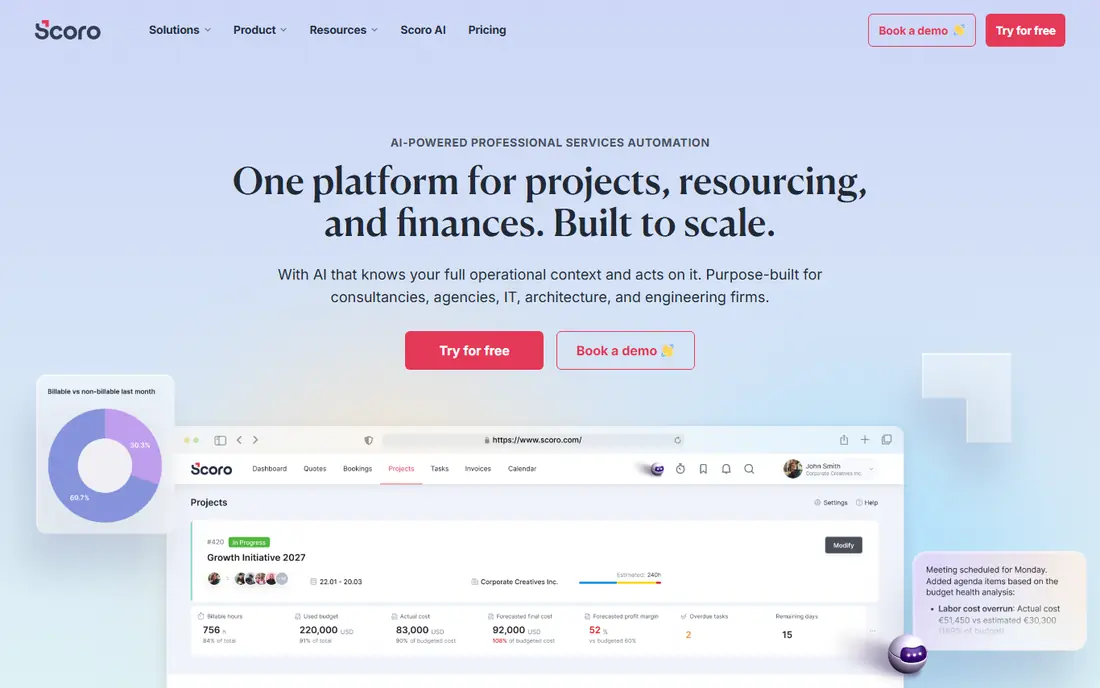
Think of Scoro for smaller businesses wanting projects, resources, and finances in one view. Scoro compresses the PSA stack into one interface: CRM, projects, resource scheduling, time tracking, billing, and reporting.
Honest limits: Smaller partner ecosystem.
Scoro shows no starting price here, so confirm the cost on the vendor site. No free plan comes with Scoro.
- Quoting through invoicing in one flow
- Genuine all-in-one work management
- Less deep than enterprise PSA on forecasting
Accelo
Ideal for: Businesses running retainer and recurring client work
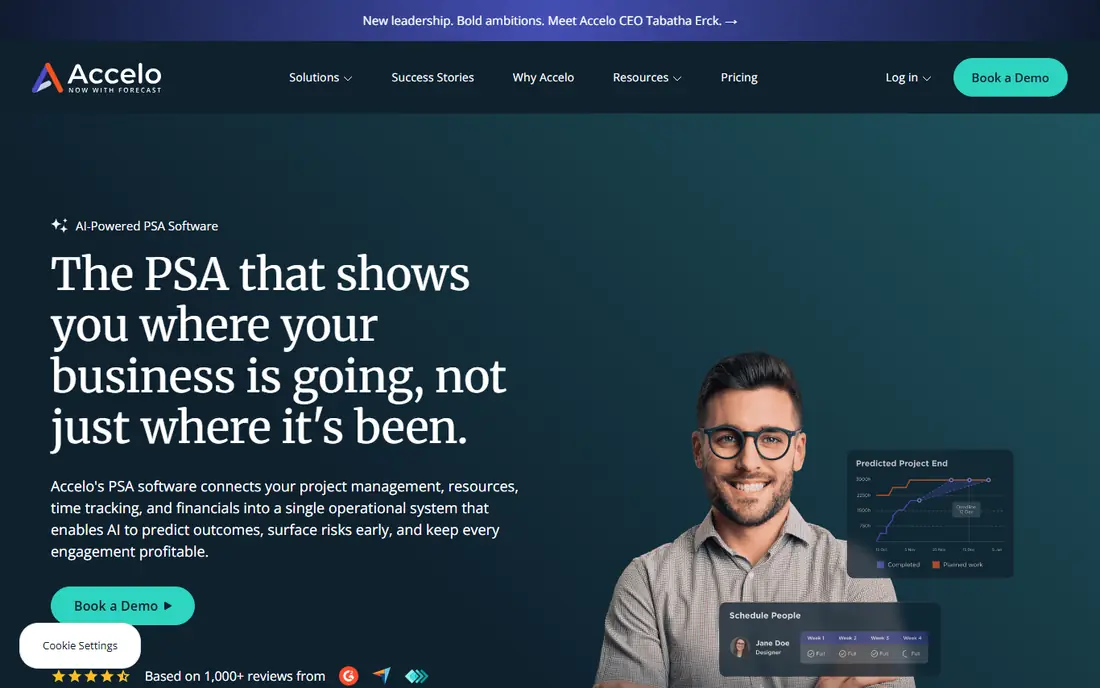
Accelo is aimed squarely at businesses running retainer and recurring client work. Resource scheduling links to tickets, projects, and retainers automatically, and the system tracks profitability per client and per engagement.
Where it is weaker: Interface less modern than newest rivals.
As for the details, automatic status updates keep clients informed without manual effort. Also, businesses whose revenue is retainer-based will find Accelo's model suits better than project-centric PSAs. Accelo shows no starting price here, so confirm the cost on the vendor site. Accelo has no free plan.
Reasons to shortlist it: Resource scheduling tied to service delivery.
- Capable retainer and recurring work management
- Automatic client communications
- Quote-based pricing
NetSuite OpenAir
Ideal for: Enterprises standardizing services operations on NetSuite
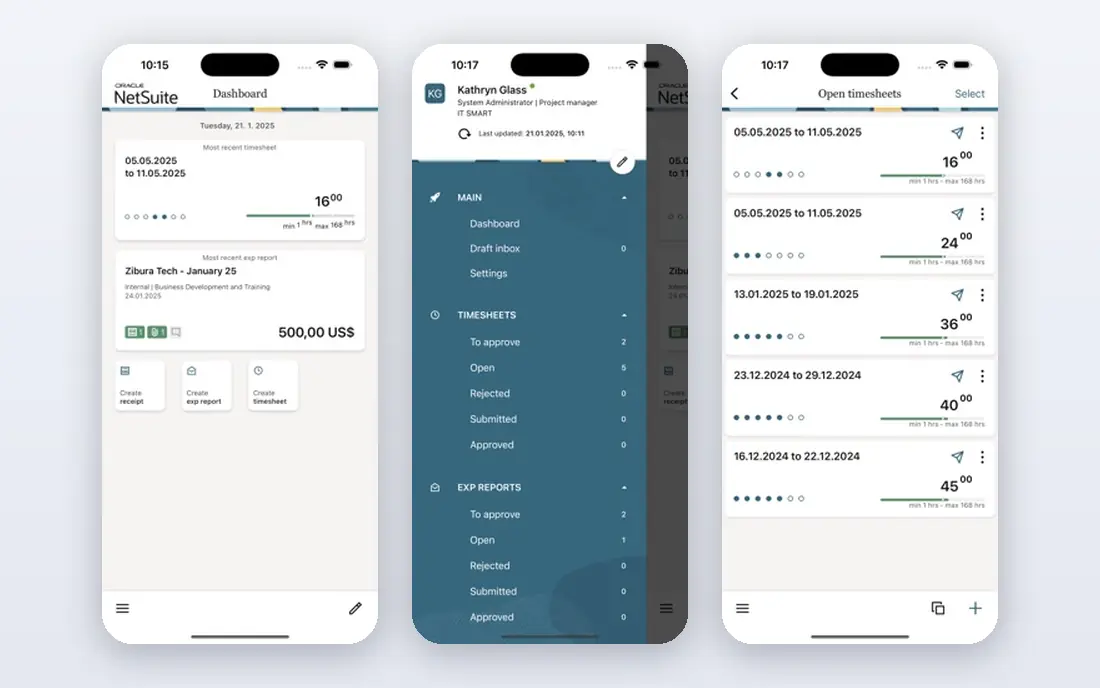
Where NetSuite OpenAir fits: enterprises standardizing services operations on NetSuite. NetSuite OpenAir is the veteran enterprise PSA, now native to the NetSuite suite. For everyday use, resource management, project accounting, time and expense, and billing run on the same data as the ERP, giving global services organizations one financial and operational truth.
Multi-currency, multi-subsidiary, and complicated revenue recognition come standard. It only makes sense inside a NetSuite commitment, and the interface presents its age in places. But for enterprises already on NetSuite, OpenAir eliminates the integration tax and brings decades of services-industry refinement to resource planning. No starting price is listed for NetSuite OpenAir here; confirm pricing on the vendor site. NetSuite OpenAir has no free plan.
Points against: Needs NetSuite.
- Native NetSuite integration
- Mature resource management and project accounting
- Dated interface in areas
Certinia
Ideal for: Services firms running on Salesforce that want PSA on the same system
Certinia serves services businesses running on Salesforce that want PSA on the same product. Certinia, formerly FinancialForce, puts PSA straight on the Salesforce system. That matters for resource management since staffing links to the sales pipeline: as opportunities advance, projected resource demand appears automatically, and delivery teams staff against real forecasts instead of guesses.
Downsides: Quote-based pricing.
As for the details, the main limit is the prerequisite: this only makes sense for Salesforce shops. But for services companies already on Salesforce, no other PSA removes the CRM-to-delivery handoff friction as fully. Pricing for Certinia is not stated here, so ask the vendor for current figures. Certinia does not include a free plan.
- Native Salesforce architecture
- Resource management tied to opportunity pipeline
- Implementation is a significant project
Kantata
Ideal for: Services businesses that require serious resource forecasting and project financials
Kantata was built for services businesses that need serious resource forecasting and project financials. Kantata, formed from the Mavenlink and Kimble merger, is the resource management specialist of the PSA world. From a buyer's view, for organizations where utilization and forecasting drive the business, Kantata is the reference system.
Its scenario planning lets leaders model hiring decisions against pipeline scenarios before committing headcount. In daily use, the system fits mid-sized to enterprise services businesses where resource planning is a dedicated function. This comparison lists no price for Kantata; ask the vendor. Kantata has no free tier.
Trade-offs to know: Implementation takes planning.
What Kantata does well: Capable resource planning with skills matching.
- Purpose-built for professional services
- Decent Salesforce integration
- Quote-based pricing
BigTime
Ideal for: Small and mid-sized businesses that bill by the hour and need resources managed alongside
BigTime works best for small and mid-sized businesses that bill by the hour and need resources managed alongside. The public Essentials level at $20 per user a month makes evaluation simple, with Advanced, Premier, and Enterprise levels by quote.
Points against: Mobile app trails desktop.
Best features of BigTime: Public starting price of $20 per user a month. The QuickBooks integration deserves special mention: time flows into invoices and then into the books with minimal reconciliation. Starting cost for BigTime: Essentials $20/user/month. BigTime has no free tier.
- Solid QuickBooks integration
- Time tracking tied straight to budgets and invoicing
- Reporting customization has a ramp-up time
A closer look at PSA software for resource management
A services firm makes money when the right people work on the right projects at the right rates. More specifically, everything else is overhead. Yet most businesses staff projects from spreadsheets, discover over-allocation when deadlines slip, and learn about utilization problems in the quarterly review, months too late.
As for the details, resource management is the discipline of matching people to work before those problems happen, and PSA software is where that discipline lives.
Selection criteria
Pricing pages, product documentation and feature lists were the main sources, and every entry carries at least one honest drawback. Seat minimums, billing terms and add-ons can move the real cost, so the starting prices here are a guide and not a quote. We ordered the tools by general fit, then by how clearly pricing is shown, then by free access. A buyer with unusual needs may reorder them.
Pre-purchase checklist
- Get a written quote from Scoro, Accelo, NetSuite OpenAir and others; the list shows no starting price for them.
- Before choosing Scoro, weigh its main limit: quote-based pricing.
- Find out whether the entry plan of NetSuite OpenAir covers your must-haves or only a trimmed-down version.
- Confirm you can export your data from BigTime, so leaving later does not mean losing records.
- Look at the renewal terms for Kantata: auto-renewal, notice periods and price changes can matter more than the first-year price.
Frequently asked questions
Do these tools publish their prices?
Not all of them. Scoro, Accelo, NetSuite OpenAir and others publish no starting price, so expect a quote request for those. The rest, BigTime included, show a starting price, though seats and billing terms still change the final cost.
Can I try these tools before paying?
Not by default. None of the tools, from Scoro to BigTime, lists a free plan or a free trial here, so ask each vendor for a demo before committing.
How are the tools for PSA software for resource management ordered?
Scoro sits first and BigTime last because the order follows typical fit for PSA software for resource management, then price clarity and free access. It is a judgement call, so read each profile for fit and limits.
Is Scoro the right pick for everyone comparing PSA software for resource management?
No single tool suits every team. Scoro comes first because it fits smaller firms wanting projects, resources, and finances in one view, while Accelo suits firms running retainer and recurring client work and NetSuite OpenAir suits enterprises standardizing services operations on NetSuite. Match the tool to your own size, budget and workflow before deciding.